assets directory, and network paths.
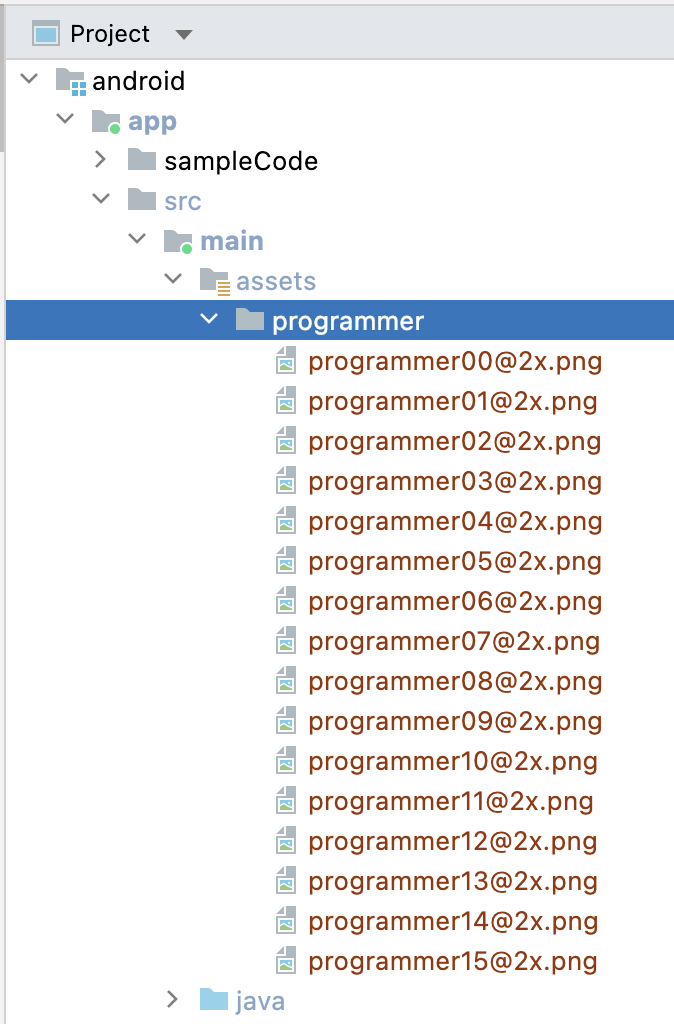
The following takes adding the programmer emoji from the assets directory as an example.assets folder in the src/main folder of the app and put the emoji folder in the assets directory:
FaceManager:
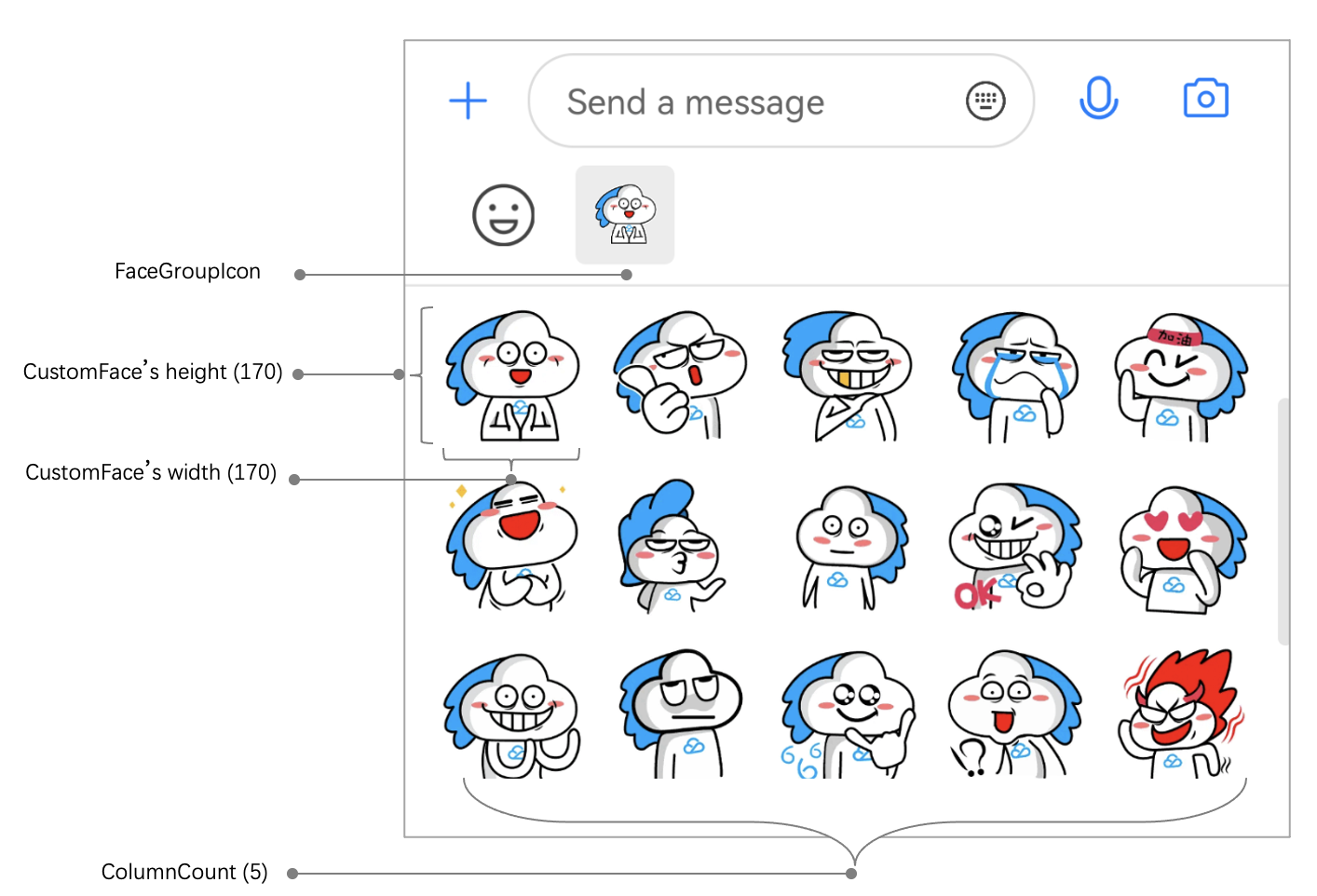
Each sticker has a unique faceGroupID, and each emoji in the sticker has a faceKey. After the sticker is added to FaceManager, stickers will be sorted by faceGroupID on the More emojis input UI.public class DemoApplication extends Application {@Overridepublic void onCreate() {FaceGroup programmerGroup = new FaceGroup();// The number of emojis displayed per row on the **More emojis** input UIprogrammerGroup.setPageColumnCount(5);// The thumbnail of the stickerprogrammerGroup.setFaceGroupIconUrl("file:///android_asset/programmer/programmer00@2x.png");// The name of the stickerprogrammerGroup.setGroupName("programmer");for (int i = 0; i < 16; i++) {CustomFace customFace = new CustomFace();String index = "" + i;if (i < 10) {index = "0" + i;}// Put emojis in the `assets` directory. If the sandbox path or network path is used, the `setFaceUrl` method can be used.customFace.setAssetPath("programmer/programmer" + index + "@2x.png");// The `key` of the emojiString faceKey = "programmer" + index;customFace.setFaceKey(faceKey);// The width of the emoji on the **More emojis** input UIcustomFace.setWidth(170);// The height of the emoji on the **More emojis** input UIcustomFace.setHeight(170);programmerGroup.addFace(faceKey, customFace);}// Register the sticker in `FaceManager`. `FaceGroupID` is `1`.FaceManager.addFaceGroup(1, programmerGroup);}}

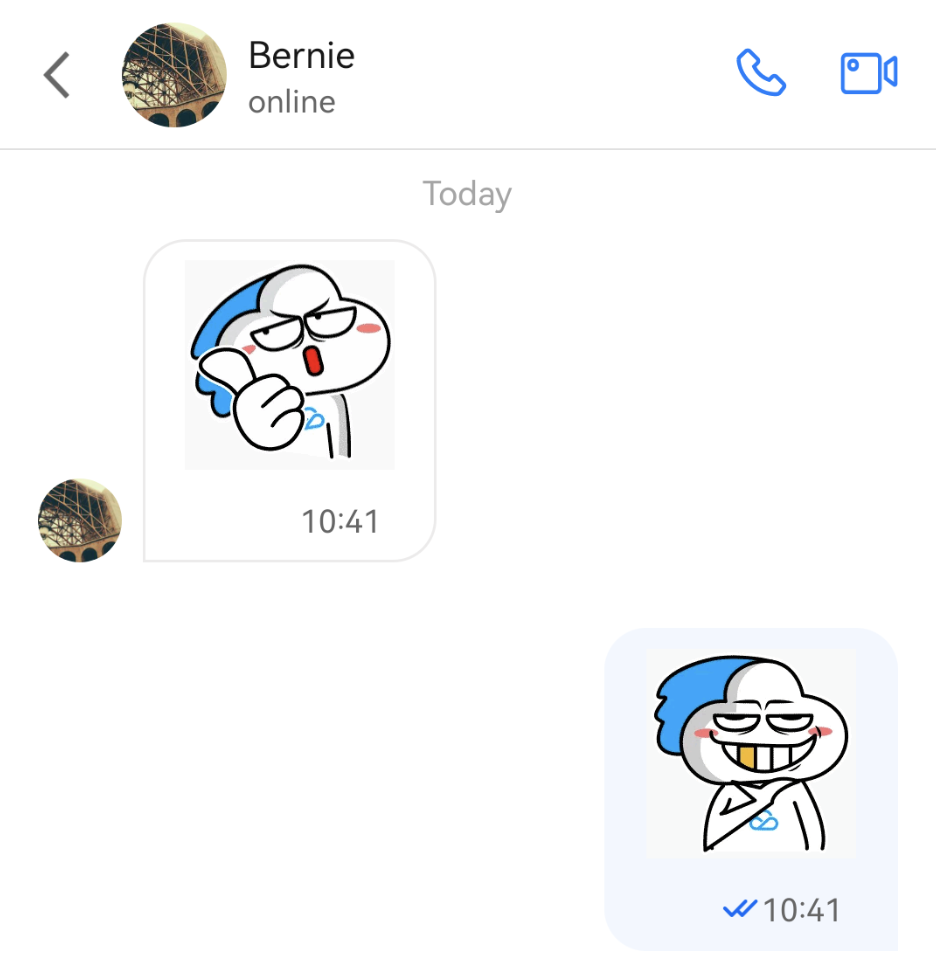
faceGroupID is an integer greater than 0 and must be unique.V2TIMMessage v2TIMMessage = V2TIMManager.getMessageManager().createFaceMessage(faceGroupID, faceKey.getBytes());V2TIMManager.getMessageManager().sendMessage(v2TIMMessage,userID,null,V2TIMMessage.V2TIM_PRIORITY_DEFAULT,false,null,new V2TIMSendCallback<V2TIMMessage>() {...}
V2TIMMessage of the IM SDK as the FaceMessageBean type. FaceMessageBean can be used to get the faceGroupID and faceKey of the custom emoji.TUIMessageBean messageBean = ChatMessageParser.parseMessage(v2TIMMessage);FaceMessageBean faceMessageBean = null;if (messageBean instanceof FaceMessageBean) {faceMessageBean = (FaceMessageBean) messageBean;}if (faceMessageBean != null) {int faceGroupID = faceMessageBean.getIndex();String faceKey = null;if (faceMessageBean.getData() != null) {faceKey = new String(faceMessageBean.getData());}}
faceGroupID and faceKey of a custom emoji are obtained, the loadFace method of FaceManager can be called to load them to the imageView passed in:FaceManager.loadFace(faceGroupID, faceKey, imageView);
faceGroupID and faceKey of an emoji can be used to get the real URL of the emoji from FaceManager for custom rendering, for example:String faceUrl = "";List<FaceGroup> faceGroupList = FaceManager.getFaceGroupList();for(FaceGroup faceGroup : faceGroupList) {if (faceGroup.getGroupID() == faceGroupID) {ChatFace face = faceGroup.getFace(faceKey);if (face != null) {faceUrl = face.getFaceUrl();}}}// load faceUrl into view

Doc Feedback