React
Download
Focus Mode
Font Size
TUIKit provides default implementation for sending and displaying basic message types such as text, image, voice, video, and file. If these message types do not meet your needs, you can add custom message types.
Basic Message Type
Message Type | Display Effect |
Text messages | 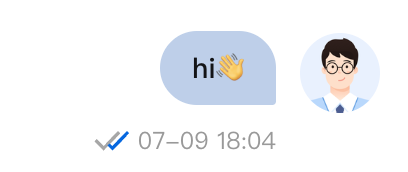 |
Image messages | 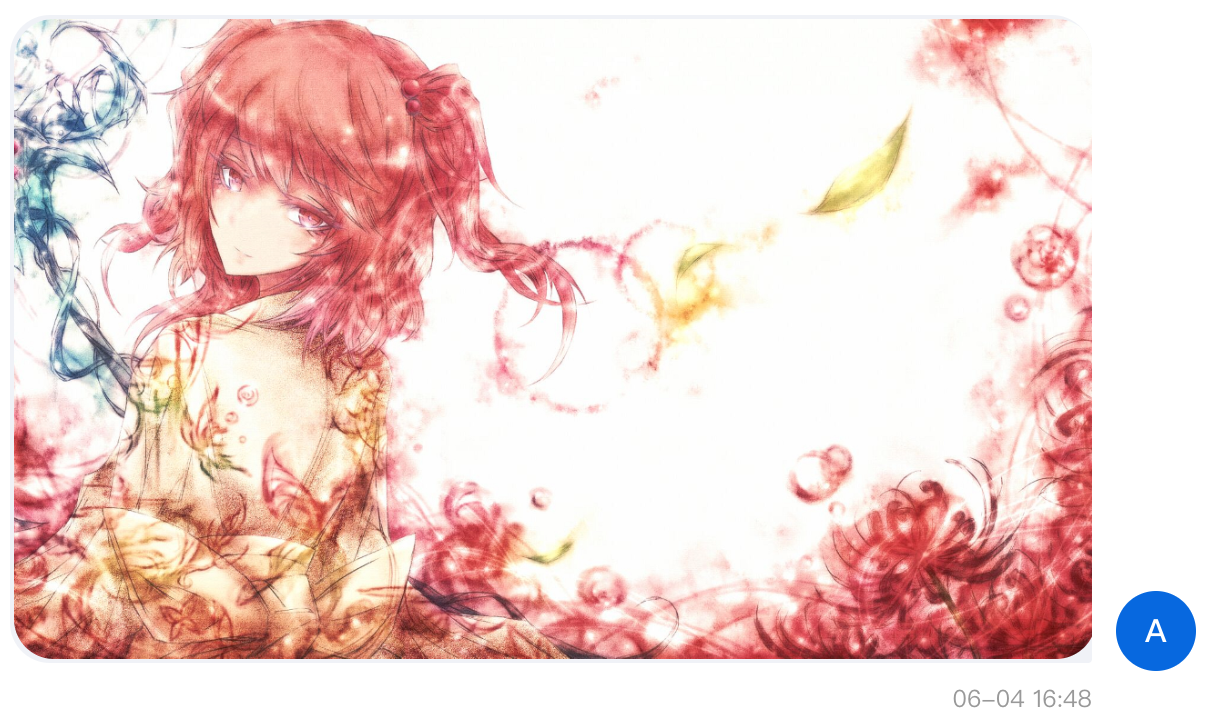 |
Video messages | 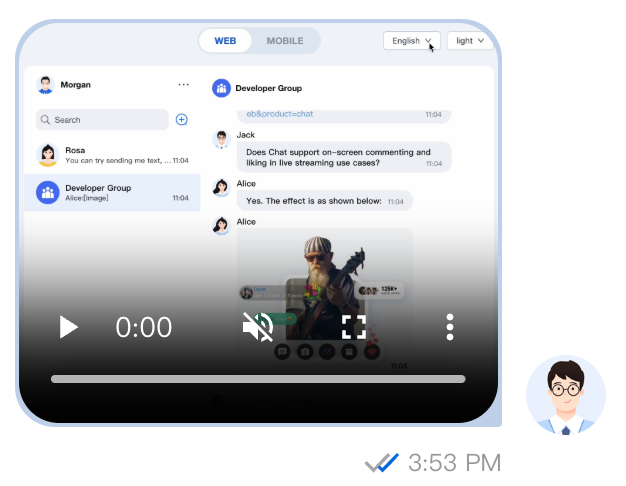 |
File messages | 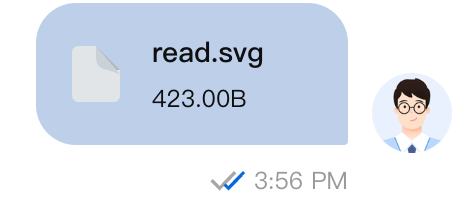 |
Custom Notification
If the basic message type cannot meet your needs, you can use custom messages based on actual business needs.
Custom Message Preset Style | Display Effect |
Hypertext messages | 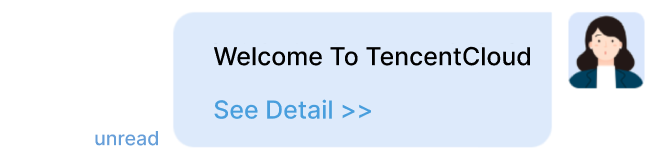 |
Rating messages | 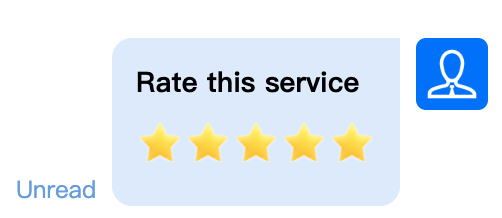 |
Order messages | 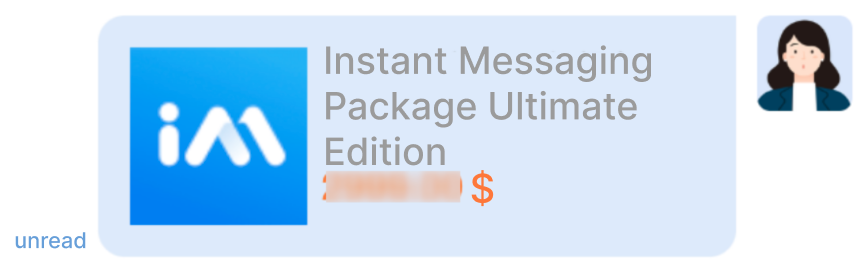 |
The following context uses sending a hypertext that can navigate to the browser as a custom message to help you quickly understand the implementation process.
Thinking Requires Customized Data
For a message that can go to another website, a description text and a url link are required.
import { TUIChatService } from "@tencentcloud/chat-uikit-engine";const sendCustomMessageParams = {payload: {data: JSON.stringify({Welcome to the Tencent Cloud familyurl: 'https://www.tencentcloud.com/document/product/269?from_cn_redirect=1'}),description: "text_with_link",extension: "text_with_link"},};// simulation send a custom messageTUIChatService.sendCustomMessage(sendCustomMessageParams).catch(err => { /** */ });
2. Creating Components That Parse Custom Data
Here create a CustomMessage component. When the type of message is custom message and the extended fields of the message equal the
text_with_link defined above, we can custom render the content; if it is other types of messages, use default Message component to render.import { TUIChatEngine } from '@tencentcloud/chat-uikit-engine';import { UIKitProvider, Message } from '@tencentcloud/chat-uikit-react';function CustomMessage(props: React.ComponentProps<typeof Message>) {if (props.message.type === TUIChatEngine.TYPES.MSG_CUSTOM) {const { data, extension } = props.message.payload;if (data && extension === 'text_with_link') {const { text, url } = JSON.parse(data);return (<div style={{backgroundColor: 'lightblue',padding: '10px',borderRadius: '10px',}}><div>{text}</div><a href={url} target="_blank" rel="noopener noreferrer">Jump to</a></div>);}}return <Message {...props} />;}function ChatApp() {return (<UIKitProvider language="auto" theme="light"><div style={{ display: 'flex', height: '100vh' }}><ConversationList /><MessageList Message={CustomMessage} /></div></UIKitProvider>);}export default ChatApp;
Help and Support
Was this page helpful?
You can also Contact sales or Submit a Ticket for help.
Help us improve! Rate your documentation experience in 5 mins.
Feedback