Saving Plan Introduction
A Savings Plan (SP) is a discount entitlement plan that allows you to get larger pay-as-you-go discounts by committing to a minimum consumption amount over a certain period.
Tencent Cloud Saving Plan: how it works, purchase method, use cases, see the document Saving Plan. Introducing Saving Plan Sharing
Business Rule Description
1. SP purchase role:
Distributors and general resellers are allowed to purchase.
Secondary resellers and reseller customers are not allowed to purchase for the time being.
2. SP deduction scope:
The self-consumption meeting the savings plan model conditions is deducted.
Partners can share the specified savings plan with their designated customers, and deduct the consumption costs incurred by these customers that meet the corresponding savings plan model conditions (SP sharing policies need to be set for the customers).
Setting Up a Shared Unit
Prerequisites
Operation Steps
Partners can configure multiple saving plan shared unit policies. Directions:
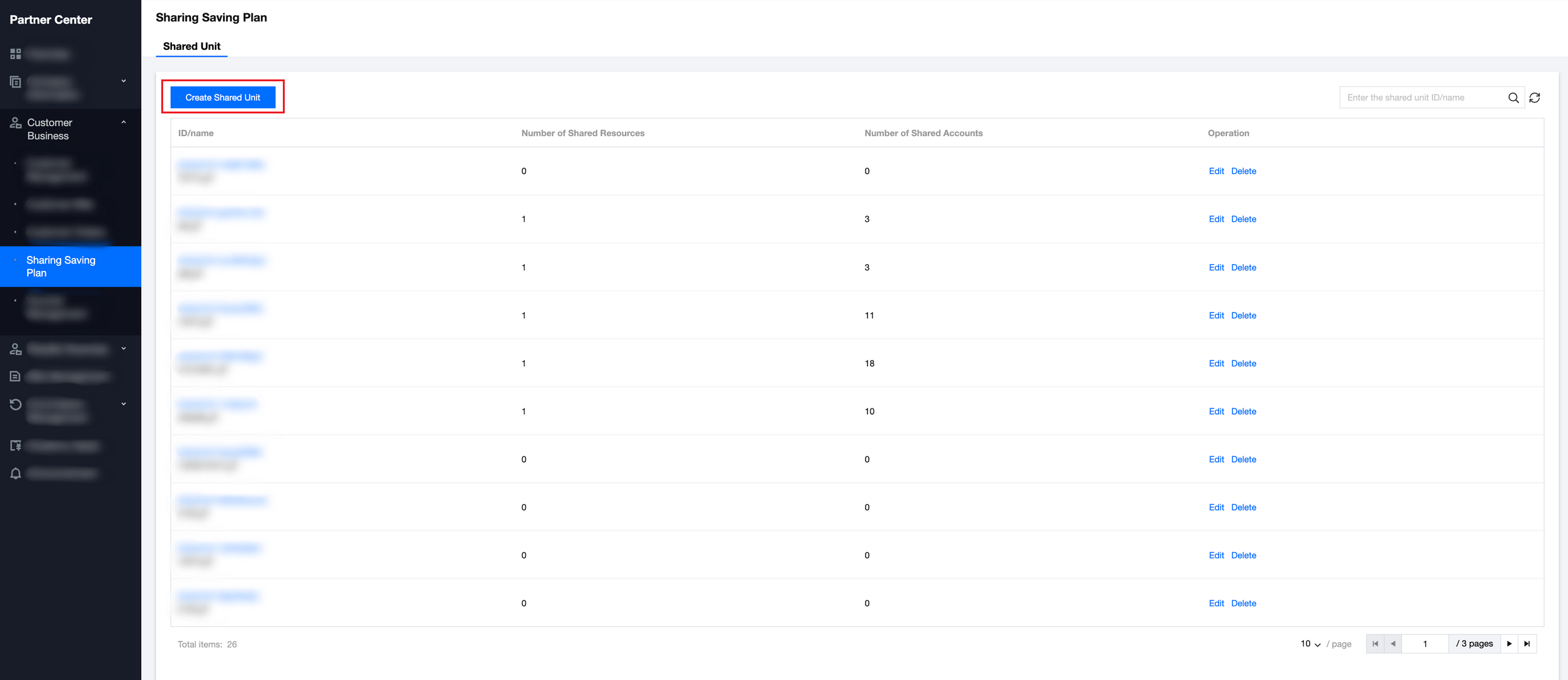
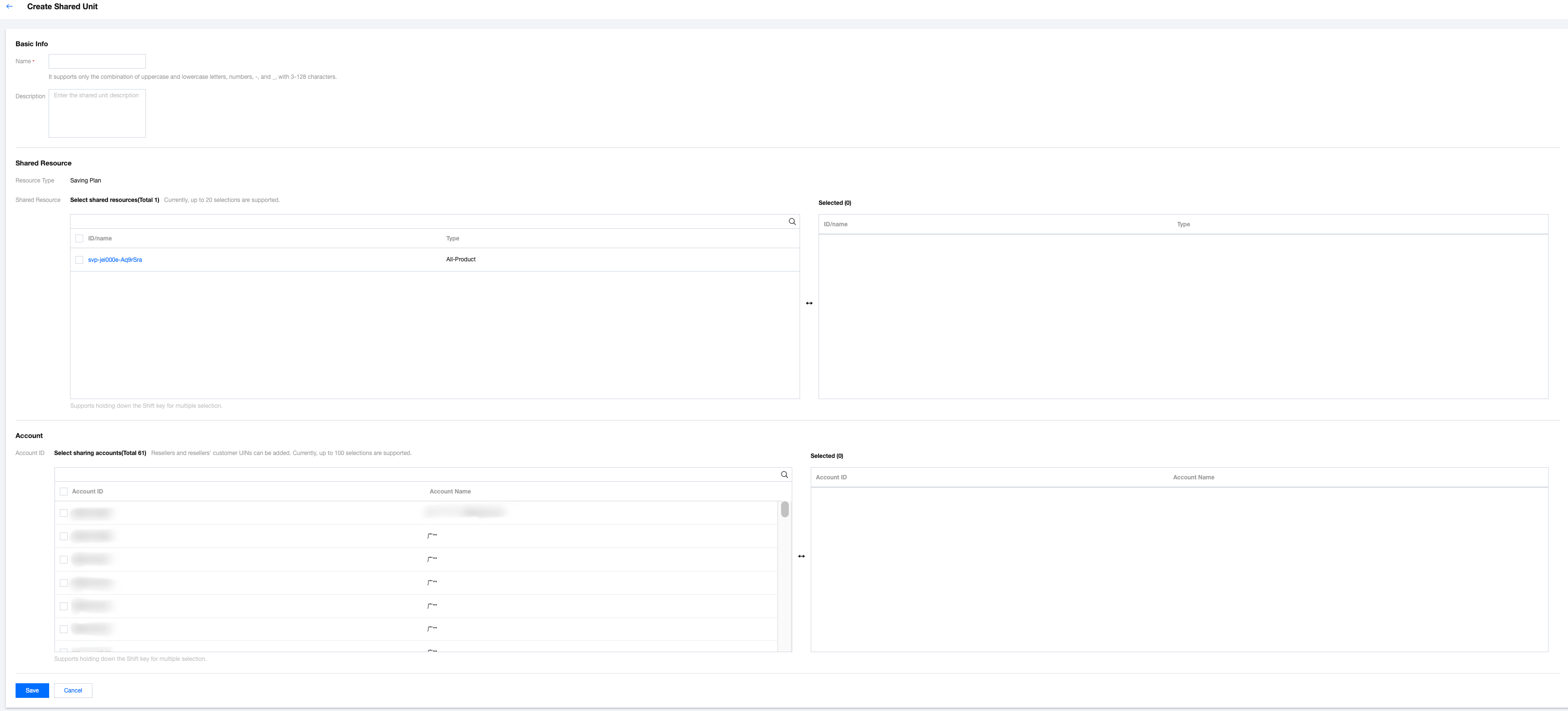
2. Select Sale > Saving Plan Share in the left sidebar, then click Create Shared Unit. 3. Fill in the shared unit name and description, configure shared resources and customer accounts, then click Save.
Each shared unit allows a maximum of 20 savings plan resources and 100 shared customer accounts. If exceeded, a separate shared plan policy is required.
Note:
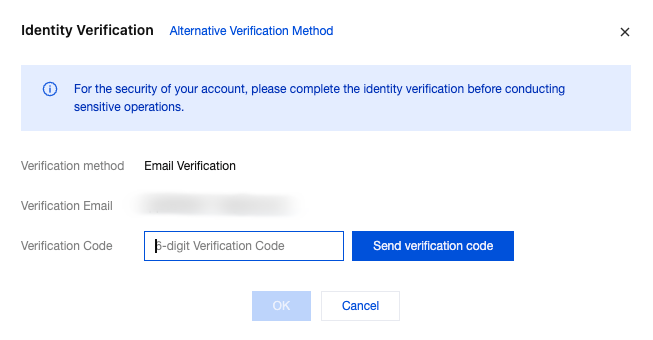
Note: If your account has the MFA verification feature enabled, identity verification will be performed when a shared unit is created. No shared record can be created normally until the verification is completed.
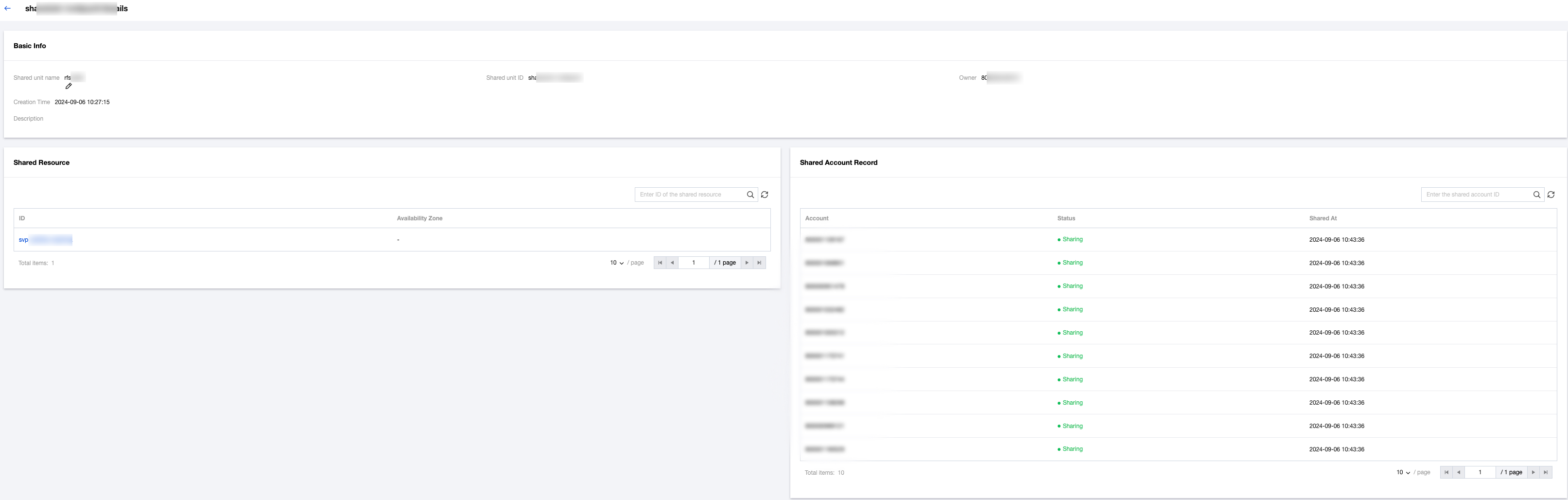
4. After confirmation, a shared record will be generated. Click the shared unit name or Edit in the action column to go to the shared unit details page.
Note:
Note: If a customer has been included in the reseller's shared unit, changing the reseller relationship is not allowed for the customer account, that is, it is not allowed to transfer it to another reseller or unbind the current reseller relationship. The reseller must remove the customer account from the shared unit before transferring or unbinding it.