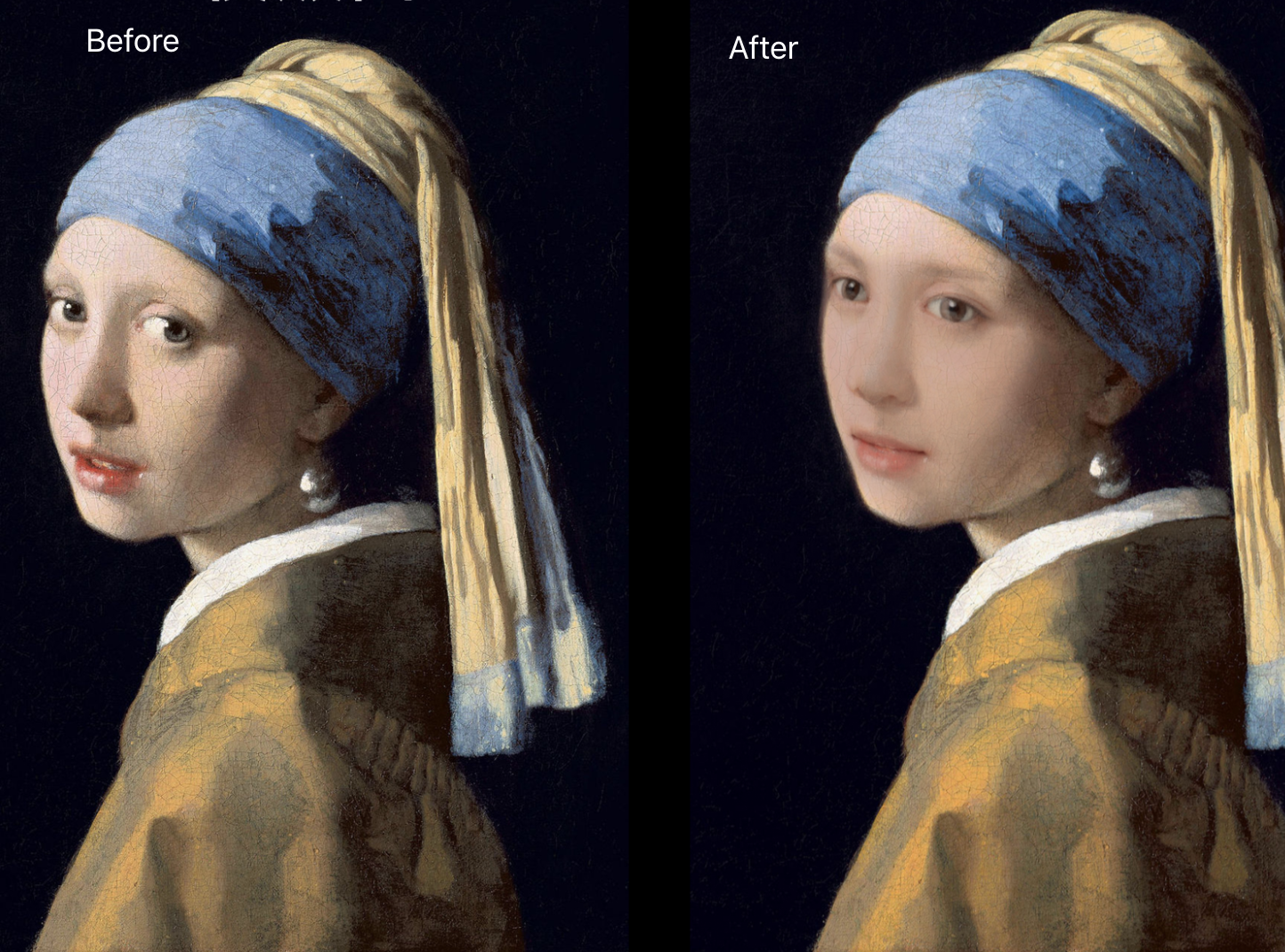
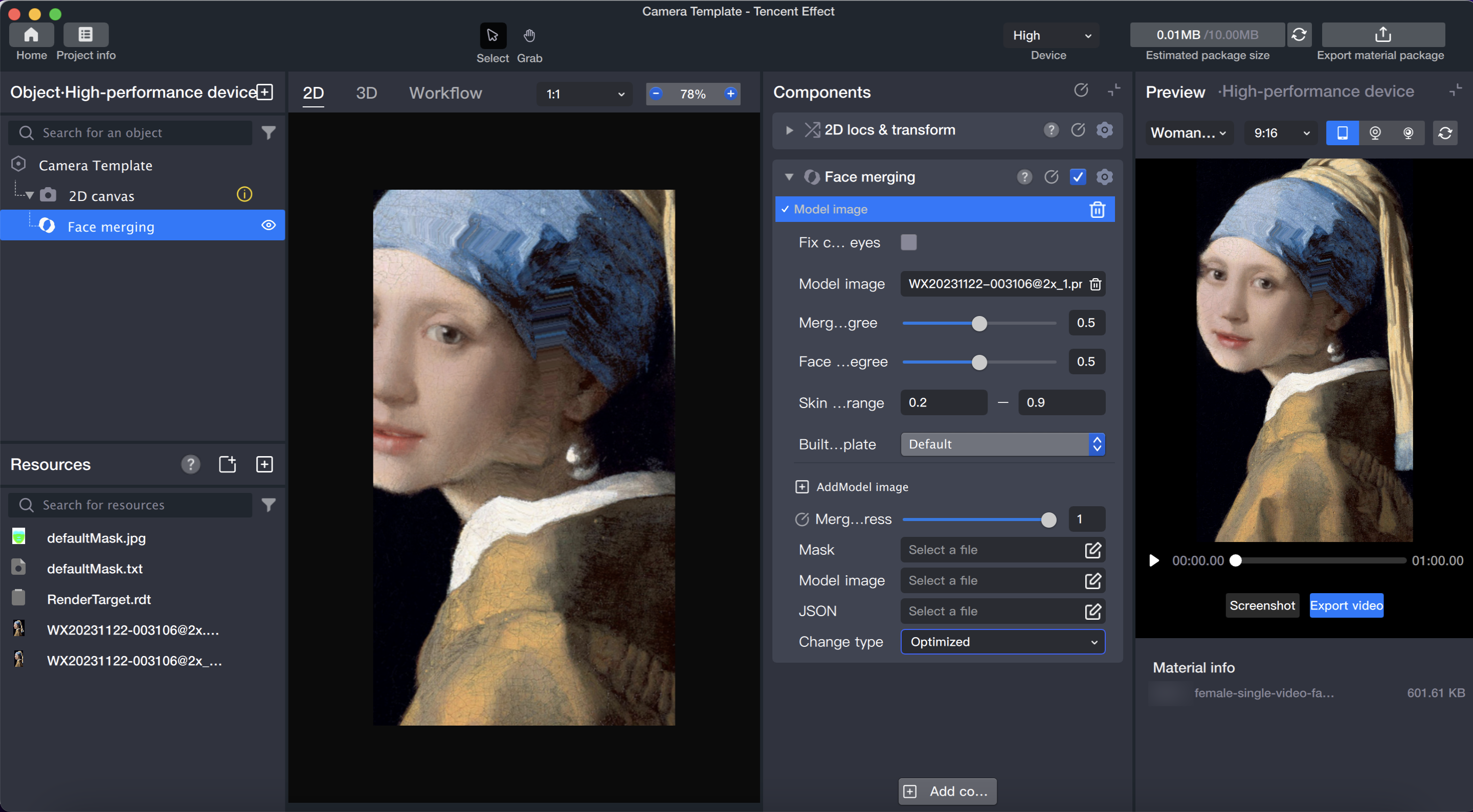
Face merging is the process of blending a user-uploaded character photo with a specific object photo to create a combined image with shared features.
Basic Usage
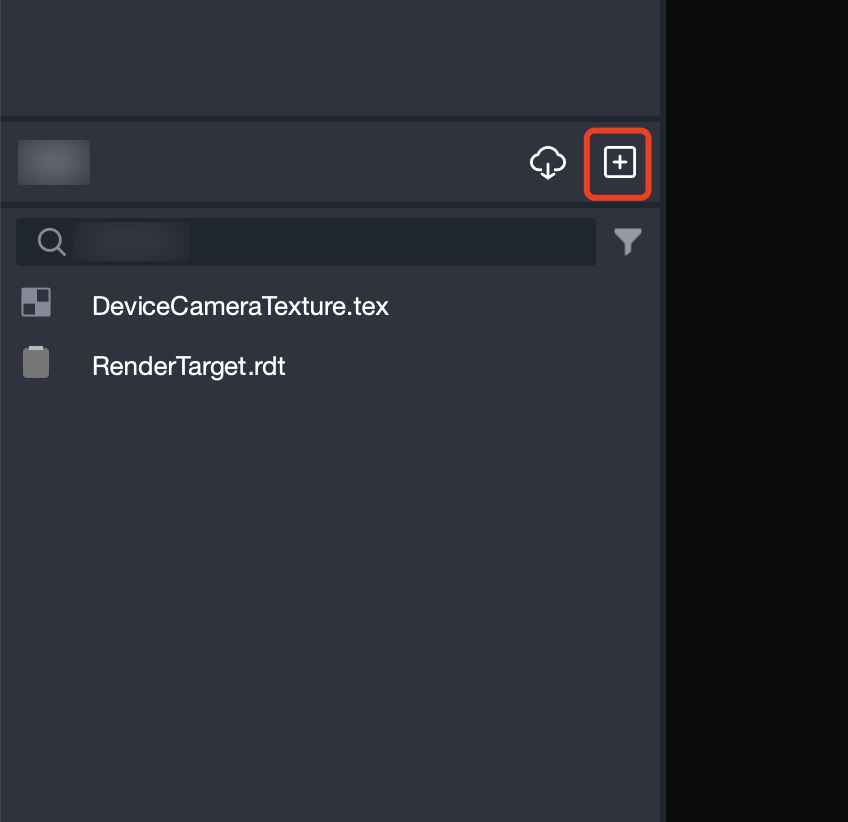
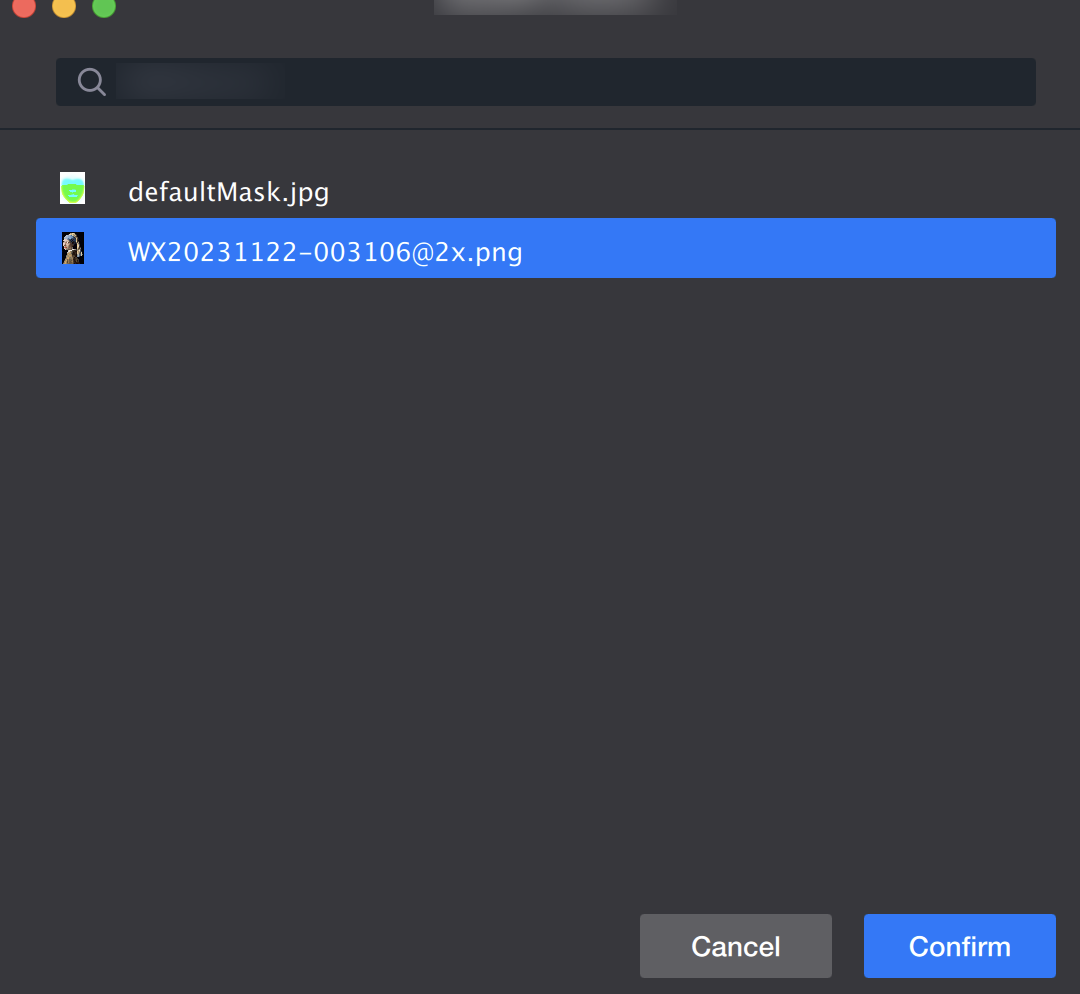
1. Import Material
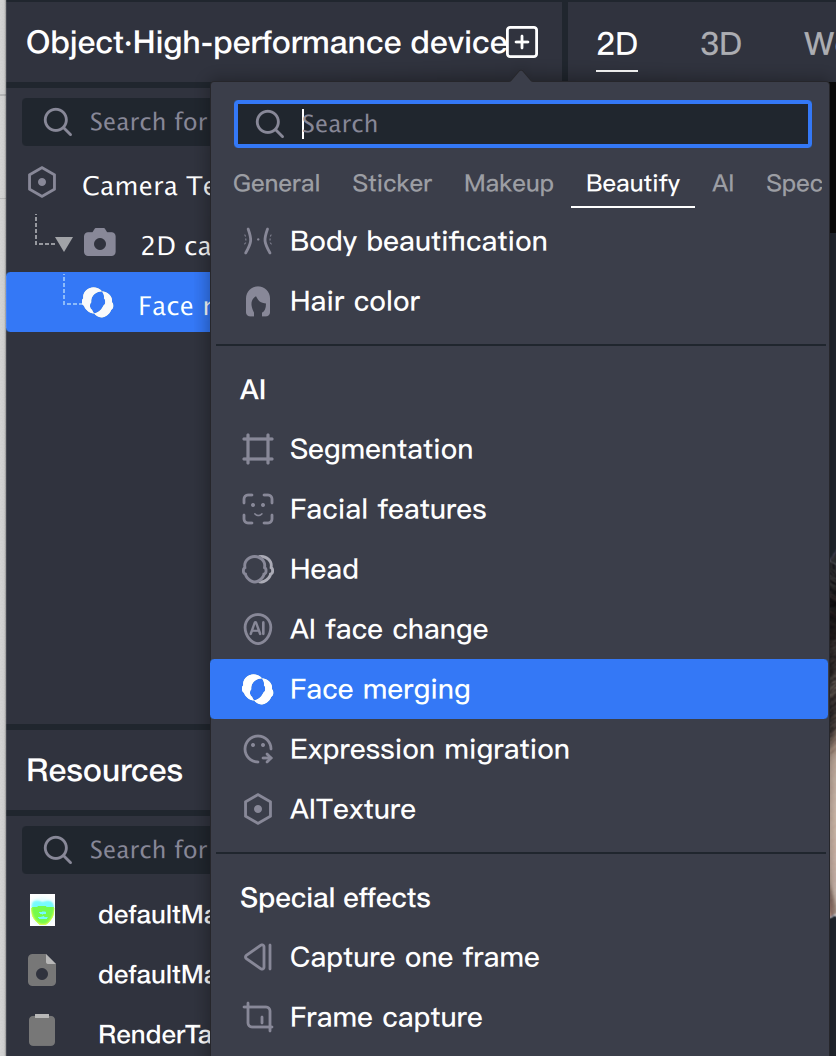
2. Add Face merging Object
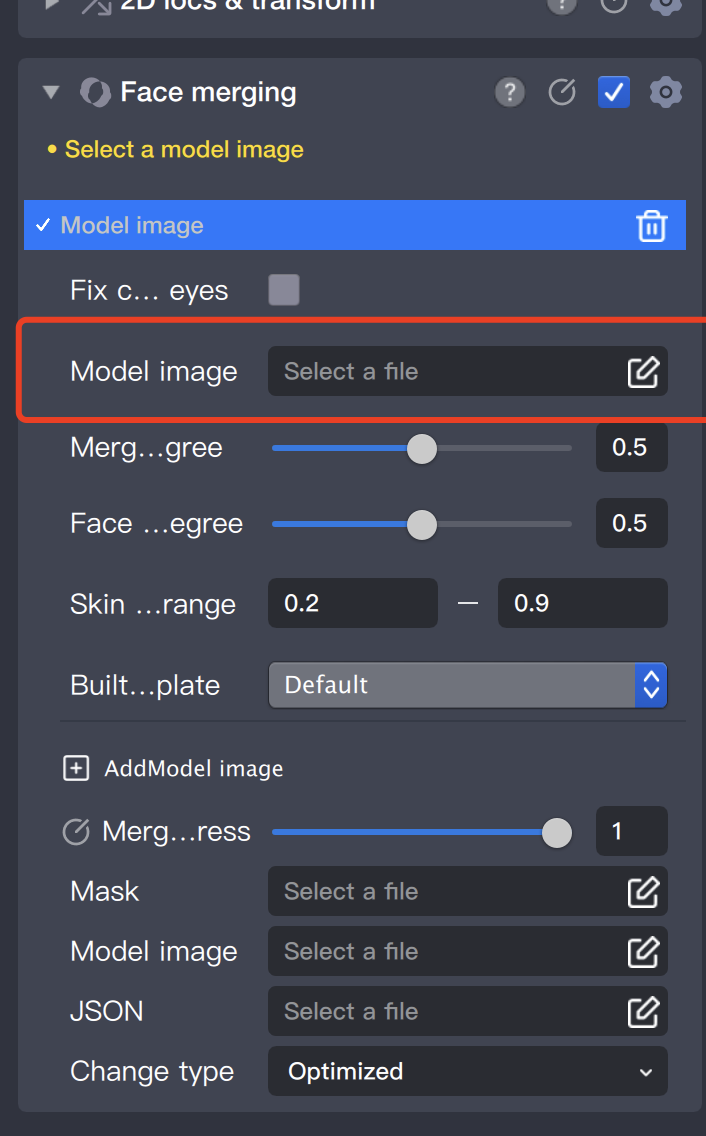
3. Add Model Image
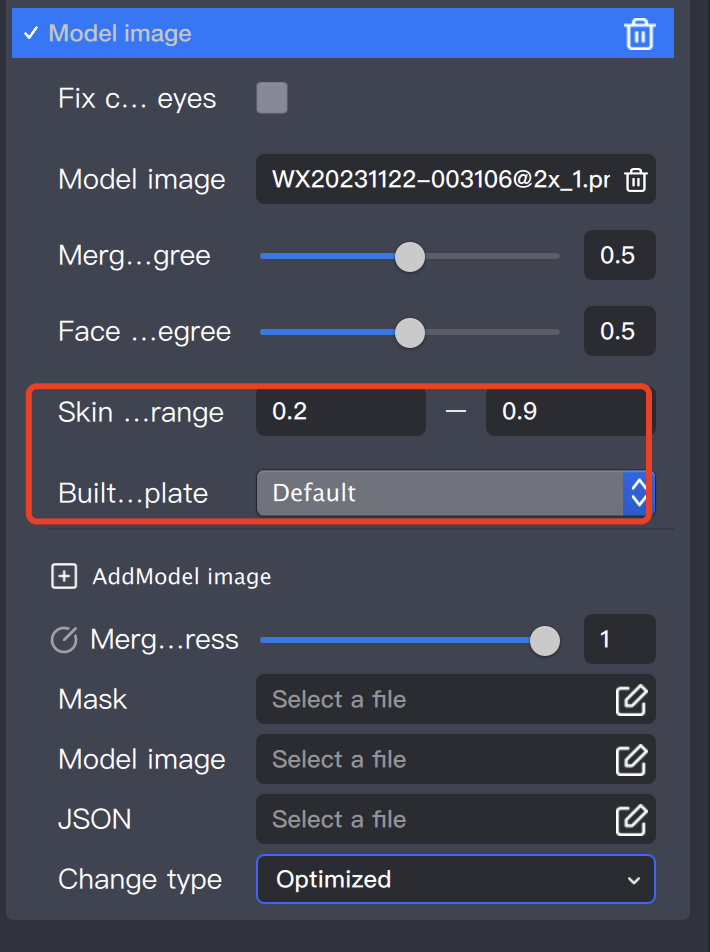
4. Adjust Fusion Parameters
Blending Level: The higher the blending level, the closer the facial features of the fused image will be to the model image's features.
Deformation Level: The higher the deformation level, the closer the face shape of the fused image will be to the model image's face shape.
In the Fusion Masterpiece gameplay, we want the face shape and skin color and texture to be closer to the masterpiece, while retaining more of the photographer's facial features. In this case, we need to lower the blending level, increase the deformation level, and adjust the skin color range to 0.8-1.