Tracing Security Incidents
Overview
The audit module records user Ops operations and displays operation logs. In the event of a security incident, the audit module enables traceability. This document uses text-based sessions as an example to provide a detailed explanation of auditing user Ops operations.
Directions
1. Log in to the BH Console.
2. In the left sidebar, choose Cloud Audit > Session Records > Script recording.
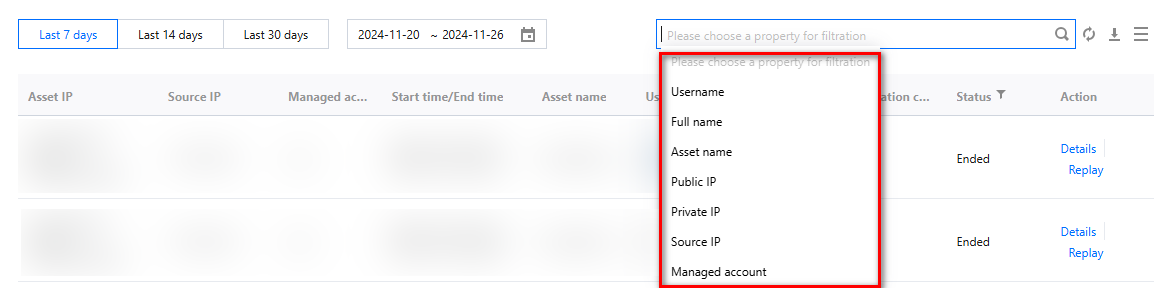
3. On the Character Session page, click the Search Box to filter sessions using keywords such as username, name, or asset name.
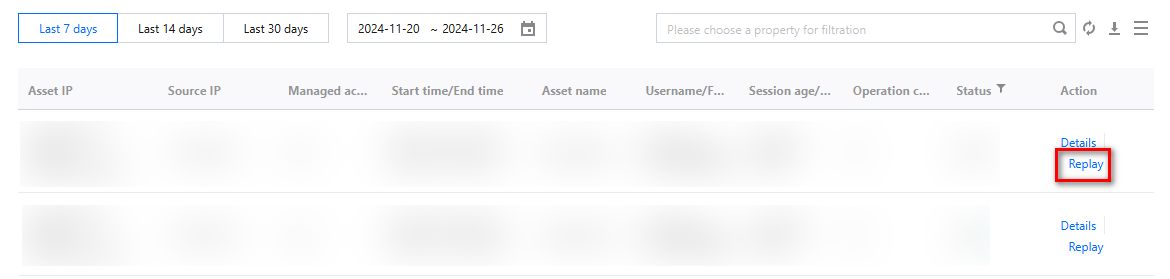
4. After locating the relevant session, click Replay on the right side of the session to accurately reconstruct the user's operation behavior through session playback.
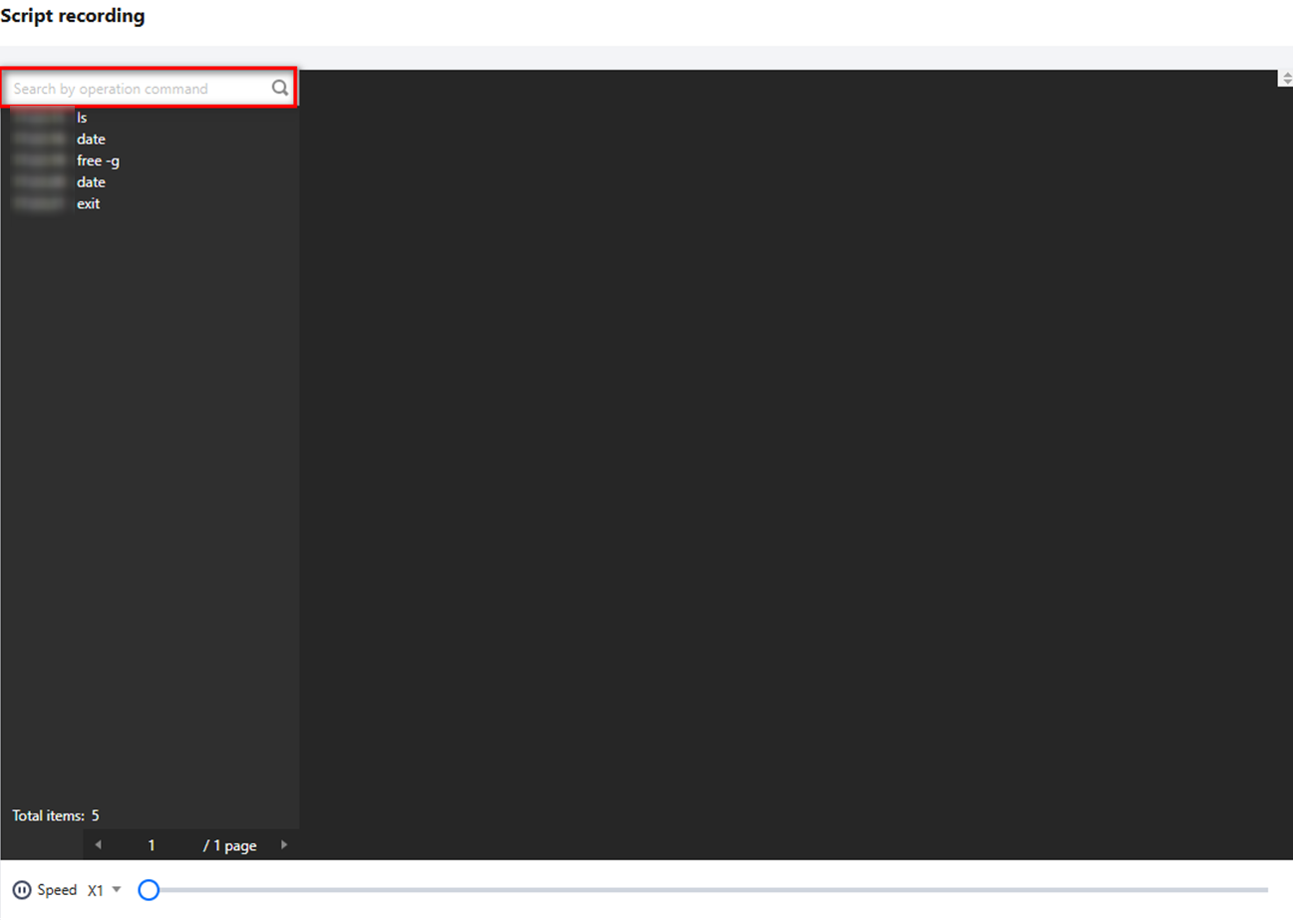
5. On the Session Replay page, you can search for commands executed during the Ops process and review session playback recordings to check for any unauthorized operations.
Help and Support
Was this page helpful?
You can also Contact sales or Submit a Ticket for help.
Help us improve! Rate your documentation experience in 5 mins.
Feedback