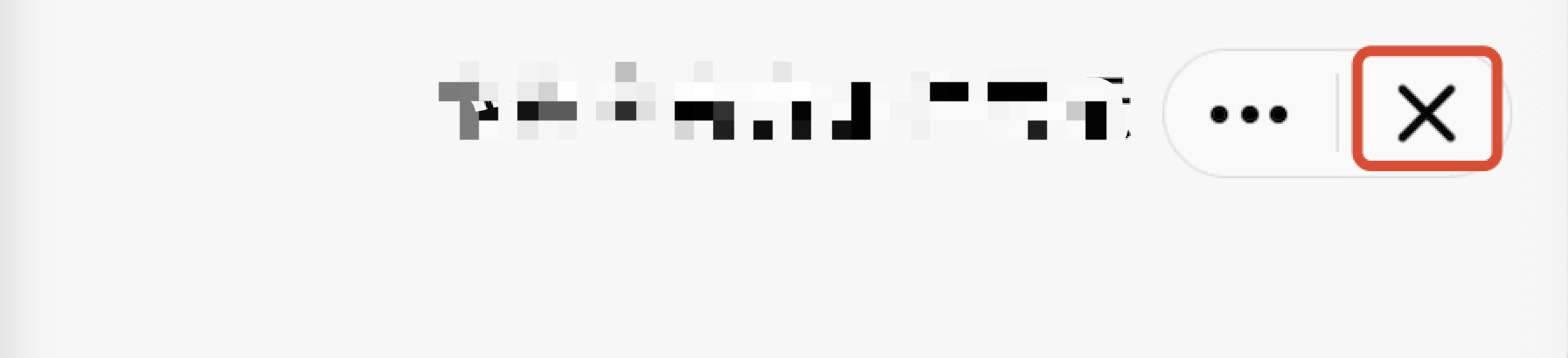
Customizing the close event listener for the capsule button allows the superapp to receive the corresponding callback when the close button is tapped.
Close button in the image:
API description:The return value of the onCapsuleButtonCloseClick method indicates whether a custom close button listener is implemented. A return value of true indicates customization, while false (the default value) indicates the use of the default listener.
/**
* Tap event for the capsule button's close option
* Calling environment: Subprocess
*
* @param miniAppContext - Mini program runtime environment (mini program process, not main process)
* @param onCloseClickedListener - Callback when the mini program is closed
* @return - Returns false if this API is not supported
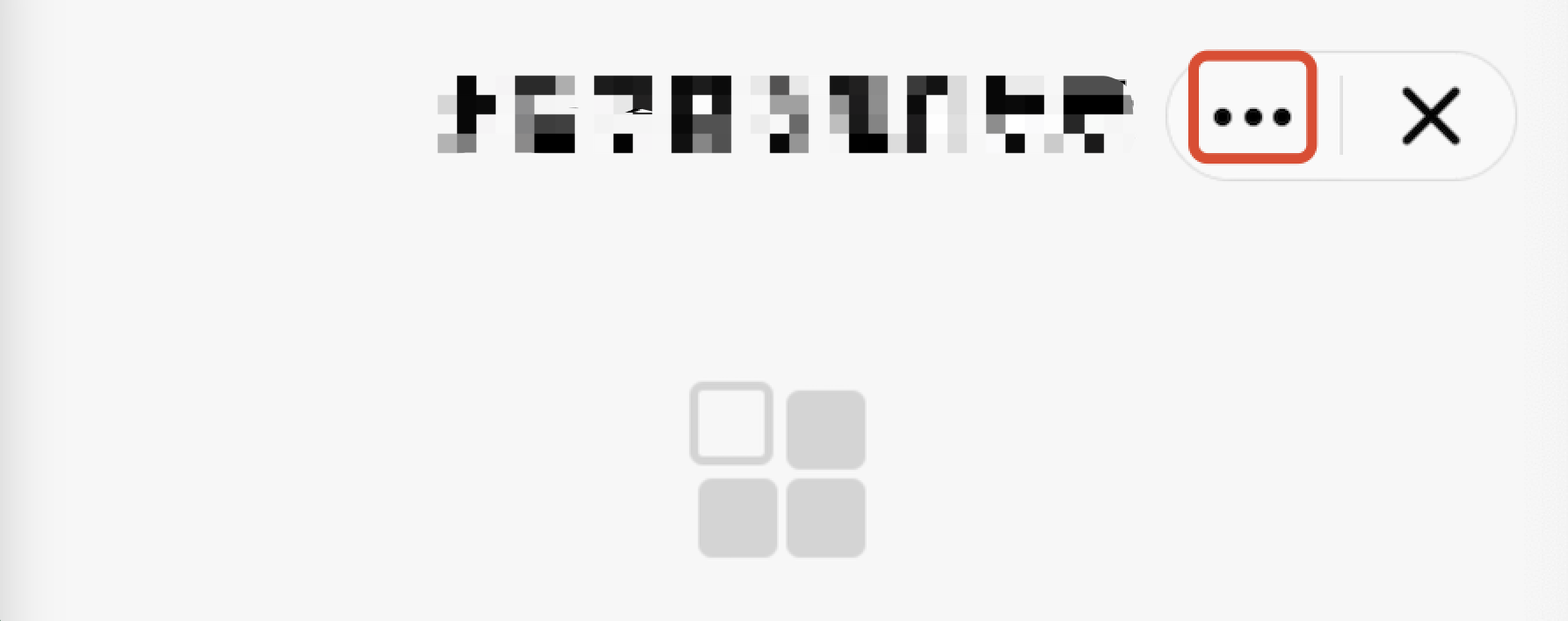
Customizing the event listener for the More button allows the superapp to capture the corresponding callback event when the More button is tapped.
More button in the image:
API Description: The onCapsuleButtonMoreClick method's return value indicates whether the More button listener is customized. A return value of true means it is customized, while false (the default value) means the default listener is used.
/**
* Tap event for the More options on the capsule button
*
* @param miniAppContext - Mini program runtime environment
* @return - Returns false if this API is not supported
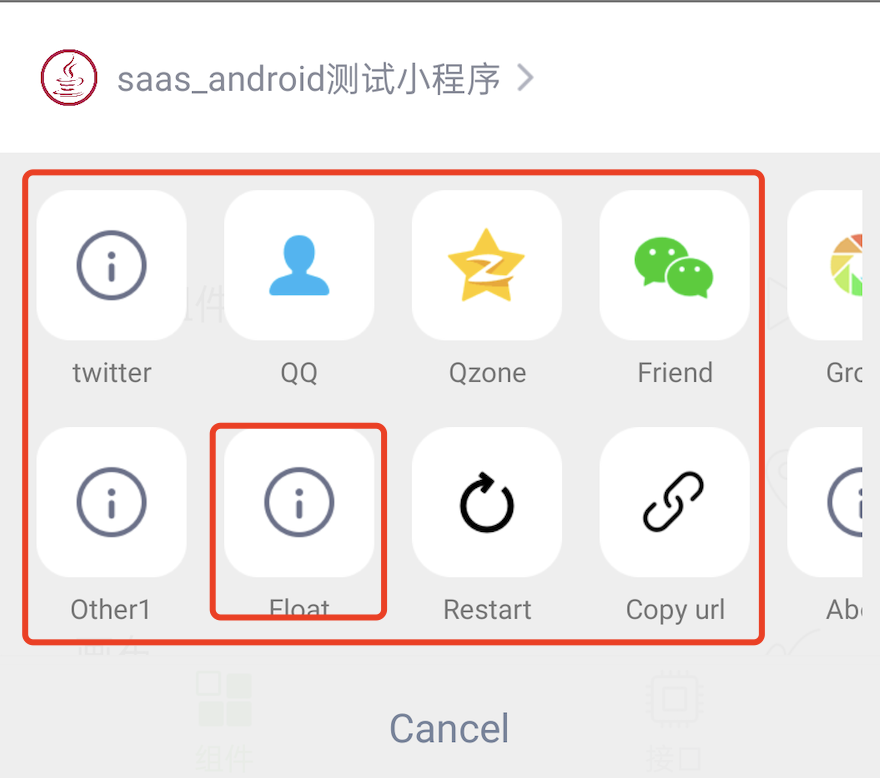
When a user triggers the tap event for the More button, a list of optional extension buttons will pop up, as illustrated in the default list below:
By overriding the getMoreItems method in the MiniAppProxy class, you can customize the list of extension buttons for the More menu.
API description:
The getMoreItems method's return value represents the customized list of extension buttons.
Parameters MoreItemList.Builder is used to add extension buttons, and the display order of the buttons will match the order in which they are added.
MoreItem’s ID property is used to distinguish between buttons and must be unique.
/**
* Returns the buttons for the capsule's More panel. The IDs for extension buttons must be set within the range of [100, 200]; otherwise, the addition will be invalid.