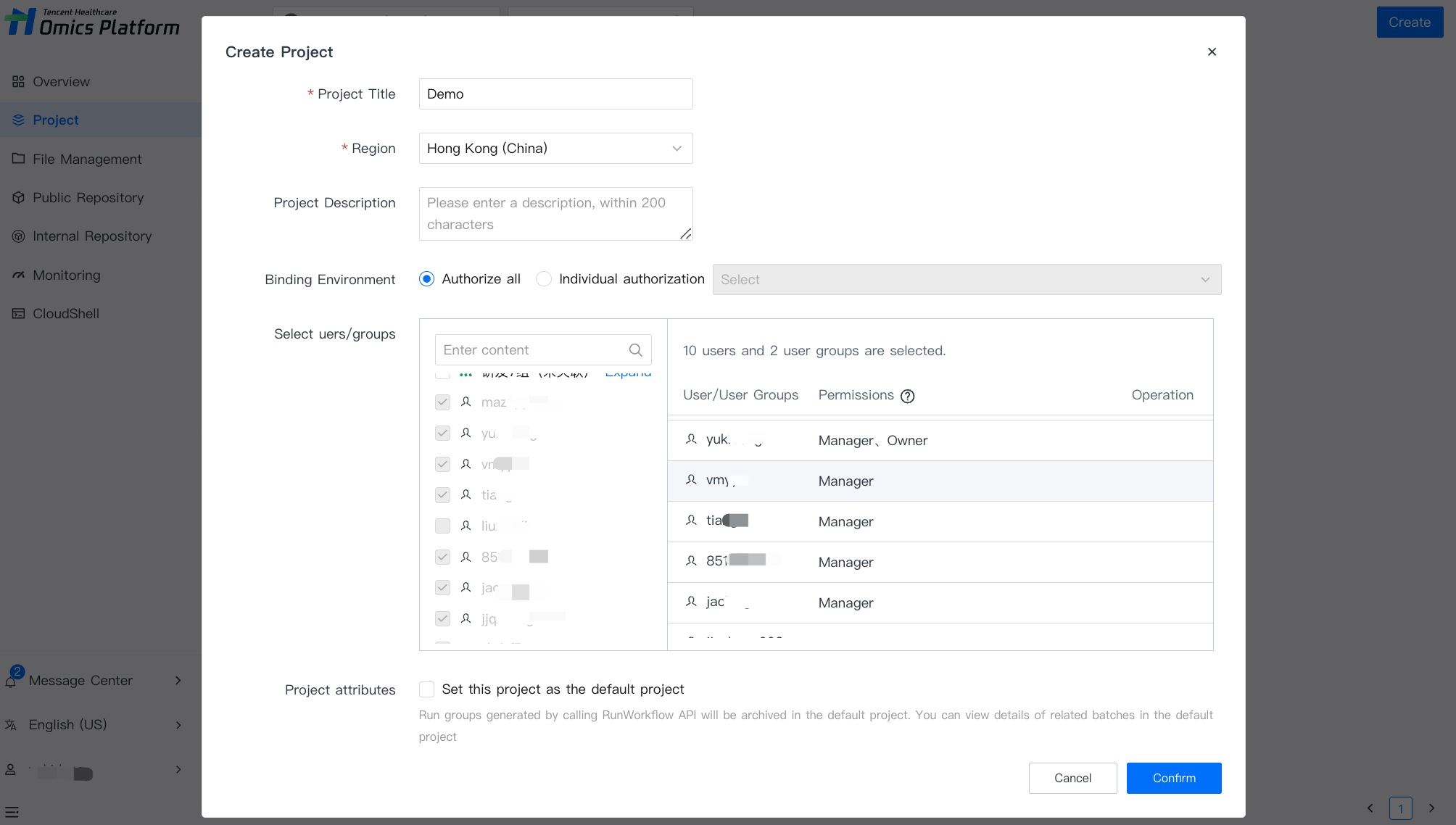
On the Project page, select Create, and enter the necessary information (the headline, region, and associated bucket) to create a new project.
Step 1: Create an application
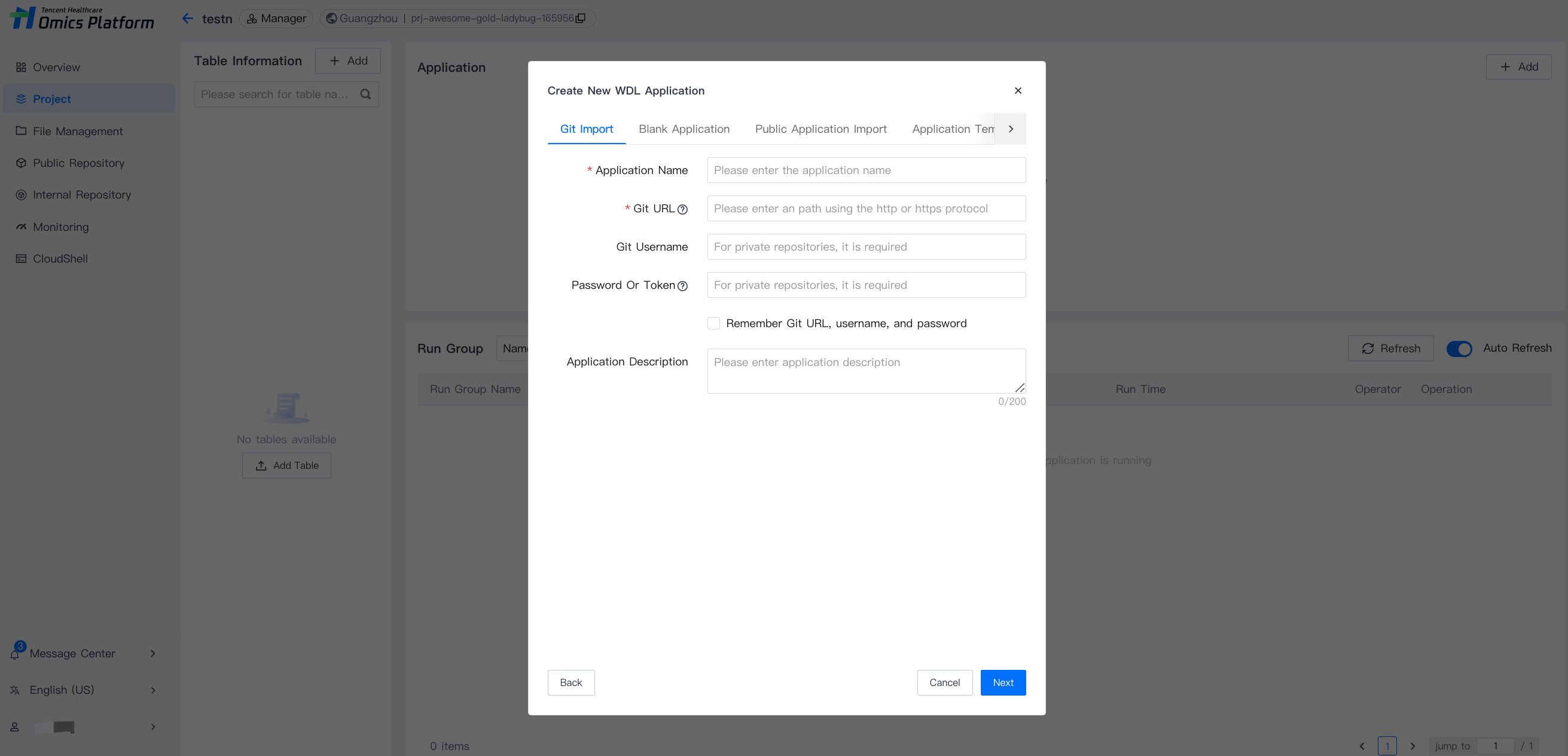
On the selected project page, select Add at the top right corner of the application column, enter the necessary information (application name, type, etc.), and submit to create a new application.
Step 3: Upload table delivery task
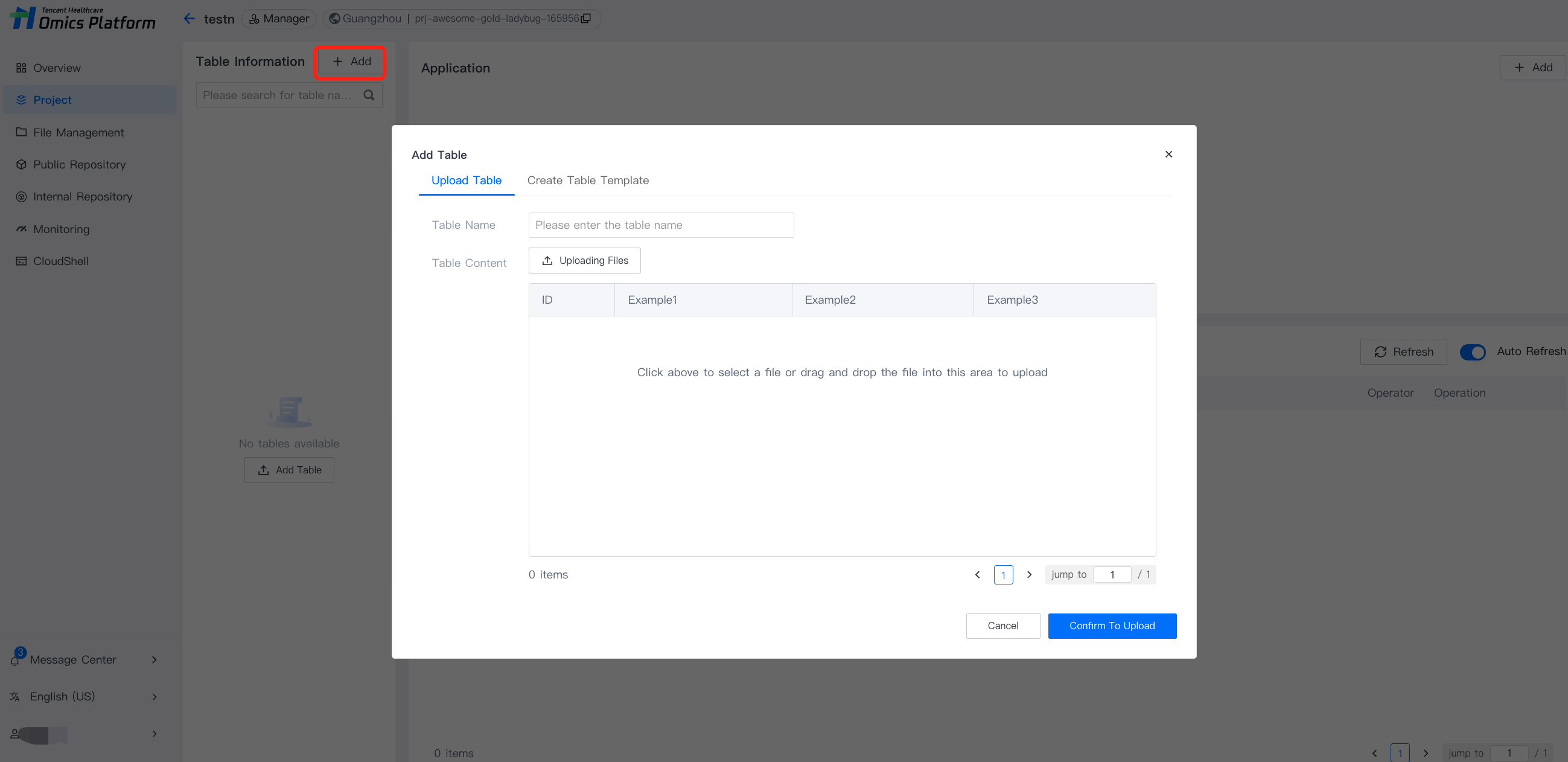
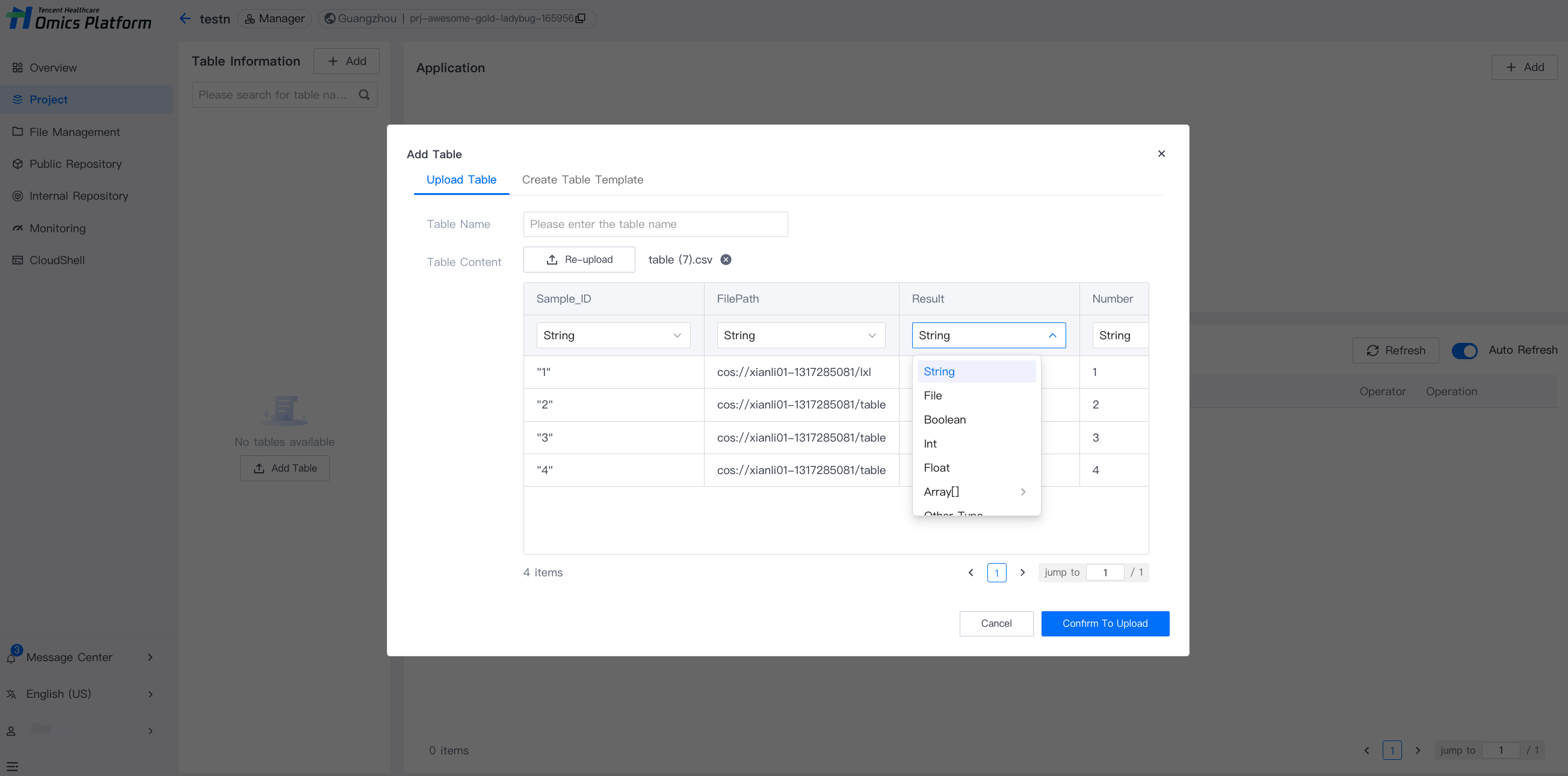
1. Add a new table. For details, see documentation: Add a New Table.
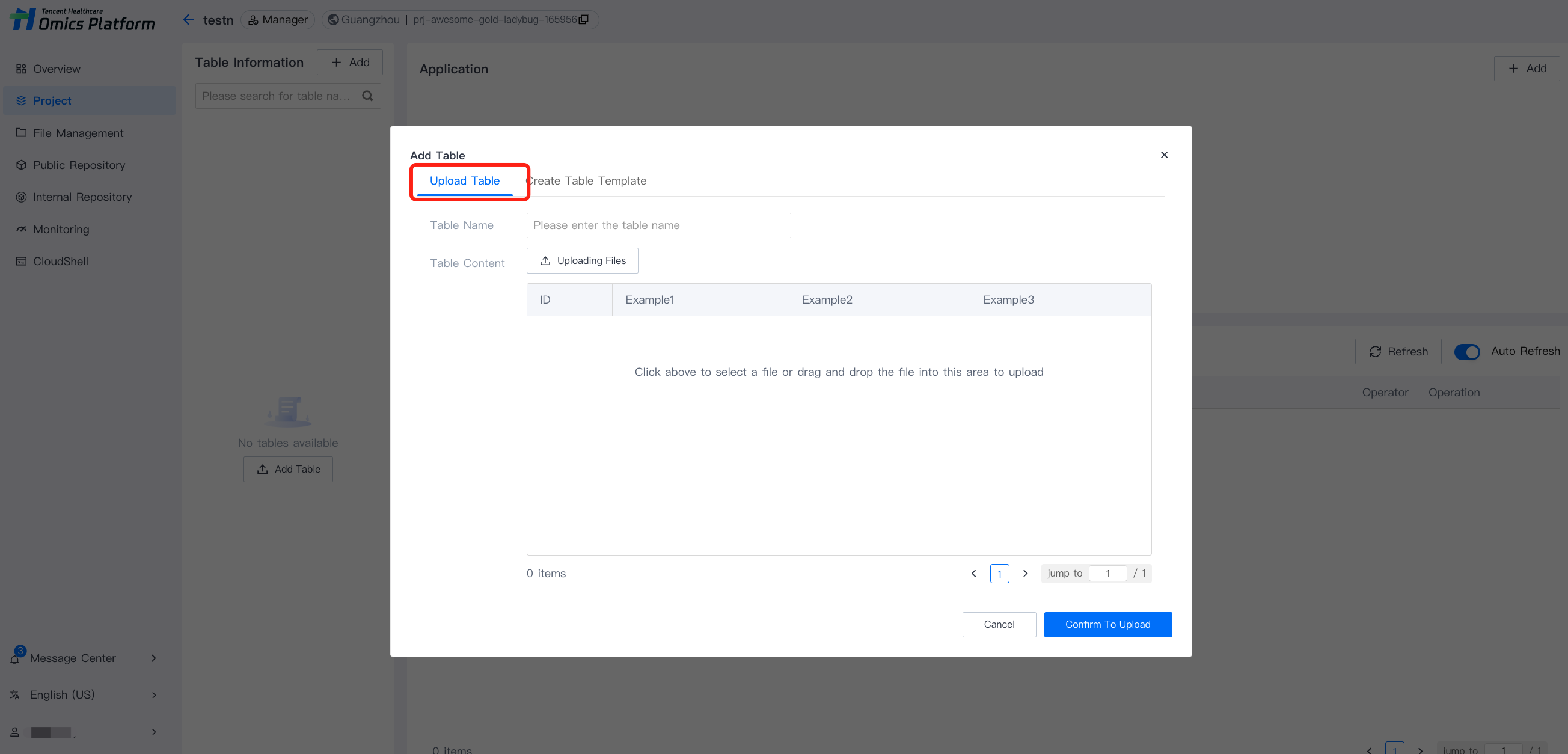
2. Upload a table. For details, see documentation: Add a New Table.
3. Select parameter type. For details, see documentation: Add a New Table.
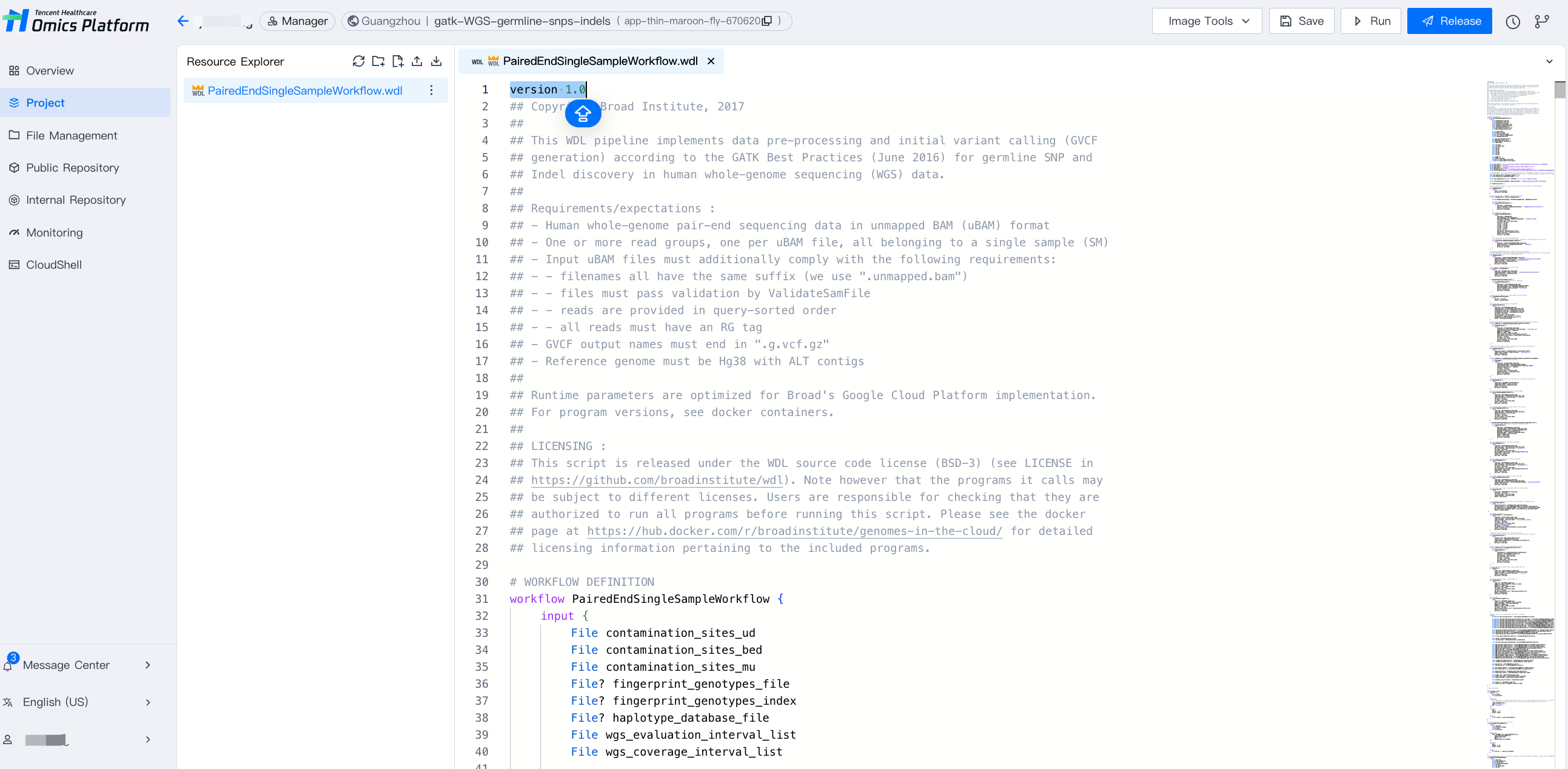
Step 4: Edit the application using WDL language
Select the parameter type. For details, see documentation: Edit Application.
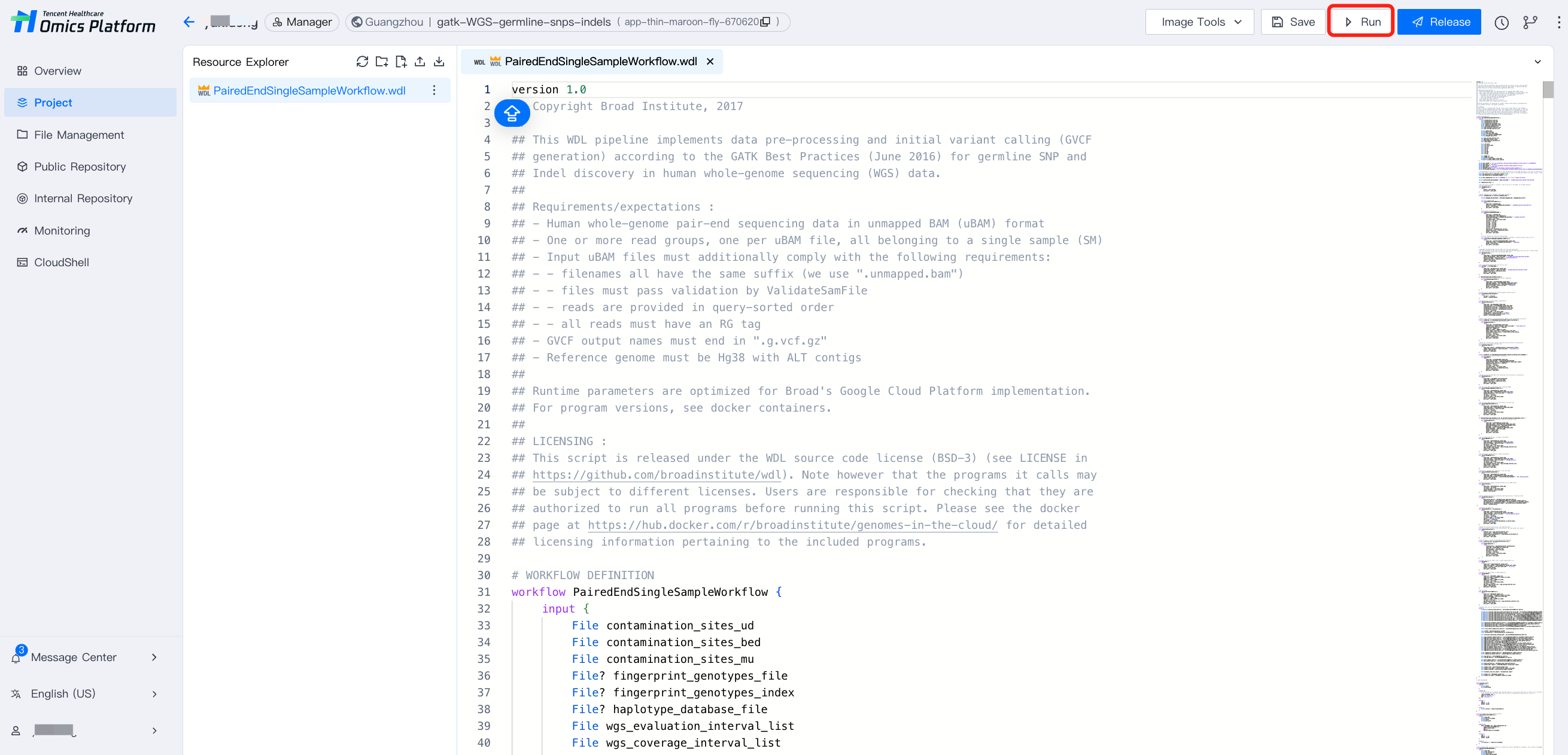
Step 5: Submit and run
Click Run application to run.
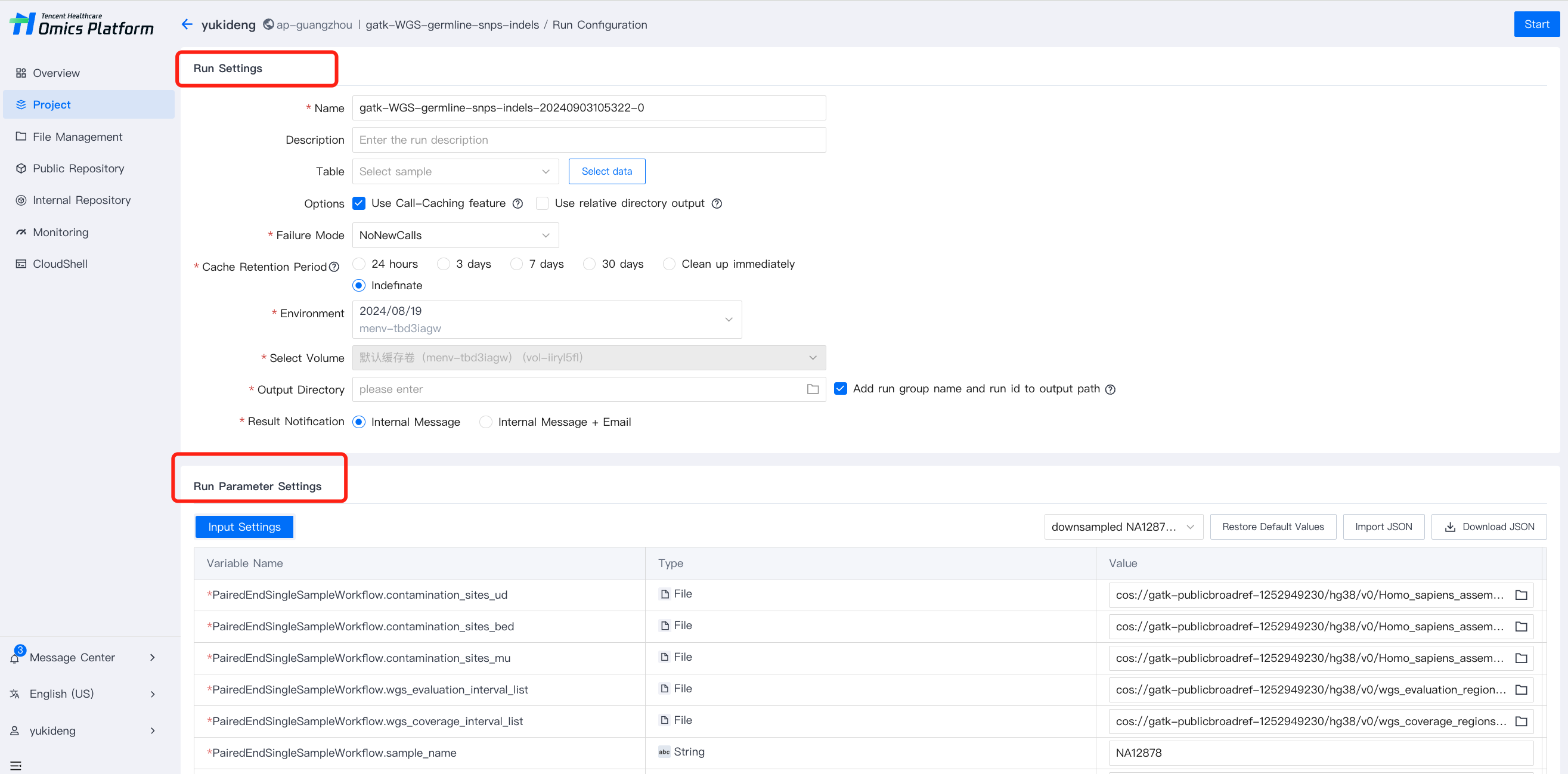
Step 6: Set running and parameters for running
1. Select the parameter type. For details, see documentation: Set running.
2. Complete the running settings and running parameter configuration, then click start at the top right corner.
Step 7: Obtain Results
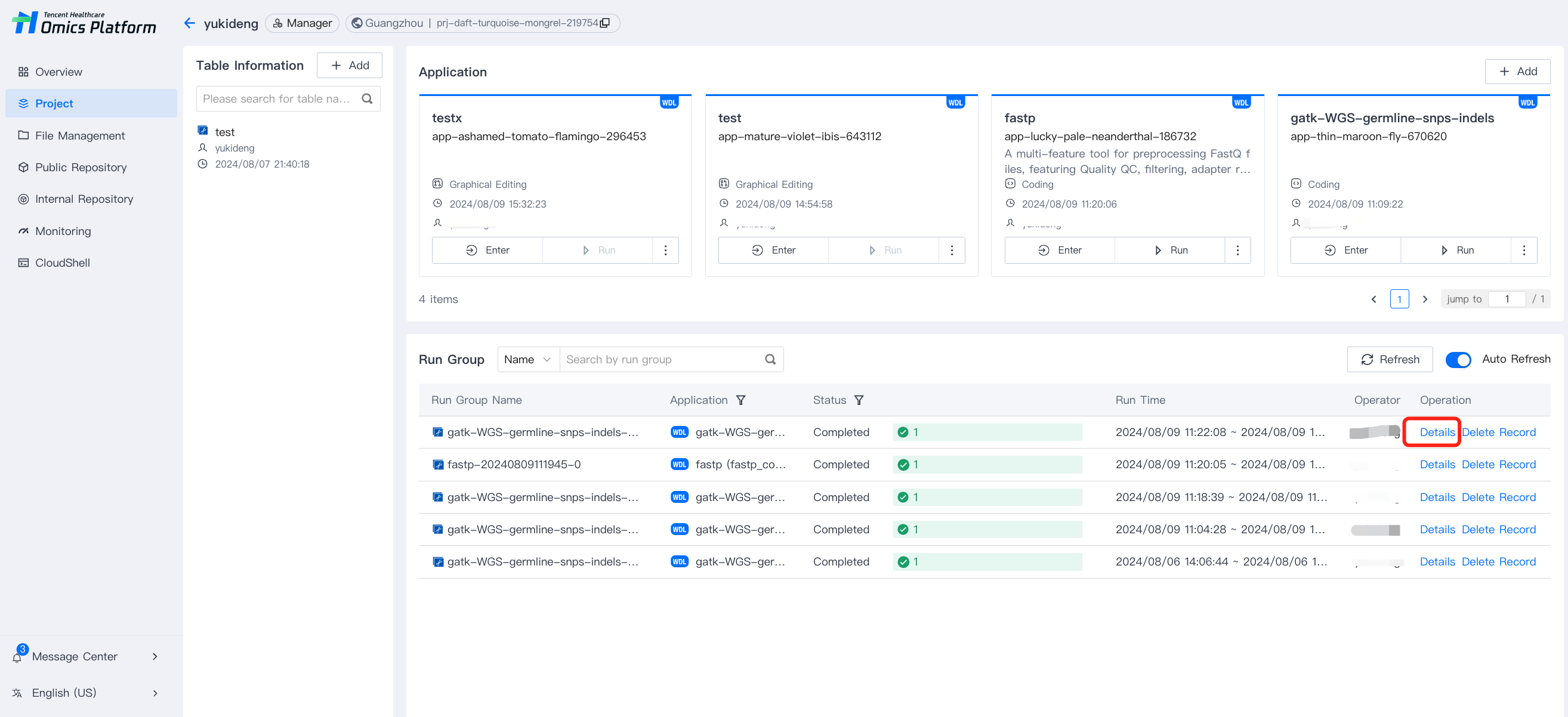
After the running of the task, it outputs the results to COS where users can download them directly. Click Details ofthe run group in project list page to obtain run group details.
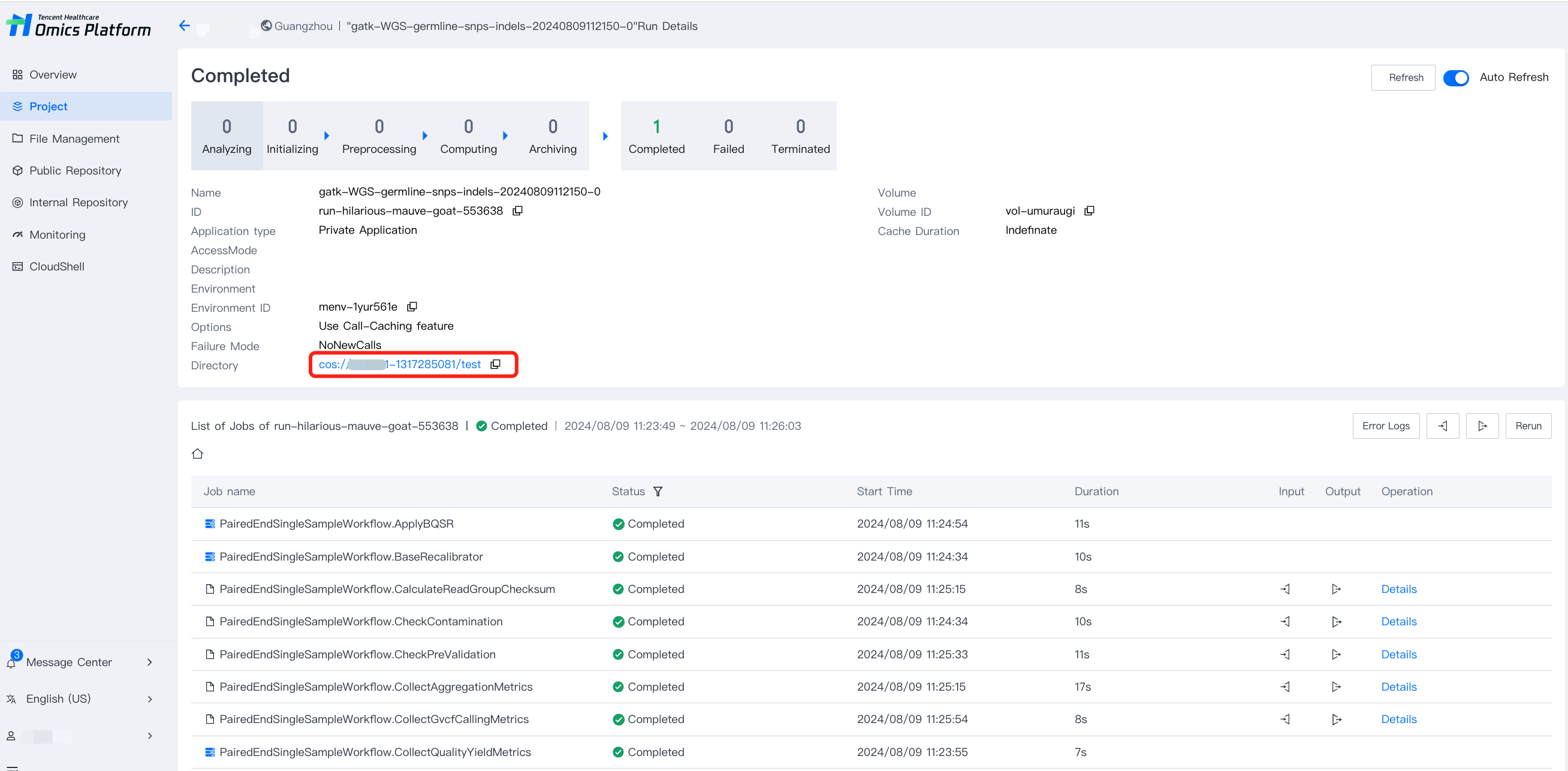
In run group details page, Click Directory to go to COS path where output files were archived.