In PTS, a scenario is a simulation of the stress condition of a real business scenario. It is also the smallest unit for managing the configuration, resources, and lifecycle of a round of performance testing.
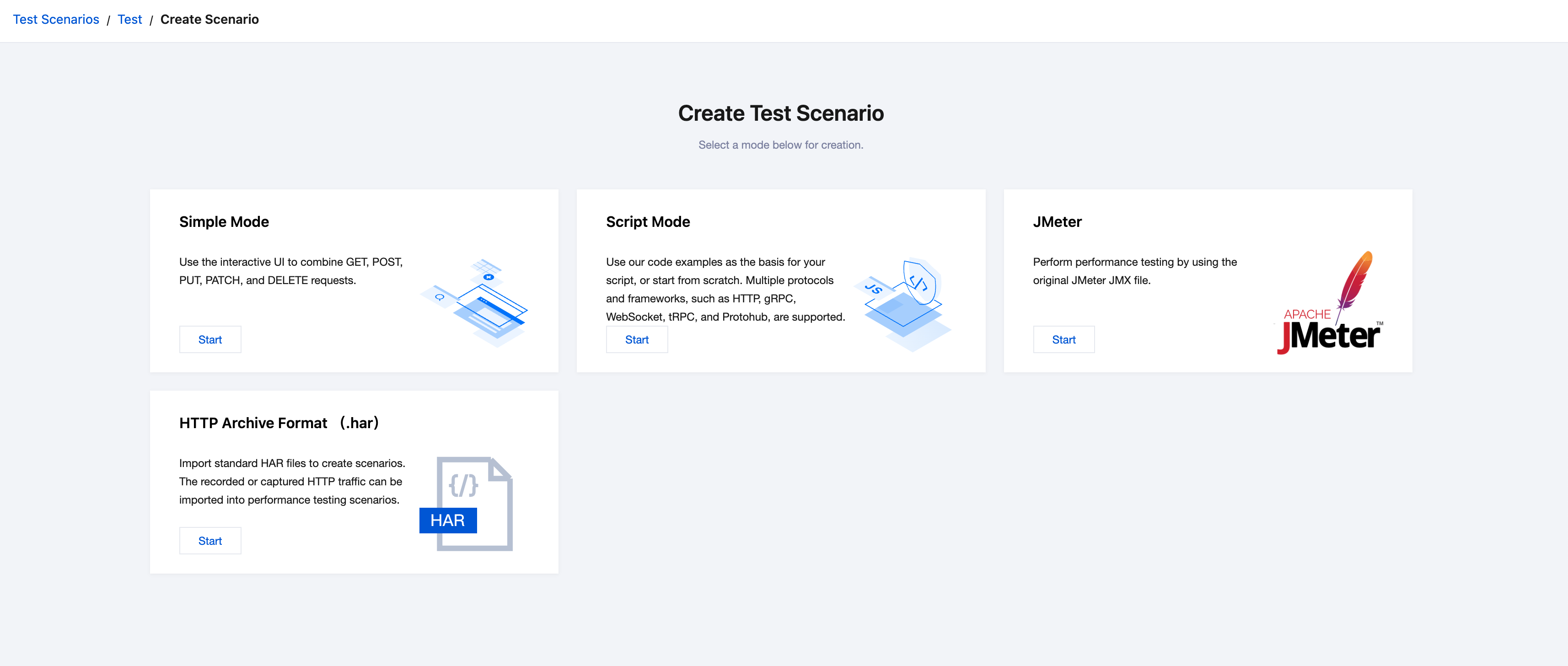
Based on the orchestration method, PTS provides the following scenario modes:
Simple mode: This mode is straightforward and intuitive, making it suitable for a quick start.
Through the console's graphical interface, you can visually orchestrate request linkages without writing any code.
It supports HTTP protocol requests such as GET, POST, PUT, PATCH, and DELETE.
Script mode: This mode provides flexible logic orchestration and protocol support with script templates available for reference.
You can write JavaScript scripts in the online code editor in the console to orchestrate request linkages in an as code mode.
It supports various network transmission protocols like HTTP, WebSocket, TRPC, and GOFree, as well as data serialization/deserialization protocols such as Protobuf and JCE.
PTS provides a variety of script template categories to help you write your scripts, easily meeting personalized needs.
JMeter mode: This mode natively supports JMeter performance testing.
You can upload JMX scripts for a seamless transition of your JMeter testing experience.
Additionally, it supports uploading files such as CSV and JAR to leverage JMeter's extended features.