tencent cloud

Performance Testing Service

Binding Tags

PDF
Focus Mode
Font Size
Last updated: 2025-03-10 16:55:57
This document introduces how to bind tags to a PTS project.

Prerequisites

Tags have been created. For details, see Create Label for the creation of new tags.

Directions

1. Log in to the TCOP console.
2. In the left sidebar, click PTS > Project List to enter the Project List page. In the list, select the project you need to operate on, and click Edit in the Operation column.
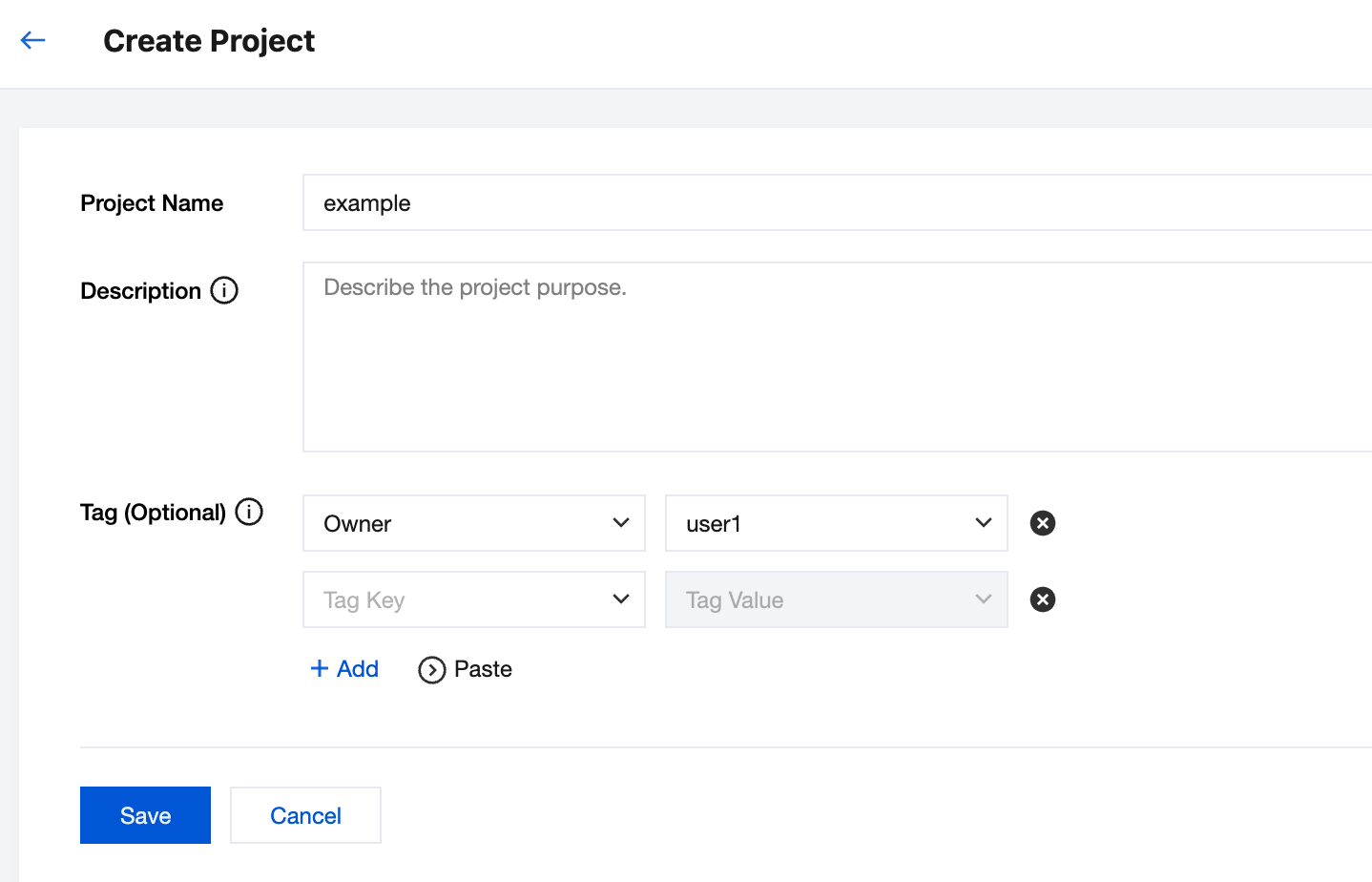
3. After entering the Edit page, click + Add, and then save after adding the tags.


Help and Support

Was this page helpful?

Help us improve! Rate your documentation experience in 5 mins.

Feedback