tencent cloud

Tencent Cloud Blockchain as a Service

Release Notes
Product Introduction
Overview
Product Features
Underlying Engine
Strengths
Scenarios
Basic Concepts
Purchase Guide
Purchase Page Description
Overdue Payment Instructions
Pricing and Specification Description
Getting Started
Hyperledger Fabric
Operation Guide
Consortium
Event Center
Network Overview
Connection Management
Contract Management
Organization Management
Node Management
Blockchain Browser
Certificate management
Audit Log
Node Monitoring and Logs
Development Guide
Hyperledger Fabric
Application System Integration
API Documentation
History
Introduction
API Category
Making API Requests
Hyperledger Fabric 2.3 APIs
Data Types
Error Codes
FAQs
Product Policy
Data Processing And Security Agreement
Contact Us

Network Overview

PDF
Focus Mode
Font Size
Last updated: 2025-04-10 00:40:56

Overview

This document guides users to view the network overview in the network of Hyperledger Fabric Enhanced Engine.

Prerequisites

Logged in to the TBaaS Console.

Operation Steps

Check Network Overview

1. In the TBaaS Console, select Fabric > blockchain network in the left sidebar to enter the network card page. Click the corresponding card to enter the network details page.
2. On the blockchain network page, only networks in the "running" state can view network details. Networks under deployment or configuration upgrade cannot view details temporarily and need to wait until the network is running normally before viewing. Click the blank space or manage at the bottom of the network card in the "running" state to enter the network details page.
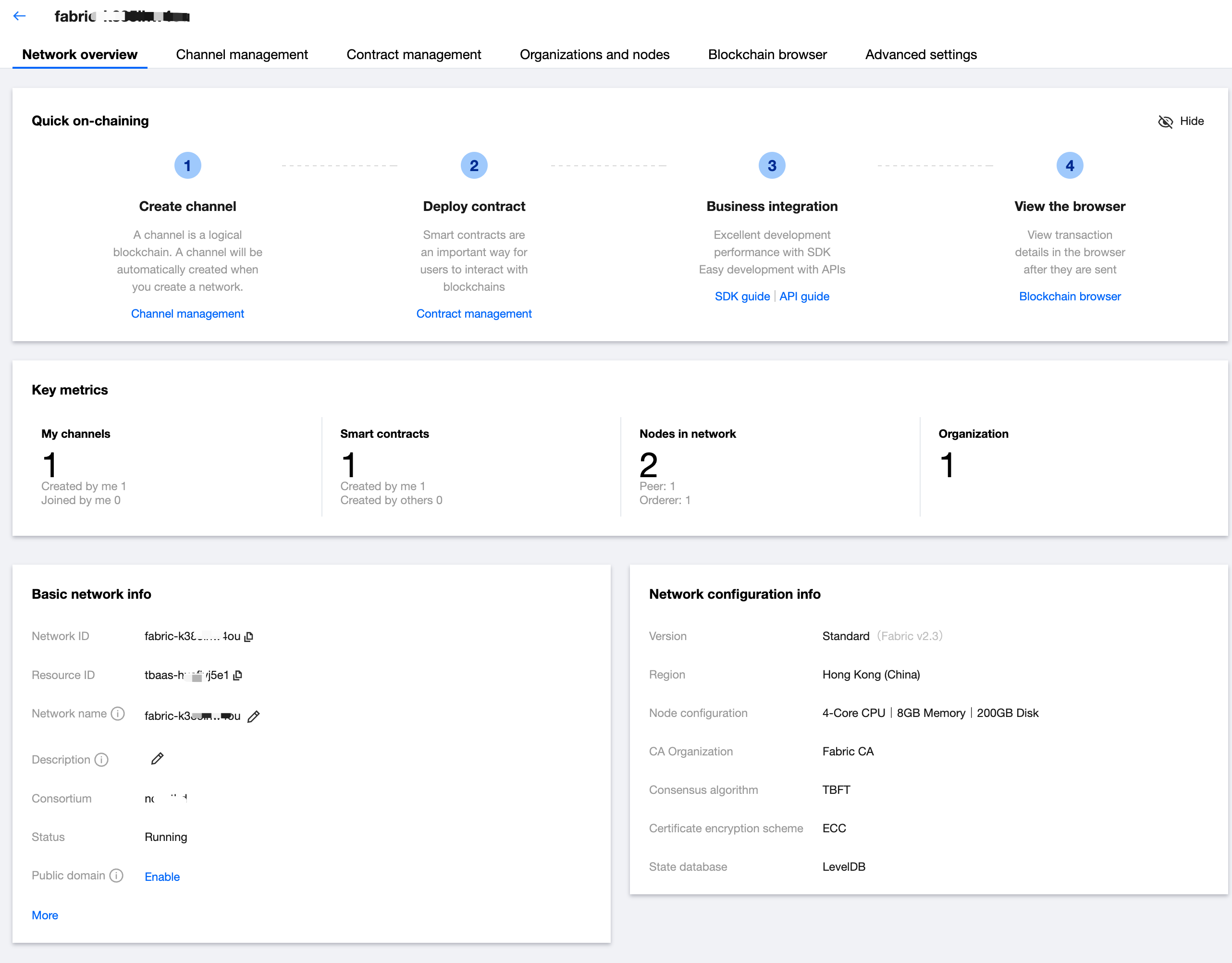
3. After entering the network details page, it defaults to locate the network overview tab. The overview page provides guidance for quick on-chain and entry for feature redirection.
4. The overview page allows you to view the key metrics and network configuration information of the network. You can also modify the network name or network description in the Network Basic Information card at the bottom left (only the network creator can modify). As shown below:


Help and Support

Was this page helpful?

Help us improve! Rate your documentation experience in 5 mins.

Feedback