When you need to perform a multi-dimensional drill-down on a chart for layered data probing, you can use the drill-down feature of the Tencent Business Intelligence (BI) Product. The specific operation steps and process are as follows.
Drill-Down Configurations
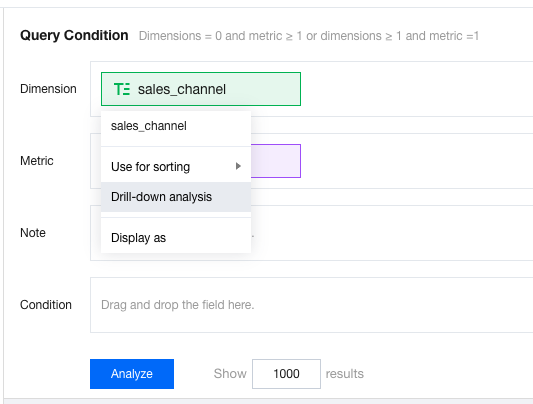
In the chart component configuration interface, hover the mouse over the dimension field and click Drill-down Analysis.
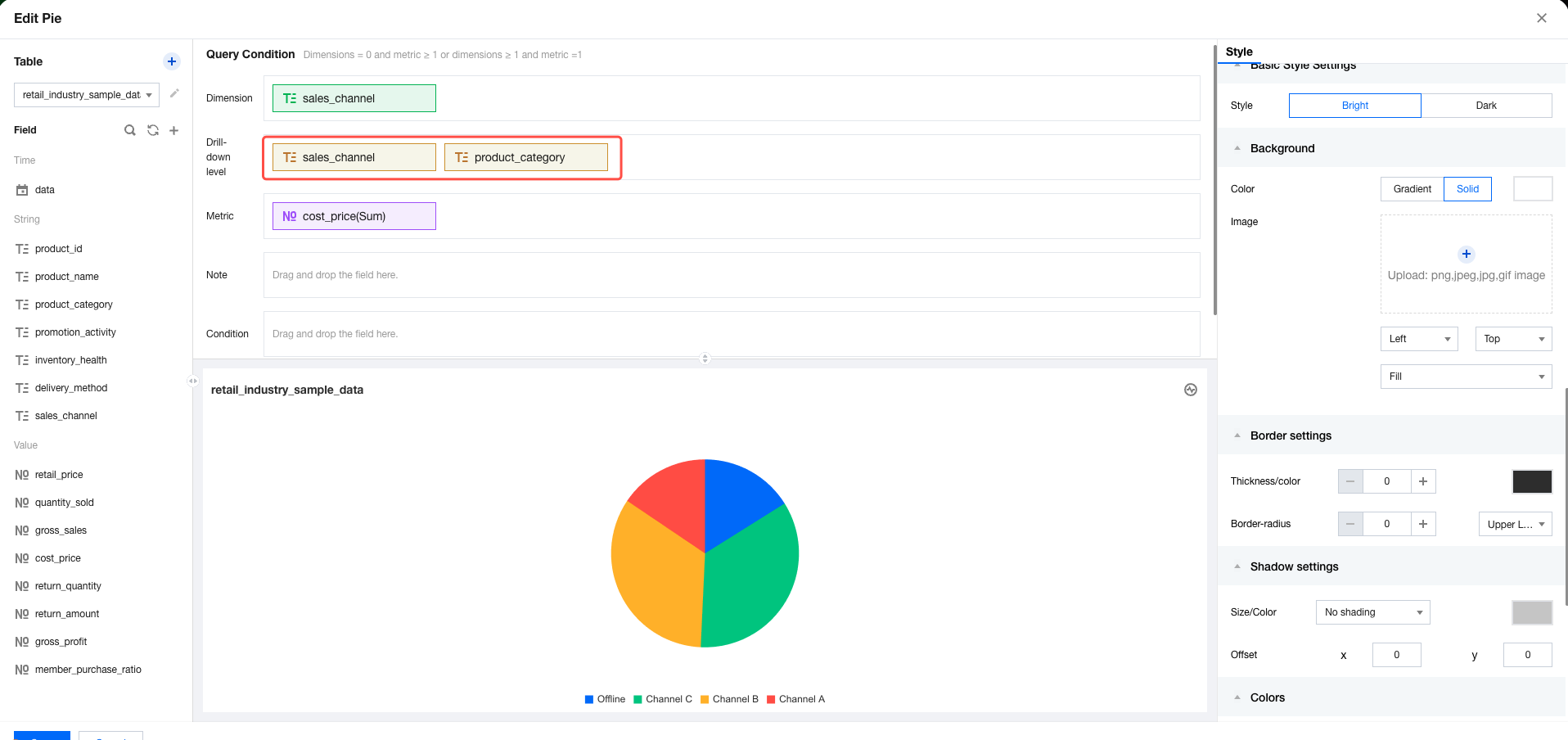
A drill-down dimension area will appear below the dimension area. You can add dimension fields that require drill-down, such as drilling down from a certain dimension to another.
Drill-Down Effect Demo
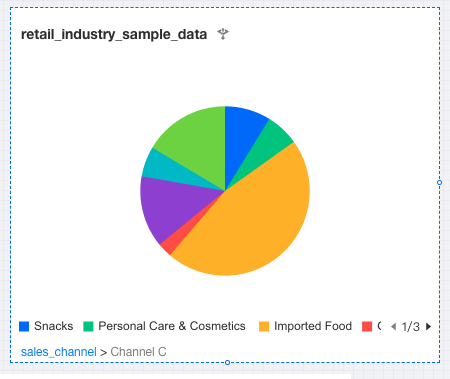
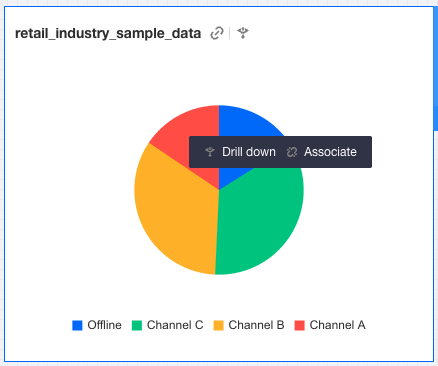
Click the specified dimension area in the chart to drill down into the dimension. For example, click a certain dimension value to drill down into corresponding sub-dimension data. Click the drill-down navigation option below to drill up and return to the previous dimension.