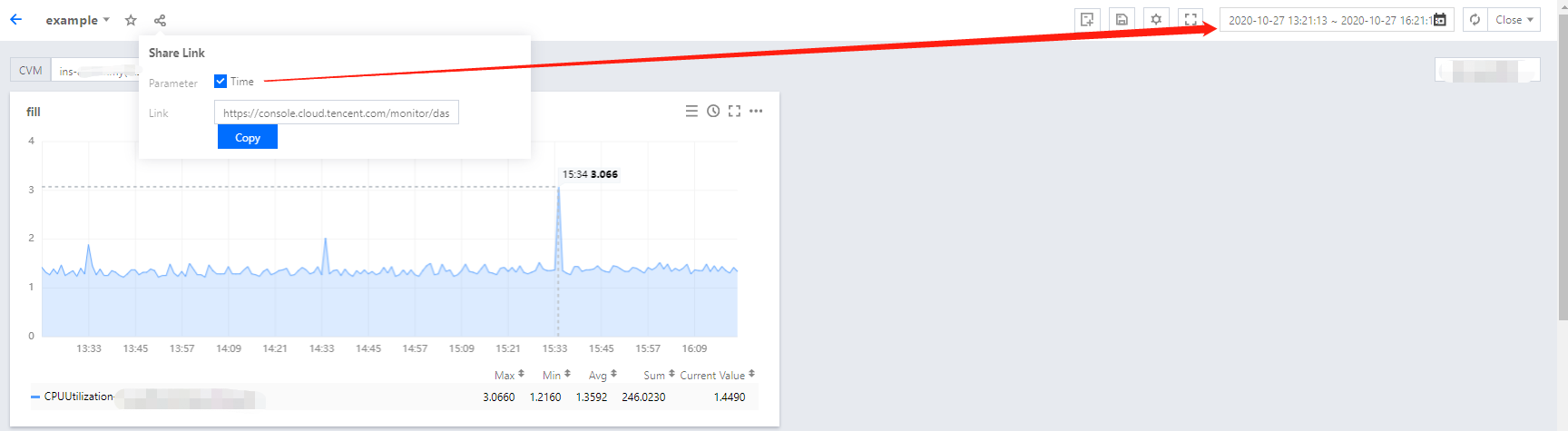
Users can share their dashboards with others. To access a shared link, users must have a Tencent Cloud account under the same root account and Tencent Cloud Observability Platform access permissions.
2. In the left sidebar, click Dashboard > Dashboard List to go to the dashboard list page.
3. In the dashboard list, find the dashboard that you want to share, and click the dashboard name to go to the dashboard management page.
4. Click
. In the window that appears, configure the sharing conditions and copy the sharing link to share it with other accounts. The description of the option is as follows:
Time: you can determine whether to synchronously share the currently selected time in the time filter with others.