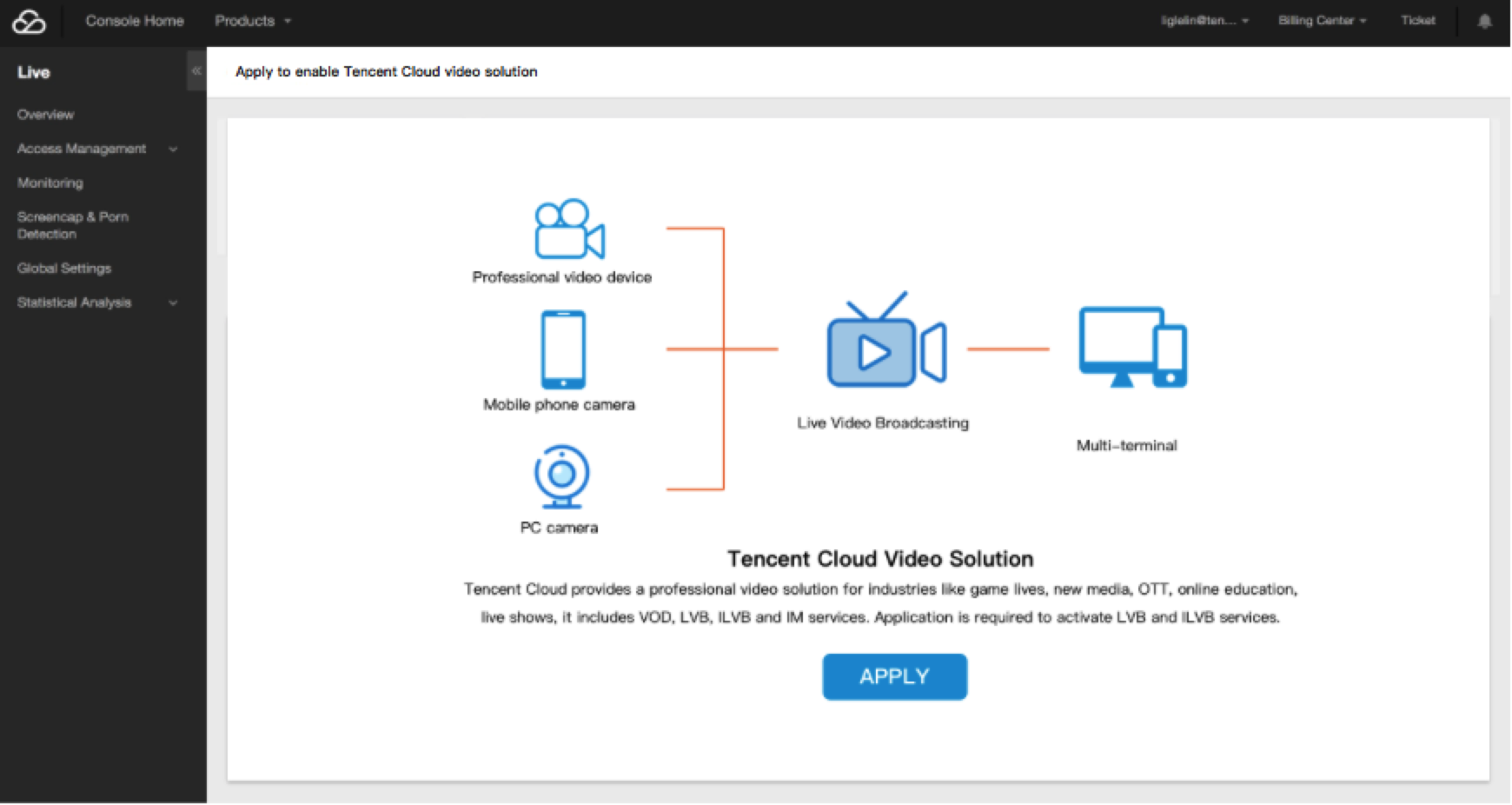
If you have not activated the Tencent Cloud CSS service, click here to apply for the service.
Generate push URL
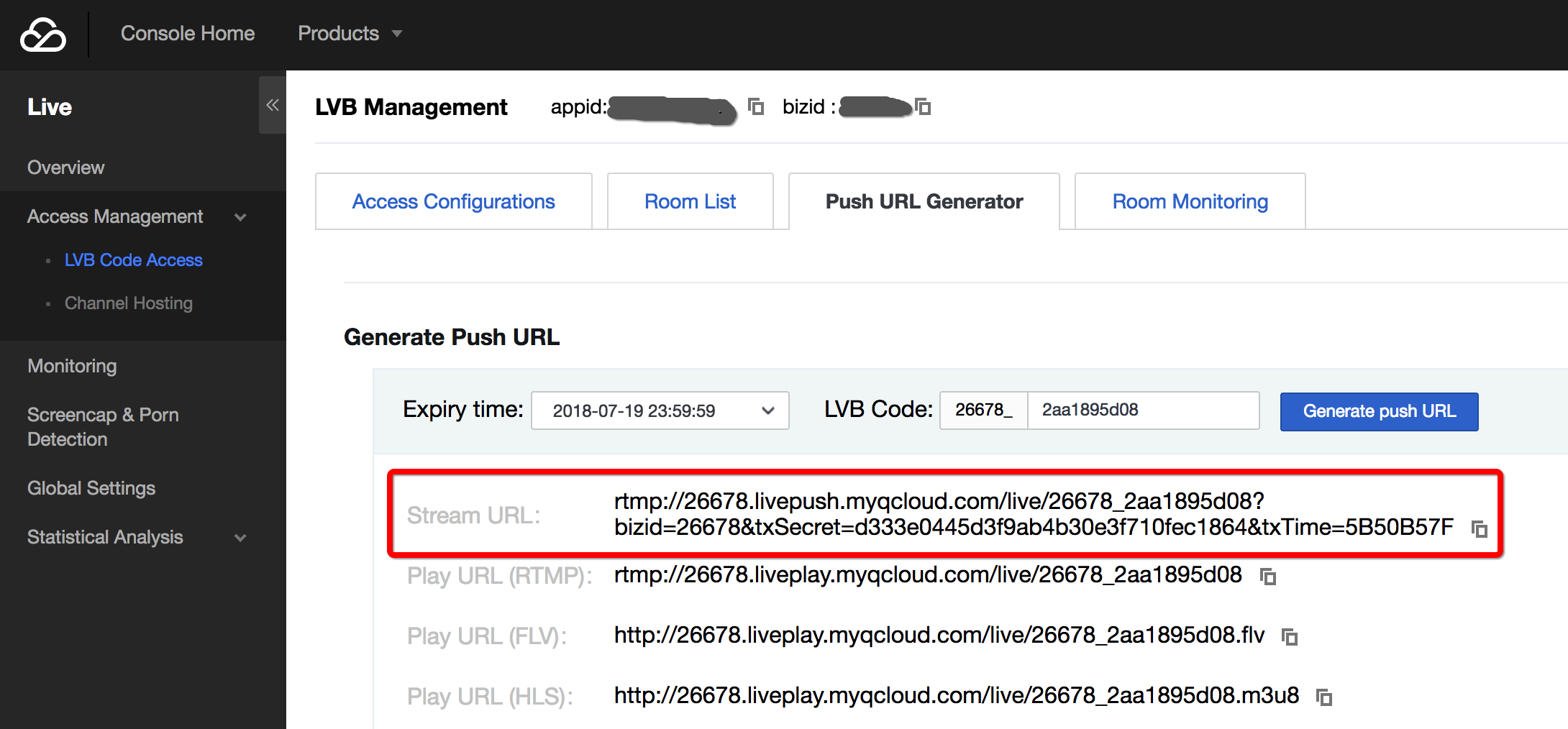
If the push URL is not ready yet, log in to Tencent Cloud CSS Console, select Access Management > CSS Code Access (Recommended) > Push Generator to generate a push URL and three playback URLs. The URL with a domain name of livepush.myqcloud.com is the push URL:
Select the network for CSS
Network options
Network Type
Accessibility
Stability
Wired network
Low
High
Wi-Fi
High
Low
If possible, it is recommended to use a wired network, which is more stable than Wi-Fi to prevent interference with signals. Wi-Fi is more suitable for live video broadcasting for events because of the convenience it offers.
Upstream bandwidth test
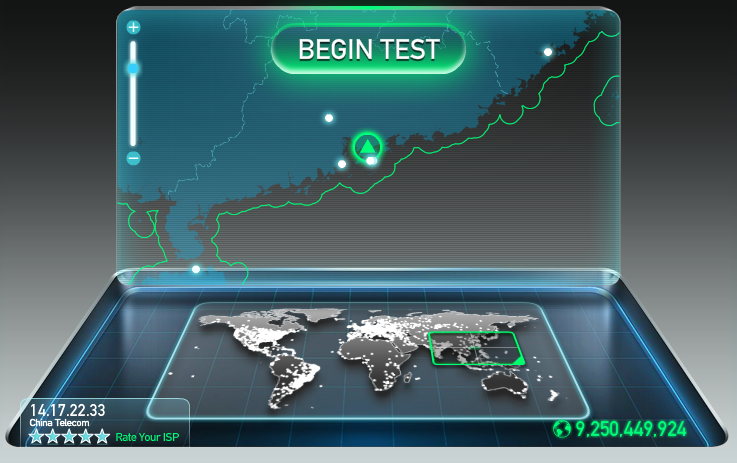
The requirement for upstream bandwidth depends on the video quality and resolution. Generally, a better video quality with a higher resolution means a higher requirement for upstream bandwidth. The upstream bandwidth should not be less than 1 Mbps. To check the condition of upstream bandwidth, you can conduct a test using speedtest.
Install push software
Install OBS
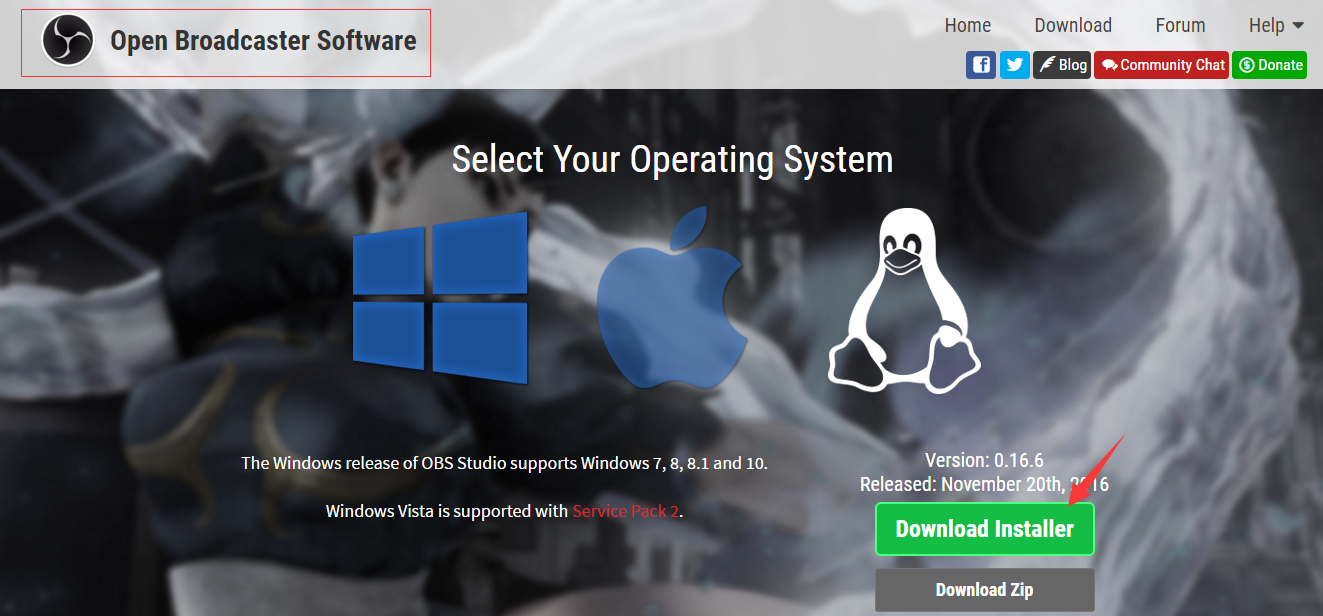
Download the OBS installer package on OBS official website and then install it with default settings. Windows, Mac, and Linux operating systems are supported. Make sure the downloaded software is Open Broadcaster Software. OBS Studio is also available but is not covered in this document.
Install XSplit
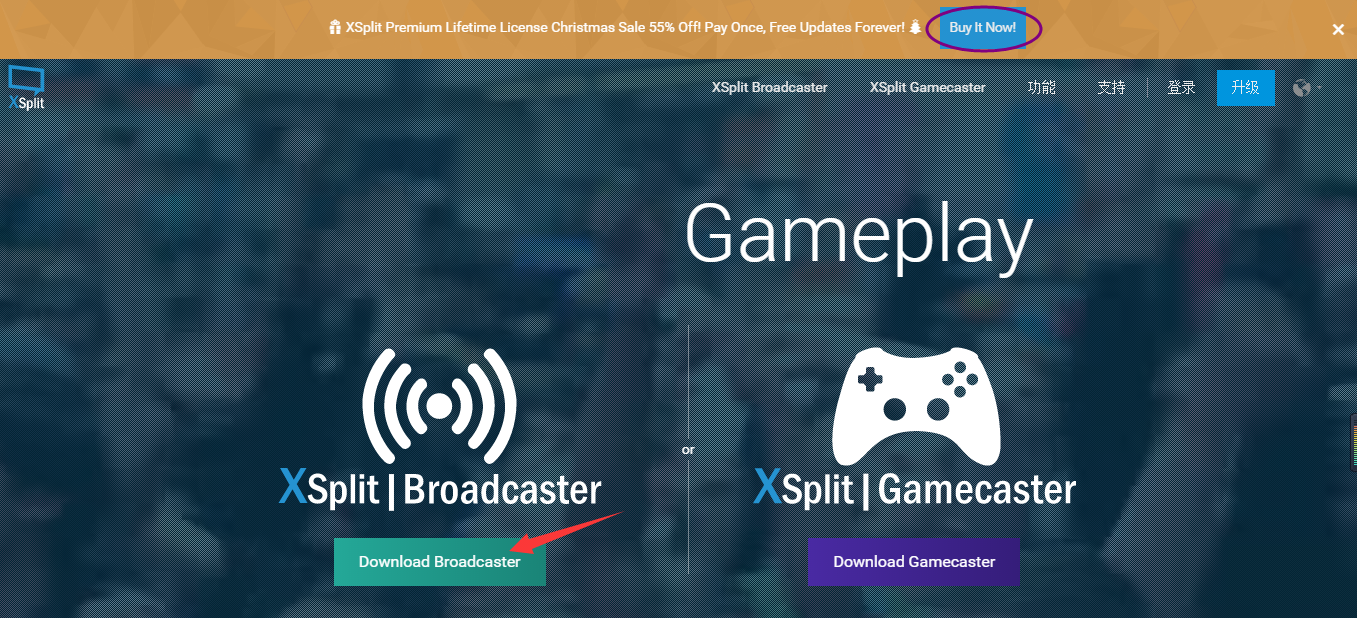
Optionally, download the XSplit installer package on XSplit official website and then install it with default settings. XSplit is a paid software. In case of a budget constraint, OBS (Free) is recommended. A dedicated XSplit installer package is available for game CSS. For non-game CSS, BroadCaster is recommended.