Sports Event Streaming
Download
포커스 모드
폰트 크기
Foreword
Tencent Cloud provides a complete set of live streaming solutions for large sports events, esports events, small and medium-sized events, concerts, and galas. These solutions can provide higher image quality with the same bitrate and stable and reliable end-to-end remote transmission.
The relationship between sports event streaming requirements and CSS solutions is shown in the table below.
Sports Event Streaming Requirements | CSS Solution | CSS Solution Strengths | CSS Solution Cost |
High definition at a low bitrate | Top speed codec transcoding | Compress the bitrate by up to 50% while maintaining the image quality to reduce the bandwidth cost. | |
No lag in high-speed motion scenarios | Audio/video enhancement | Leverage the smart frame interpolation technology to improve the image smoothness in high-speed motion scenarios. | |
Highlight replay | Live streaming time shift | Support pausing, replaying, and fast-forwarding at any time during live streaming to catch highlights. | 0.035 USD/GB for 1-day time shifting |
Online video casting | Live Video Caster (LVC) | Support switching and preview of images from multi-channel and multi-type input sources, and support 2K and 4K live streaming. | |
Real-time subtitle | Live subtitling | Subtitles in source and target languages, and support for hotwords and terms to enhance subtitle accuracy. | |
Event scoreboard/Streaming countdown | Dynamic overlay | Provide an event scoreboard that supports real-time score update and control. | |
Unauthorized playback prevention | Hotlink protection based on DRM encryption, dynamic URLs, and other technologies | Use multiple encryption methods to reduce the risks of unauthorized event content playback. | DRM encryption fee only: 0.0012 USD/request |
Product Solution Introduction
Recommended Solution 1: Top Speed Codec Transcoding
Applicable Teams
Teams that require a high-definition image and a smooth playback experience with a lower bitrate to reduce the distribution cost of sports event streaming.
Solution Effect
The solution can intelligently identify the scenario and use the dynamic encoding technology for high definition and low bitrate to reduce the bandwidth cost by over 50% under the same image quality. The ABR technology is used to smoothly switch the bitrate stream in complex network bandwidth environments and guarantee a smooth viewing experience for users in different network scenarios.
Usage
Create a Top Speed Codec (TSC) template and bind it to a domain name in the console. For details, see Creating a TSC transcoding template. To use the adaptive bitrate feature, see Adaptive Bitrate. After a template is created and bound to a domain name, add
_Transcoding template name to StreamName of the live stream in the stream pulling address to generate a transcoding stream address, thereby triggering transcoding. For details, see Splicing Live Streaming URLs.Recommended Solution 2: Audio/Video Enhancement
Applicable Teams
Teams that provide live streaming and broadcasting of sports events and esports events, such as football events, Olympic Games, and World Cup. They need to handle high-speed motion images, provide high-quality live streaming content, and solve live streaming quality issues caused by ambient noise, thus improving live streaming quality and providing a better viewing experience.
Solution Effect
For high-speed sports events such as football and basketball events, the dynamic frame interpolation technology can be used to increase the frame rate to ensure video smoothness and avoid lag. In outdoor environments, the noise reduction technology can be used to reduce ambient noise, remove image noises and blurs, and enhance clarity and details. In this way, audiences can enjoy clear, smooth, and high-quality live streaming content of sports events.
Usage
When the enhancement template includes video enhancement, it must be used together with the Top Speed Codec Transcoding feature. At the same time, the stream pulling parameter txFeature=audio/video enhancement template name should be added for pulling to perform audio/video enhancement of the live stream.
Recommended Solution 3: Live Streaming Time Shift
Applicable Teams
Teams that need to provide the real-time replay feature to meet audiences' demand for instant replay of highlights, including goals, fouls, and critical moments. The teams also require the feature of instant highlight editing and sharing during live streaming for higher event popularity and larger influence.
Solution Effect
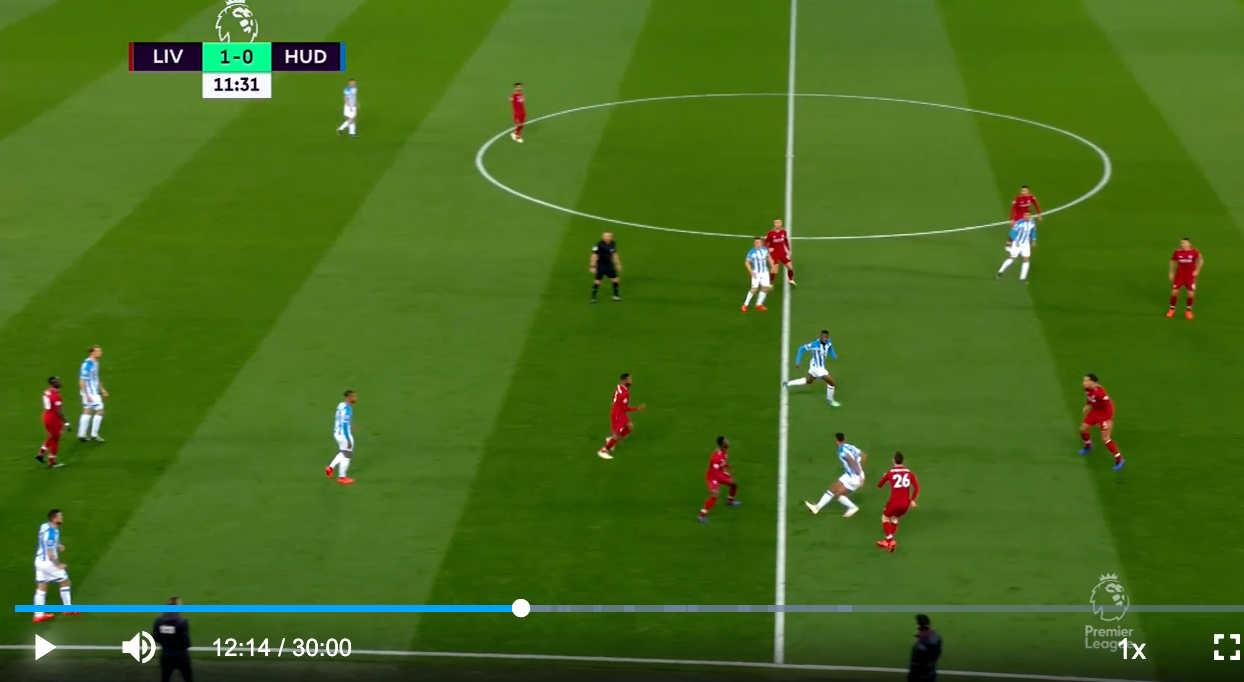
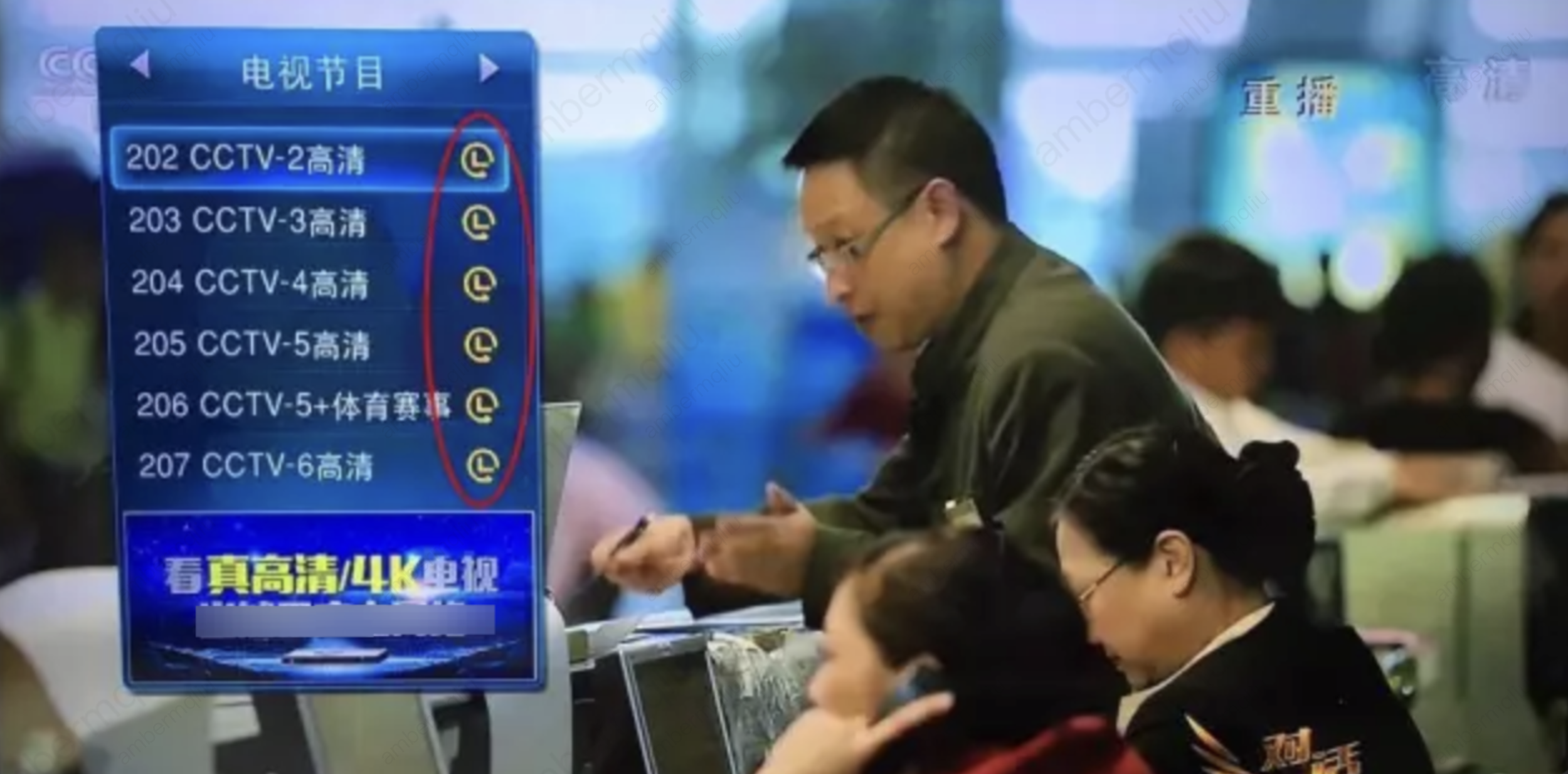
The live streaming time shift feature can be used during sports event live streaming to provide features such as pausing, real-time replaying, and quick highlight extraction. It can significantly improve audiences' viewing experience, enhance the event interactivity, and enable the operation team to enhance audience engagement.
Usage
Create a time shifting template and bind it to a stream pushing domain name in the console. Add time shifting parameters to the playback address to achieve time shifting and perform highlight editing via the console or by calling the API.
Recommended Solution 4: LVC
Applicable Teams
Teams that require the online casting capability to support multiple cameras, commentator display, camera switching, and commentary audio for event videos.
Solution Effect
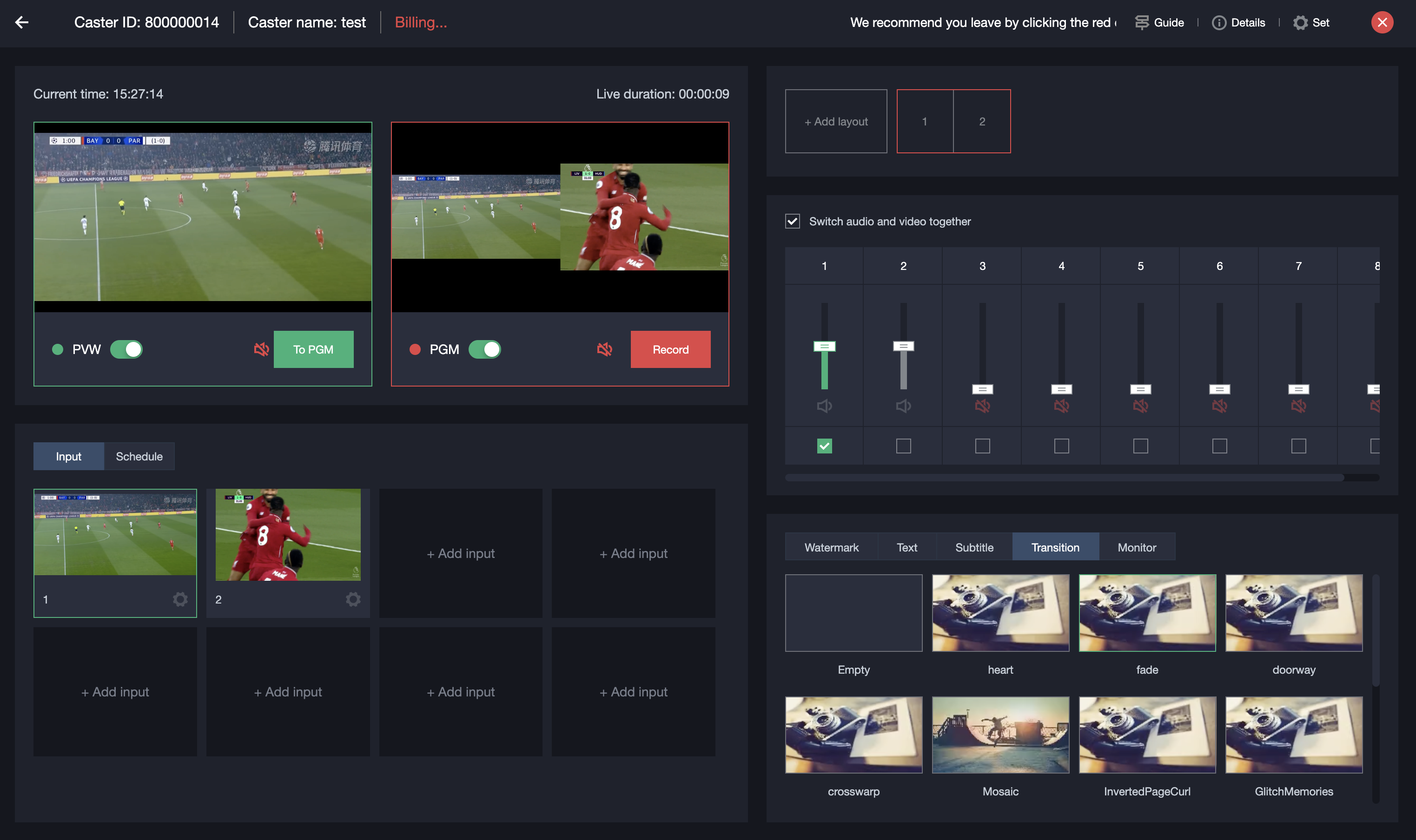
LVC can implement multi-camera live streaming of different events such as esports, football, and basketball events. It supports real-time switching between the panoramic and close-up views and slow-motion replaying to help audiences better understand the event situation. In addition, it supports simultaneous live streaming on multiple platforms to distribute the event content to multiple platforms at the same time, thus enhancing the event influence.
Usage
Create a caster in the console or call the LVC API for online casting. For caster operation details, see General Cloud Director.
Recommended Solution 5: Live Subtitling
Applicable Teams
Teams that expect to accurately convey commentary content in noisy environments or provide multilingual content of international event live streaming.
Solution Effect
The live subtitling feature ensures that the commentary content is accurately conveyed to audiences, especially in noisy environments or when professional game rules and terms are involved. This can help audiences understand relevant information and can improve the viewing experience. During international event live streaming, multilingual subtitles can make events more internationalized and globally popular.

Usage
Add a subtitle template in the console, bind the subtitle template to a transcoding template, and pull the corresponding transcoding stream to show the subtitles.
Recommended Solution 6: Dynamic Overlay
Applicable Teams
Teams that hope the live streaming content of sports events is more vivid and the information is displayed more intuitively. They expect other features during live streaming, such as the scoreboard, information bar, or player introduction.
Solution Effect
The dynamic overlay feature can be used to add a live streaming countdown that updates in real time, a scoreboard, an information bar, or a player introduction during sports event live streaming.

Usage
Add a dynamic overlay in the console and customize the style and content. Then, specify the resource path of the dynamic overlay by using the overlay_url parameter. Alternatively, add the live stream and specify the layout of the dynamic overlay input source in the caster. The two methods can meet the requirements of displaying a dynamic scoreboard, information bar, or player introduction during sports event live streaming.
Recommended Solution 7: Unauthorized Playback Prevention
Applicable Teams
Teams of sports event live streaming platforms that require protection of the event copyright and commercial interests.
Solution Effect
The DRM encryption technology can be used to encrypt the content and prevent unauthorized screen recording and dissemination of event content. Third parties cannot decrypt the content even if they obtain the playback address. The feature of screen recording and screenshot prevention can be used to protect the event content copyright. In addition, technologies such as Referer authentication and IP/region blocklist/allowlist can be used together to block unauthorized audiences and reduce the unauthorized playback risk.
Usage
Take proper live streaming security protection measures as needed. For details, see Video Content Protection.
피드백