tencent cloud

Unbinding EIPs
Last updated: 2024-10-23 10:24:13
Unbinding EIPs
Last updated: 2024-10-23 10:24:13
1. Log in to the VPC Console.
2. Click ENI in the left sidebar to enter the ENI list page.
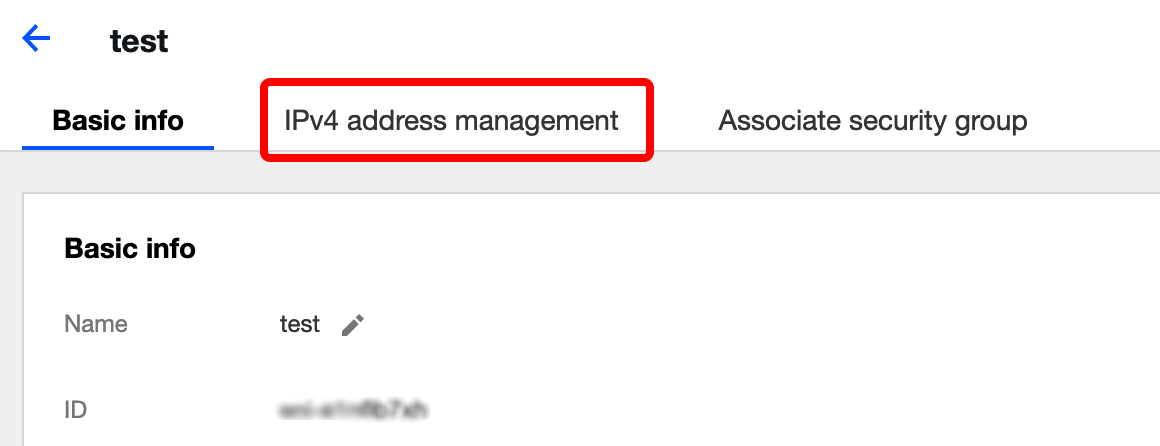
3. Click the instance ID to enter the details page.
4. Click IPv4 Address Management in the tab to view private IPs and EIPs that have been bound.

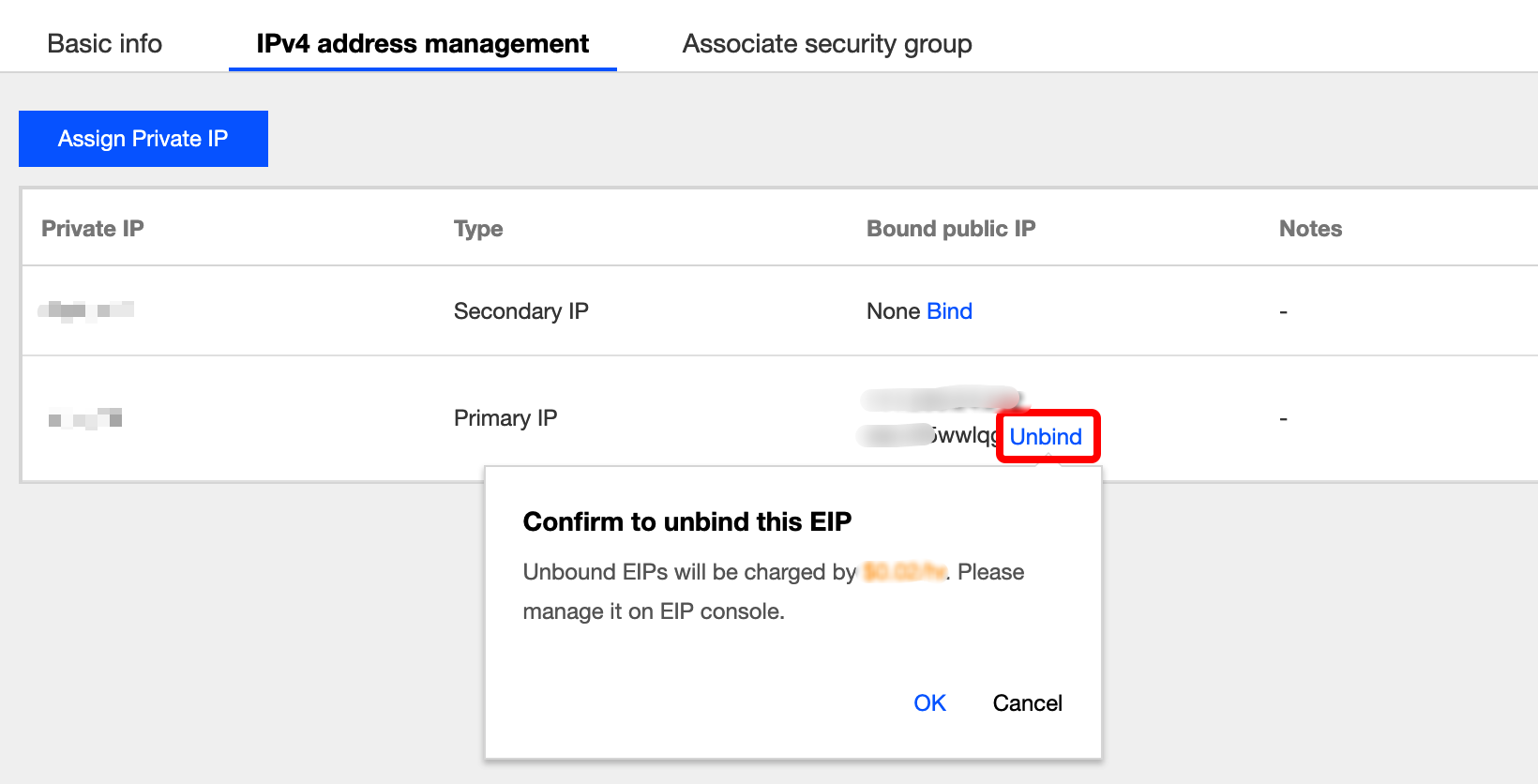
5. Click Unbind in the row of the private IP.

6. Click OK in the pop-up window.
Was this page helpful?
You can also Contact Sales or Submit a Ticket for help.
Yes
No

Feedback