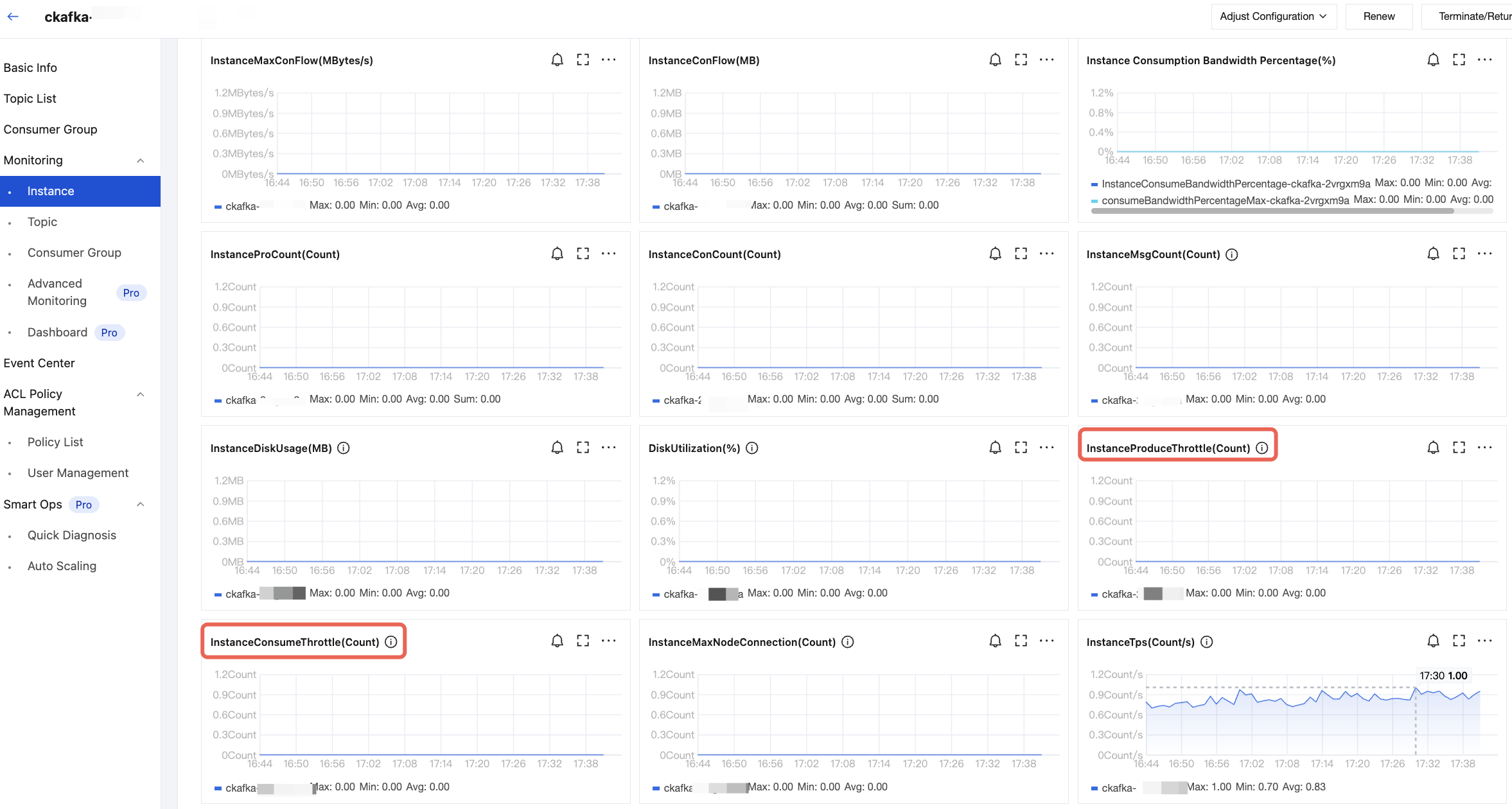
On the monitoring page in the TDMQ for CKafka (CKafka) console, view the traffic monitoring status and observe whether there is a peak. If there is a peak, resolve it by upgrading the instance size.
Check whether the number of consumer groups exceeds the limit.
If the cause is a frequent network rebalance, it is recommended to adjust the client timeout.
Check whether expired offsets are pulled. Expired messages will be deleted. If expired offsets are used, pulling will fail.