tencent cloud

Elastic MapReduce

  • Release Notes and Announcements
  • Product Introduction
  • Purchase Guide
    • EMR on CVM Billing Instructions
    • EMR on TKE Billing Instructions
    • EMR Serverless HBase Billing Instructions
    • EMR Serverless TCBase Billing Overview
  • Getting Started
  • EMR on CVM Operation Guide
    • Planning Cluster
    • Administrative rights
    • Configuring Cluster
    • Managing Cluster
    • Managing Service
    • Monitoring and Alarms
    • TCInsight
  • EMR on TKE Operation Guide
  • EMR Serverless HBase Operation Guide
  • EMR Serverless TCBase Operation Guide
  • EMR Development Guide
    • Hadoop Development Guide
    • Spark Development Guide
    • Hbase Development Guide
    • Phoenix on Hbase Development Guide
    • Hive Development Guide
    • Presto Development Guide
    • Sqoop Development Guide
    • Hue Development Guide
    • Oozie Development Guide
    • Flume Development Guide
    • Kerberos Development Guide
    • Knox Development Guide
    • Alluxio Development Guide
    • Kylin Development Guide
    • Livy Development Guide
    • Kyuubi Development Guide
    • Zeppelin Development Guide
    • Hudi Development Guide
    • Superset Development Guide
    • Impala Development Guide
    • Druid Development Guide
    • TensorFlow Development Guide
    • Kudu Development Guide
    • Ranger Development Guide
    • Kafka Development Guide
    • StarRocks Development Guide
    • Flink Development Guide
    • JupyterLab Development Guide
    • MLflow Development Guide
  • Practical Tutorial
    • Practice of EMR on CVM Ops
    • Data Migration
    • Practical Tutorial on Custom Scaling
  • API Documentation
    • History
    • Introduction
    • API Category
    • Making API Requests
    • Cluster Resource Management APIs
    • Cluster Services APIs
    • User Management APIs
    • Information Query APIs
    • Scaling APIs
    • Configuration APIs
    • Other APIs
    • Cluster Lifecycle APIs
    • Serverless HBase APIs
    • YARN Resource Scheduling APIs
    • Data Types
    • Error Codes
  • FAQs
    • EMR on CVM
  • Service Level Agreement
  • Contact Us

Data Migration Guide for Kudu Node Scale-In

Download
Mode fokus
Ukuran font
Terakhir diperbarui: 2025-01-03 15:02:25
This document describes how to migrate data when removing core nodes tservers from a Kudu cluster.
Note
Core nodes can be removed from a Kudu cluster. This feature is not available by default. If you need to use it, submit a ticket for application.
Before disconnecting tservers, you can use the rebalancing tool for data migration. Note that you can disconnect only one tserver at a time. To disconnect multiple ones, repeat the following steps.

Kudu migration based on rebalancing tool

1. Make sure that the cluster status is OK.
/usr/local/service/kudu/bin/kudu cluster ksck 10.0.1.29:7051,10.0.1.16:7051,10.0.1.36:7051

2. Run the ksck command in step 1 to get the uid of the disconnected nodes.

Take the fb9afb1b2989456cac5800bf6990dfea node as an example.
3. Switch the fb9afb1b2989456cac5800bf6990dfea node to the maintenance mode.
/usr/local/service/kudu/bin/kudu tserver state enter_maintenance 10.0.1.29:7051,10.0.1.16:7051,10.0.1.36:7051 fb9afb1b2989456cac5800bf6990dfea
4. Run the following rebalance command.
/usr/local/service/kudu/bin/kudu cluster rebalance 10.0.1.29:7051,10.0.1.16:7051,10.0.1.36:7051 --ignored_tservers fb9afb1b2989456cac5800bf6990dfea --move_replicas_from_ignored_tservers
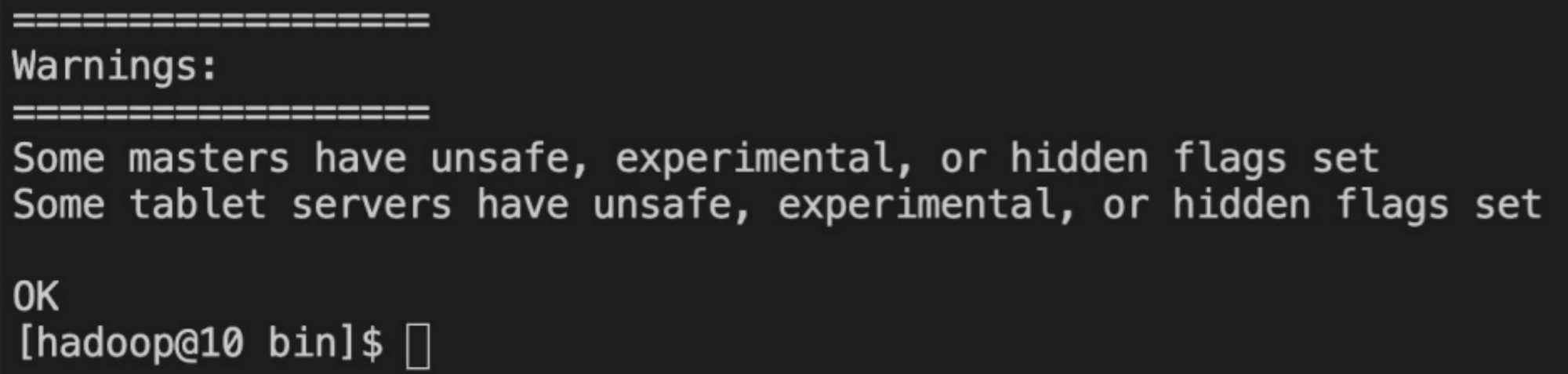
After the command is executed, run the ksck command again to check whether the status is OK before proceeding.
5. Suspend the tserver process at 10.0.1.45 on the fb9afb1b2989456cac5800bf6990dfea node. Note that at this point, if you run the ksck command, you will see that the cluster is unhealthy, and you need to restart the tmasters.

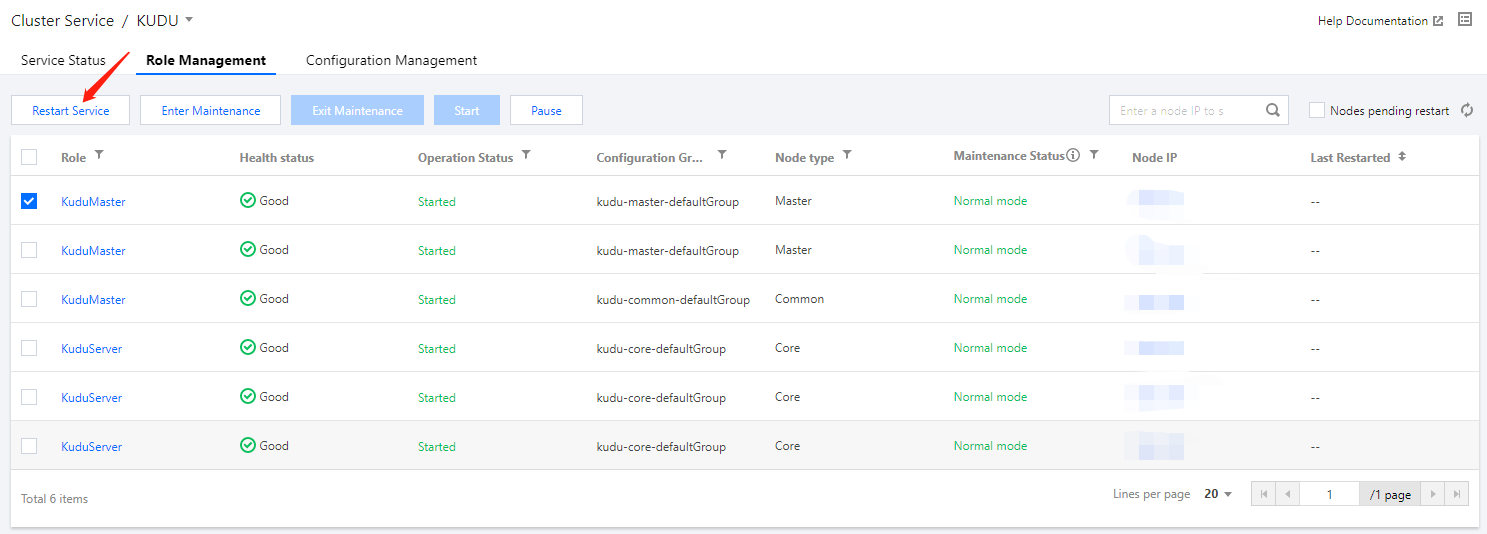
6. Restart the masters in the EMR console one by one (rolling restart in the console is not recommended). Then, run the ksck command to check whether the cluster is healthy.


Bantuan dan Dukungan

Apakah halaman ini membantu?

masukan