Creating the SSL VPN Server
Download
Mode fokus
Ukuran font
This document describes how to create an SSL VPN server on Tencent Cloud side to provide SSL services for clients.
Directions
1. Log in to the VPC console.
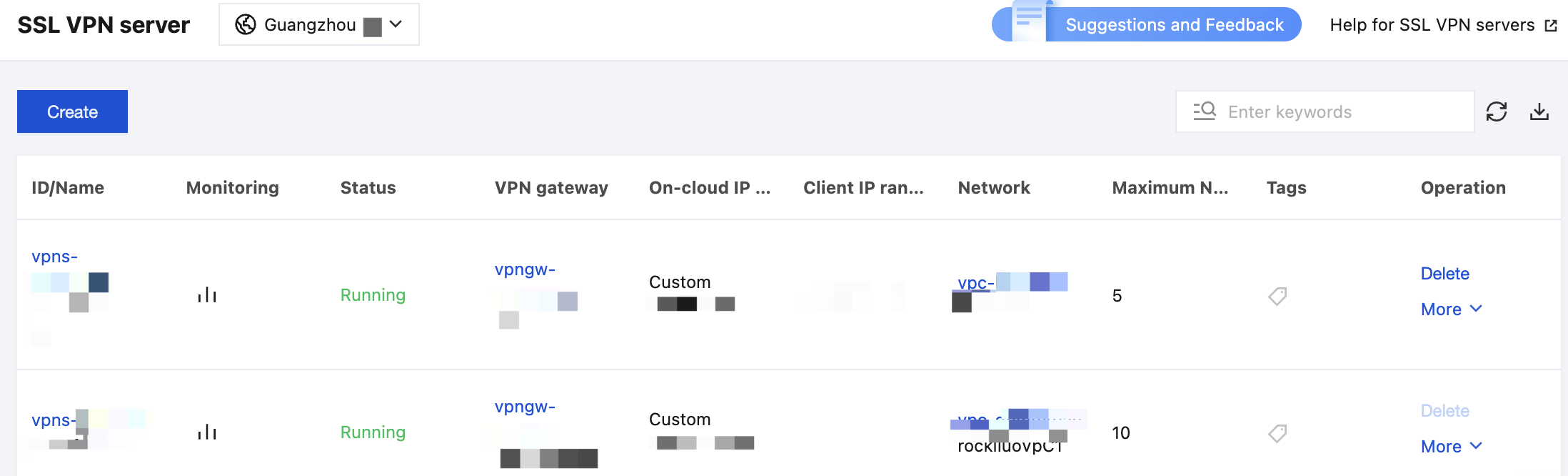
2. Click VPN Connection > SSL VPN Server in the left directory to enter the admin page.
Note:
3. Click Create.
4. Configure the following parameters in the pop-up window.
Parameter | Configuration |
Name | Enter the SSL VPN server name (up to 60 characters) |
Region | Display the region of the SSL VPN server |
VPN gateway | Select an existing VPN gateway |
Server IP range | Tencent Cloud IP ranges accessed by mobile clients. |
Client IP Range | Enter the IP range assigned to the mobile client for communication. The IP range must not conflict with the VPC CIDR block of Tencent Cloud or your local IP range. |
Protocol | Transmission protocol of the server. Choose UDP or TCP |
Port | Enter the SSL VPN server port used for data forwarding |
Verification algorithm | Supported authentication algorithms: SHA1, SHA224, SHA256, SHA384 and SHA512. |
Encryption algorithm | Supported encryption algorithms: AES-128-CBC, AES-192-CBC, AES-256-CBC, AES-128-GCM, AES-192-GCM, and AES-256-GCM. |
Domain Name Access | Users can self-configure preferred and alternate DNS Server Addresses on demand. |
Compressed | No |
Verification method | Certificate authentication and Certificate authentication + Identity authentication are supported. In this example,Certificate authentication is used. Certificate authentication: The SSL VPN server can be accessed by SSL VPN clients. Certificate authentication + Identity authentication: Only connections that comply with the access policies specified in the control policy are allowed. You can configure access policies for a specific user group or all users and select the corresponding Enterprise Identity and Access Management (EIAM) applications for an enabled policy. |
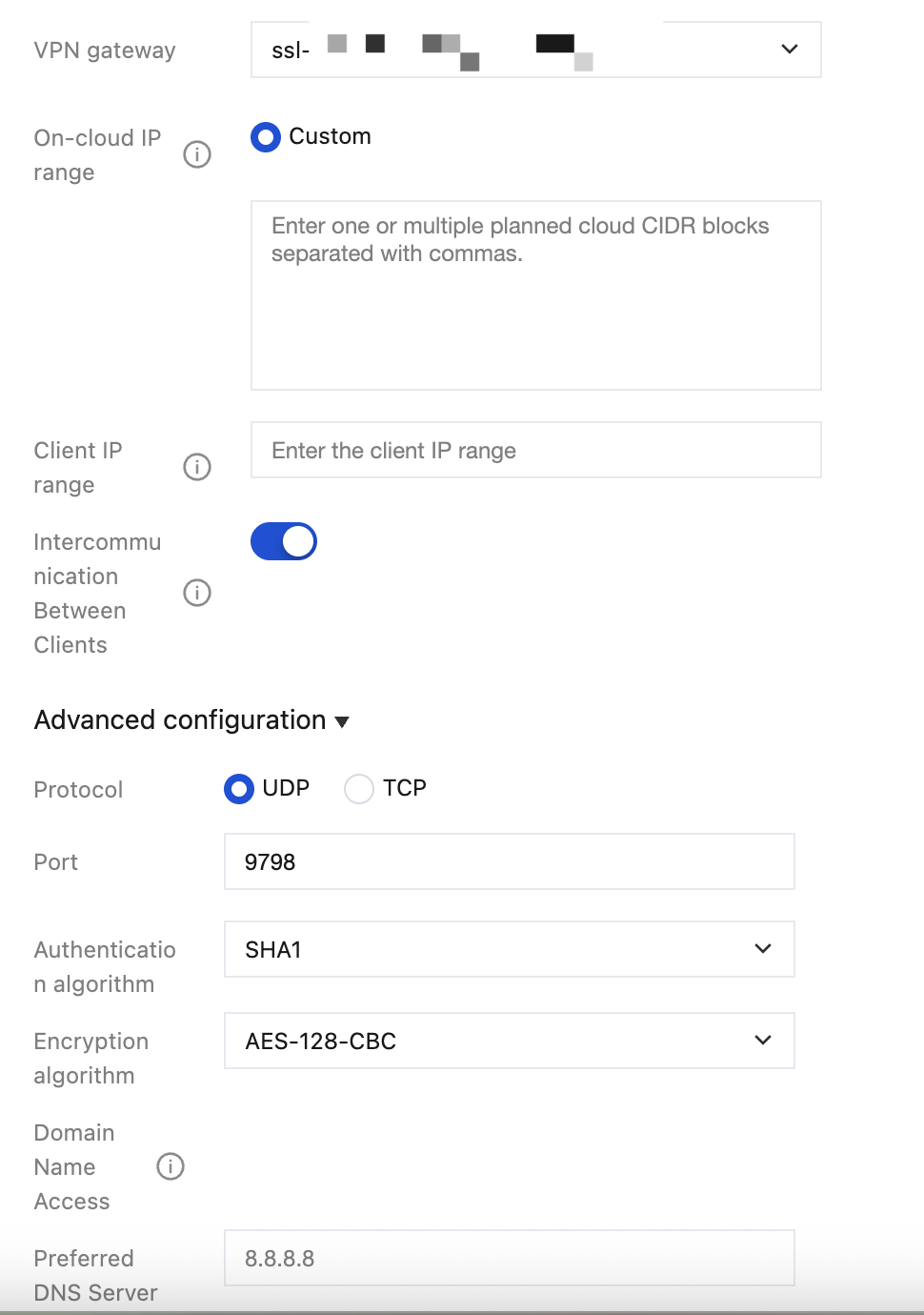
5. Click OK after completing the SSL VPN server parameters.
Bantuan dan Dukungan
Apakah halaman ini membantu?
Anda juga dapat Menghubungi Penjualan atau Mengirimkan Tiket untuk meminta bantuan.
masukan