Cloud Infinite usage statistics service provides you with usage data display in multiple dimensions and various ways, currently providing usage statistics for Image Processing, Media Processing, Intelligent Speech, Content Moderation, CR, Document Processing, File Processing, and Traffic.
On the service capability statistics page, you can view the usage of specified Buckets, specified time periods, and specified services, and download usage statistics by time dimension and Bucket dimension.
Operation Steps
View This Month's Overall Usage
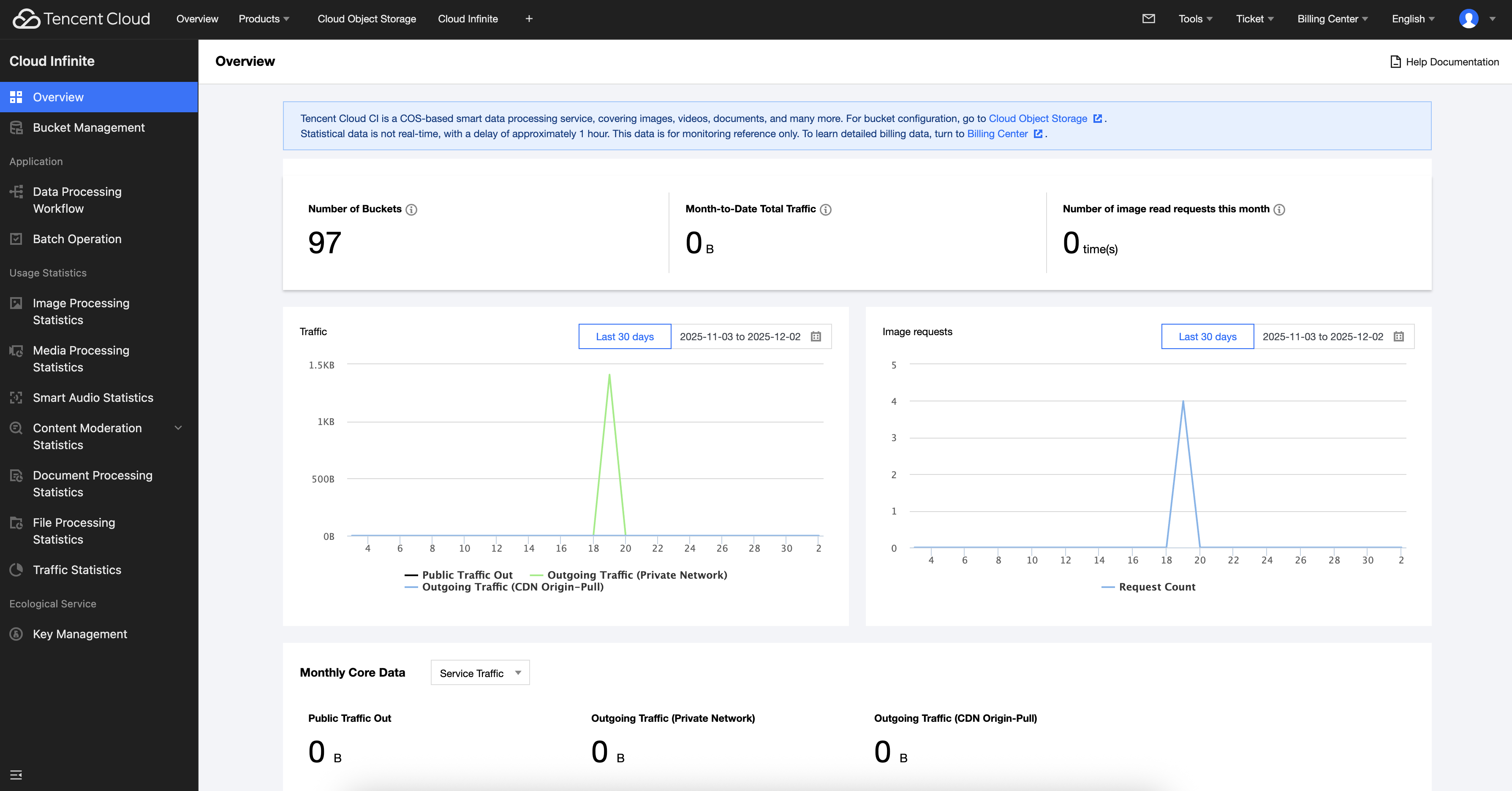
Log in to Cloud Infinite console, select the Overview page, and you can directly view the usage of all Buckets for the current month.
Note:
The Cloud Infinite Overview page provides billing statistics as a reference based on this month's usage details. If you need to view accurate billing details, you can go to the Cost Center to download usage details.
View Feature Dimension Usage
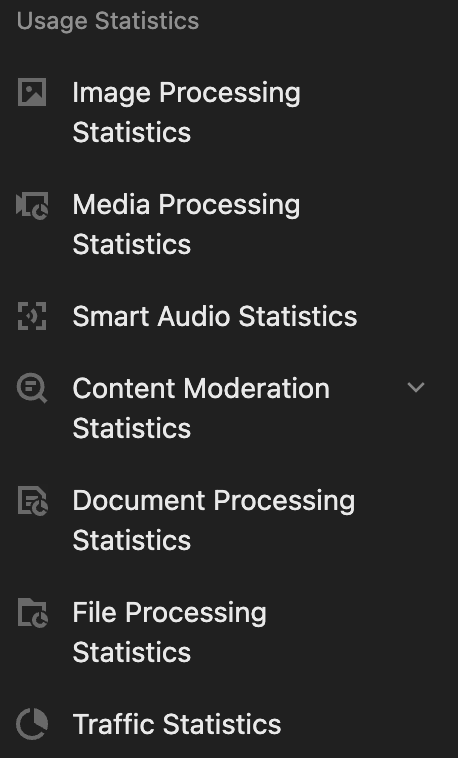
1. Log in to the Cloud Infinite console, select the usage statistics menu list, and click the usage statistics you wish to view.
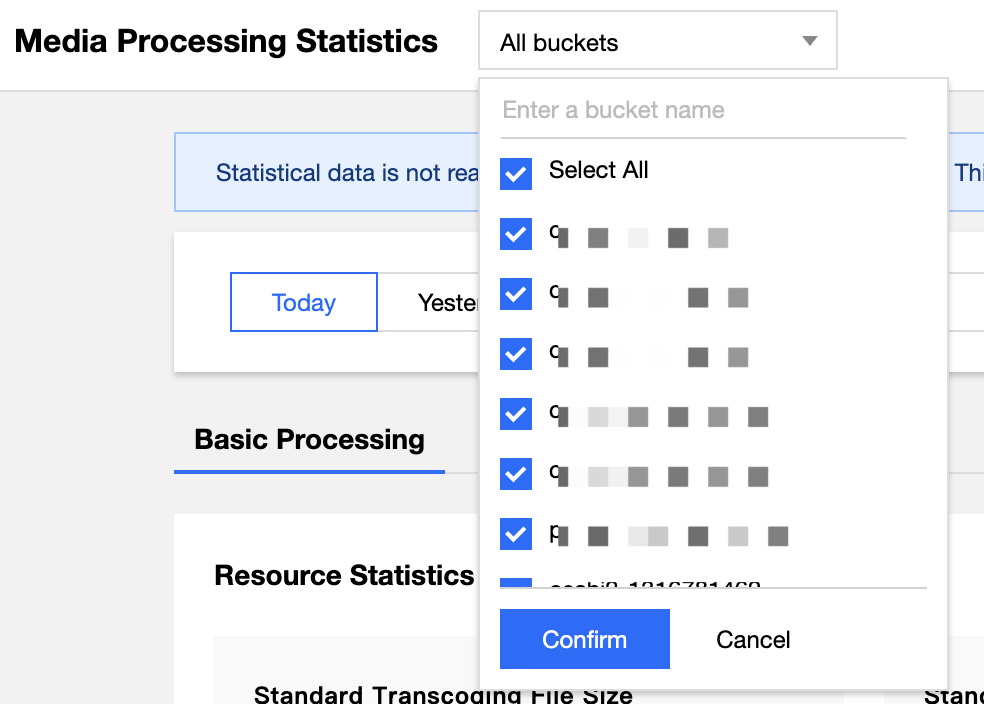
2. Go to the corresponding usage statistics page, click the dropdown box in the upper left corner, and select the Bucket you wish to view (all Buckets are selected by default).
3. Click the time selection box to choose different time periods for viewing statistics, such as today, yesterday, last 7 days, last 15 days, last 30 days, or usage within a specified time period.
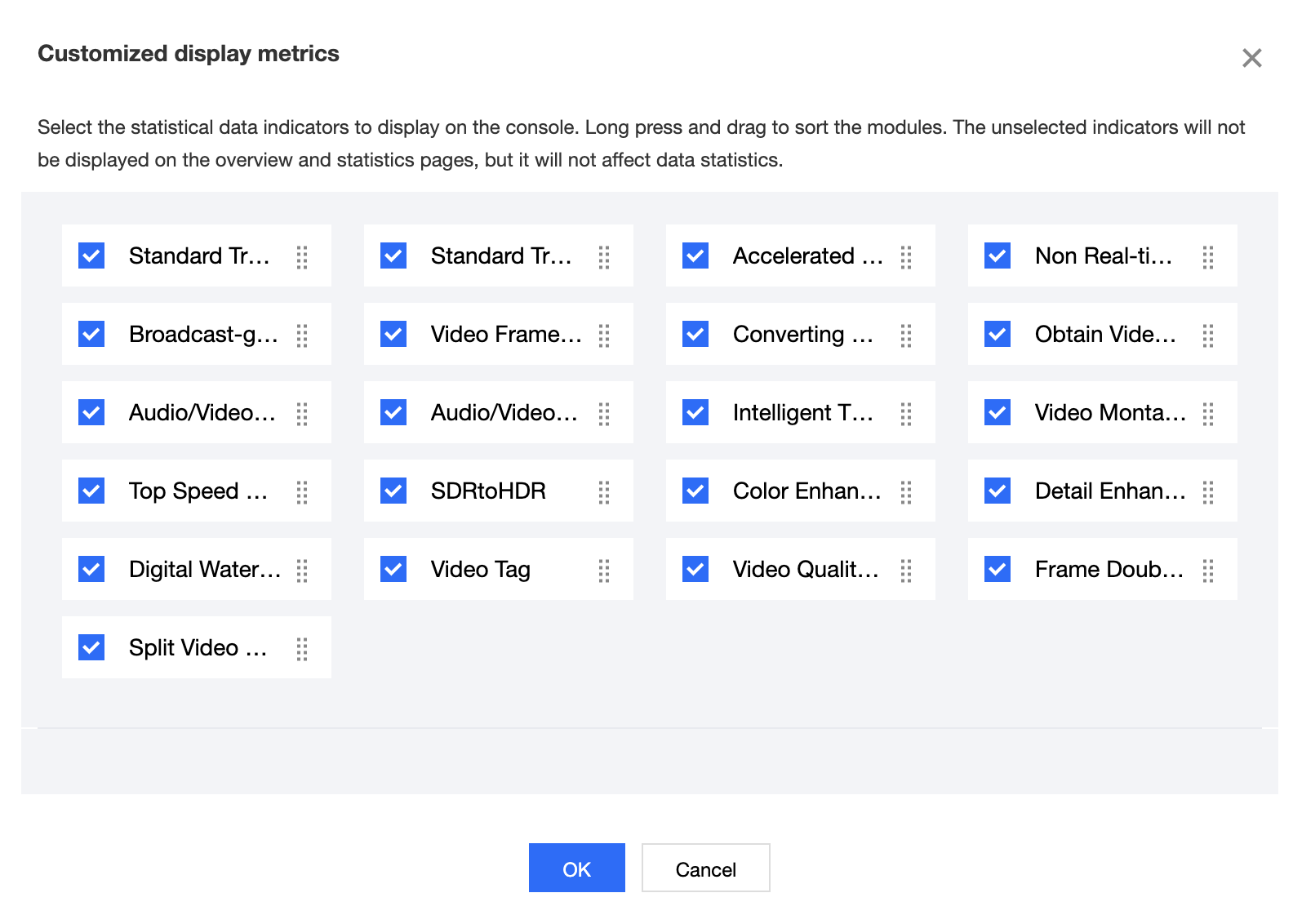
4. Custom Display Metrics, you can select the statistical metrics to display for the current account and statistical category based on your feature usage.
At least one statistical metric must be selected.
Custom display metrics will be automatically synchronized to the Overview page and Bucket statistics.