Overview
This document describes how to view the monitoring data of a created application.
Prerequisites
Directions
1. Log in to the TEM console and click Application Management in the left sidebar to go to the application list page. 2. Select the target application and click the application ID to go to the application details page.
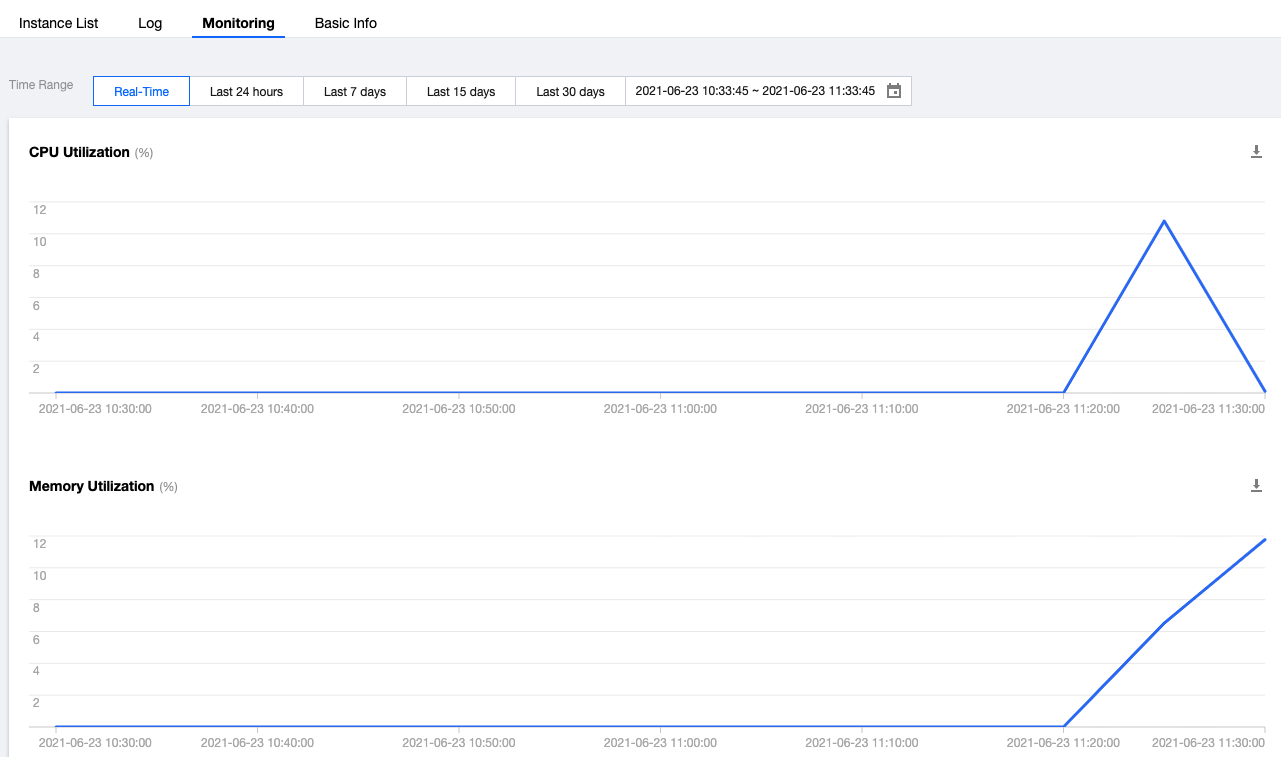
3. On the Monitoring tab on the application details page, you can view the CPU and memory utilization details under the current application (for real time, last 24 hours, last 7 days, last 15 days, last 30 days, or a custom time range).
4. You can click to download the relevant monitoring data.