tencent cloud

Tencent Cloud WeData

Release Notes
Dynamic Release Record (2026)
Product Introduction
Product Overview
Product Advantages
Product Architecture
Product Features
Application Scenarios
Purchase Guide
Billing Overview
Product Version Purchase Instructions
Execute Resource Purchase Description
Billing Modes
Overdue Policy
Refund
Preparations
Overview of Account and Permission Management
Add allowlist /security groups (Optional)
Sign in to WeData with Microsoft Entra ID (Azure AD) Single Sign-On (SSO)
Operation Guide
Console Operation
Project Management
Data Integration
Studio
Data Development
Data Analysis
Data Science
Data Governance (with Unity Semantics)
API Documentation
History
Introduction
API Category
Making API Requests
Smart Ops Related Interfaces
Project Management APIs
Resource Group APIs
Data Development APIs
Data Asset - Data Dictionary APIs
Data Development APIs
Ops Center APIs
Data Operations Related Interfaces
Data Exploration APIs
Asset APIs
Metadata Related Interfaces
Task Operations APIs
Data Security APIs
Instance Operation and Maintenance Related Interfaces
Data Map and Data Dictionary APIs
Data Quality Related Interfaces
DataInLong APIs
Platform Management APIs
Data Source Management APIs
Data Quality APIs
Platform Management APIs
Asset Data APIs
Data Source Management APIs
Data Types
Error Codes
WeData API 2025-08-06
Service Level Agreements
Related Agreement
Privacy Policy
Data Processing And Security Agreement
Contact Us
Glossary

My Applications

PDF
Mode fokus
Ukuran font
Terakhir diperbarui: 2024-11-01 15:41:16
Go to WeData Console, click Approval Management and enter the My Applications page. This page includes current user-submitted data table application permissions, database application permissions, API application permissions, and task application permissions. The application form list allows for managing application forms.
Information
Details
Approval ID
Approval ID number
Application Name
Approval name
Application Type
Application Type: Database Table Application, Task Application
Application Time
The time the approval form was applied and created
Application Reason
The reason for application submitted by the applicant
Approval Comments
The comments written by the approver
Status
6 types of approval statuses: Pending Approval, Approval, Passed, Rejected, Revoked, Abnormal. You can filter approval forms based on these statuses
Current handler
Username handling this approval form
Operation
You can view or revoke the approval form

Viewing

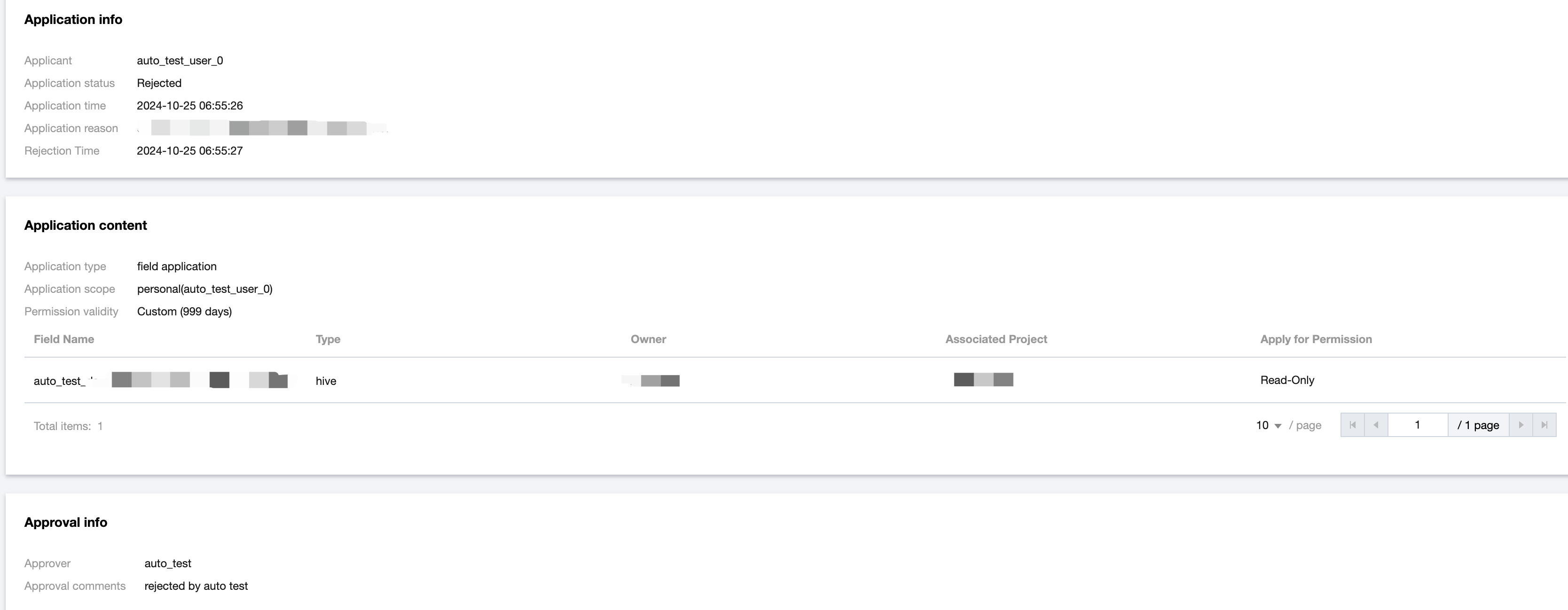
Select the corresponding permission application form, click View to enter the approval details page, which displays the Application Information and Application Content of the form.


Note
Only permission application forms with completed approval statuses (Approved or Rejected) can view approval details.

Revoke

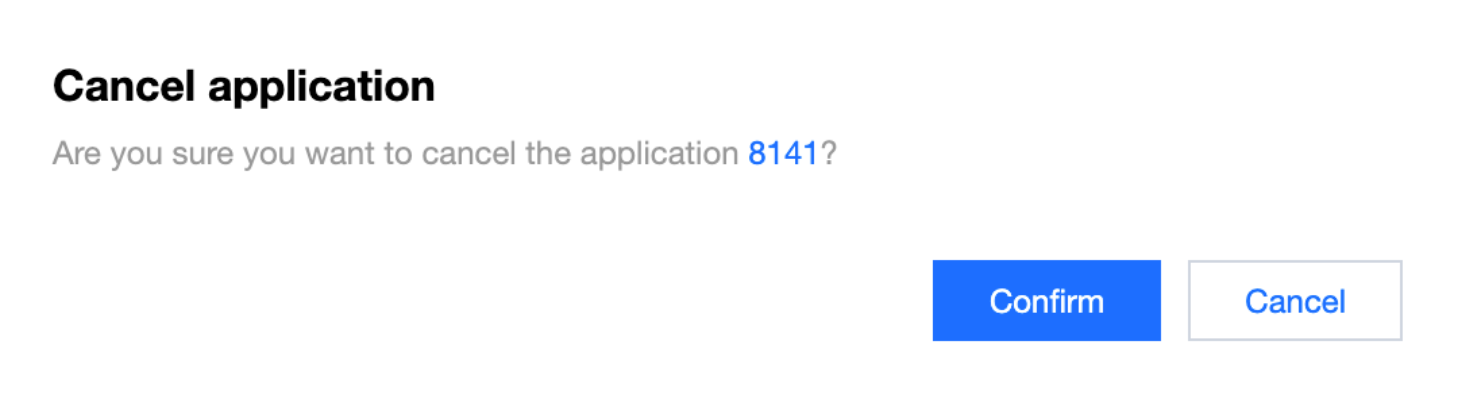
Select the corresponding permission application form, click Revoke. In the pop-up confirmation box, click Confirm to complete the revocation operation.


Note
Only permission application forms that have not been approved can be revoked.
Bantuan dan Dukungan

Apakah halaman ini membantu?

masukan