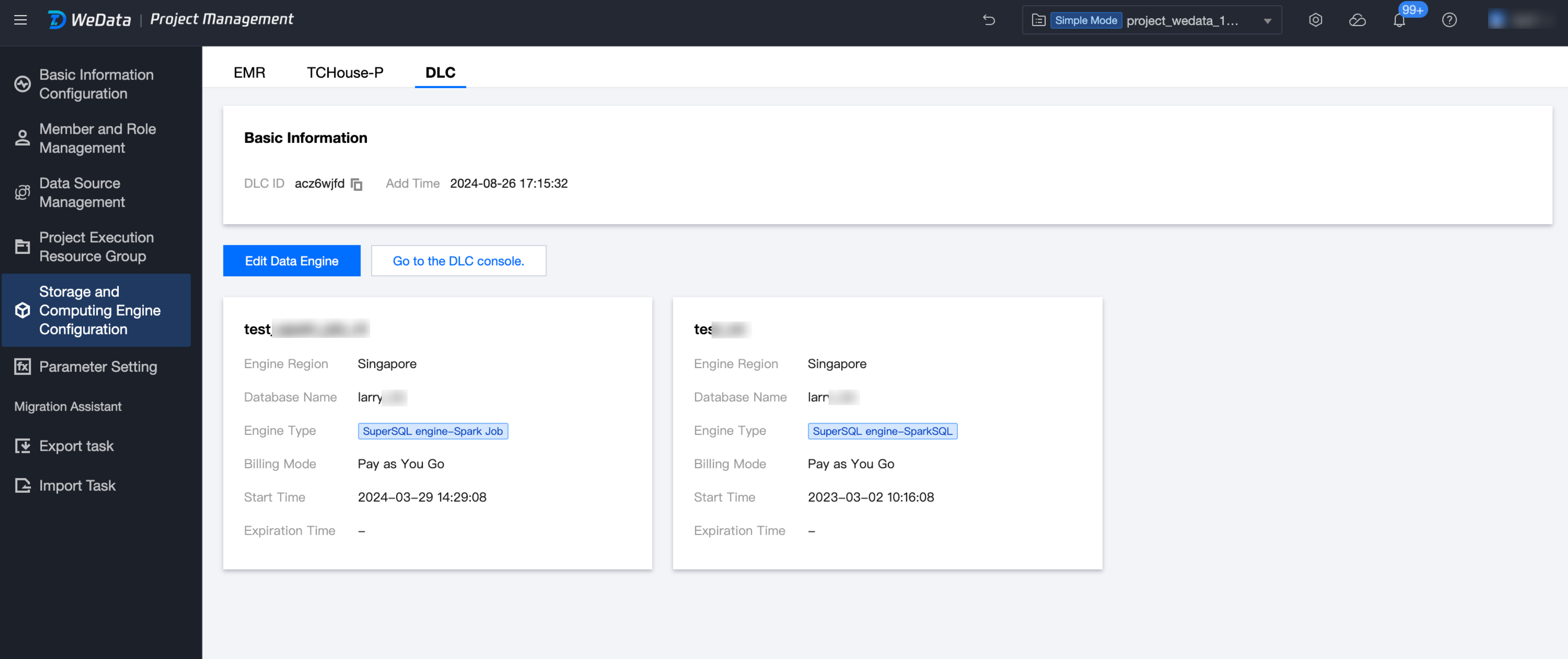
Configure storage and computing engines, including EMR Engine Configuration, TCHouse-P Engine Configuration, and DLC Engine Configuration.
EMR Engine Configuration
Basic Information Management: Supports configuring the basic information of the EMR (EMR) engine, including yarn queue settings and refresh.
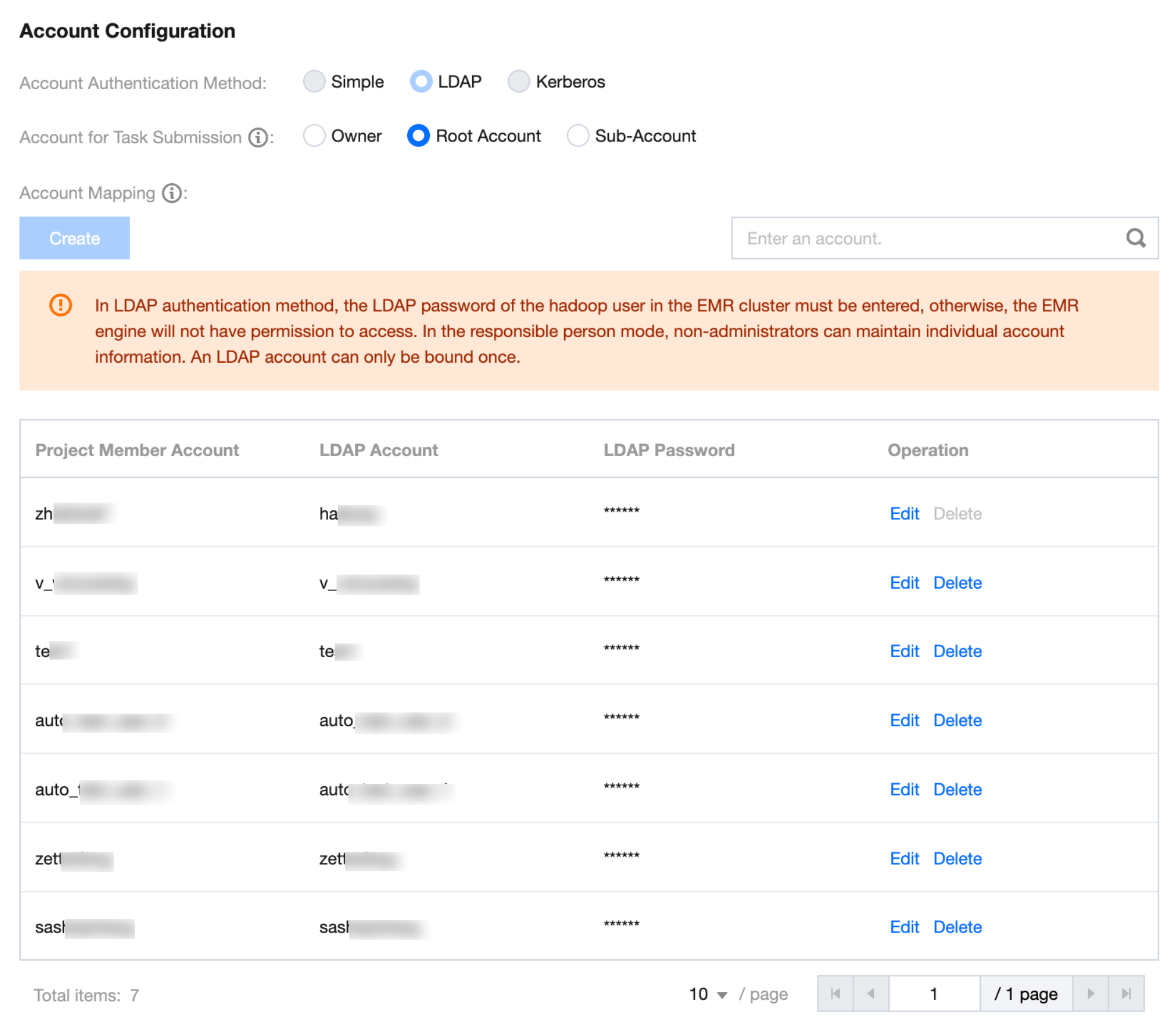
Account Configuration: Supports configuring task submission accounts and account mapping relationships for the EMR engine, and connecting to EMR clusters with different authentication methods.
Account Authentication Method
No Authentication
Indicates that the current EMR cluster does not have authentication enabled, and WeData will uniformly submit tasks as the hadoop user.
Linux Account Authentication
Indicates that the current EMR cluster has enabled Simple Authentication, and tasks are submitted as Linux users. This authentication method has two possibilities:
1.1 WeData cloud account and Linux account are identical: In this case, when choosing the task submission account as "responsible person," no additional mapping configuration is required.
1.2 WeData cloud account and Linux account are different: In this case, when choosing the task submission account as "responsible person," additional mapping configuration is required. Otherwise, the submission will fail on Linux due to the absence of cloud account users.
Account Authentication
Indicates that the current EMR cluster has enabled LDAP Authentication, and tasks are submitted as LDAP users. Unlike Linux account authentication, this requires additional configuration of the LDAP user password.
Kerberos Account Authentication
Indicates that the current EMR cluster has enabled Kerberos Authentication, and tasks are submitted as Kerberos accounts. Under this authentication, users need to download the keytab file from EMR and configure the mapping relationship so that the scheduling system can submit tasks with a legitimate identity.
Note:
When the EMR cluster has Kerberos authentication enabled, the hadoop user's keytab file is not directly downloadable from EMR. It needs to be manually created on the EMR client with the following command:
Download the generated hadoop.keytab configuration file, upload it to WeData, please refer to the image below.
⚠️ The created principal is in a two-part format. The three-part principal of the hadoop service node (hadoop/_HOST@EMR-XXXXXXXX) in EMR cannot be directly downloaded and used.
Account Mapping
When the task submission account is a sub-account, a unified sub-account must be selected, and the corresponding account mapping relationship must be configured. Users can create, edit, or delete account mappings here.