This document describes how to create a high-performance computing cluster from scratch. You can refer to this document to purchase and configure your first Hyper Computing Cluster (HCC).
Step 1: Register a Tencent Cloud Account
Note:
If you have registered in Tencent Cloud and verified your identity, skip this step.
Step 2: Create a Hyper Computing Cluster
2. At the top of the HPC Cluster page, select target region and click Create.
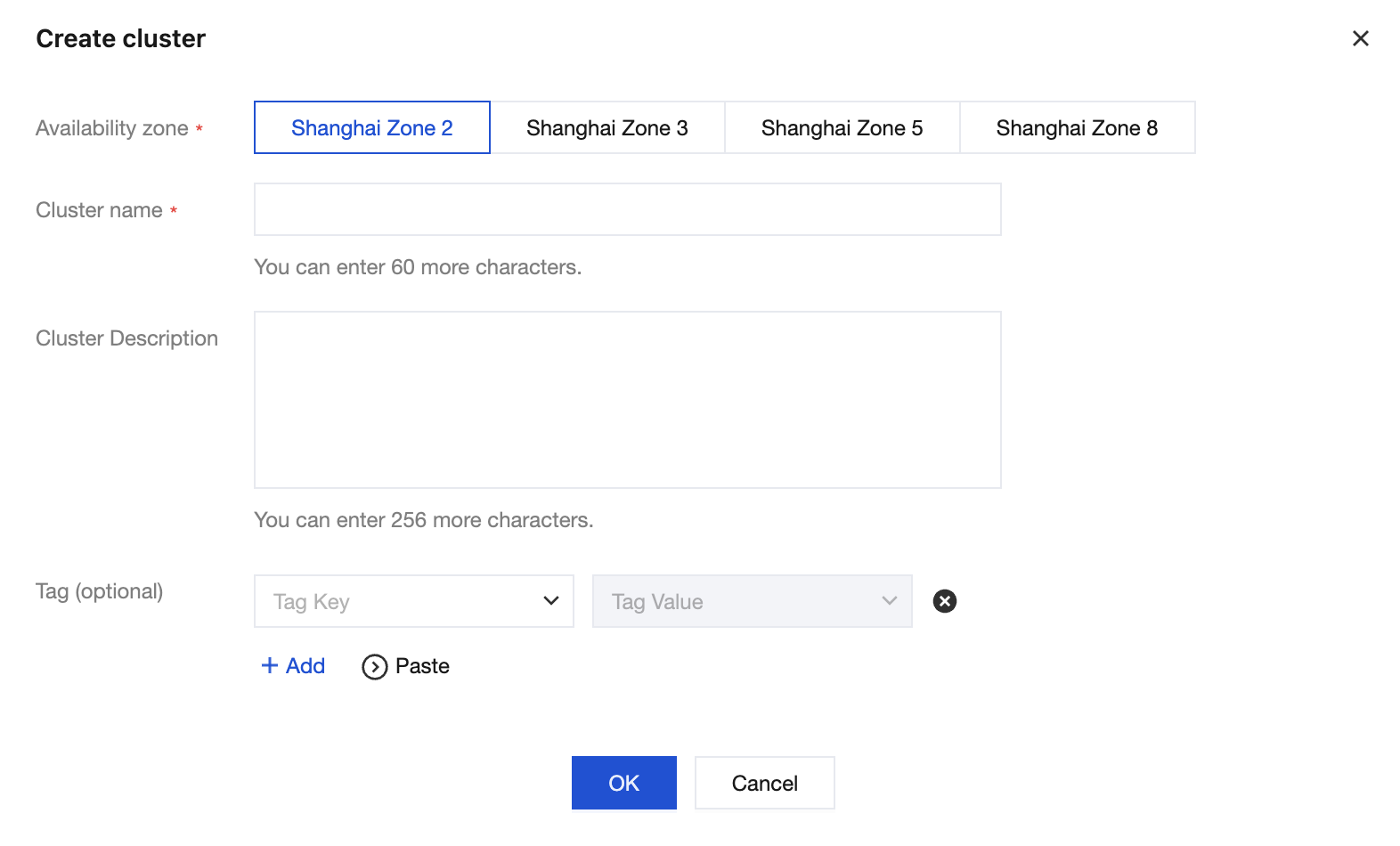
3. In the Create cluster window, configure the Availability zone, Cluster name, Cluster description, and Tag as needed. 4. After confirming that the information is correct, click OK and wait for the cluster creation to complete.
Step 3: Expand Cluster and Create an HCC Instances
Note:
Before creating a high-performance computing instance, you need to first create a high-performance computing cluster.
When an instance is created, select an existing high-performance computing cluster. Nodes in the same cluster can interconnect via the high-speed RDMA compute network.
2. On the HPC Cluster page, click Expand in the Operation column of the target cluster to enter the instance purchase page.