Background
In the era of mobile internet, apps as the infrastructure of mobile internet services often require uploading and downloading large volumes of data, where data security and reliability are particularly crucial. Developers can now delegate data storage concerns to the Tencent Cloud COS (Cloud Object Storage, COS) service, focusing solely on their application's business logic. This significantly reduces workload and enhances development efficiency. This article details how to rapidly build a COS-based application transfer service, enabling data upload/download operations on Tencent Cloud COS while only requiring deployment of your business logic—along with temporary key generation and management—on your own servers. The demo experience provided by Tencent Cloud COS allows you to follow this document to experience the COS transfer practice demo.
Relevant Resources
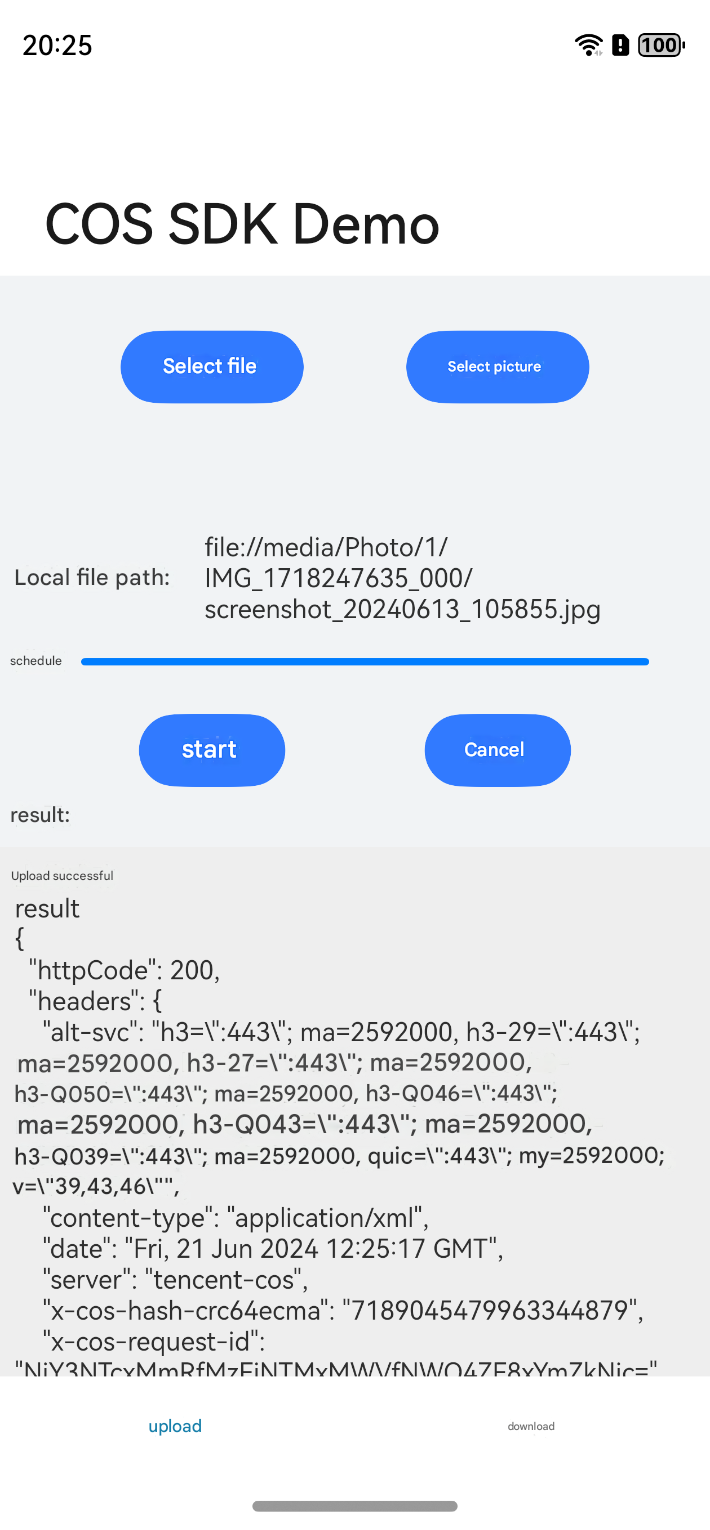
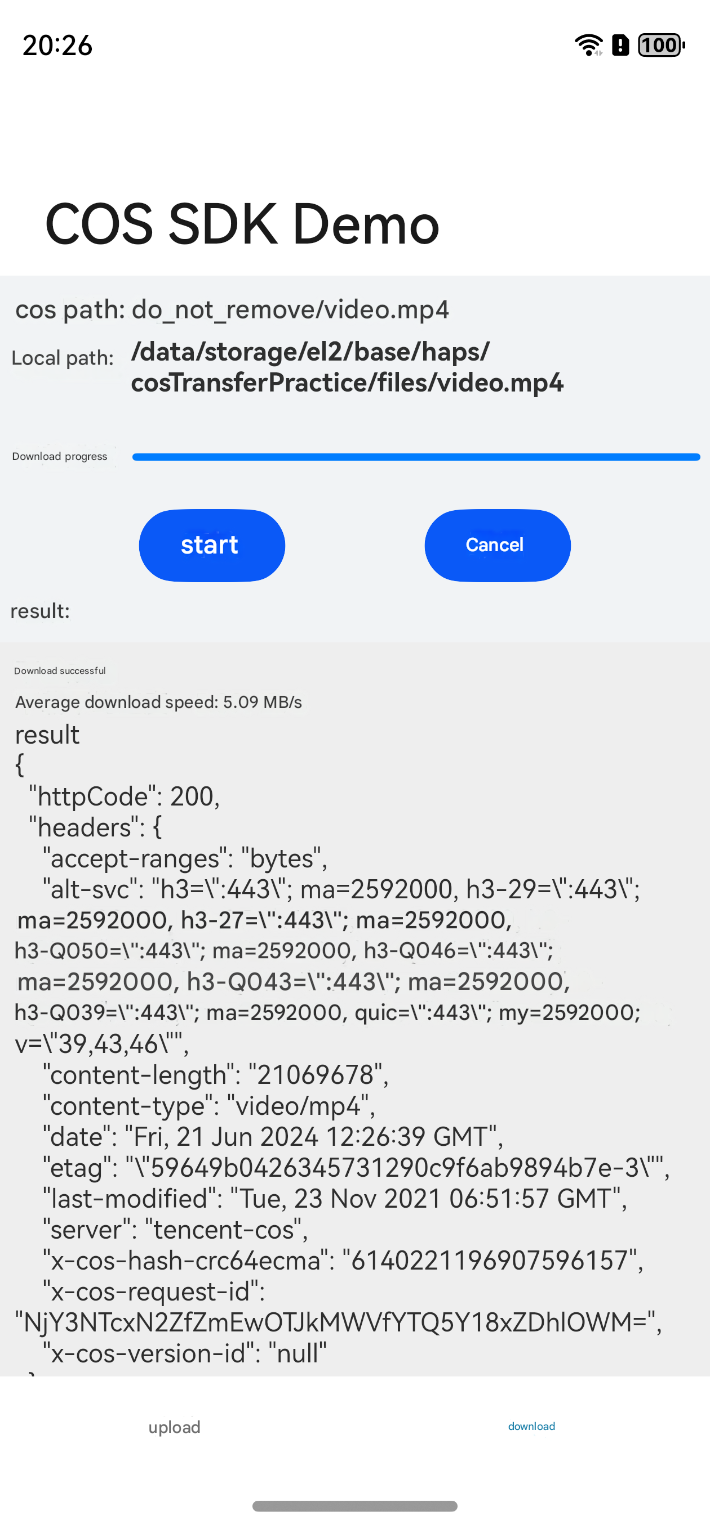
The demos covered in this article are stored in the Github repository. Users can go there to obtain them. Preparations
HarmonyOS NEXT application target is API level 12 or higher version.
Tencent Cloud SecretId, SecretKey (which can be obtained in the API key) or set up a temporary key service. Build User Client
Configuring the Client
1. Download the project files from the Github repository and then open it with an IDE. 2. Configure your CONST_SECRET_ID, CONST_SECRET_KEY, or STS_CREDENTIAL_URL in the Const.ets file.
3. Run the project to experience the COS transfer practice demo.
Note:
CONST_SECRET_ID and CONST_SECRET_KEY in plaintext should never be exposed to insecure environments; fixed keys are only for demonstration purposes.
In production environments, please use the temporary key service method by configuring STS_CREDENTIAL_URL.
Run the Sample Demo
Uploading Files
Downloading a File