This document describes how to grant permissions by resource ID to allow the sub-user cvmtest01 only to manage the resource-level APIs of ins-duglsqg0.
For more information, see overview >>
Policy Content
To grant permissions by resource ID to implement the above need, use the following policy content:
{
"version":"2.0",
"statement":[
{
"effect":"allow",
"action":[
"cvm:*"
],
"resource":[
"qcs::cvm::uin/12345678:instance/ins-duglsqg0",// `12345678` is `UIN` of the root account
"qcs::cvm::uin/12345678:image/img-eb30mz89"
]
},
{
"effect":"allow",
"action":[
"vpc:DescribeVpcEx",
"vpc:DescribeNetworkInterfaces",
"cvm:DescribeCbsStorages"
],
"resource":[
"*"
]
}
]
}
Directions
Step 1. Use the admin account to create a policy and configure permissions
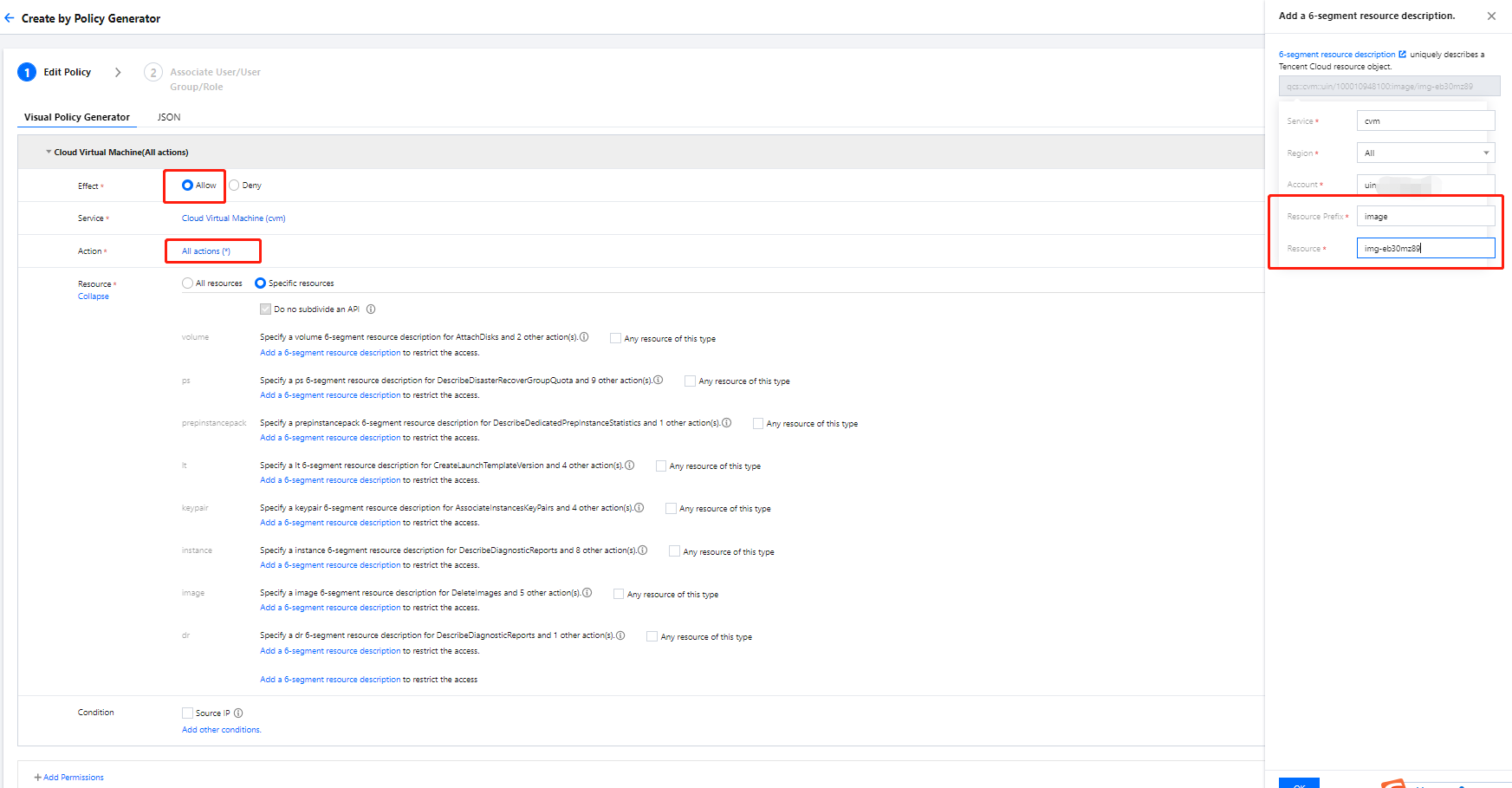
Resource: Specific Resources > Add a custom six-segment resource description
Enter the resource prefixes instance and image and resource IDs ins-duglsqg0 and img-eb30mz89 respectively.
Note:
How to determine the resource prefix: You can view the CVM six-segment resource description in CAM APIs supported by CVM.
In addition to CVM APIs, APIs of other Tencent Cloud products such as VPC will also be used on the CVM product page. In this example, you can skip them and directly generate the policy. However, during actual operations, you need to add such APIs as prompted in CAM.
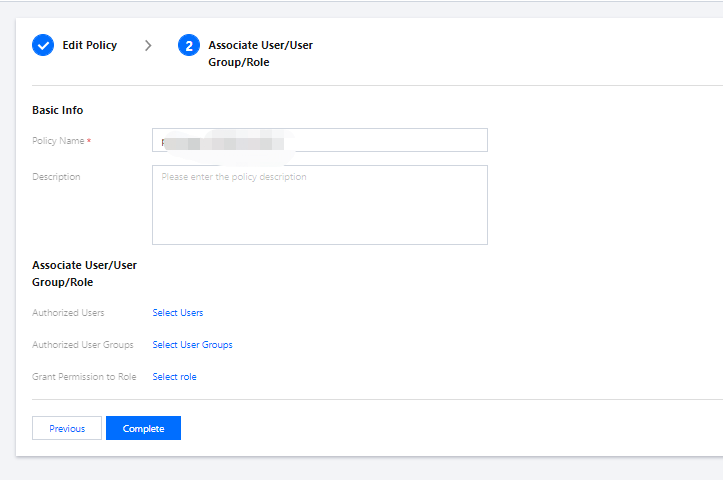
2. Click Next, name the policy cvm-test01, and grant it to the sub-account cvmtest01.
3. Click Complete.
Step 2. Use the sub-account to log in and verify permissions
1. Log in to the CVM console with the sub-user account and enter the instance list page. The page prompts that DescribeVpcEx and relevant resource permissions of VPC are missing.
2. Contact the admin account to add such permissions to the policy as prompted.
Step 3. Use the admin account to adjust the policy content
1. Use the root account to find the DescribeVpcEx API in the list of CAM APIs supported by VPC and verify that the API is at the operation level.
2. On the Policy page in the CAM console, find the cvm-test01 policy and click its name to enter the policy details page.
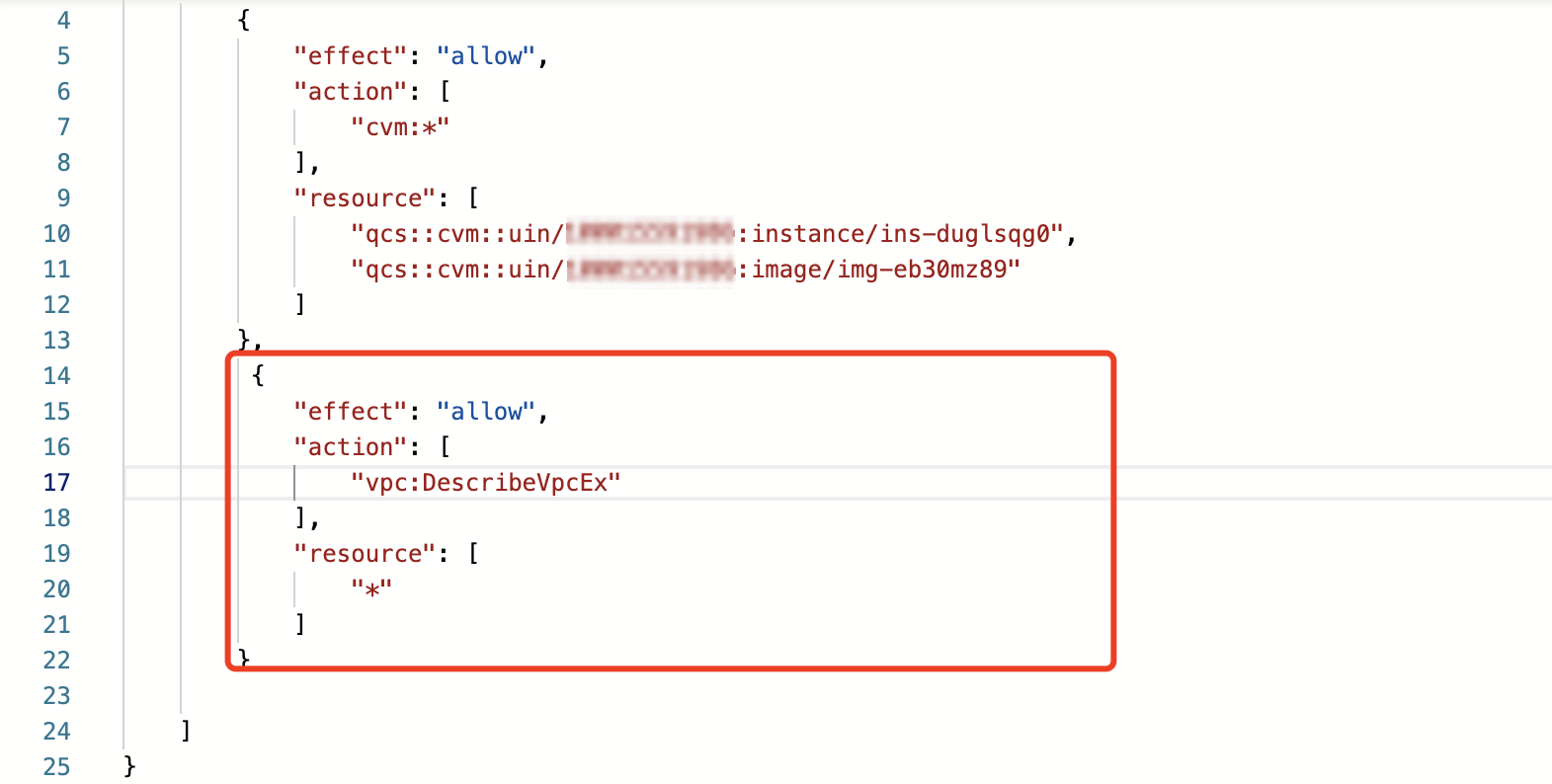
3. In the policy syntax, click Edit and add API authorization to the policy details in the format of operation-level API authorization.
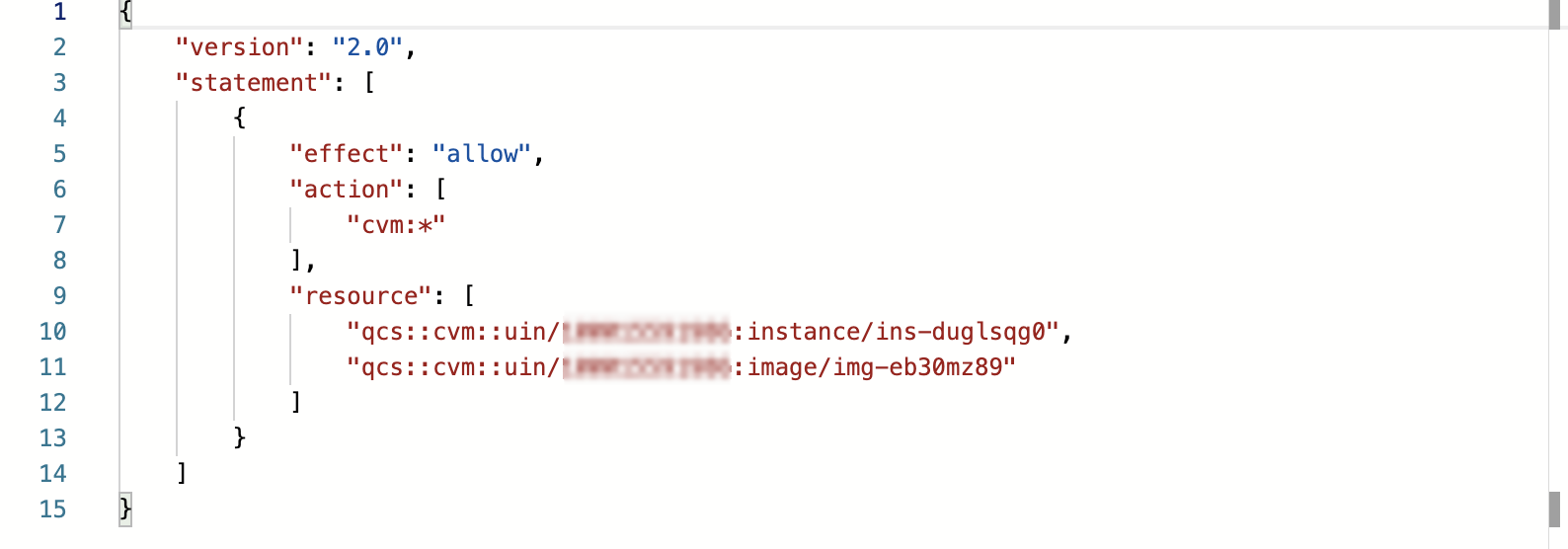
Before adding:
After adding:
4. Repeat step 2 to use the sub-account cvmtest01 to verify permissions again, and you can see that DescribeNetworkInterfaces and relevant resource access permissions of VPC are still missing. View the list of CAM APIs supported by VPC and verify that the DescribeNetworkInterfaces API is at the operation level.
5. Repeat step 3 to adjust the policy content until the system no longer reports errors.
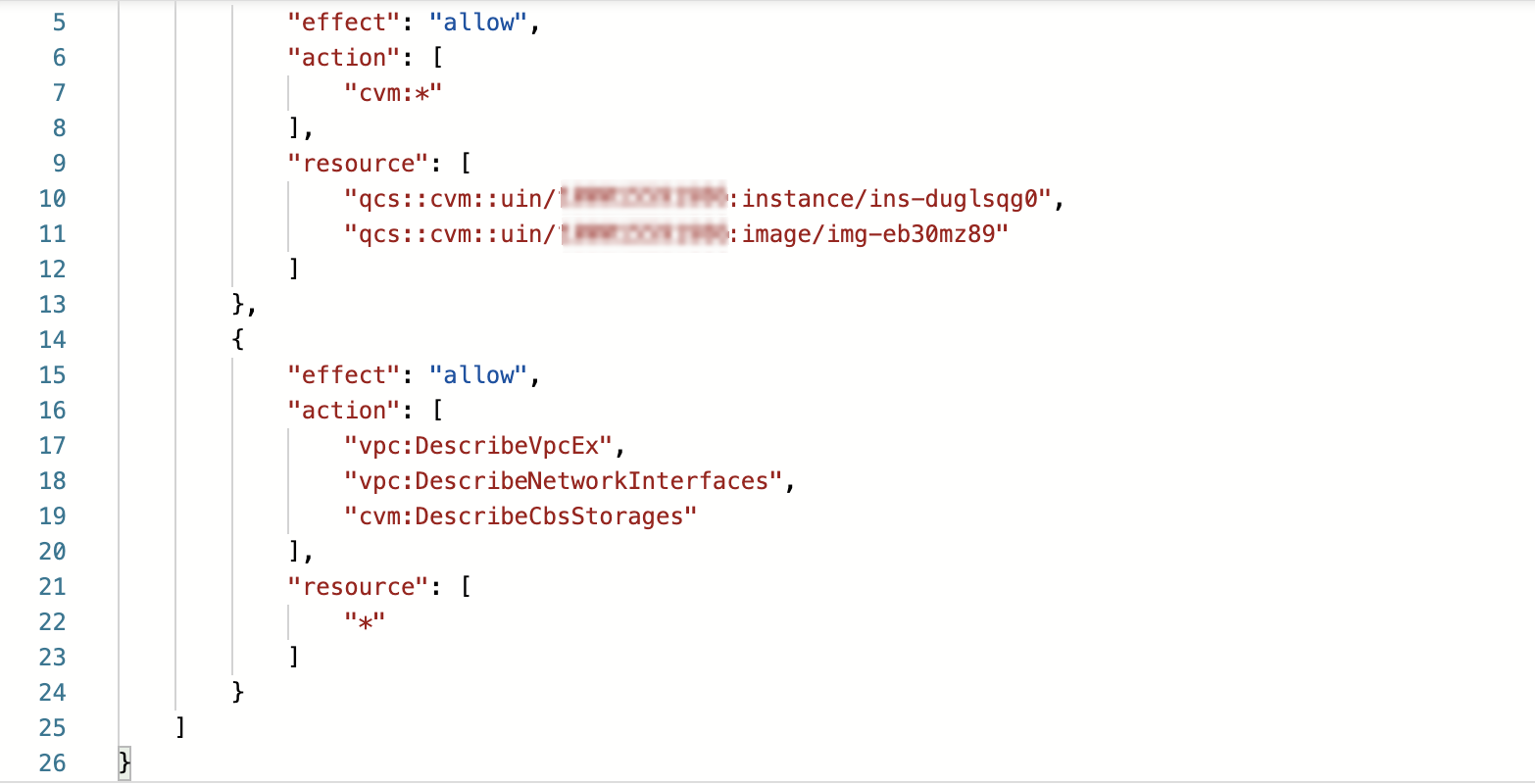
6. The eventual policy content is as follows:
Note:
When writing a CAM policy, if you want to manipulate a specific resource, you need to separate the resource-level API authorization from operation-level API authorization, but you can put multiple operation-level APIs together.
Step 4. Verify the result
Use the sub-user cvmtest01 to verify the policy again, and the expected effect is achieved.
At this point, the sub-user cvmtest01 can start, shut down, restart, rename, and reset the password of the CVM instance.