tencent cloud

Chat

製品の説明
製品の概要
Basic Concepts
ユースケース
機能概要
アカウントシステム
ユーザープロフィールとリレーションシップチェーン
メッセージ管理
グループシステム
Official Account
Audio/Video Call
使用制限
購入ガイド
課金概要
価格説明
Purchase Instructions
Renewal Guide
支払い延滞説明
Refund Policy
ダウンロードセンター
SDK & Demo ソースコード
更新ログ
シナリオプラン
Live Streaming Setup Guide
AI Chatbot
極めて大規模なエンターテインメントコラボレーションコミュニティ
Discord実装ガイド
ゲーム内IM統合ガイド
WhatsApp Channel-style Official Account Integration Solution
Send Red Packet
Firewall Restrictions
クライアントAPIs
SDK API(Web)
Android
iOS & macOS
Swift
Flutter
SDK API(Electron)
SDK APIs (Unity)
SDK API(React Native)
C APIs
C++
サービス側 APIs
UserSigの生成
RESTful APIs
Webhooks
コンソールガイド
New Console Introduction
アプリケーションの作成とアップグレード
基本設定
機能設定
アカウント管理
グループ管理
Official Channel Management
コールバック設定
監視ダッシュボード
Viewing Guide for Resource Packages
Real-Time Monitor
補助ツールの開発
アクセス管理
Advanced Features
よくあるご質問
uni-app FAQs
 購入に関する質問
SDKに関する質問
アカウント認証に関する質問
ユーザープロファイルとリレーションシップチェーンに関する質問
メッセージに関する質問
グループに関する質問
ライブ配信グループに関する質問
ニックネームプロフィール画像に関連した問題
一般的なリファレンス
Service Level Agreement
セキュリティコンプライアンス認証
IM ポリシー
プライバシーポリシー
データプライバシーとセキュリティ契約
エラーコード
お問い合わせ

Web & H5 & Uniapp (Vue)

フォーカスモード
フォントサイズ
最終更新日: 2025-05-27 18:04:13
TUIKit implements the sending and display for basic message types such as text, image, audio, video, and file messages by default. If these message types do not meet your needs, you can add custom message types.

Basic Message Types

Message Type
Renderings
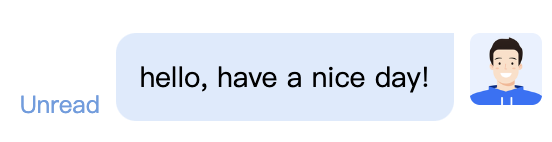
Text message


Image message


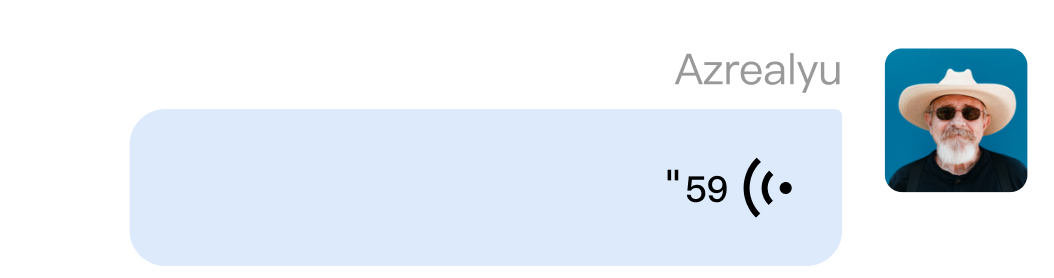
Audio message


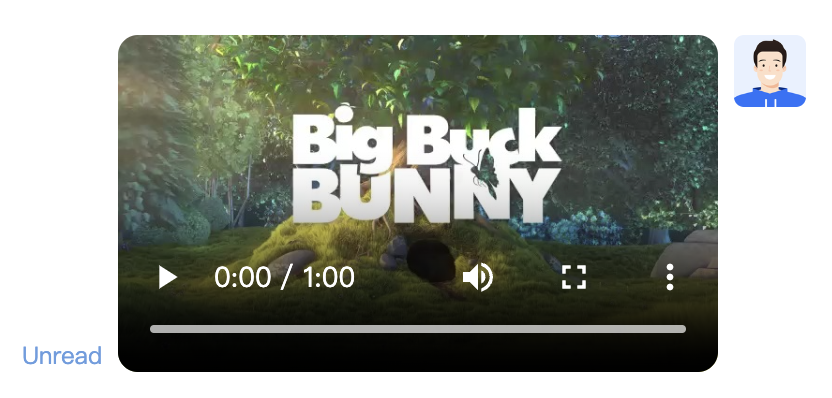
Video message


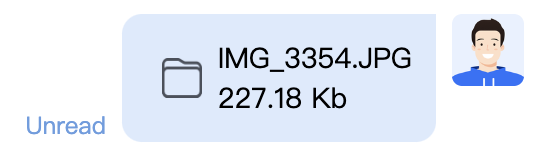
File message


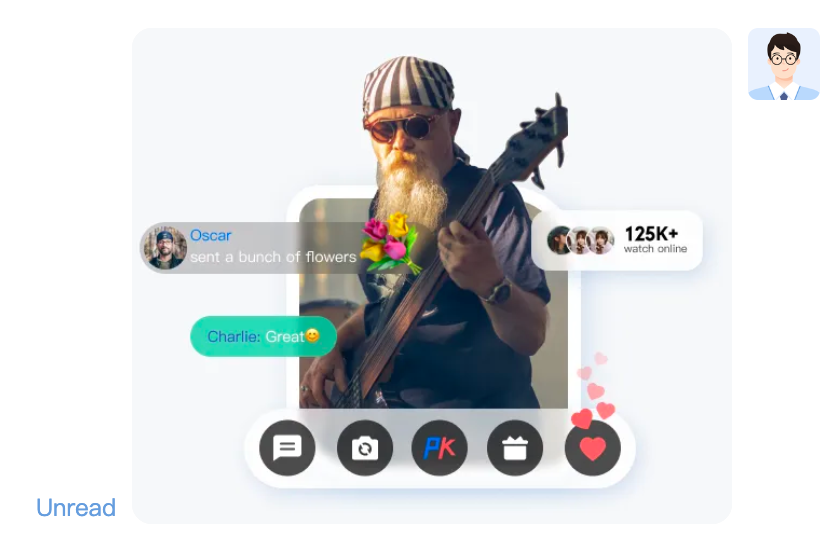
Custom message

If the basic message types do not meet your needs, you can customize the messages based on actual business needs.
There are several custom message styles built into TUIKit, as shown in the following figure:
Custom message preset styles
Renderings
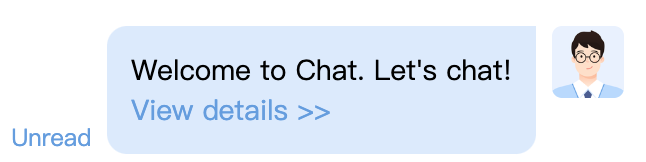
Hypertext message


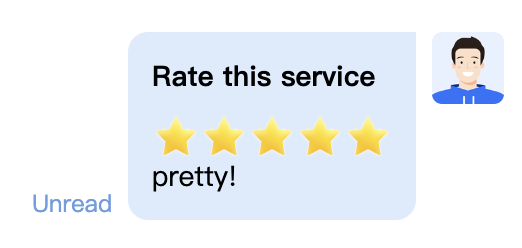
Evaluation Message


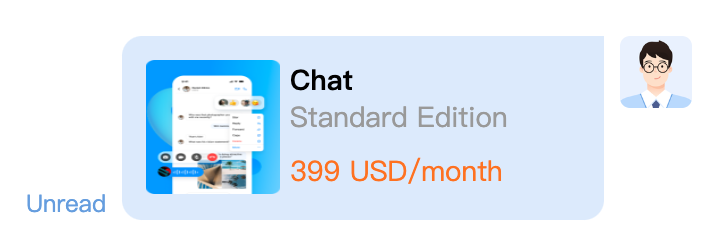
Order Message


The following uses sending a custom hypertext message that can redirect to the browser as an example, assisting you to promptly understand the implementation process.

Displaying a Custom Message

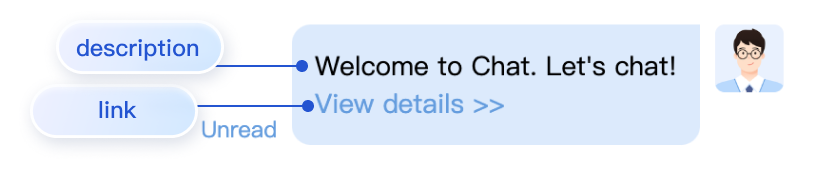
The hypertext custom message cell Element (XML) built into TUIKit is depicted in the figure below:


Custom messages and other common types of messages are received in the same way; all types of messages are monitored for access via TUIStore.watch(StoreName.CHAT, { messageList: onMessageListUpdated }). The received custom messages are presented in the message list in different forms according to their respective specific type fields. The following will explain how to display custom messages.

Creating the display structure for the custom message

The display of custom messages is primarily accomplished by rendering messageCustom in the content area of the custom message type messageBubble. You can add the display structure style you need for custom messages in the file at src/TUIKit/components/TUIChat/message-list/message-elements/message-custom.vue. For instance, the following code demonstrates the display structure for a hypertext message:
<template v-else-if="isCustom.businessID === 'text_link'">
<div class="textLink">
<p>{{ isCustom.text }}</p>
<a :href="isCustom.link" target="view_window">
{{
TUITranslateService.t("message.custom.peekDetails>>")
}}
</a>
</div>
</template>

Sending custom messages

You can send a custom message by calling the TUIChatService.sendCustomMessage method in the logical layer engine of TUIKit. For details, please refer to: SendCustomMessage.
Here are a few examples of sending built-in custom style messages in TUIKit:

sendCustomMessage(options, sendMessageOptions) → {Promise.<any>}

example1: Sending custom evaluation message
import { TUIChatService } from "@tencentcloud/chat-uikit-engine";
let promise = TUIChatService.sendCustomMessage({
payload: {
data: JSON.stringify({
businessID: "evaluation",
version: 1,
score: 5,
comment: "so pretty!!!"
}),
description: "Evaluation of this service",
extension: "Evaluation of this service"
}
});
promise.catch((error) => {
...
});
example2: Sending custom hypertext message
import { TUIChatService } from "@tencentcloud/chat-uikit-engine";
let promise = TUIChatService.sendCustomMessage({
payload: {
data: JSON.stringify({
businessID: "text_link",
text: "Welcome to Chat. Let's chat!",
link: "https://web.sdk.qcloud.com/im/demo/intl/index.html?scene=social"
}),
description: "",
extension: ""
}
});
promise.catch((error) => {
...
});
Example 3: Sending custom order messages
import { TUIChatService } from "@tencentcloud/chat-uikit-engine";
let promise = TUIChatService.sendCustomMessage({
payload: {
data: JSON.stringify({
businessID: "order",
title: "Chat",
description: "Standard Edition",
price: "399 USD/month",
link: "https://buy.tencentcloud.com/avc",
imageUrl: "https://1302445663.vod2.myqcloud.com/cea47bfavodsgp1302445663/fd67ff345576678022395175485/2lCqNHbz5aYA.png",
}),
description: "",
extension: ""
}
});
promise.catch((error) => {
...
});
Parameter description:
Name
Type
Optional type
Description
options
Required
Parameters related to custom messages
sendMessageOptions
Optional
Message sending options
Return values
Promise.<any>

Contact us

Join the Telegram technical exchange group or WhatsApp discussion group, benefit from the support of professional engineers, and solve your toughest challenges.


ヘルプとサポート

この記事はお役に立ちましたか?

フィードバック