Overview
You can log in to the Tencent Cloud SSM console to view and edit the secret information list, secret name, status, region, and other information.
Editing a Secret
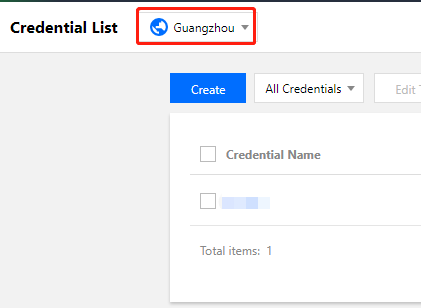
1. Log in to the SSM console and click Credential List in the left sidebar. You can switch between regions on the upper left corner of the page to view and edit secrets in other regions.
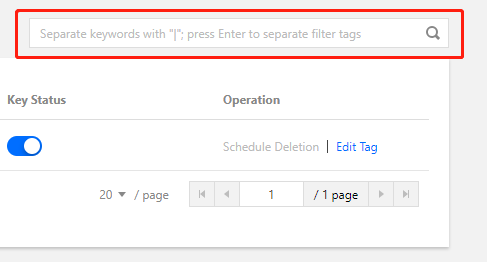
2. In the search box on the right, enter the full or partial name of the secret to search for the target secret.
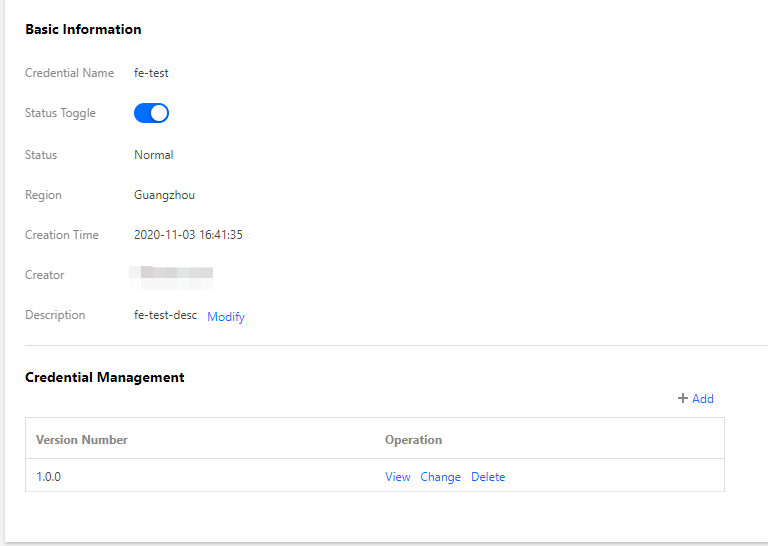
3. Click the name of the secret to view the detailed information about the secret. You can enable or disable the key of the secret.
4. Go to the secret details page to view information about the secret, such as the credential name, status, description, and version. You can also update, delete, and manage secret versions, and perform other operations.