DNS Statistics Description
Download
フォーカスモード
フォントサイズ
Overview
This document describes how to view the DNS statistics of a domain.
Directions
1. Log in to the HTTPDNS console.
2. Click Domain Management on the left sidebar and click the target domain.
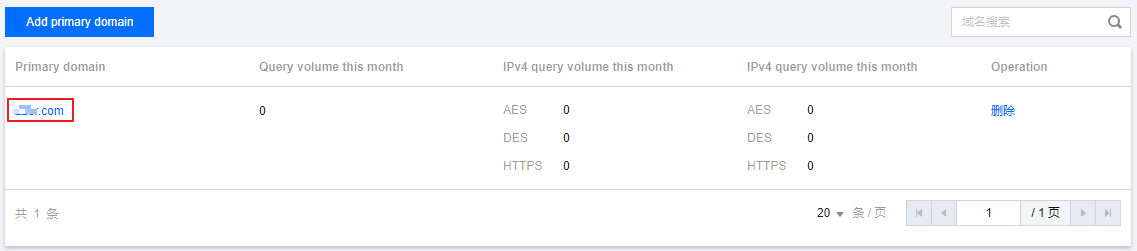
3. On the Query volume details page, you can filter data by different conditions:
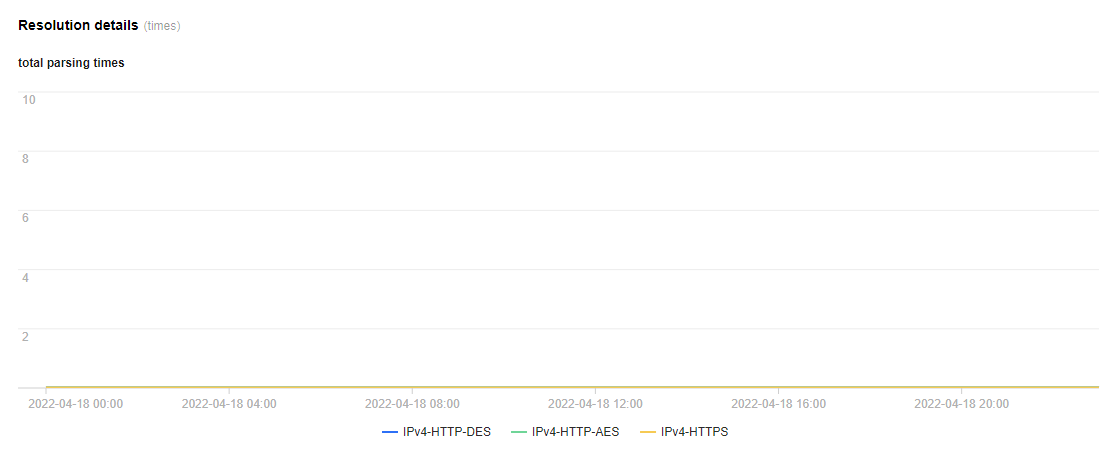
Filter by subdomain: You can filter data by subdomains of the domain.
Filter by protocol: You can filter data by protocols of the domain.
Filter by time: You can select a time period to display data.
フィードバック