Stream Computing Resource Group
ダウンロード
フォーカスモード
フォントサイズ
Stream Computing Resource Group
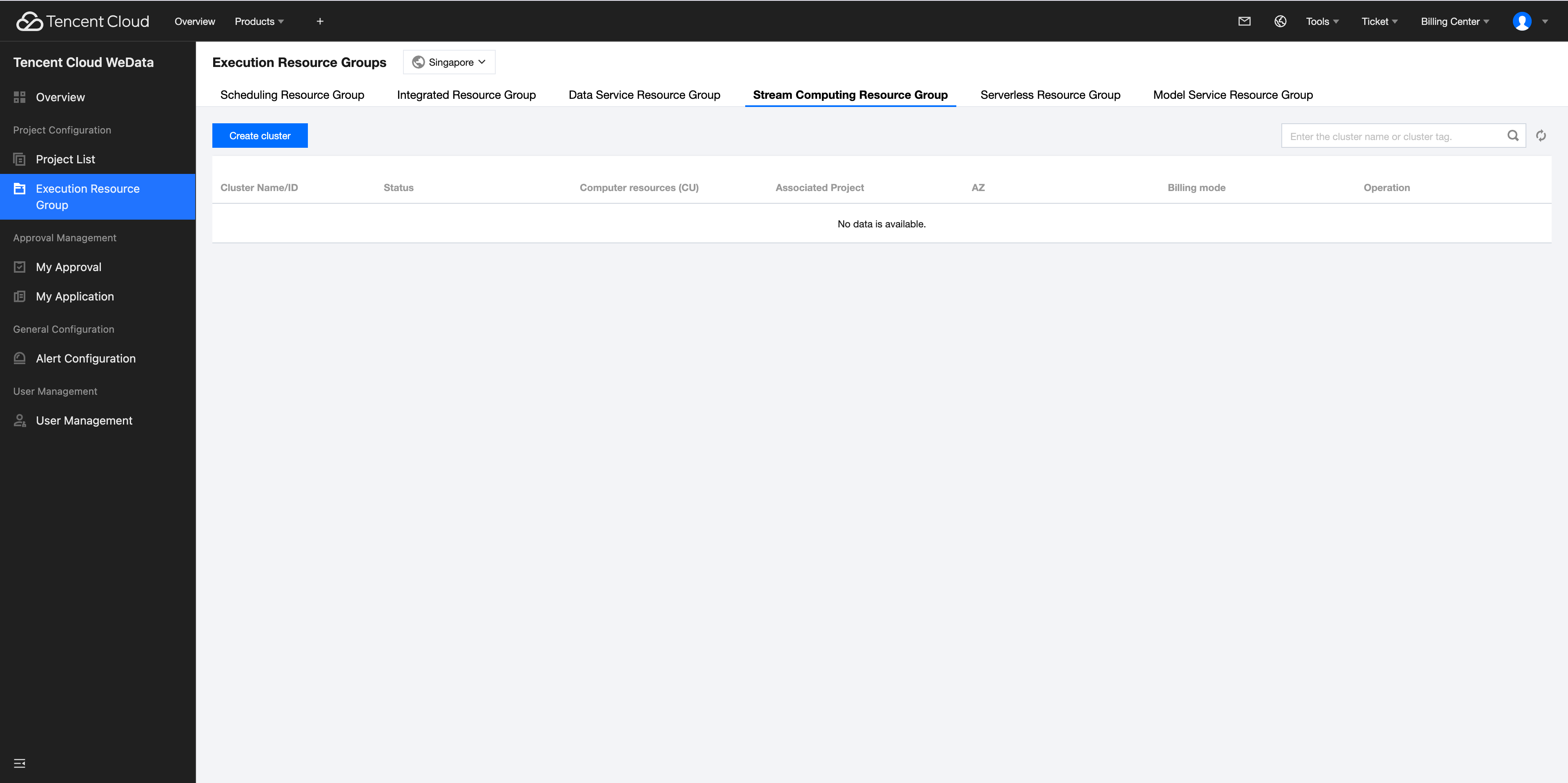
1. Under the Tab page of the Stream Computing Resource Group, click Create Cluster to enter the Resource Configuration Page.
Parameter | Description |
Billing mode | Yearly/Monthly subscription |
Region | The private networks of cloud products in different regions are not interconnected. The cluster you purchase should be in the same region as the other cloud product resources used in stream computing |
Availability Zone | Different zones within a region |
VPC | Stream Computing accesses other cloud product resources in the same region through VPC and ENI, and requires a certain number of subnet IPs. Please ensure that the selected subnet has sufficient available IPs. If the existing network does not meet your requirements, please go to the VPC console to create a new VPC or subnet |
Cluster Name | Supports 1 - 50 characters in English, Chinese, numbers, hyphens -, or underscores _ |
Cluster Description | Supports 1 - 50 characters in English, Chinese, numbers, hyphens -, or underscores _ |
Number of Computing CUs | A CU is the minimum computational resource and billing unit for stream computing, containing 1 CPU and 4GB of memory. When the number of CUs is greater than or equal to 48, the management node fee is waived. |
Number of Managed CUs | The Number of Managed CUs refers to the additional management node resources used by a single cluster in stream computing, consuming 2 CUs fixedly |
Cloud Object Storage (COS) | Stream Computing uses COS to save job checkpoints, JAR packages, or delivery logs. If there are no available buckets in this region, please go to the COS console to create a new one |
Flink UI username and password | The username and password will be used to log in and view the Job's Flink UI Interface |
Tag | Tag: you can use tags to manage resources by category from different dimensions |
Purchase period | 1 month, 2 months, 3 months, 6 months, 1 year, 2 years, 3 years, and custom selection of duration |
Auto-renewal | After enabling auto-renewal, if the account balance is sufficient, the equipment will be automatically renewed monthly upon expiration |
Fees | Fees are calculated based on the selected specification and duration, including both computation resource costs and managed resource costs. Total Cost = Computation Resource Costs + Managed Resource Costs |
2. After the configuration is complete, click Buy Now and complete the payment, then you can go to the Console page to view the Stream Computing Resource Group information.
フィードバック