Tencent Cloud Data Warehouse TCHouse-P
Download
フォーカスモード
フォントサイズ
WeData supports integration with Tencent Cloud Data Warehouse TCHouse-P (Tencent Cloud House-P, TCHouse-P), providing PB-level data warehouse capabilities in data development, based on MPP's massive parallel processing data handling capabilities.
Background
Tencent Cloud TCHouse-P Distributed Relational Database is a high-performance MPP general-purpose database system designed for massive online real-time data analysis. For more information about TCHouse-P, refer to Tencent Cloud Data Warehouse TCHouse-P.
Use Limits
Limit | Restrictions |
Tencent Cloud Data Warehouse TCHouse-P | In TCHouse-P, you can create different types of clusters, each with its unique connection type in WeData. |
WeData feature | WeData data development supports using SQL scripts with TCHouse-P data sources and organizing TCHouse-P as compute task nodes in the data development workflow. It is currently recommended to use TCHouse-P clusters in WeData. |
Getting Started
Preparations
Preparation Category | Operation Description | Reference Links |
Tencent Cloud Data Warehouse TCHouse-P | To ensure smooth use of TCHouse-P data for data development in WeData, the TCHouse-P clusters must meet basic configuration requirements. Create a TCHouse-P cluster in the Tencent Cloud Data Warehouse TCHouse-P product. 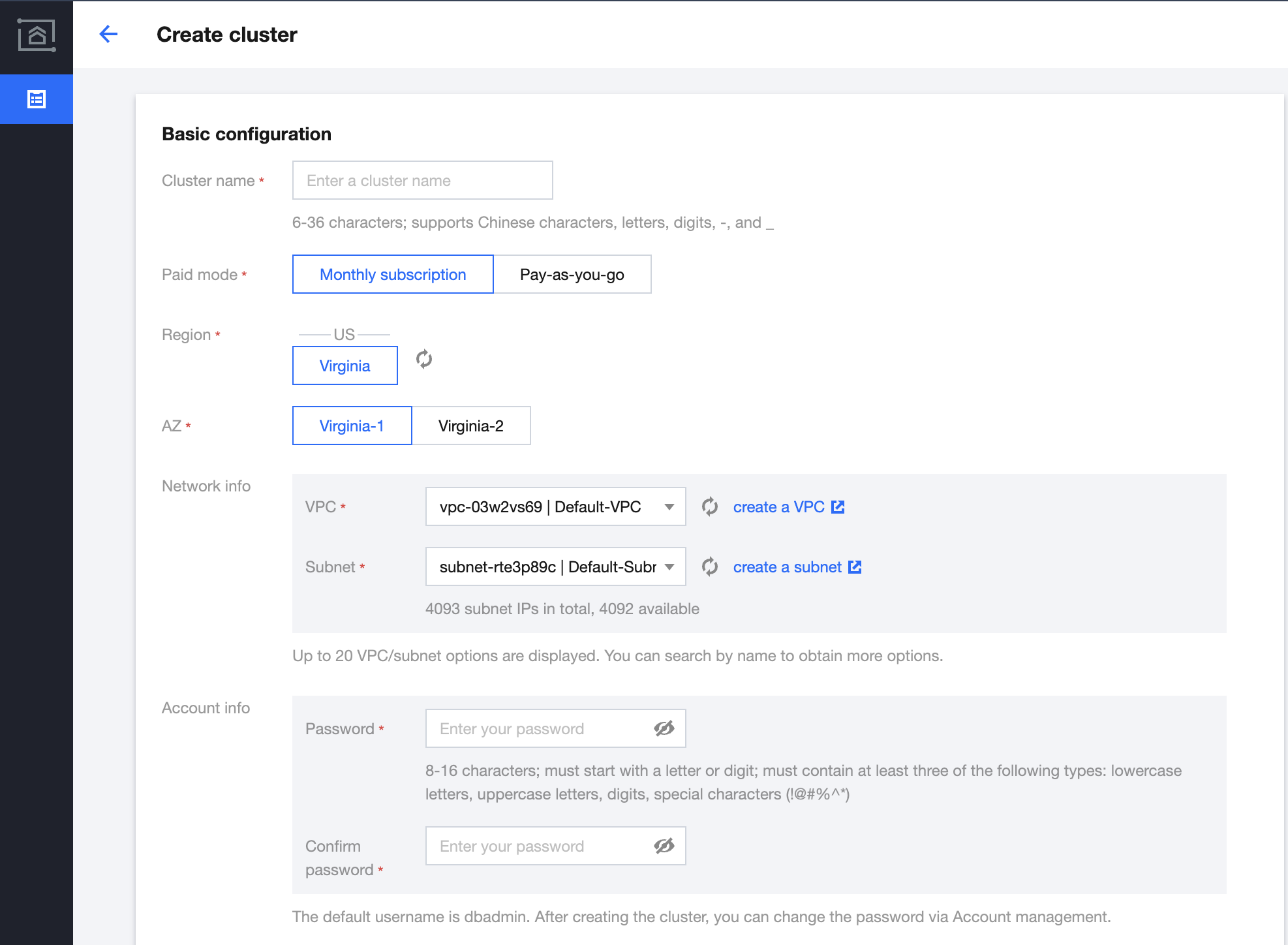 | |
WeData | TCHouse-P clusters need to be bound within WeData's storage and compute engine configuration. 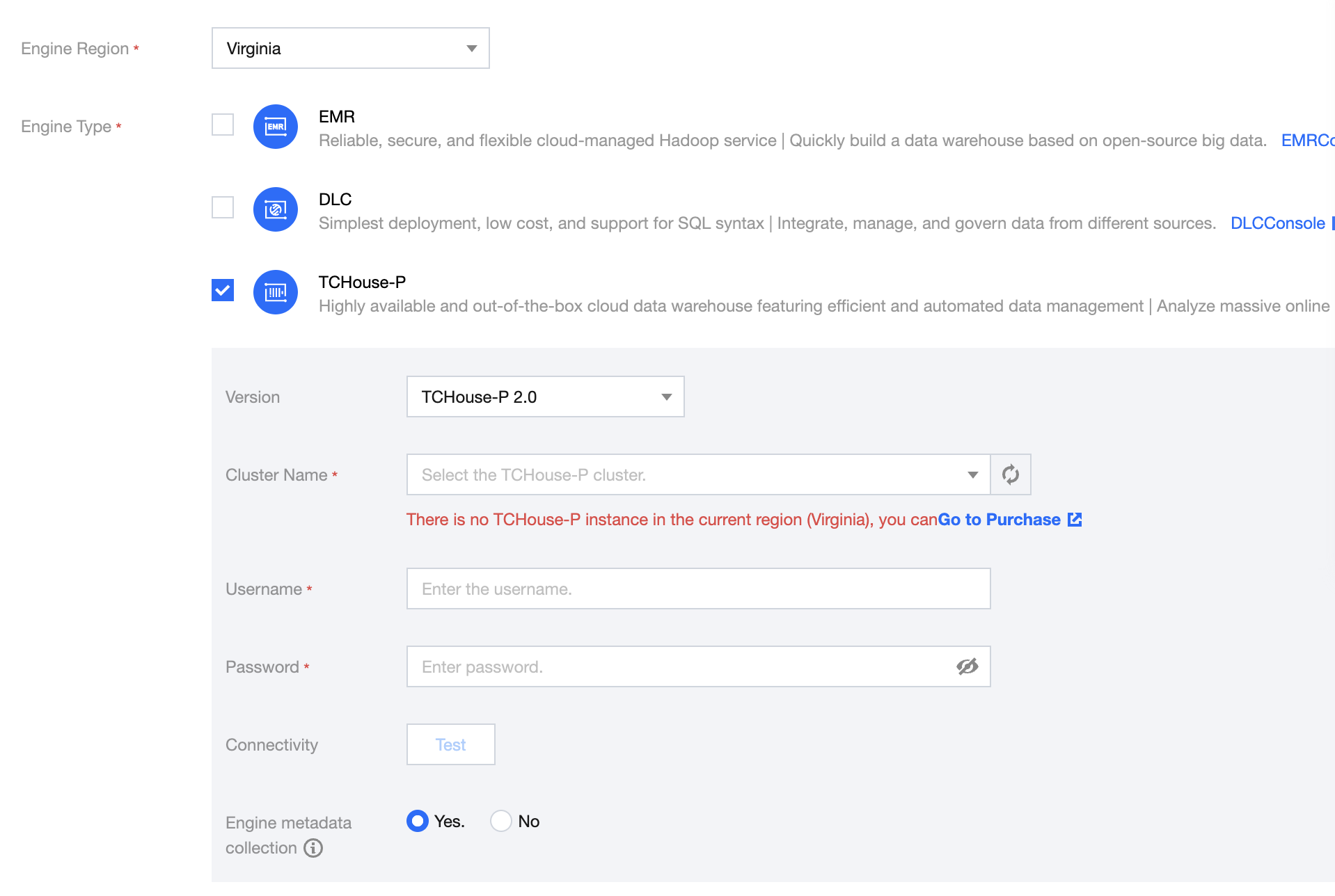 When binding clusters, you need the cluster's username and password, which can be obtained from the account management under the corresponding TCHouse-P cluster. | TCHouse-P cluster resource configuration and permission policies: TCHouse-P CAM |
Task Development
Creating workflow
Task development is based on data workflow orchestration to achieve the procedural execution of computing tasks. Before creating computing tasks, you need to create a data workflow and then orchestrate the computing task execution process within the workflow.
Create TCHouse-P Node
WeData is based on the TCHouse-P cluster for task development. After binding the TCHouse-P cluster with the project in WeData, the TCHouse-P system data source will be integrated into WeData. For details, please refer to TCHouse-P Engine Integration. Currently, TCHouse-P tasks in the orchestration space only support the system source of TCHouse-P.
Task Development
After completing the binding of the TCHouse-P engine and the WeData project, create a TCHouse-P type computing task within the created data workflow. During the configuration process of the task node, use the TCHouse-P provided system data source for task development and debugging.
Submitting the job
After configuring and debugging the TCHouse-P system source data accurately, save the corresponding computing task, and then submit and publish the workflow containing the computing task. It can then be scheduled and run in the Operations Center.
フィードバック