This task guides you to authorize a sub-account to access resources under a specific Tag using the Tag-based authorization method. The authorized sub-account gains control over resources associated with that Tag.
Prerequisites
You have a Tencent Cloud root account and have activated the Tencent Cloud CAM service.
At least one Tag is available. If no tag exists, you can choose the Tag console > Tag List to create one.
Operation Steps
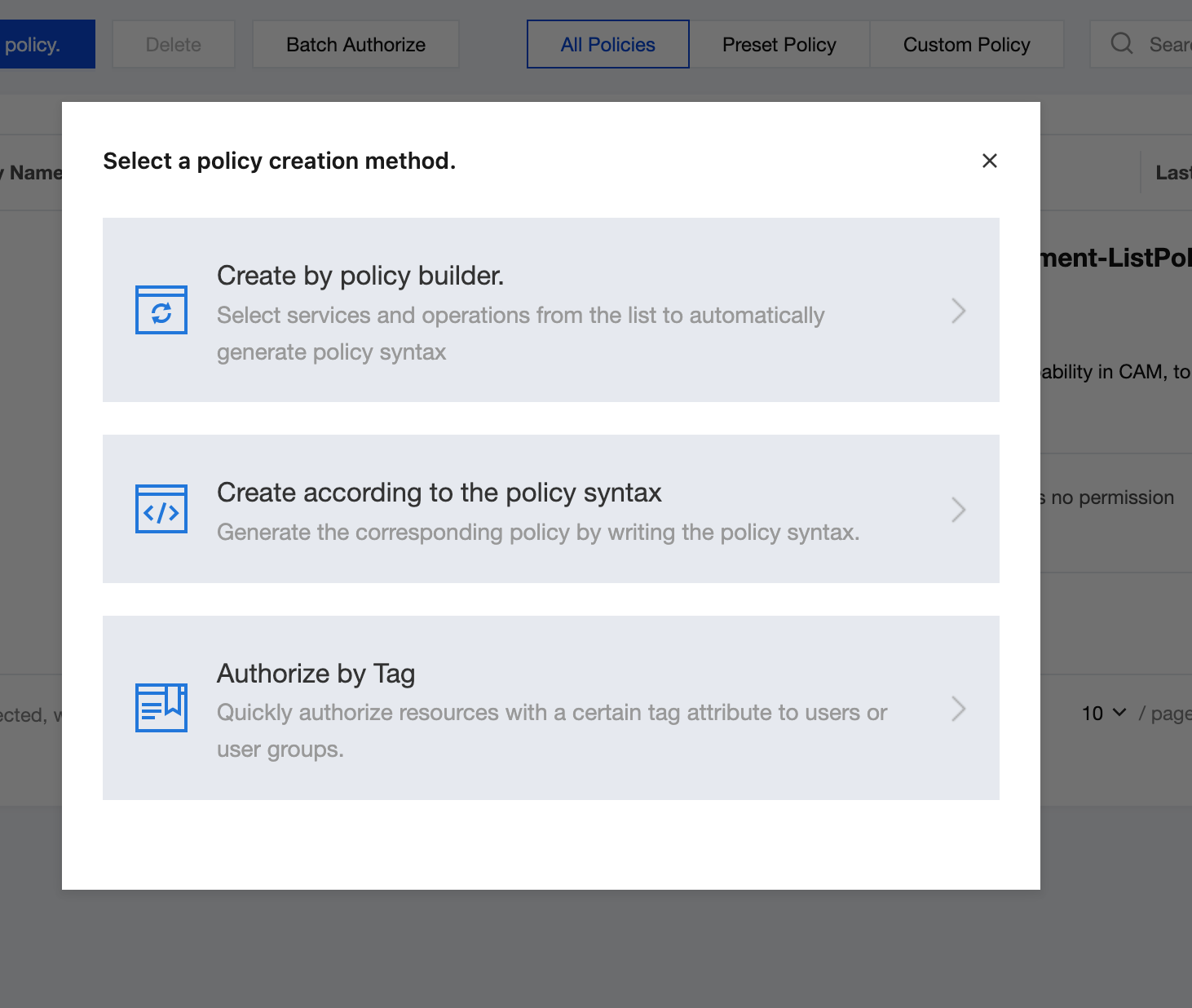
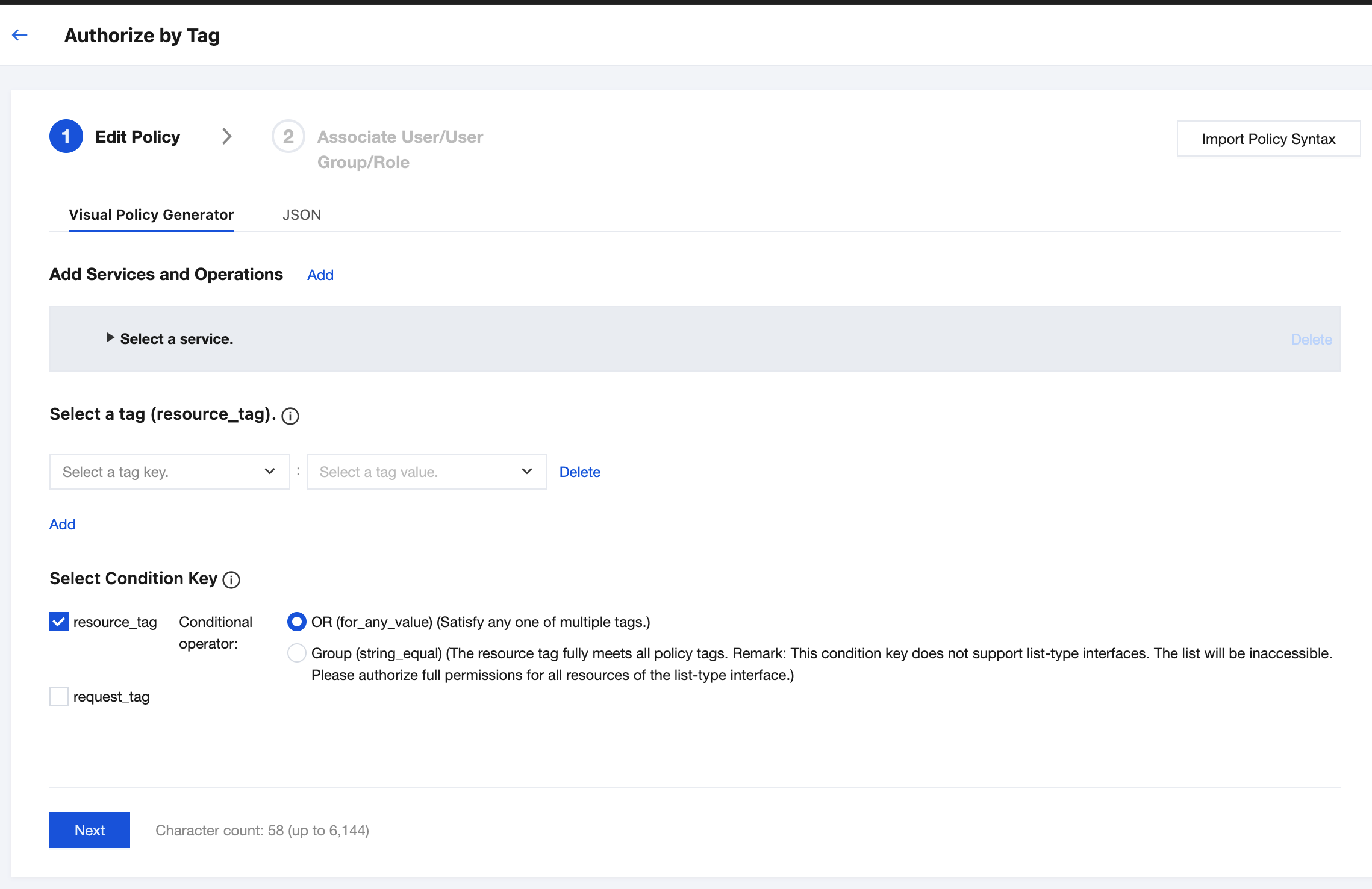
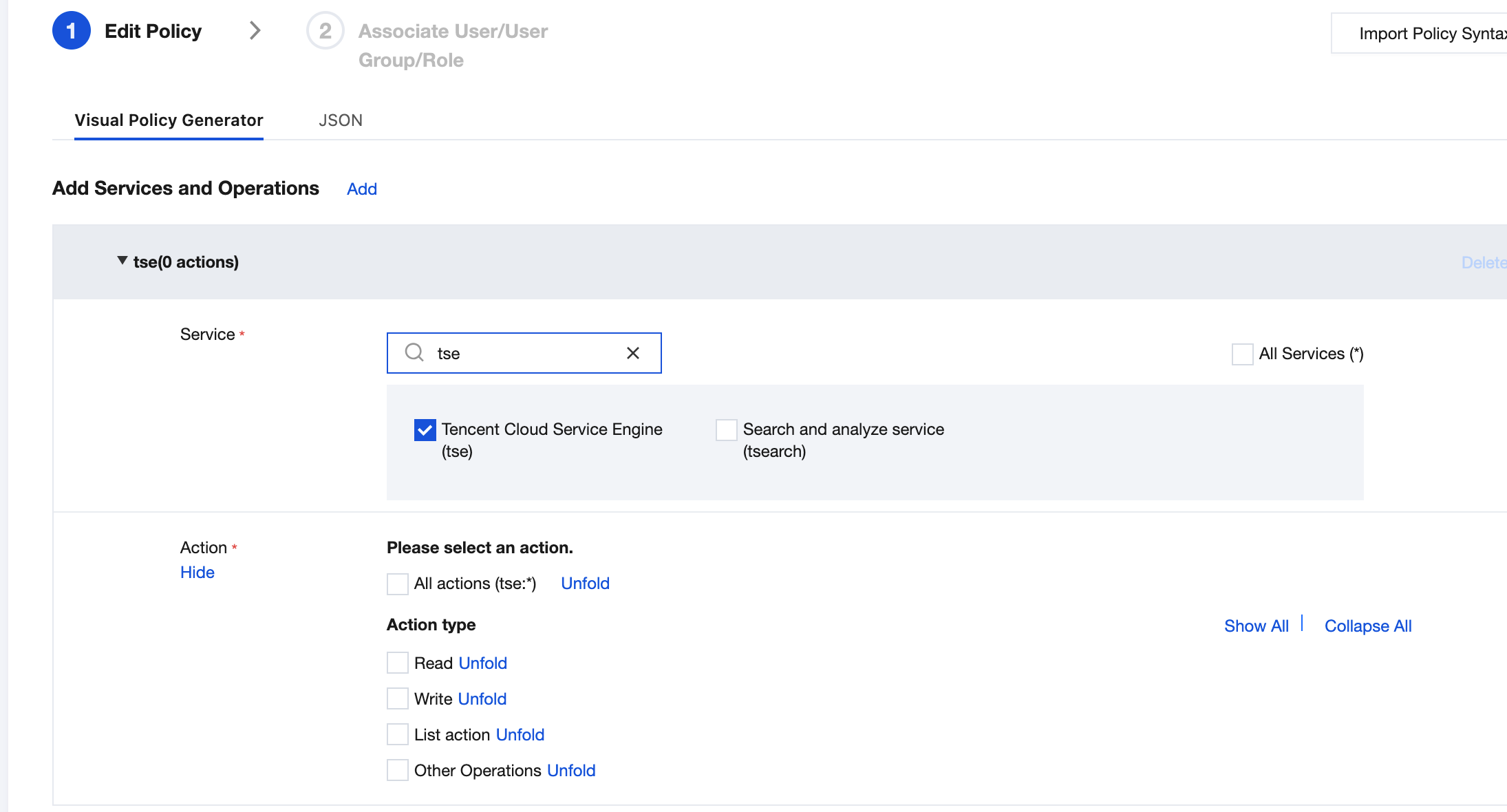
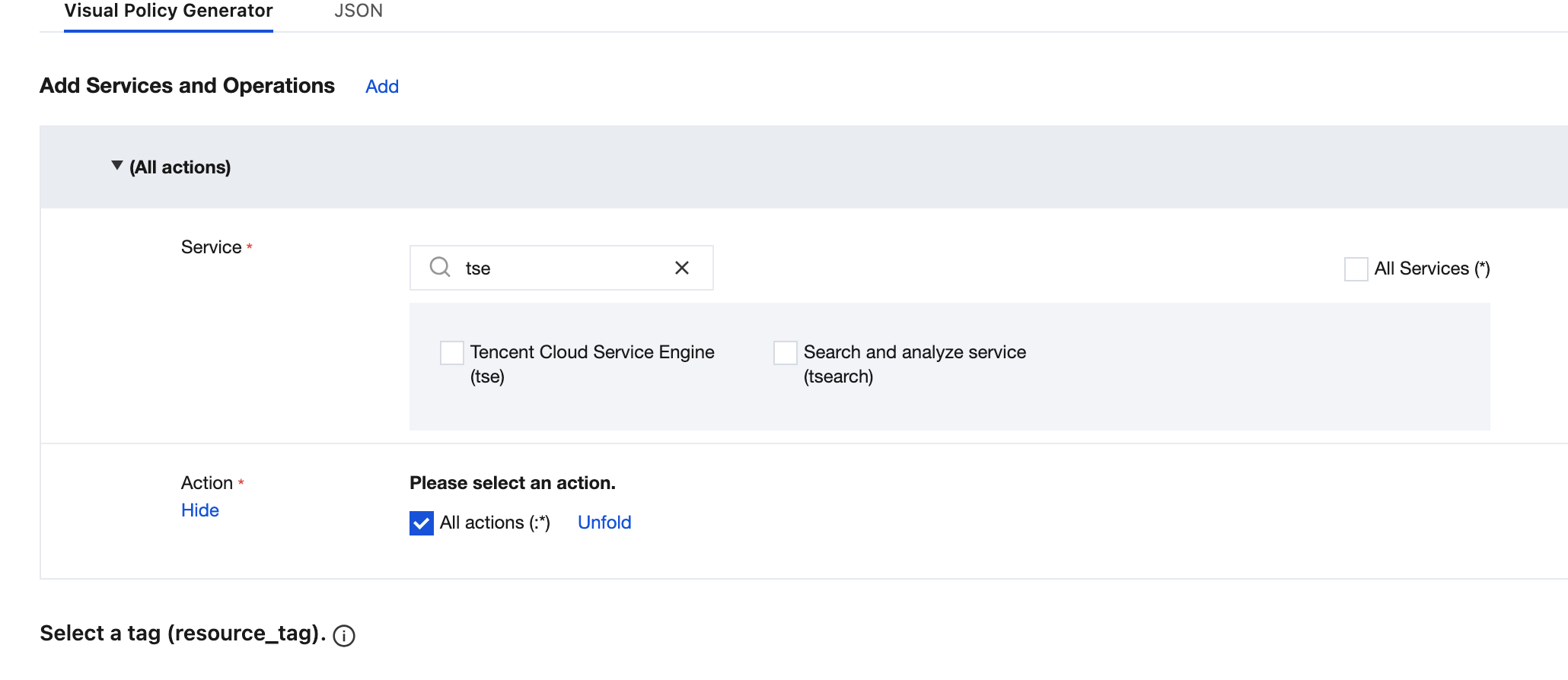
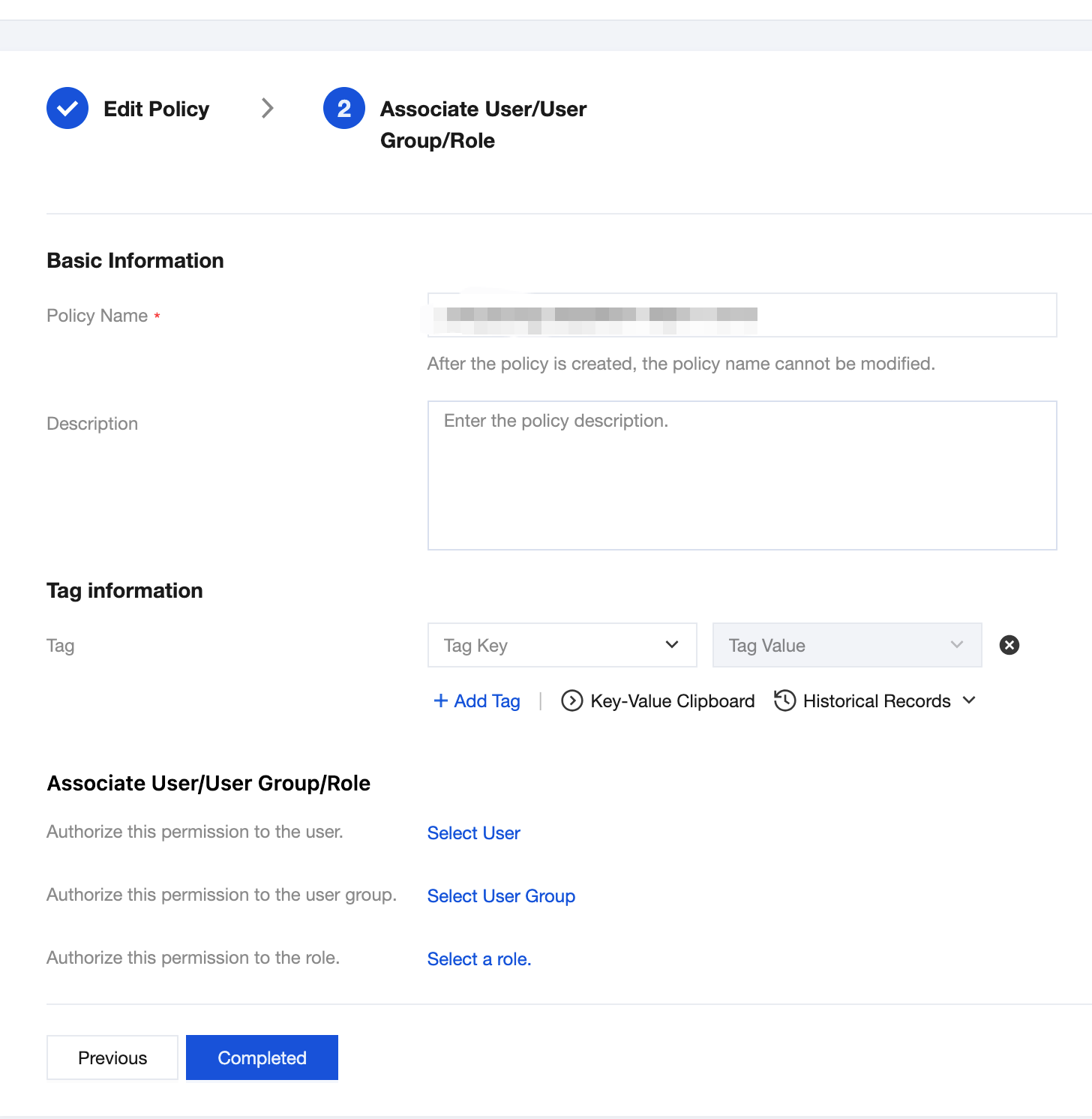
You can grant a sub-account read/write permissions for TSE resources owned by the root account and bound with Tags by using the policy feature in the CAM console through the Tag-based Authorization method. The detailed steps for Granting Resource Permissions to a Sub-account by Tag are as follows.
Step 1: Binding a Tag to a Resource
1. Log in to the Microservices Engine console using your root account, select an existing engine instance, and click to go to its details page.
1.
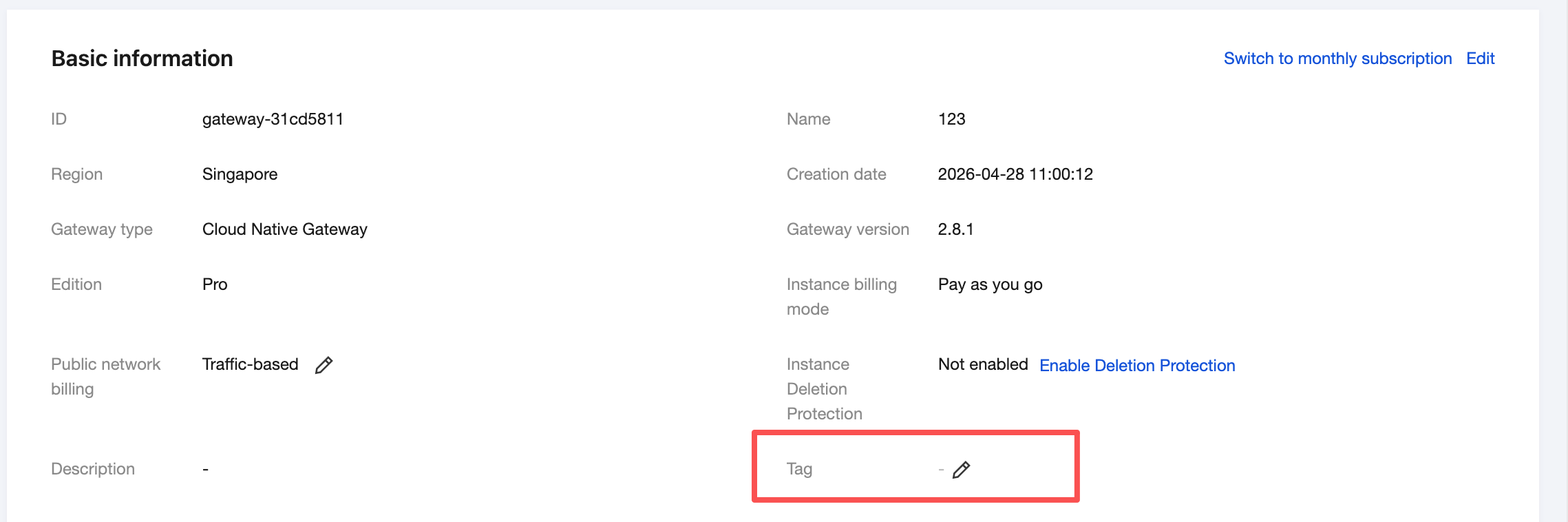
2. Click to go to the basic information page of an engine instance, click the edit icon for the Tag, and bind the Tag to the engine instance.
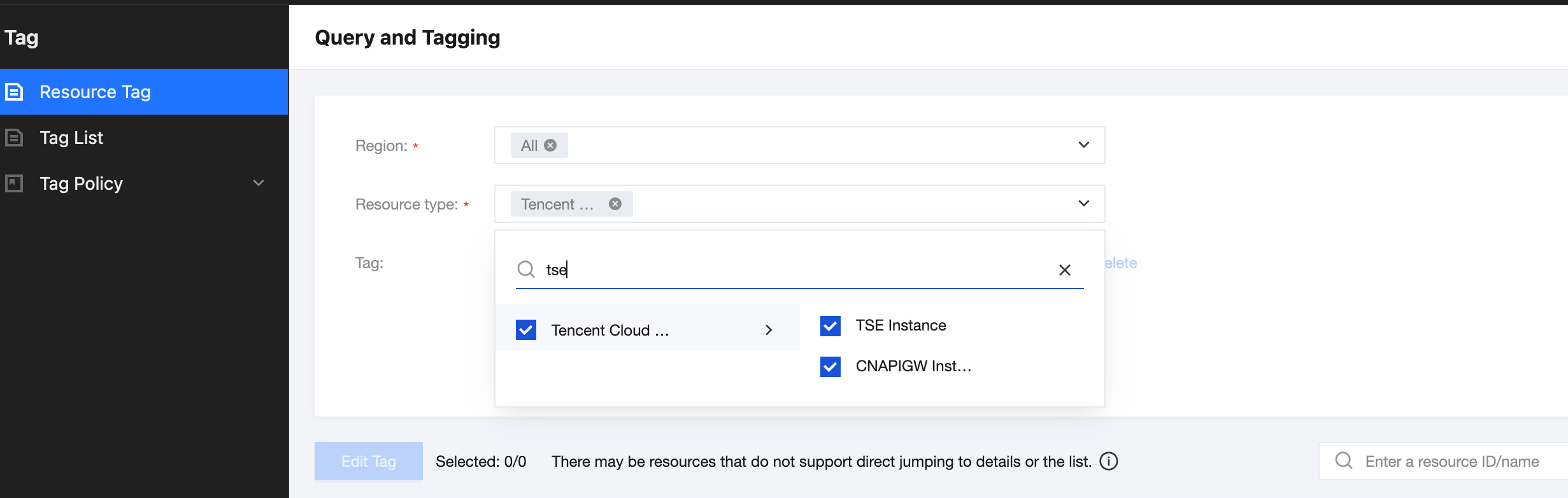
2. In the left sidebar > Resource Tags, select query conditions as needed, and choose Tencent Cloud Microservices Engine > Microservices Engine Instance in Resource Type.
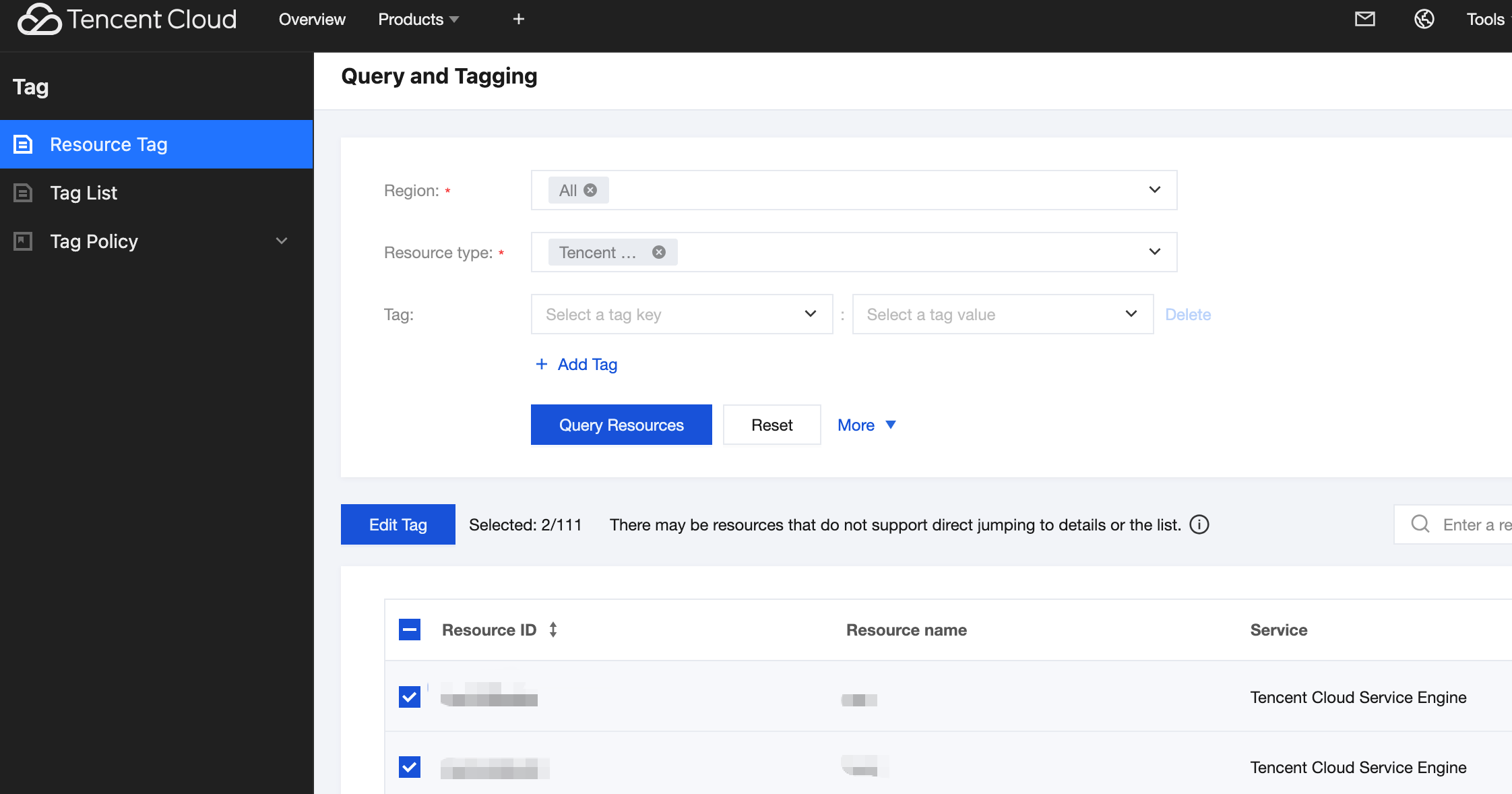
3. Click Query Resources.
4. Select the required TSE resources from the results, click Edit Tags, and then bind or unbind Tags in batches.