TDSQL Boundless provides Database Audit capabilities, recording database access and SQL statement execution to assist enterprises in risk control and enhance data security.
Enable SQL Auditing Service
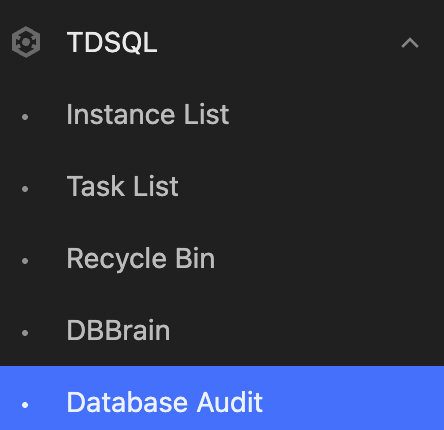
2. Select the Database Audit page in the left sidebar.
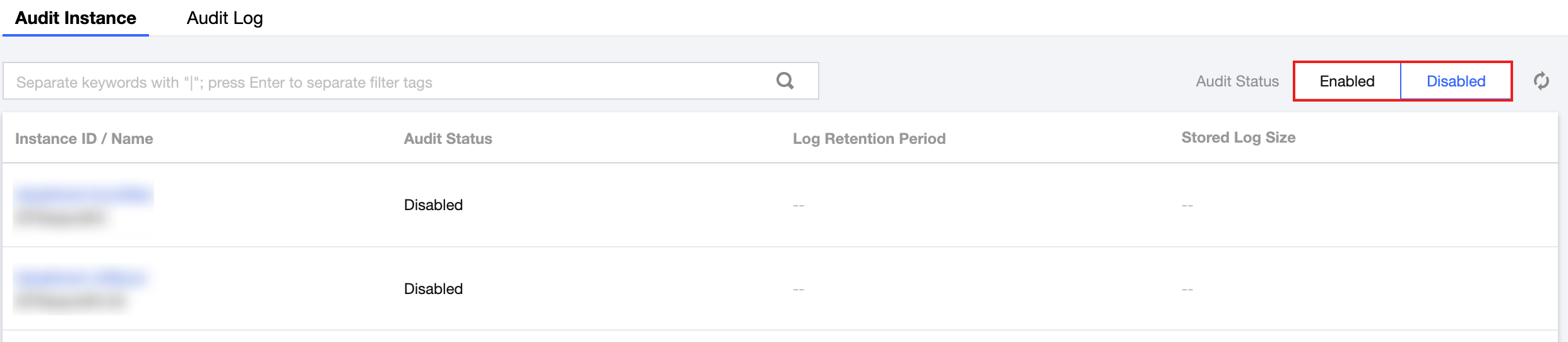
3. On the Audit Instance page's instance list, select the instances that need to enable/disable audit service, and configure audit settings for the instances.
Viewing Audit Logs
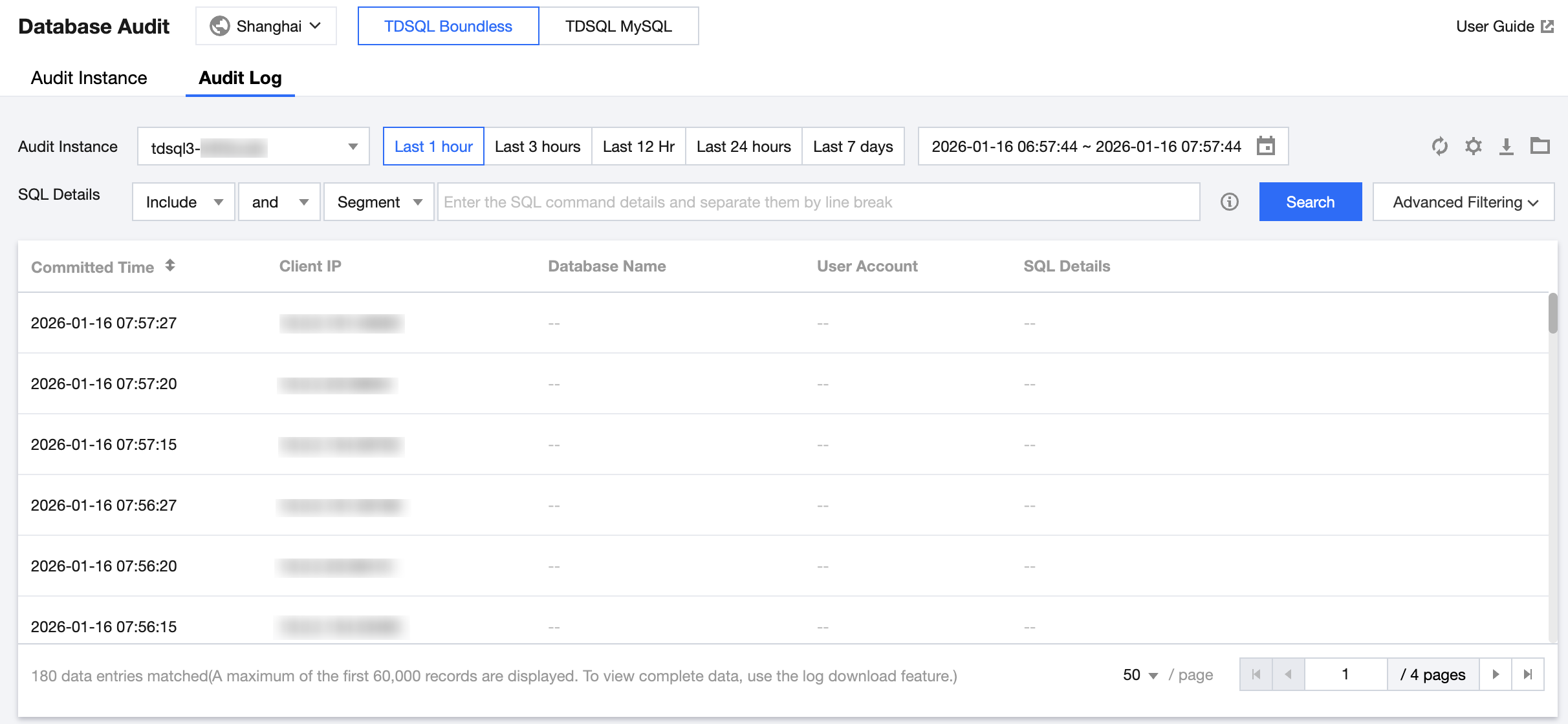
After audit is enabled, you can view the corresponding audit logs for SQL on the Audit Log page.