Overview
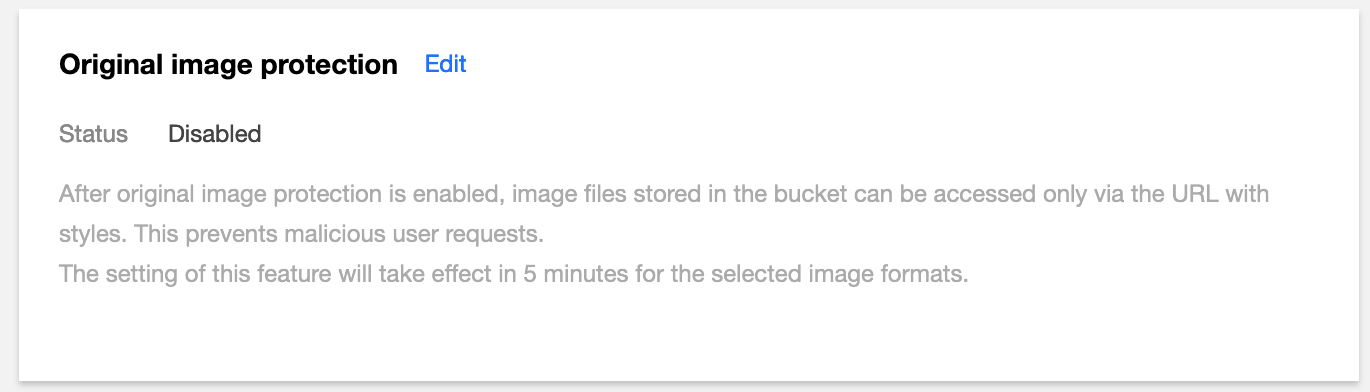
Original image protection is a service that protects original images from being requested by malicious users. It needs to be used together with CI's style feature. After original image protection is enabled for a bucket, images in the bucket can be accessed only at style URLs.
This feature is suitable for scenarios such as original image resource hotlink protection and business anti-cheating. For example, you can save the watermark parameters as a style and enable original image protection, then the image files in the corresponding bucket can be accessed only at the URLs with the watermark style.
Assume that the original image URL is http://examplebucket-1250000000.cos.ap-beijing.myqcloud.com/picture.jpg and the style1 style has been set for the examplebucket-1250000000 bucket. Once the original image protection feature is enabled, the image can be accessed only at http://examplebucket-1250000000.cos.ap-beijing.myqcloud.com/picture.jpg?style1 but not the original image URL.
Note:
The original image protection feature is provided by CI. To use it, first enable CI.
The original image protection feature will not incur additional fees.
Directions
1. Log in to the COS console and select the target bucket to go to the bucket management page. 2. Click Data Processing > Image Processing on the left and find Original image protection.
3. Click Edit, and toggle on Status.
4. Click Save.