Managing Sub-account
마지막 업데이트 시간:2024-01-11 16:28:54
Managing Sub-account
마지막 업데이트 시간: 2024-01-11 16:28:54
Overview
This document describes how to create a sub-account and grant it permission to manage KMS.
Directions
Step 1. Create a sub-account
1. Log in to the CAM Console with your root account.
2. On the User List page, click Create User to create a sub-account.
Step 2. Create an API key
1. Click the sub-account name to enter the details page.
2. Select API Key > Create Key to create 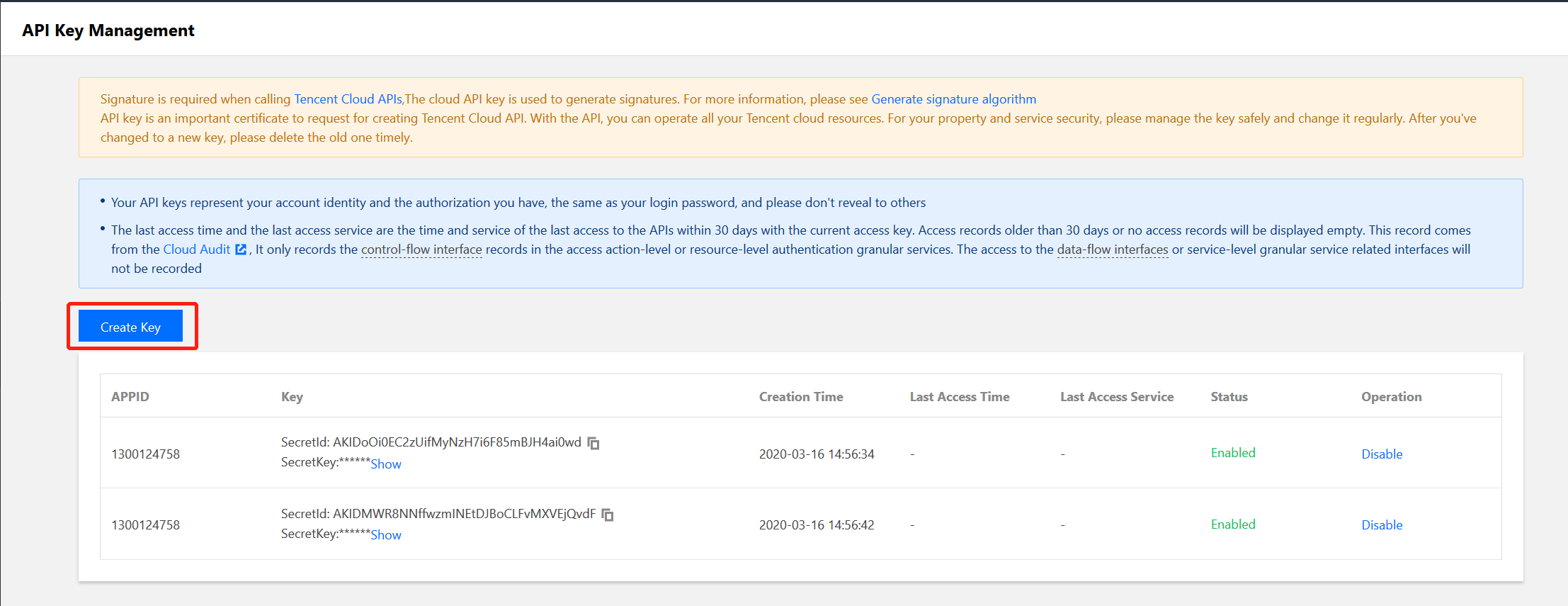
SecretId and SecretKey. The API key is used to access KMS.
Step 3. Authorize the sub-account
The newly created sub-account can be granted with the access to KMS by associating a KMS policy.
1. Go to Permissions > Associate Policies > Select Policies from the Policy List to Associate and select the appropriate KMS policy.
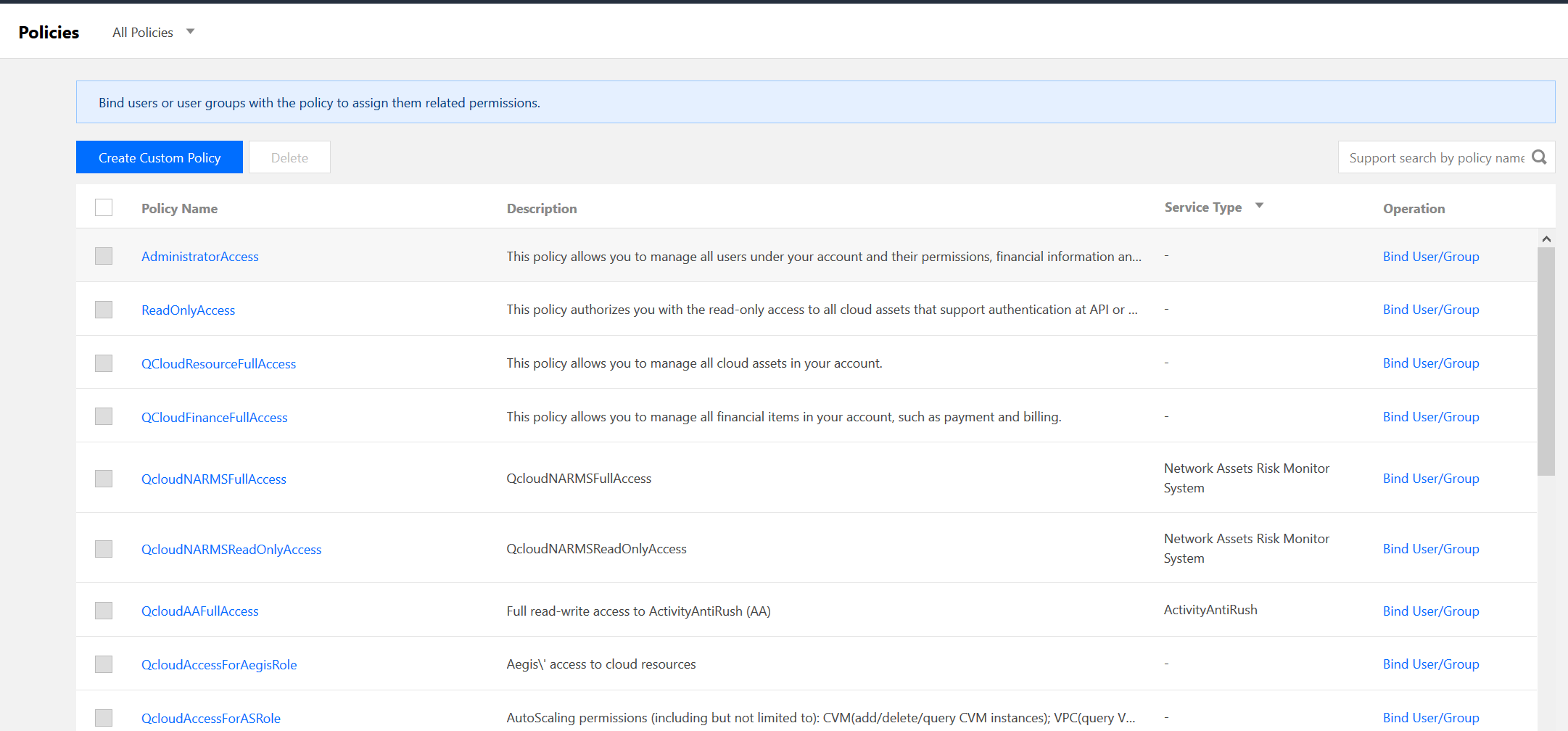
2. Click Next > OK to grant KMS permission to the sub-account.
피드백