CVM ping unreachable may be caused by hardware faults, improper network configuration, improper firewall settings, and routing issues. It will cause a failure in communication between CVM and other hosts or network equipment. For businesses that rely on this network connection, ping unreachable will cause great inconvenience and loss to users.
To improve network reliability and stability in CVM, ping inaccessibility fault experiments are required. Through the experiments, the capability of the system for normal operation in the situation of ping unreachable can be verified and issues in this fault scene can be revealed in advance so that system architecture can be optimized and contingency plans can be prepared.
Experiment Implementation
Step 1: Experiment Preparations
Prepare several CVM instances that are available for the experiment.
Step 2: Experiment Orchestration
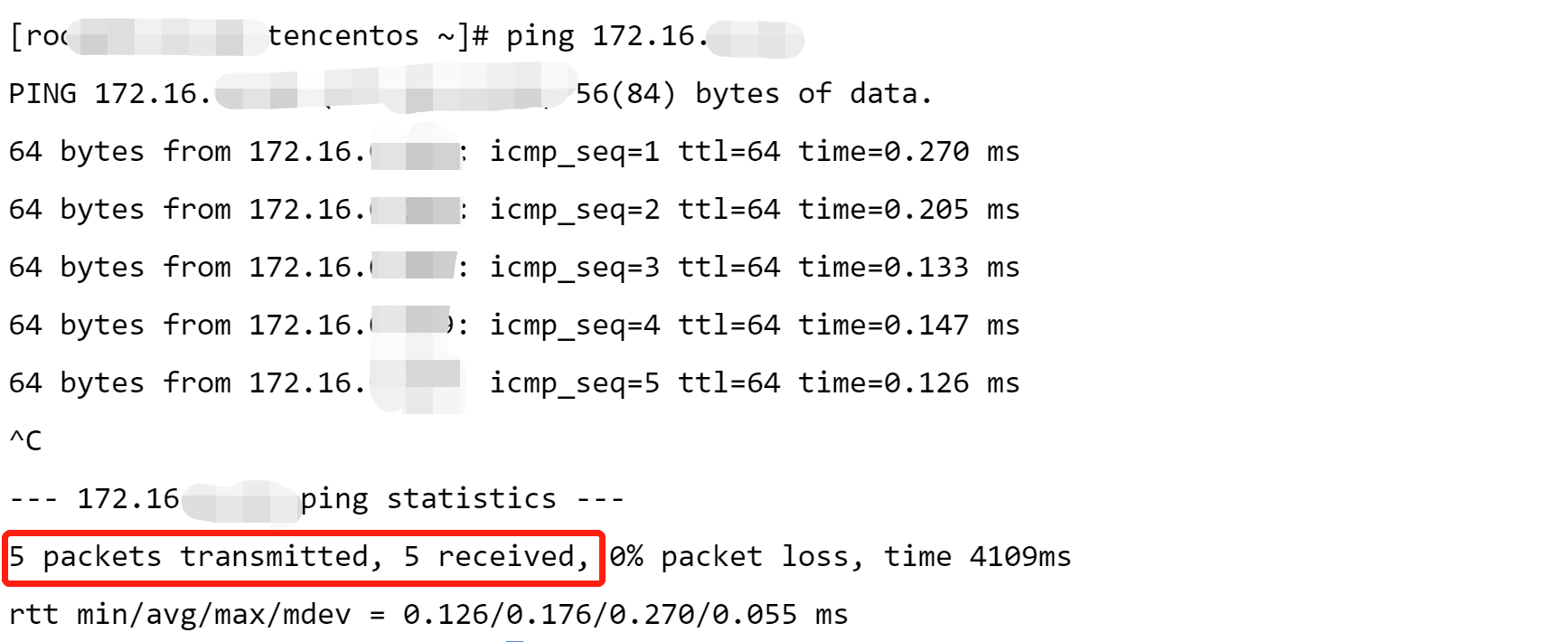
1. Check network status before fault injection. Send messages to the target machine through ping commands, and check network connectivity.
2. Click Create a New Experiment, fill in the experiment information, and add target CVM instances.
4. Configure fault action parameters, click Confirm. No parameter is required for the action, and configuration of general parameters is not required.
5. After action parameter configuration, click Next. Configure guardrail policies and monitoring metrics considering actual situations, and click Submit to complete experiment creation.
Step 3: Experiment Execution
1. Go to experiment details, and click Go to the action group for execution.
2. Click Execute to start an experiment.
3. Click the Action Card to check the details for the action execution results.
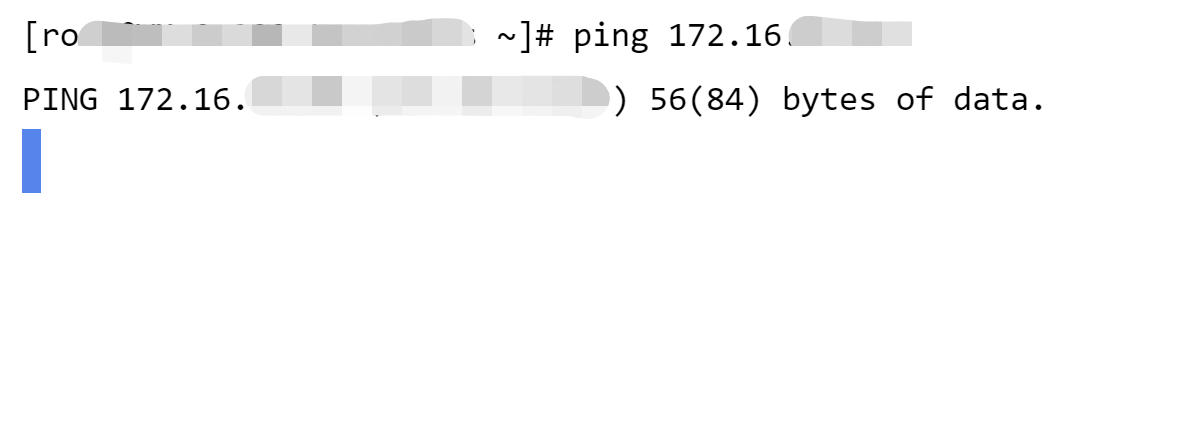
4. Check the network connection status of the target machine after fault injection. It can be found that the target machine cannot be pinged.
5. Execute a recovery action, and check the execution logs of the recovery action.
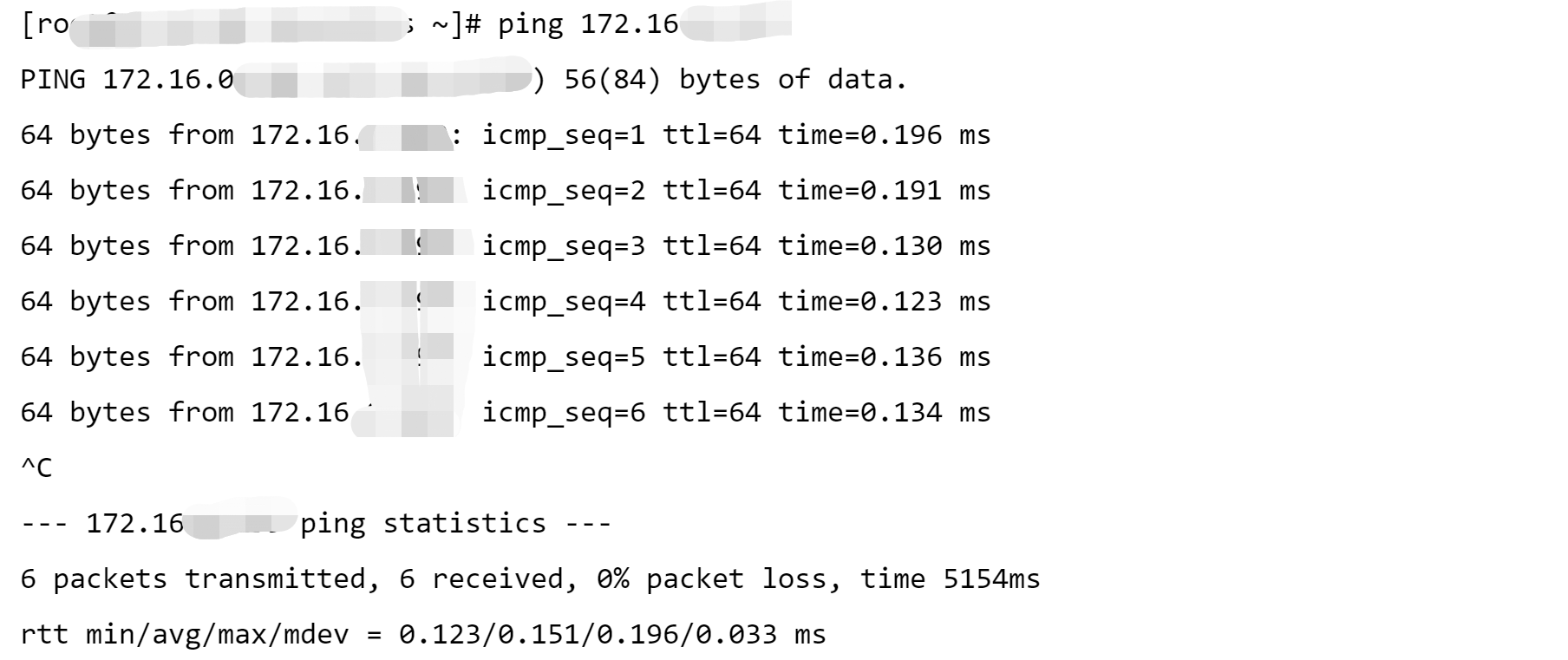
6. Check the result of fault recovery. Log in to a machine and ping the target machine. Response messages show that the fault has been cleared and network transmission has recovered.