Introduction
Segment the subject's hair from the camera feed to apply hair coloring or special effects to specific hair regions. The hair coloring module's segmentation feature lets you apply different colors to hair. Tencent Effect automatically generates a hair segmentation mask and a yin-yang hair mask, enabling fast implementation of full-head, left-side, or right-side hair coloring effects.
Basic Usage
Create Hair Coloring Object
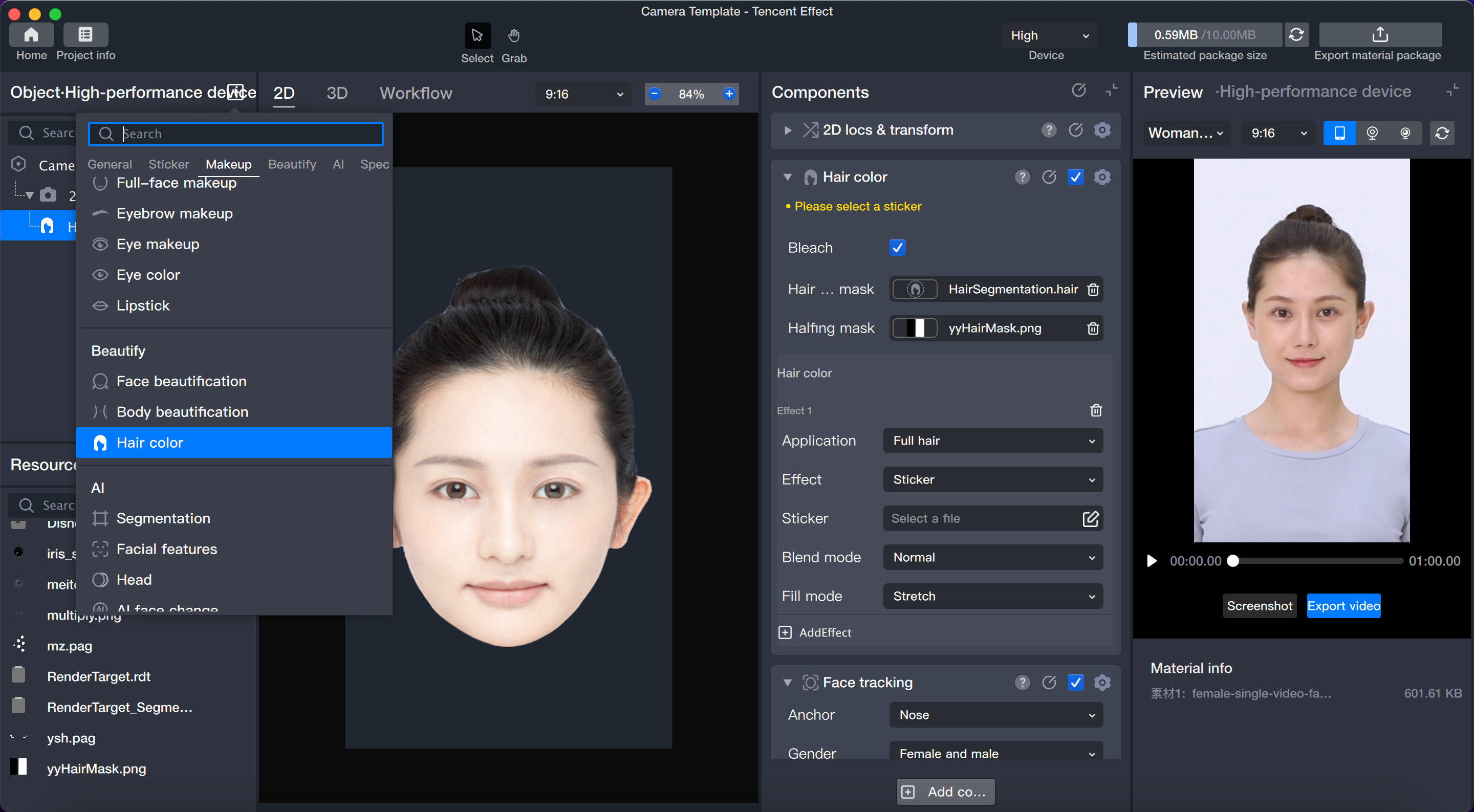
1. Add the hair coloring module in the object/component panel. Adding hair coloring works similarly to adding body segmentation capabilities; it does not create a new layer, but adds a capability block. This capability processes the camera input and outputs results that can be further customized.
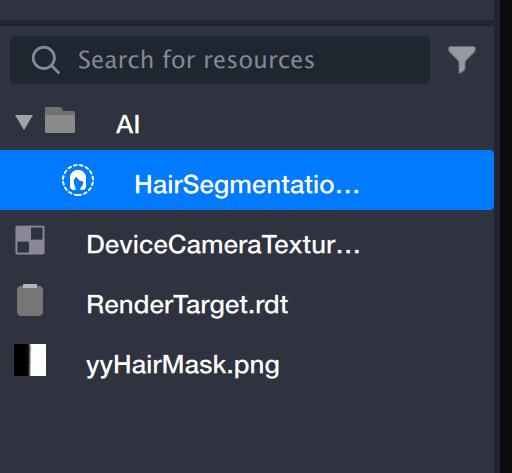
2. After adding the hair coloring capability, two files will appear in the resource window.
HairSegmentation.hair: After adding the hair coloring component, this file provides a mask that identifies the entire head of hair.
yyHairMask.png: Based on the full-head hair recognition, yyHairMask divides the hair into left and right sides.
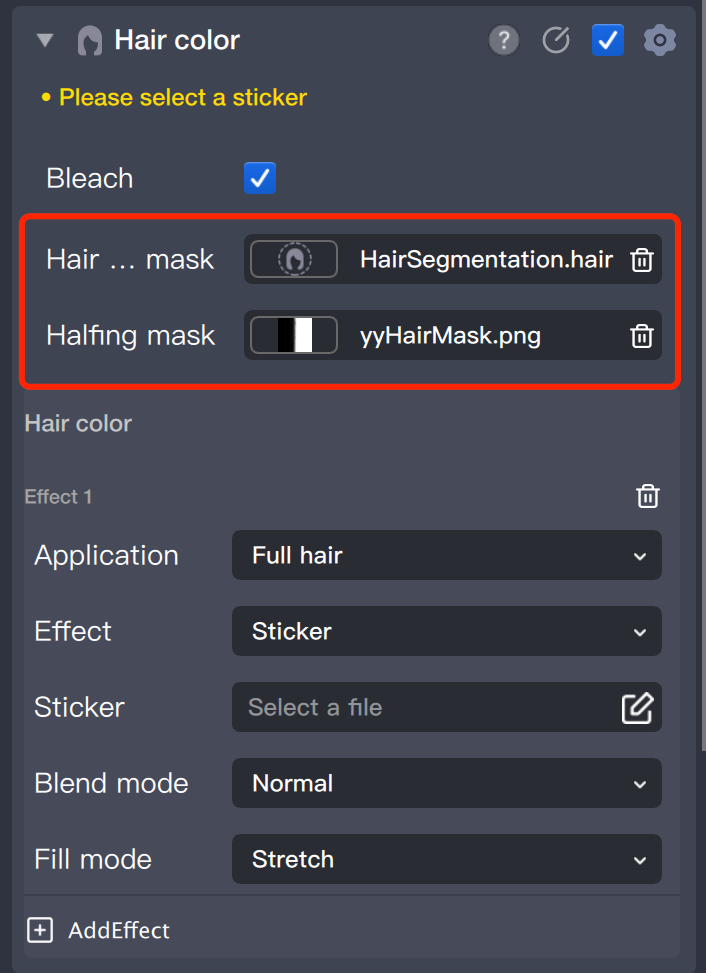
3. The files are automatically populated in the corresponding file input fields in the component panel.
If you have special requirements, you can manually add mask files to the resource panel and then import them into the file selection field.
Configure Hair Coloring Parameters
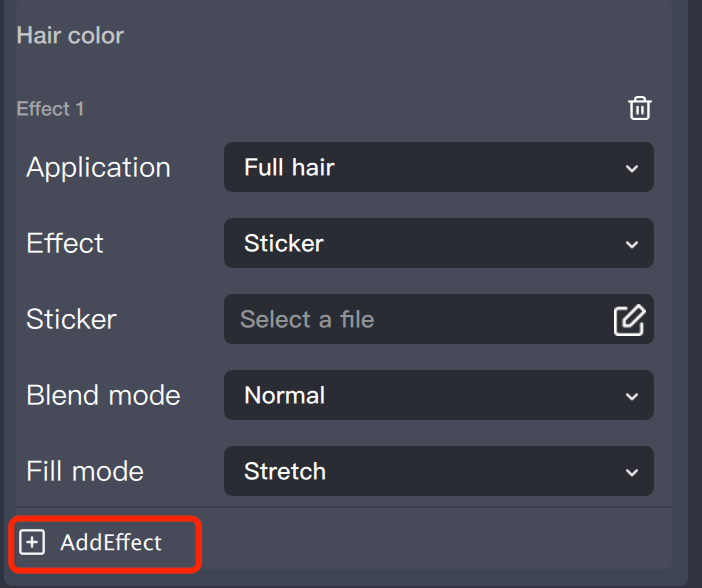
After adding the hair coloring object, the component applies a default hair coloring effect, which you can add or remove multiple times.
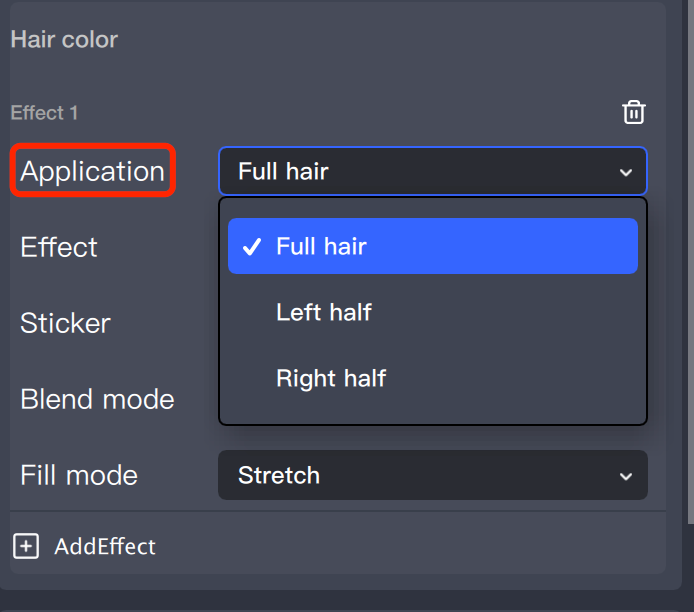
The hair coloring region offers three options: full-head, left side, and right side, allowing for targeted hair coloring.
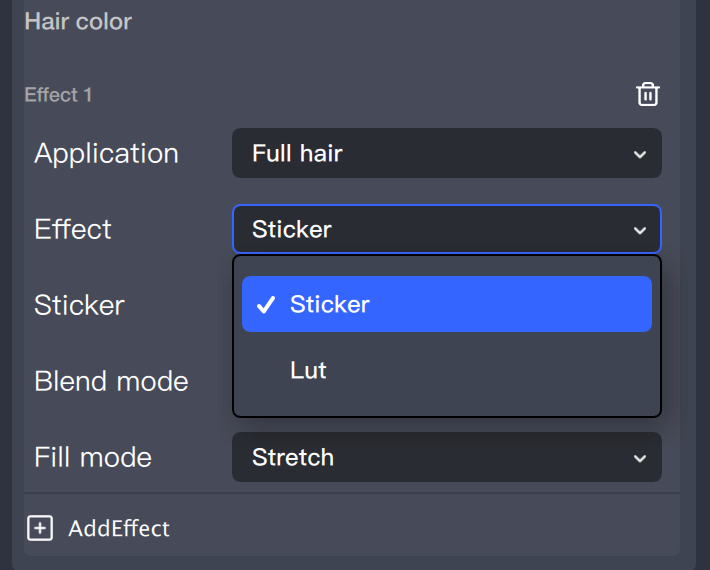
Hair coloring effects are available in Sticker mode and LUT mode.
In Sticker mode, you can configure sticker files, including common image formats such as JPG, PNG, and PAG.
In LUT mode, you can configure a LUT filter. For details on filter configuration, see the Configuration Guide.