Overview
When a high-risk command template changes, it needs to be modified. Below is a detailed instruction on how to edit a high-risk command template in the BH.
Directions
2. In the left sidebar, choose Permission Mgmt > High-risk Command.
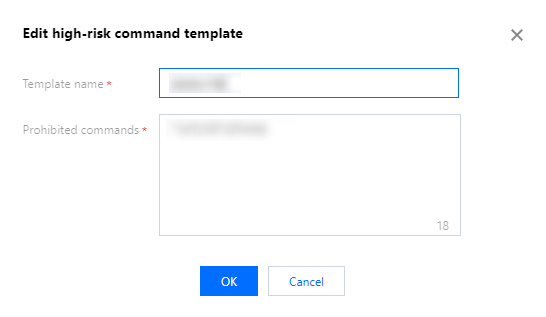
3. On the high-risk commands page, select the target template and click Edit.
4. In the Edit High-risk Command Template popup, you can modify the template name and prohibited commands.
5. After modification, click OK to save the template.