Use Cases
This document describes how to view the usage statistics of GVoice applications in the Game Multimedia Engine console. The usage statistics include the service usage for Real-Time Voice Service, Voice Messaging Service, Speech-to-Text Service, and Text Translation Service.
Access to Usage Statistics
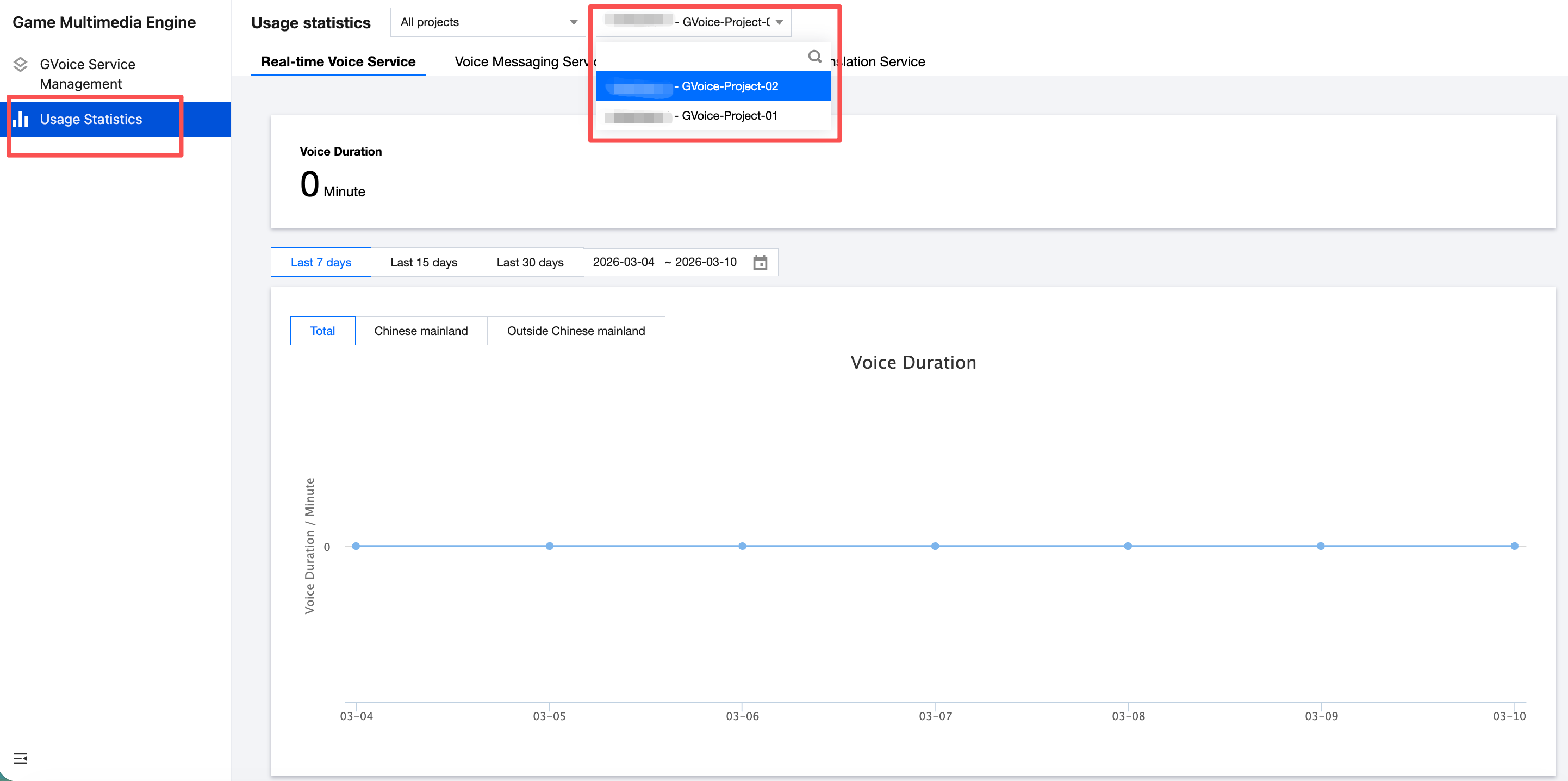
Left Navigation Menu: Click Usage Statistics and select the target application to view its current usage.
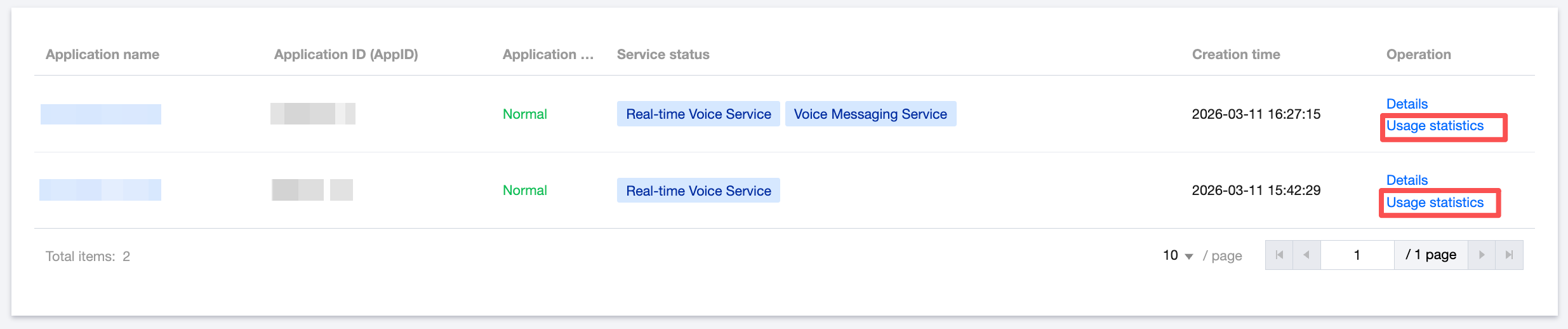
GVoice Service Management Page: In the application list, click Usage Statistics to view usage for the corresponding application.
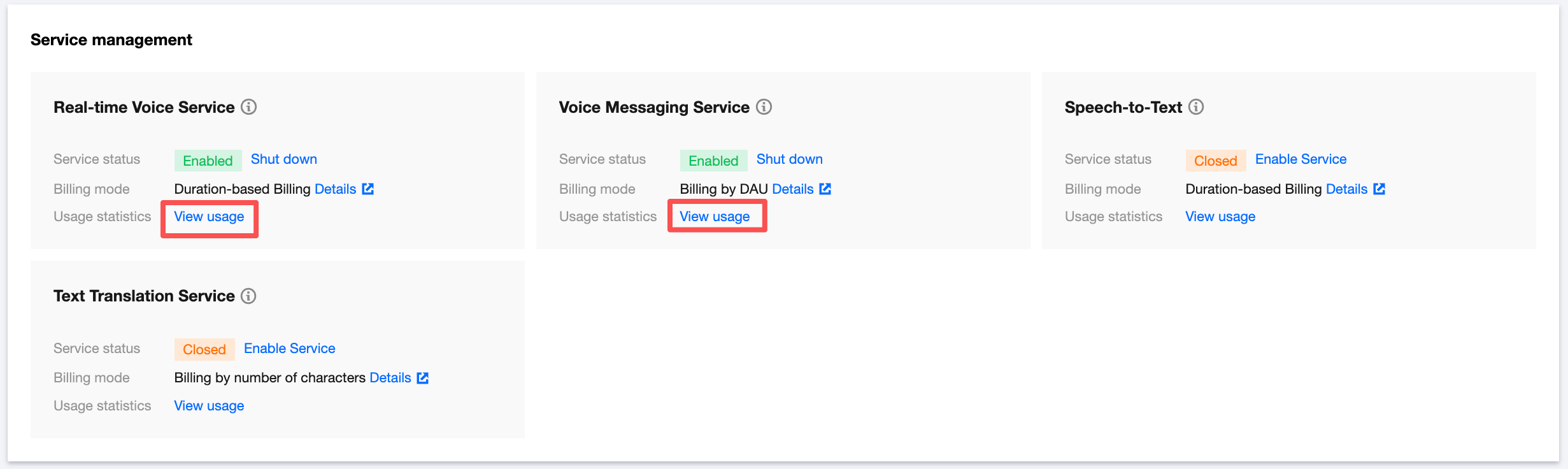
Application Details Page: On the GVoice Service Management page, click Application Details for the target application. In the Service Management section, click View Usage for the corresponding service to see the detailed usage of that service under the application.
Usage Statistics
Real-Time Voice Service (Voice Chat)
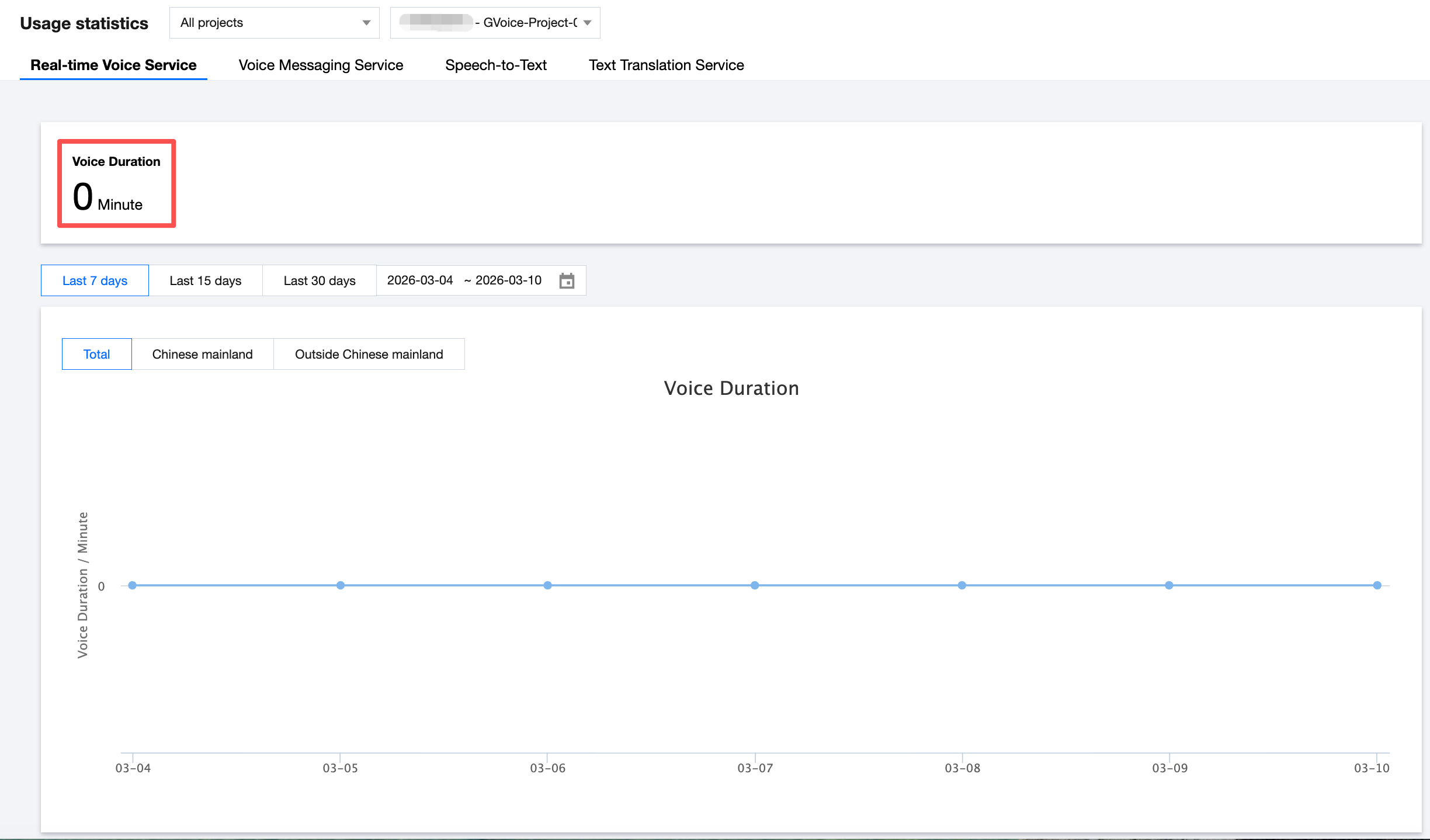
The usage statistics are displayed according to the billing mode currently used by the application:
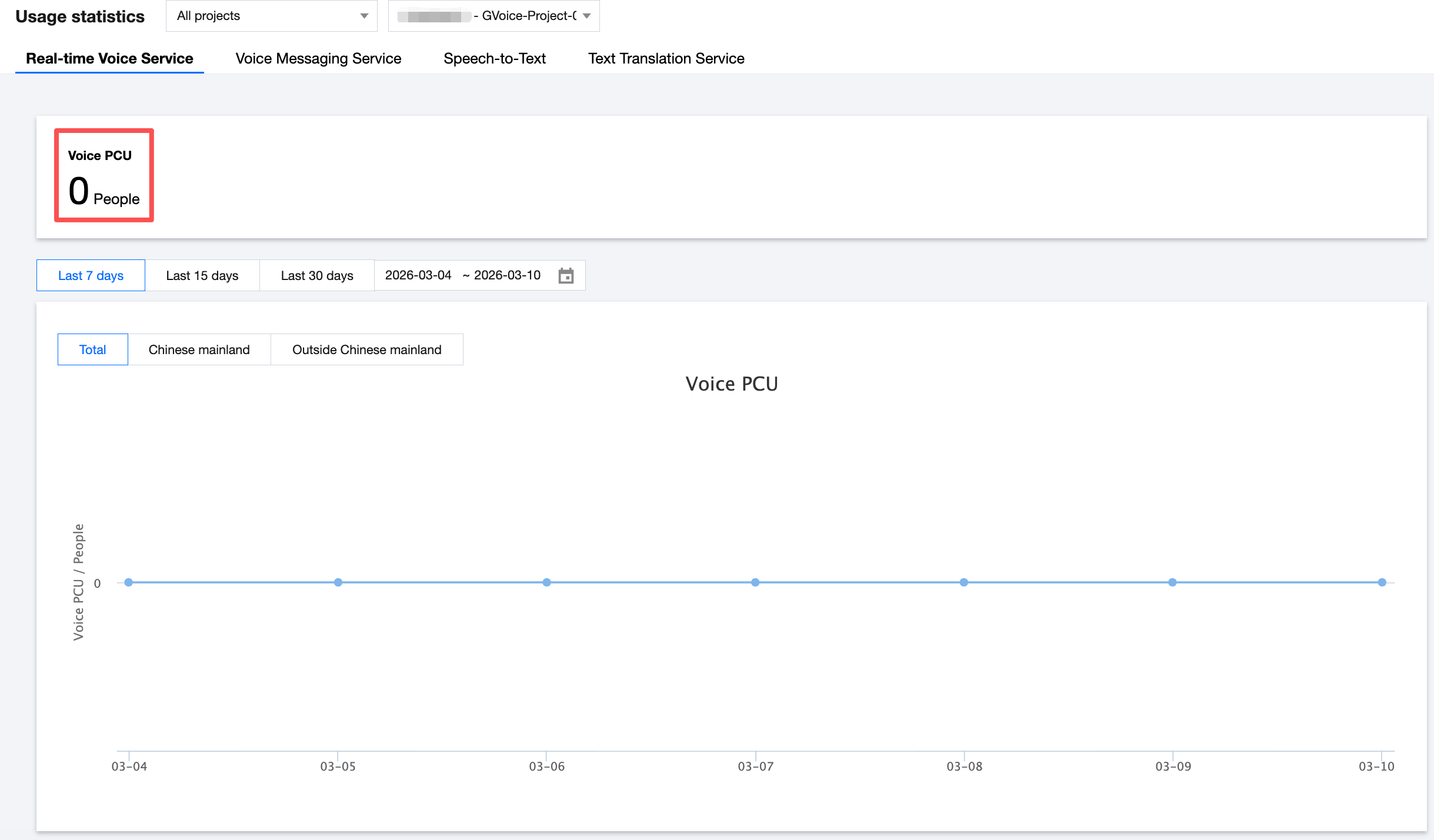
PCU Billing: Shows PCU usage data. The Voice PCU at the top of the page indicates the peak PCU for the application in the current month, as of yesterday.
Voice Duration Billing: Shows voice duration usage data. The Voice Duration at the top of the page indicates the voice usage (in minutes) of the application yesterday.
The line chart displays usage data for the past 7 days. You can switch the time range or region to view the corresponding usage data.
Voice Messaging Service
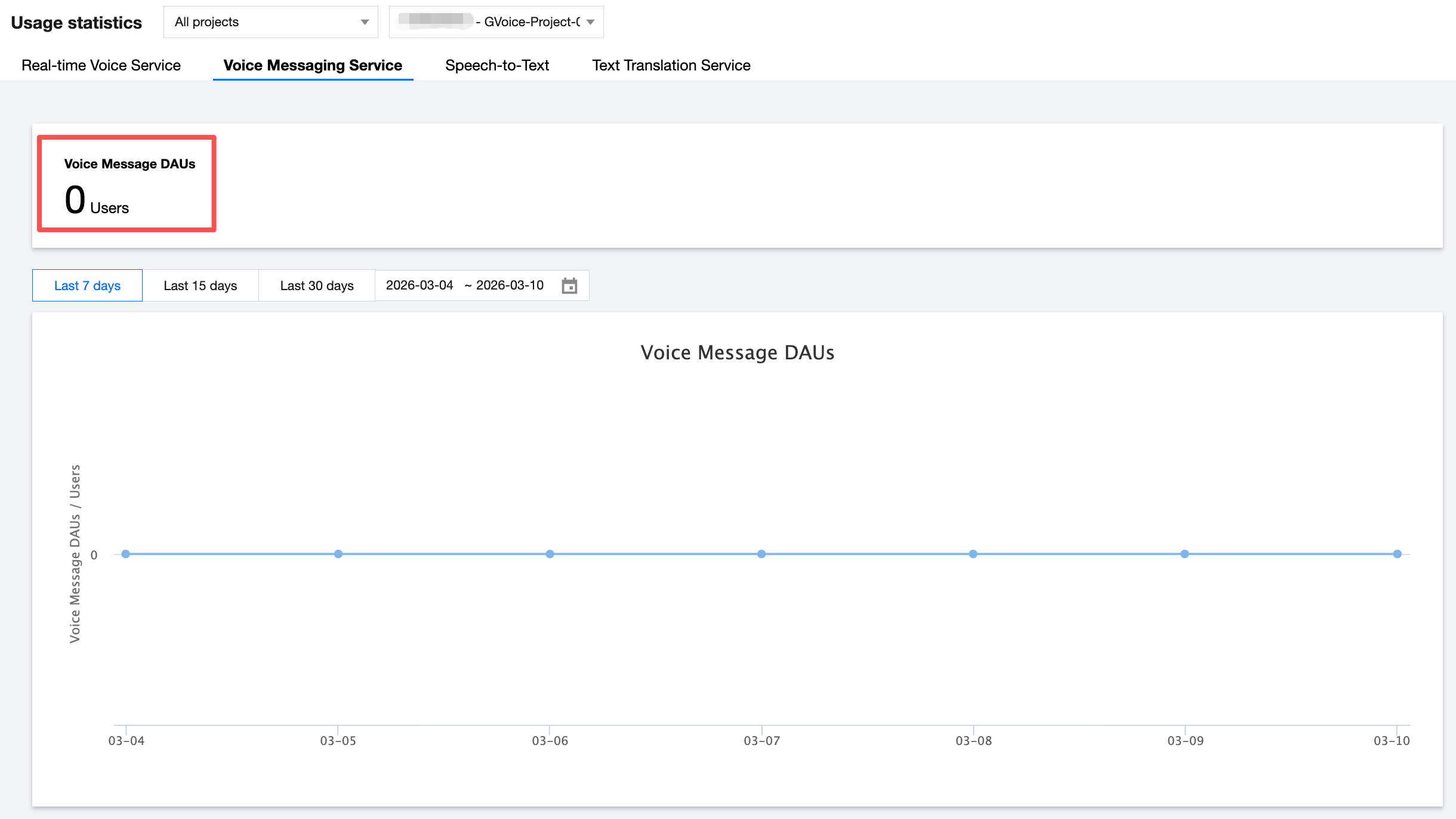
The usage statistics display DAUs (Daily Active Users) for the Voice Messaging Service.
The Voice Messaging DAUs at the top of the page shows the total voice DAU of the application for yesterday.
The line chart displays DAU usage data for the past 7 days, and you can adjust the time range to view the corresponding usage.
Speech-To-Text Service
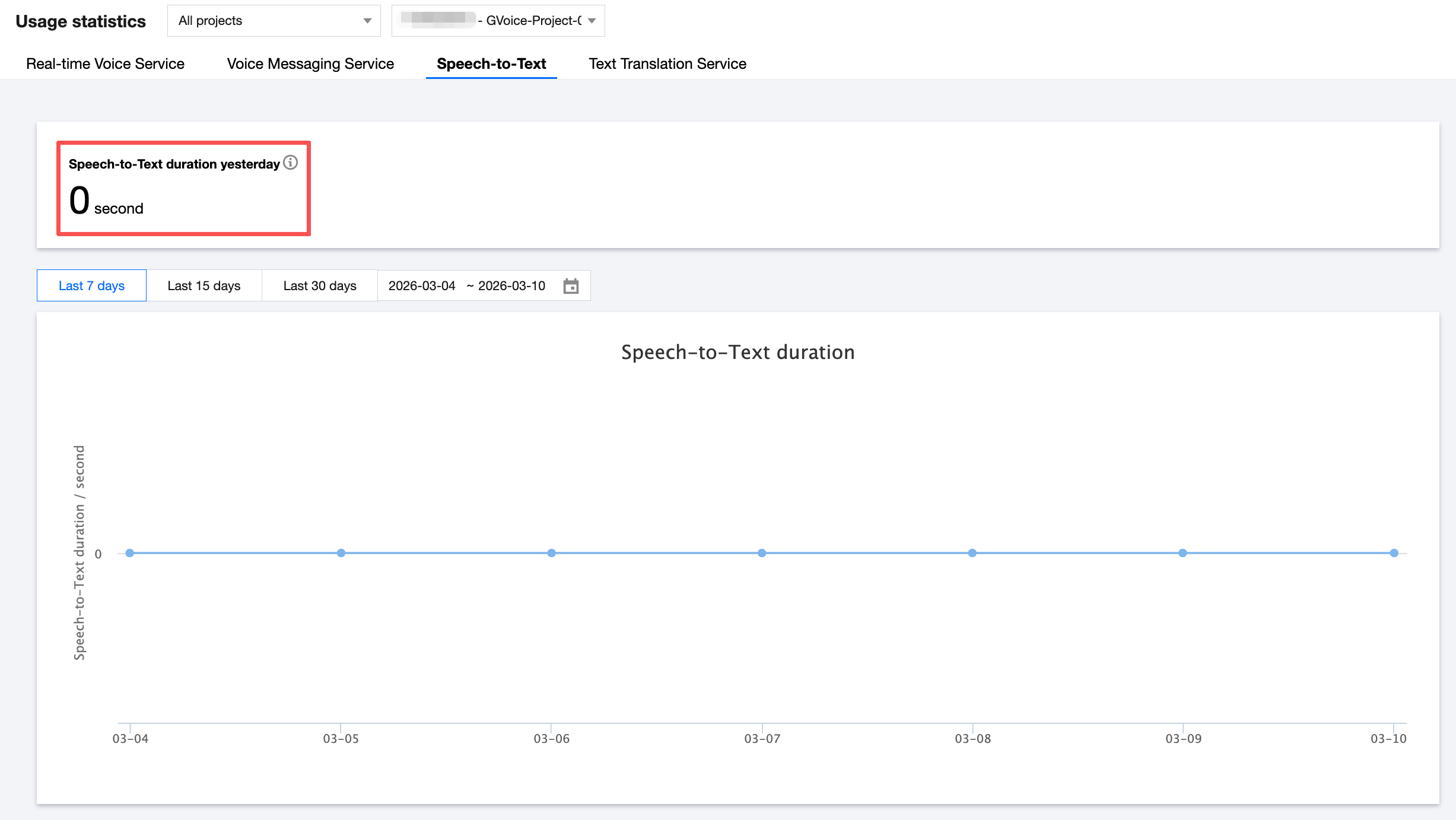
The usage statistics display the duration usage for the Speech-to-Text Service.
Speech-to-Text duration yesterday at the top displays the Speech-to-Text duration in seconds yesterday.
The line chart displays Speech-to-Text duration usage data for the past 7 days, and you can adjust the time range to view the corresponding usage.
Text Translation Service
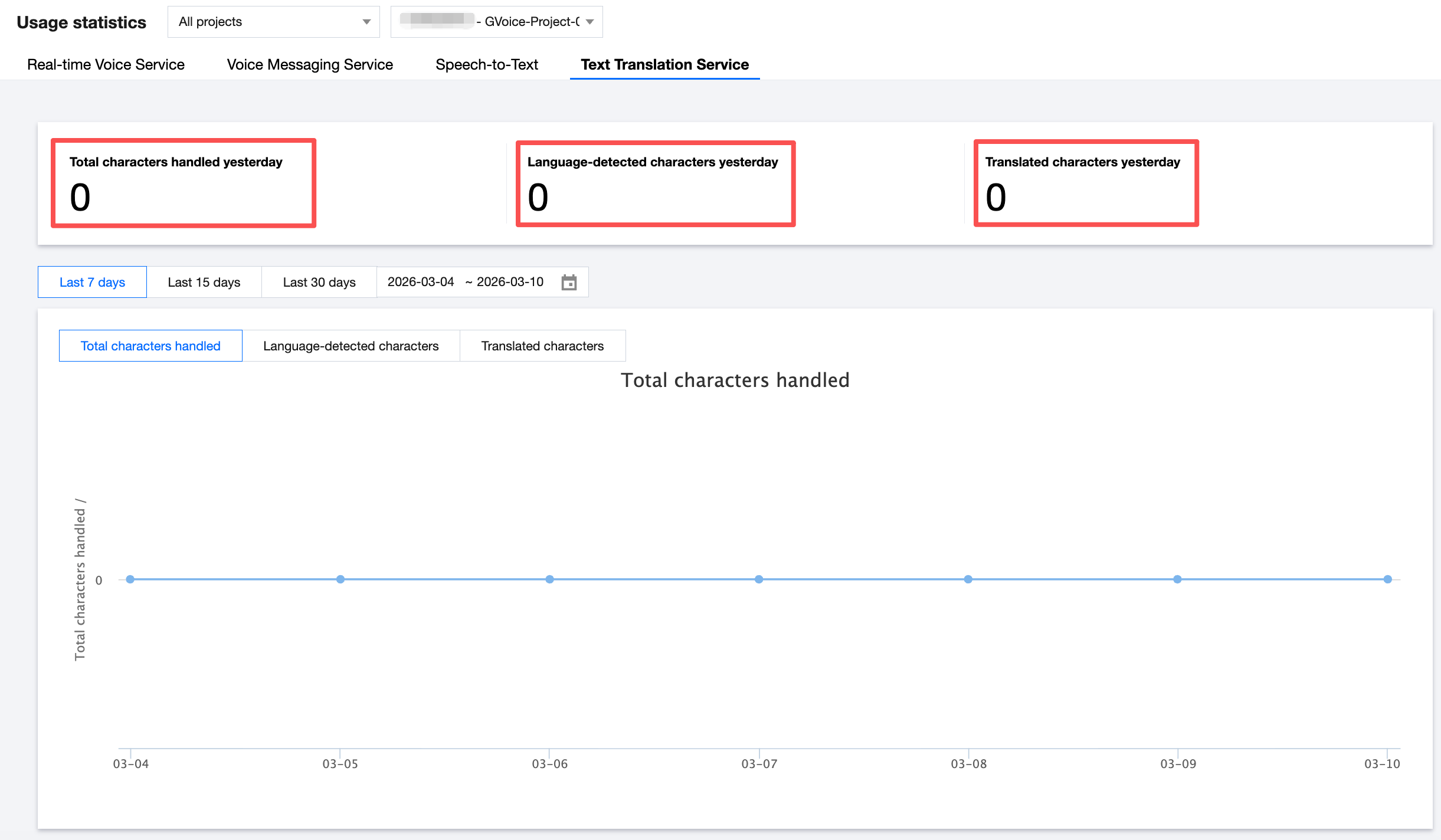
The usage statistics display the character count usage for the Text Translation Service.
The Total characters handled yesterday at the top of the page shows the total number of characters used by the application yesterday.
Total characters handled = language-detected characters + translated characters.
The Language-detected characters yesterday at the top show the number of characters submitted for language detection yesterday.
The Translated characters yesterday at the top show the number of characters submitted for translation yesterday.
The line chart displays character count usage data for the past 7 days. You can adjust the time range and switch between translation types to view the corresponding usage.