Overview
After a tag policy is bound to a user, the user’s final effective policy can be viewed. The correction feature will be automatically executed if it is enabled.
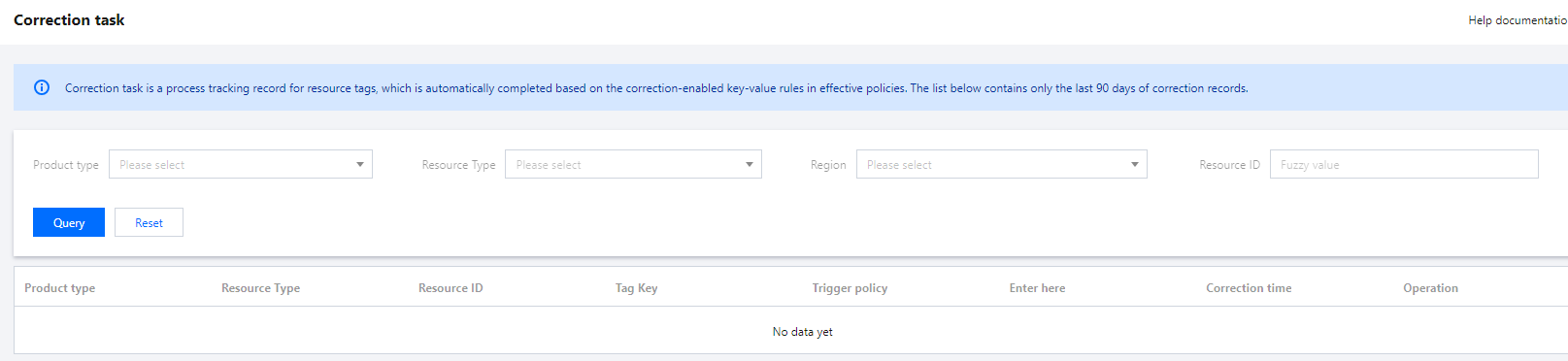
You can view the policies that users are bound to in the list of effective policies and view the correction records in the correction task list.
Note:
Only the last 90 days of correction records can be queried.
Instructions
1. Log in to the Tag console and click Tag Policy > Correction Task on the left sidebar. 2. You can query correction records by specifying the product type, resource type, and region and entering the resource ID.
3. Select a product and click Details on the right to view the original value and corrected value of the tag key and the effective tag policy bound to the user when the correction task is executed.