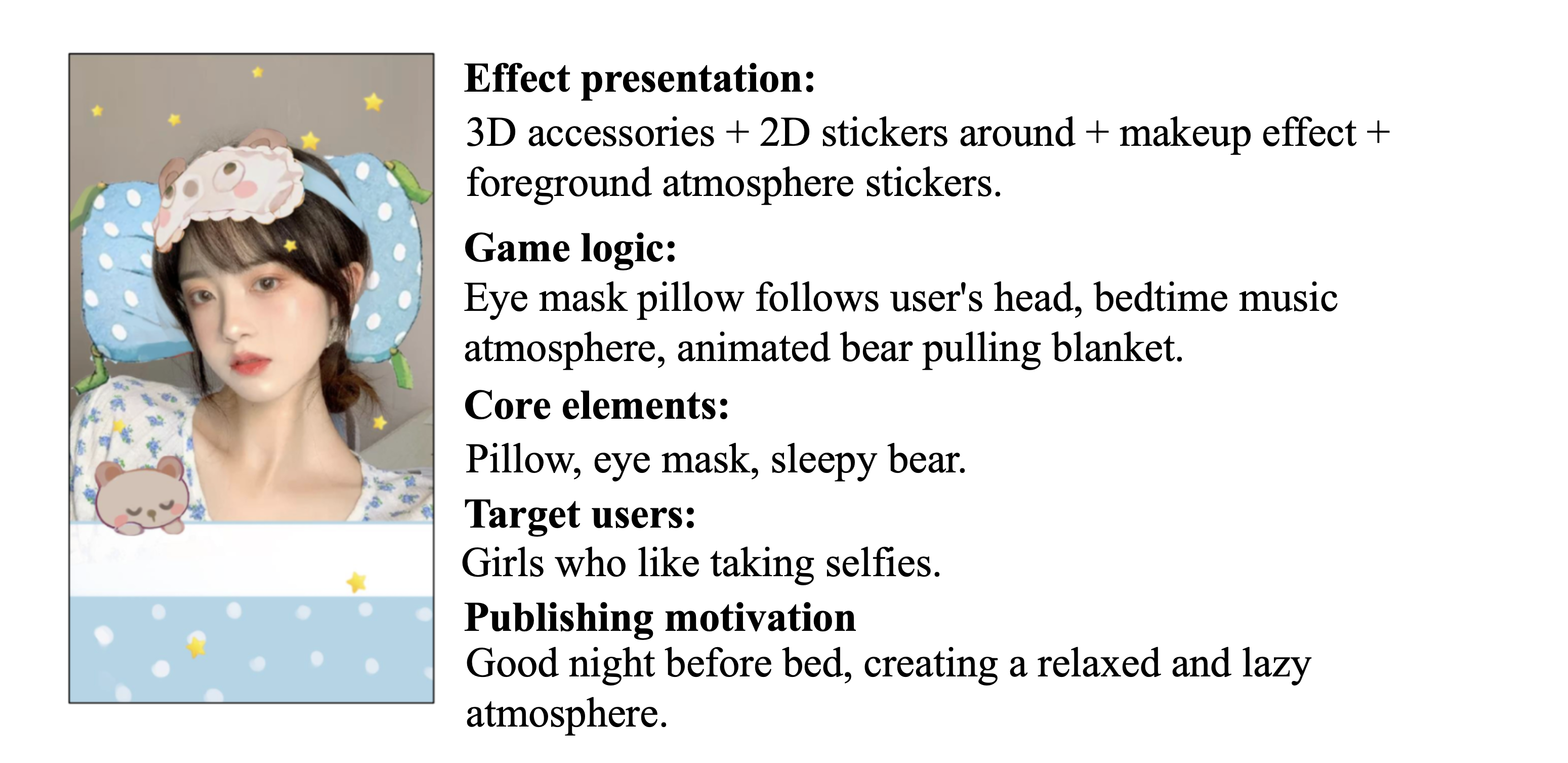
Step1 Creative Preparation
Determine gameplay creativity, clarify style and elements.
Conception of creative proposal, with reference to:
Step2 Material Production
Please refer to the Material Specification in the Guideline Document for details.
2D Material
|
Atmosphere | PS | - |
Makeup (Face makeup, Eyebrow makeup, Eye makeup, Blush, Contouring, Lip makeup, etc.) | PS | |
Colored contact lenses | PS | |
Filter | PS | |
PAG (Transition, Animated stickers, etc.) | AE | - |
3D Material
|
Models | 3D MAX, Maya, C4D, blender, zbrush, etc., as long as the final output can be FBX or GLB format files. |
Textures | - |
3D Model Animation | Maya, C4D, etc. |
Environment HDR | PS, download on your own. |
Step3 Configuration & Preview
Import the material file into the Tencent Effect resource panel.
2D Section
In the Object Panel, add:
1. Filter ➡️ Add filter resources in the Component Panel.
2.1 Add the corresponding makeup look object in the Object Panel, and select the corresponding beauty makeup material in the Component Panel, and set the blending mode and opacity.
2.2 Beauty.
2.3 Facial beautification.
3. Animated stickers
3.1 Foreground stickers ➡️ Add corresponding resources in the Component Panel.
3.2 Transition ➡️ Add corresponding resources in the Component Panel.
3D Section
In the Object Panel, add:
1. 3D scene object group.
1.1 3D human head.
1.2 Drag the xxx.prefab file from the 3D resources to the sublevel of the 3D human head object.
Music
Add music in the Object Panel and add music resources in the Component Panel.
Add Process
Step4 Effect Preview
Tencent Effect Preview Panel.
Step5 Final Acceptance
Icon Creation
Note:
The model in the icon must have copyright. At this stage, please click the link below to download the copyrighted model image for creating the icon. Model image material. Material Package Self-check
Material Package Self-check List |
|
|
|
Self-check items | Format Requirements | Specification Size | Word Limit |
Material Package | ZIP | 15m or less (10m is optimal) | / |
Icon | PNG | Round, 342*342, 50-100k. | Preferably within 4 characters. |
Music | MP3 | <30s, <1m | / |
Special Effect Name | / | / | Within 4 characters |
Makeup | PNG | Refer to export specifications. | /a |