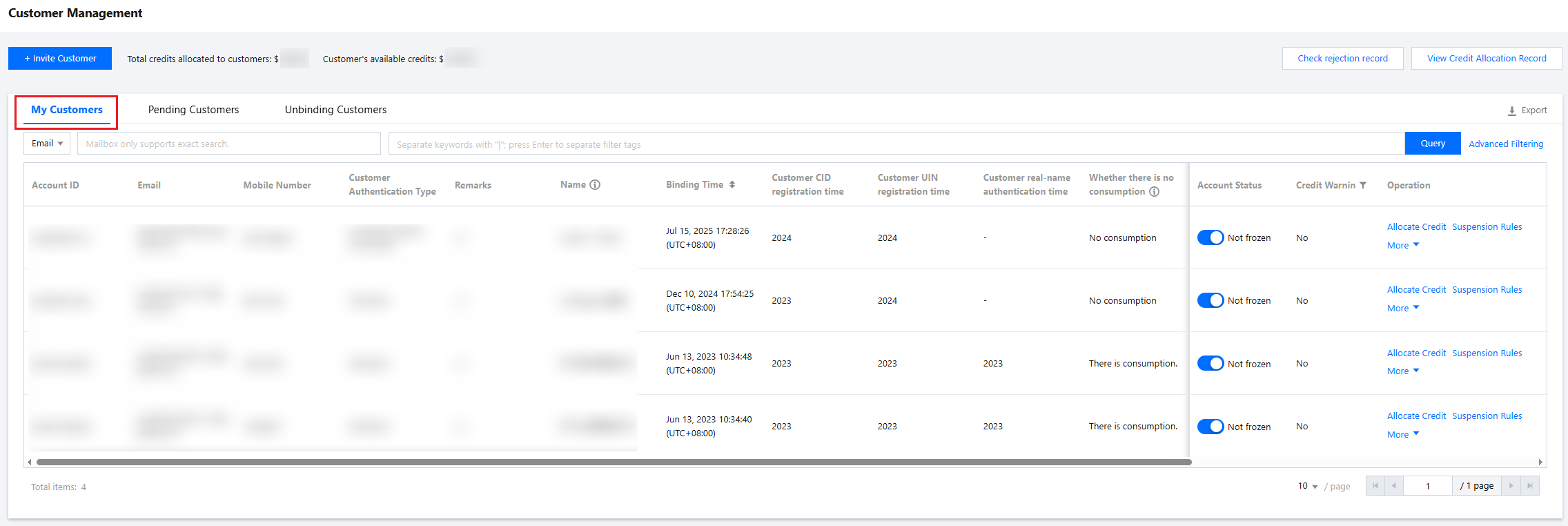
When a partner detects an anomaly in a sub-customer account or the sub-customer has unsettled repayment, the sub-customer account belonging to them can be frozen. After freezing, you can unfreeze the account as needed.
Applicable Objects
This document is suitable for resellers, first-level distributors, and second-level resellers to read. The following copywriting uses "reseller" for description.
Prerequisites
Reseller identity already available.
Freezing a Sub-Customer Account
Impact of Freeze
After a sub-customer account is frozen, it will be restricted from new purchases, renewals, resource scaling, and switching between payment modes. Purchased prepaid products can continue to be used within the valid period, while opened postpaid products will be suspended immediately.
Operation Steps
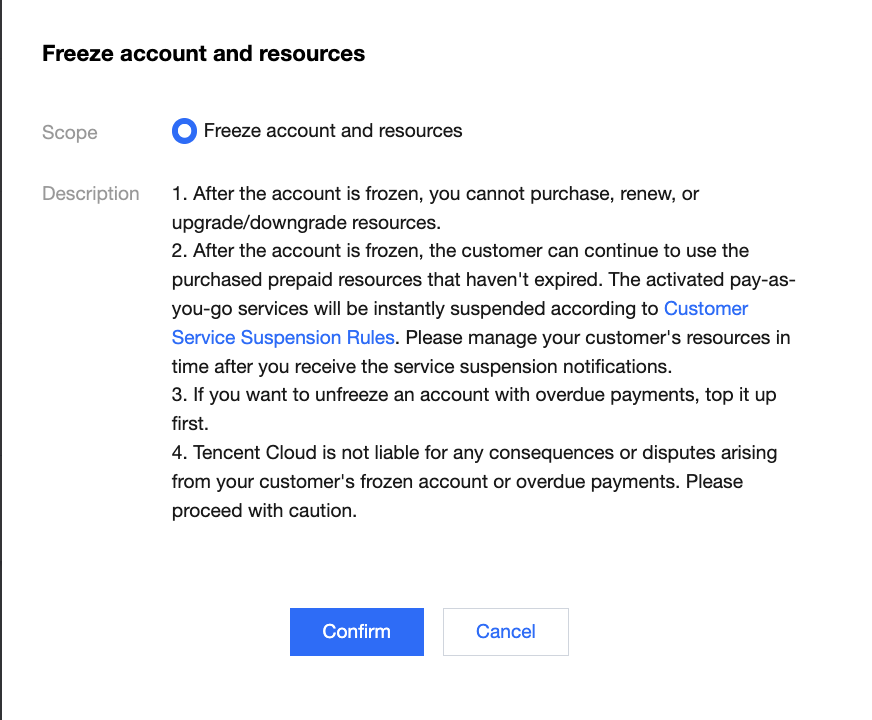
3. In the customer list, find the target sub-customer, click in the account status column, and a "Freeze Account and Resource" popup will appear. If the account is overdue when freezing it, only the account will be frozen. After freezing, the sub-customer remains in overdue status, and resources continue to be processed according to the effective overdue service suspension rule.
If the account is not in arrears when freezing it, both the account and resources will be frozen. After freezing, the sub-customer enters a forced overdue payment status, and its resources will be processed according to the current service suspension rule.
4. Click Confirm to freeze the sub-customer account. The account status will be "frozen", and all products of the sub-customer will be suspended.
Unfreezing a Sub-Customer Account
To unfreeze a sub-customer account, if the account is still in arrears, account correction must be performed first before unfreezing. Once the account status is unfrozen and the account has no arrears, the sub-customer service will be restored.
Operation Steps
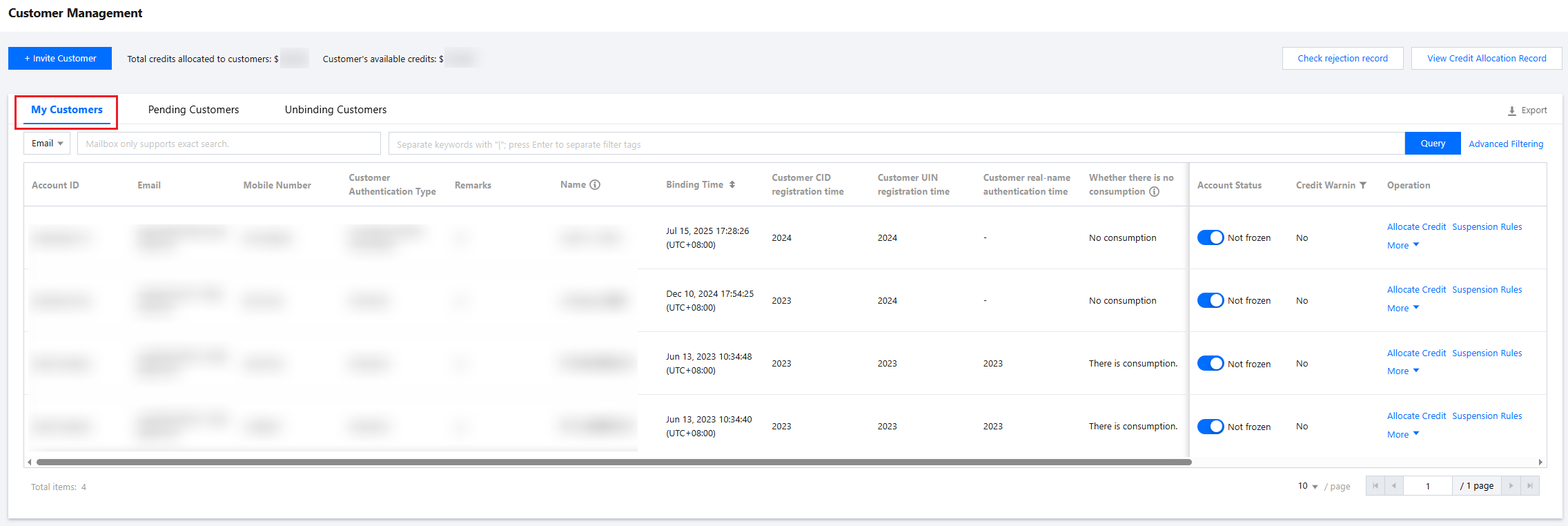
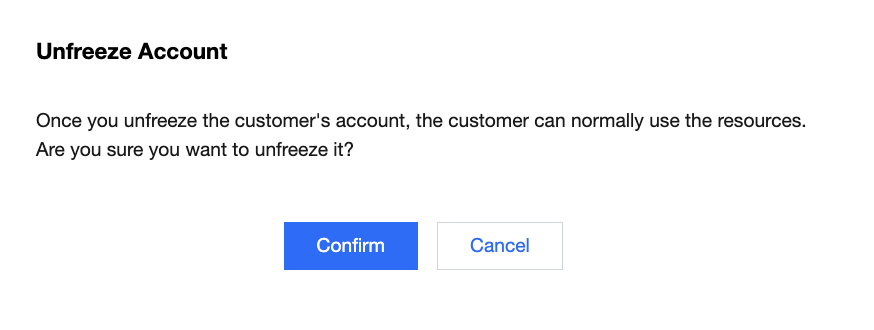
1. Similar to the freeze operation entry, go to the Customer Management and enter the My Customers page. 2. In the customer list, find the target sub-customer, click in the account status column, and a secondary confirmation popup will appear. 3. Click Confirm to unfreeze the sub-customer account. The account status will be "unfrozen", and the sub-customer's service will be restored.