Viewing user details
Download
Focus Mode
Font Size
Scenarios
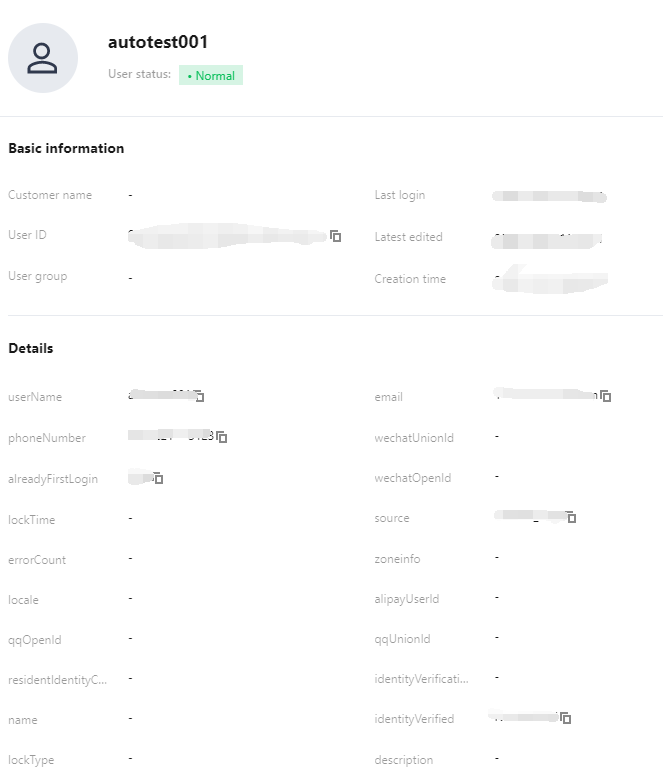
After adding a user, you can view the user details, such as the user's basic information and user group.
Steps
1. Log in to the Customer Identity and Access Management console and select User management -> User management in the left navigation pane.
2. On the User management page, click the username to go to the user details page.

3. On the user details page, you can view the user's information and user group.
Help and Support
Was this page helpful?
You can also Contact sales or Submit a Ticket for help.
Help us improve! Rate your documentation experience in 5 mins.
Feedback