After uploading a file in knowledge management, the model can provide knowledge Q&A services based on enterprise private domain knowledge.
Tencent Cloud ADP has built-in best-practice workflows. You just need simple configuration to build a knowledge Q&A app based on the DeepSeek-R1/V3 large model. It supports completing the end-to-end experience of user question understanding, knowledge retrieval, and knowledge Q&A in the dialogue test window.
Directions
1. Register and log in to Tencent Cloud. If there is no account, please click signup.
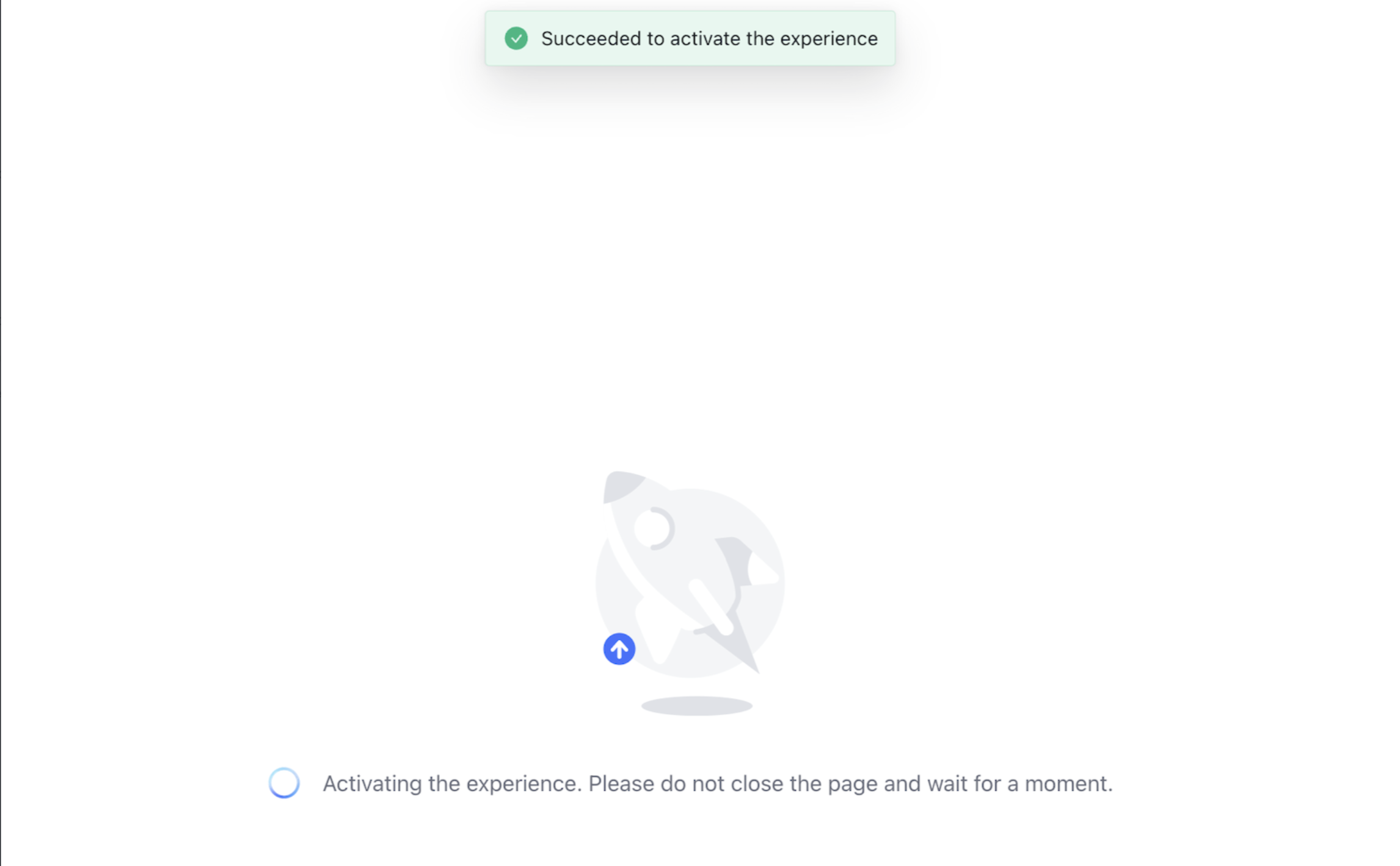
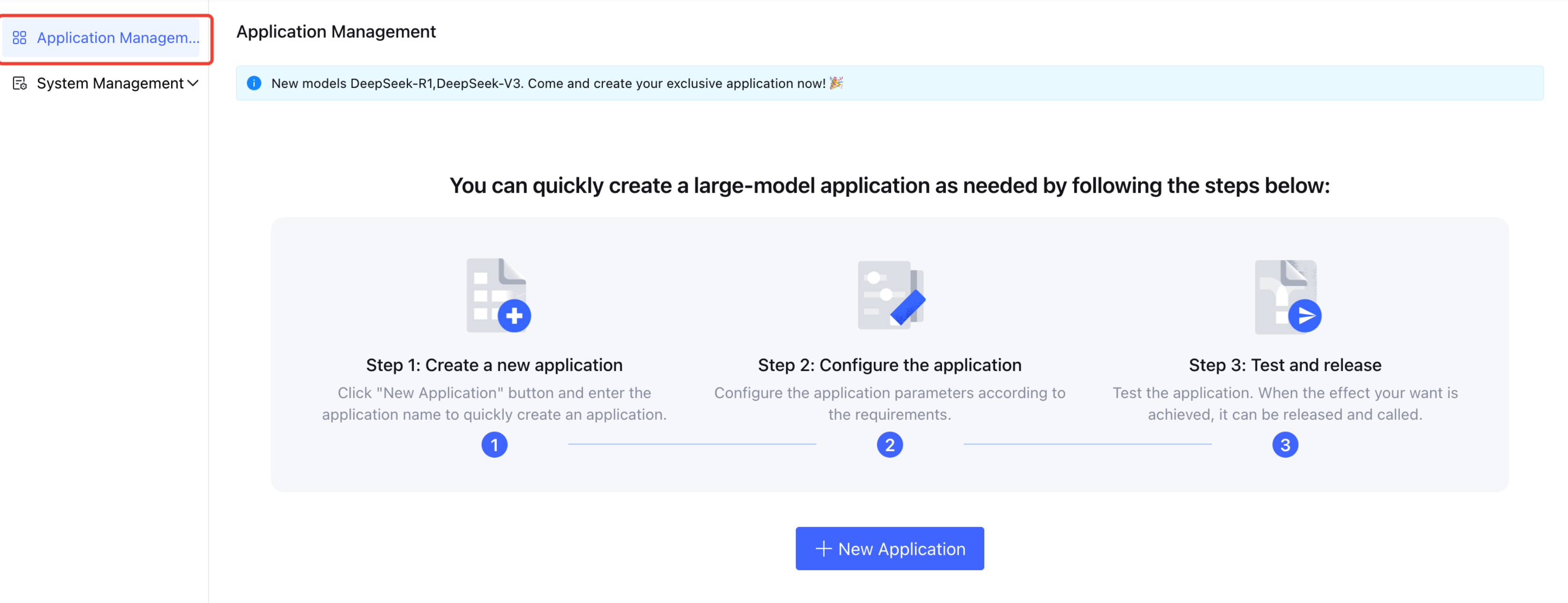
3. Once activated, automatically redirect to enter Tencent Cloud ADP. You can click Application Management in the left menu to enter the Create Application Page.
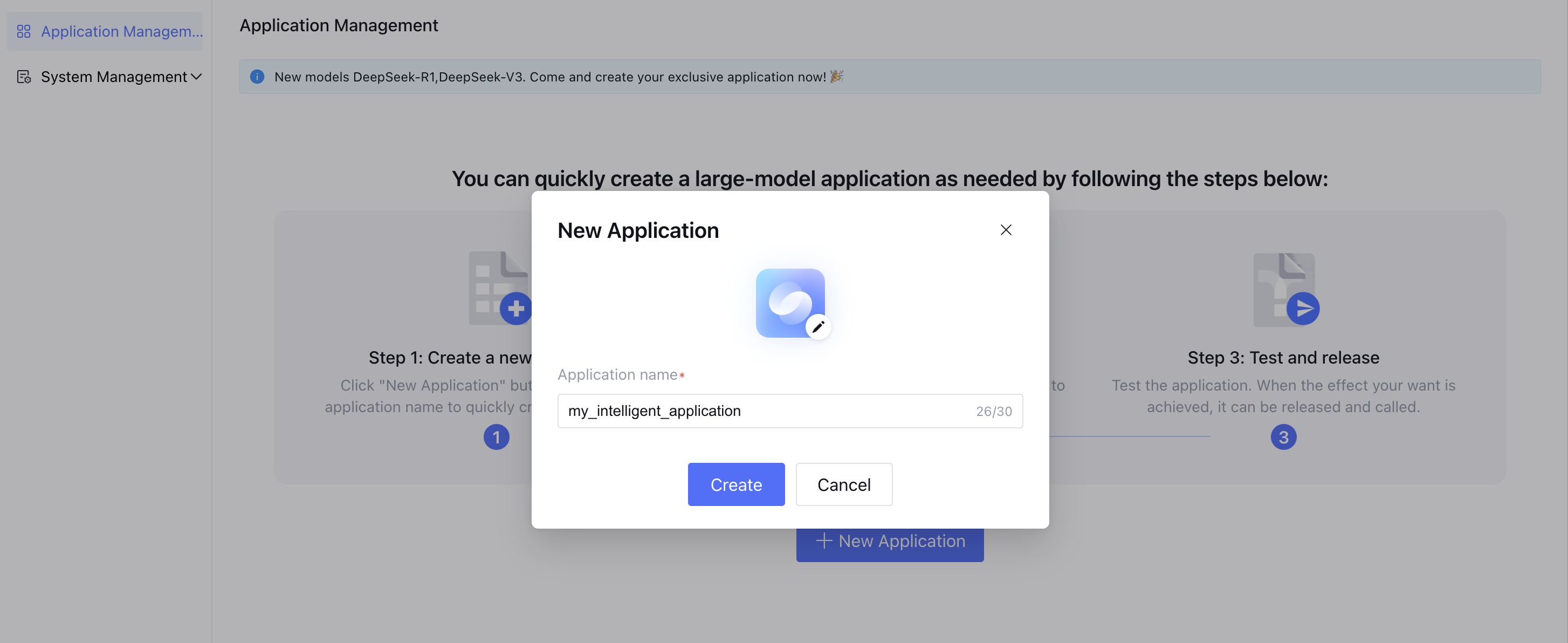
4. When creating an application, you can set the application basic information, such as name, avatar, etc. After saving, the application's basic information will undergo a security review and take effect after passing the review.
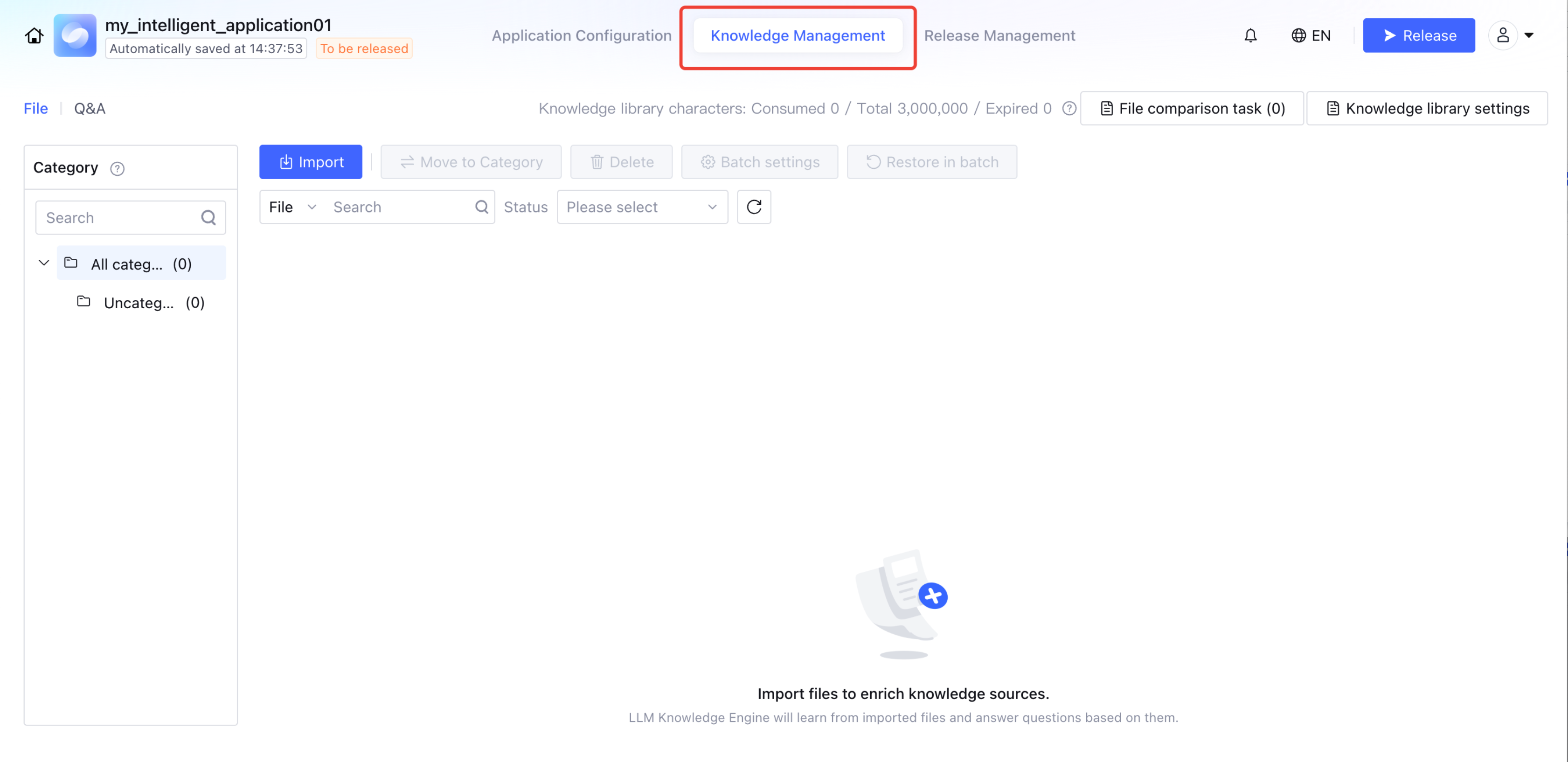
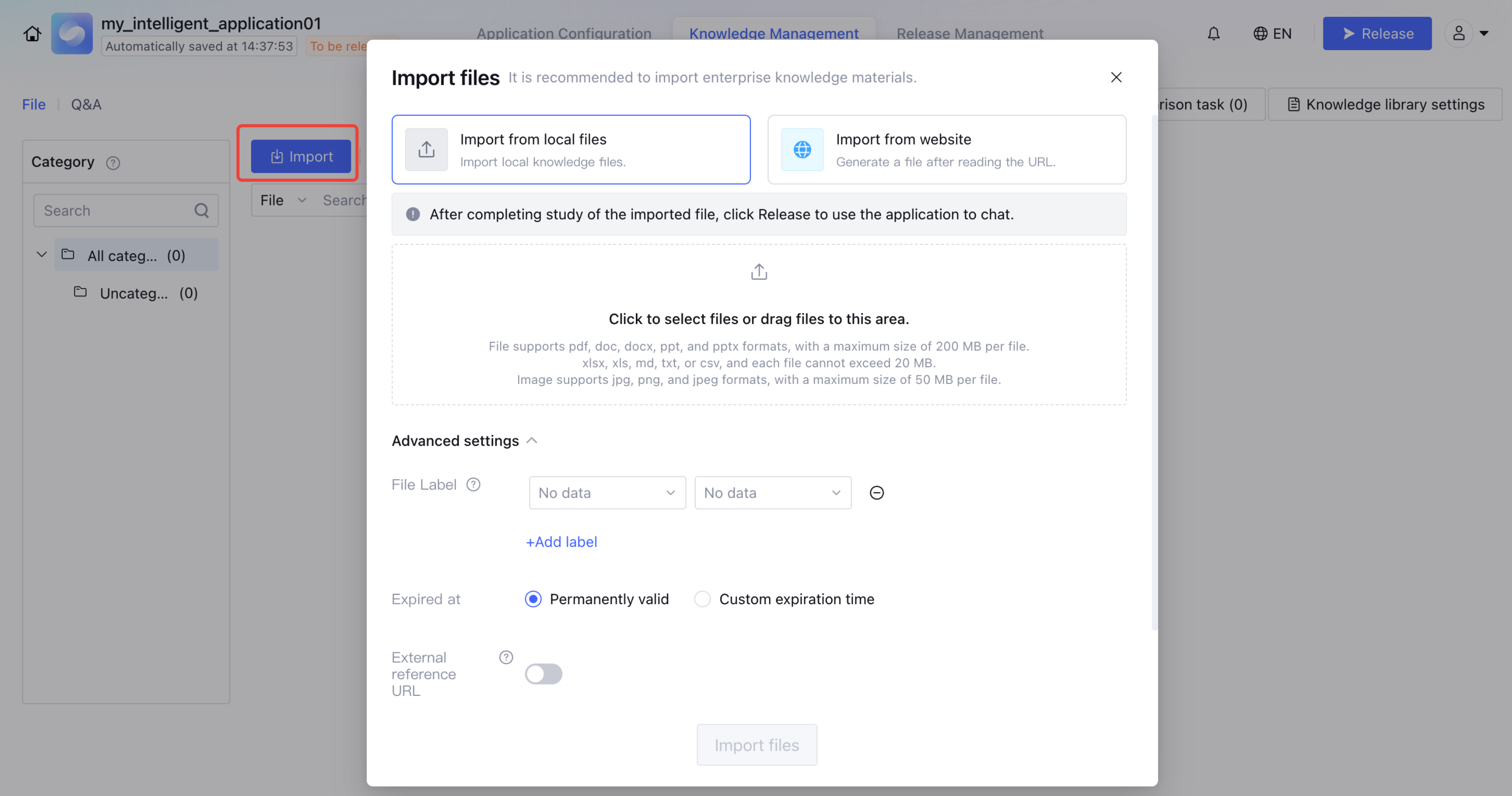
5. After creating an application, enter the application, click Knowledge Management, and import Enterprise Private Domain Knowledge documents.
Uploadable manuals for various types of products from enterprises. The platform will quickly complete knowledge document parsing, splitting, and storage.
Support importing images with text, including png, jpg, jpeg formats, size limit: 50MB, aspect ratio no more than 1:7.
Table files (xlsx, xls, csv format) support a maximum of 10,000 rows and 100 columns of data. It is advisable to store only one table per sheet. The appearance of completely empty rows in a table will affect the Q&A effect.
Support batch import of files.
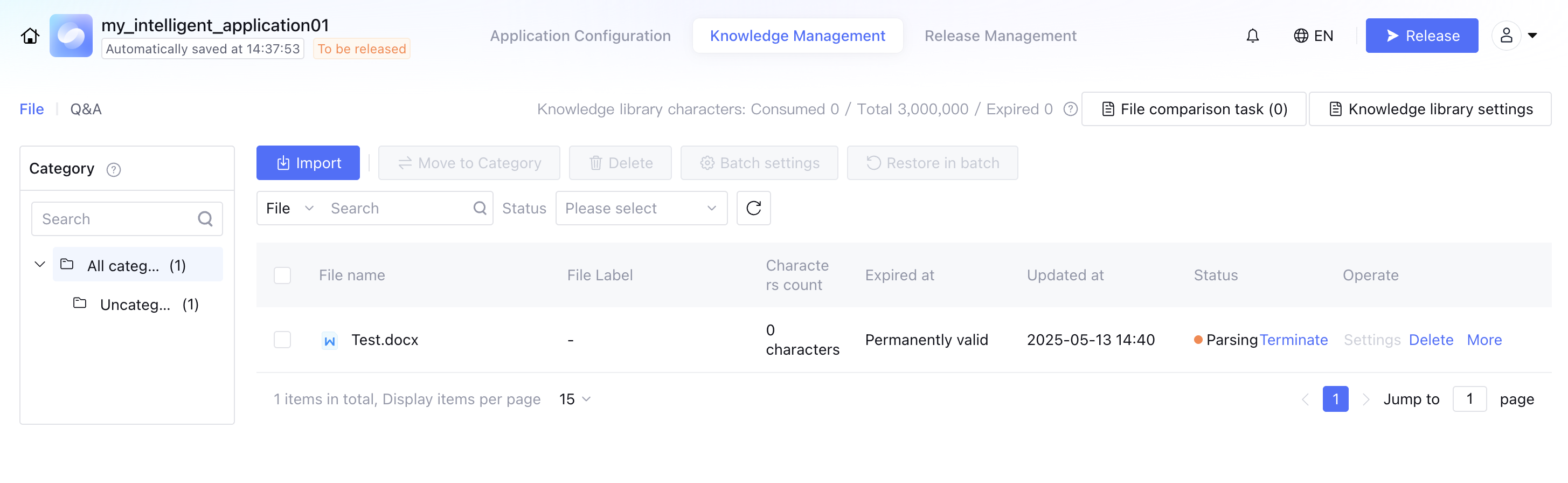
6. You can enter Application > Knowledge Management > Document to manage document-based knowledge. You can view the number of characters, update time, and status of the document. It also supports setting the document expiration time, downloading the document, deleting the document, and setting the knowledge base search scope.
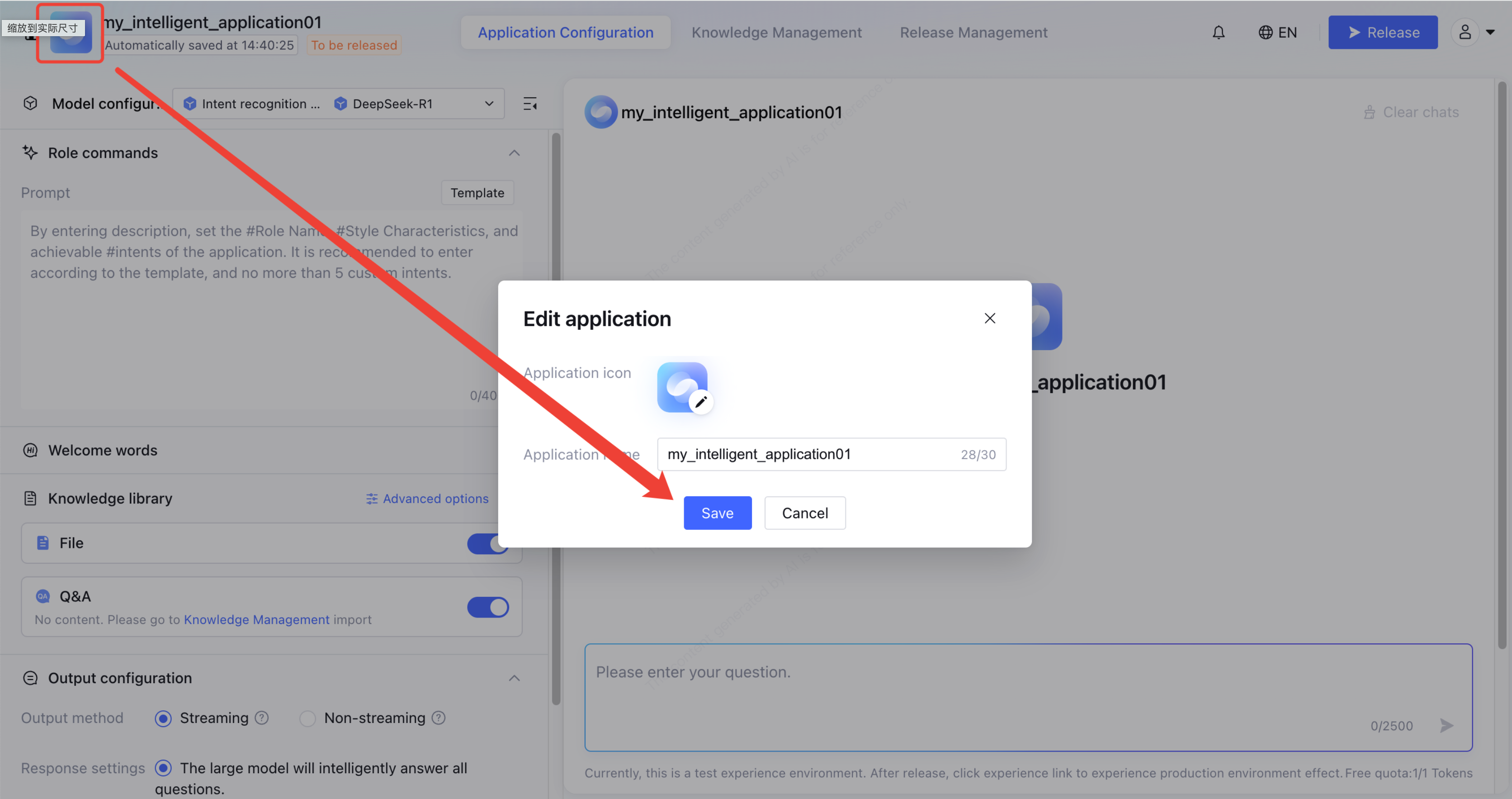
7. In the application configuration interface, click the application avatar to change the application icon and application name.
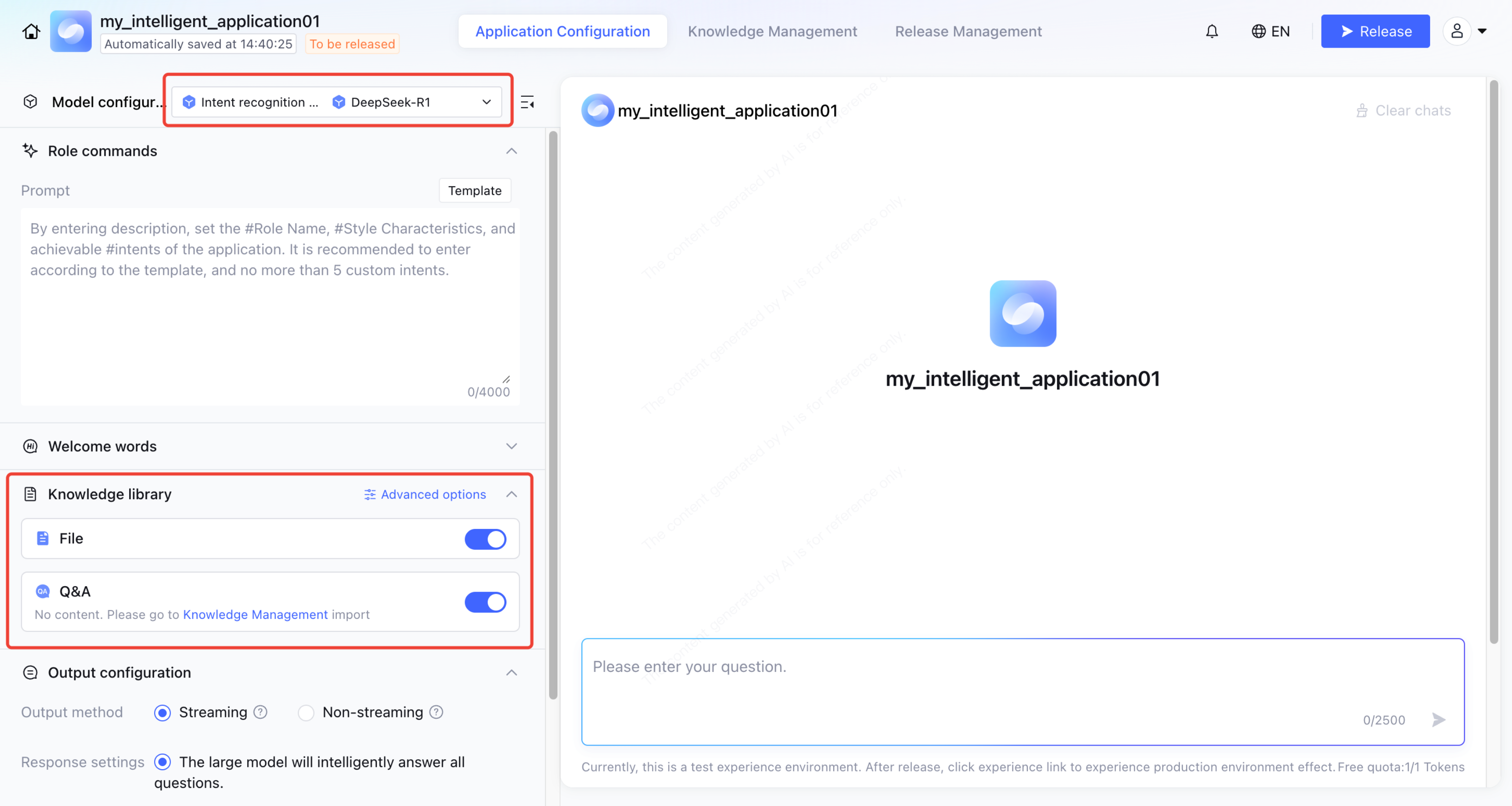
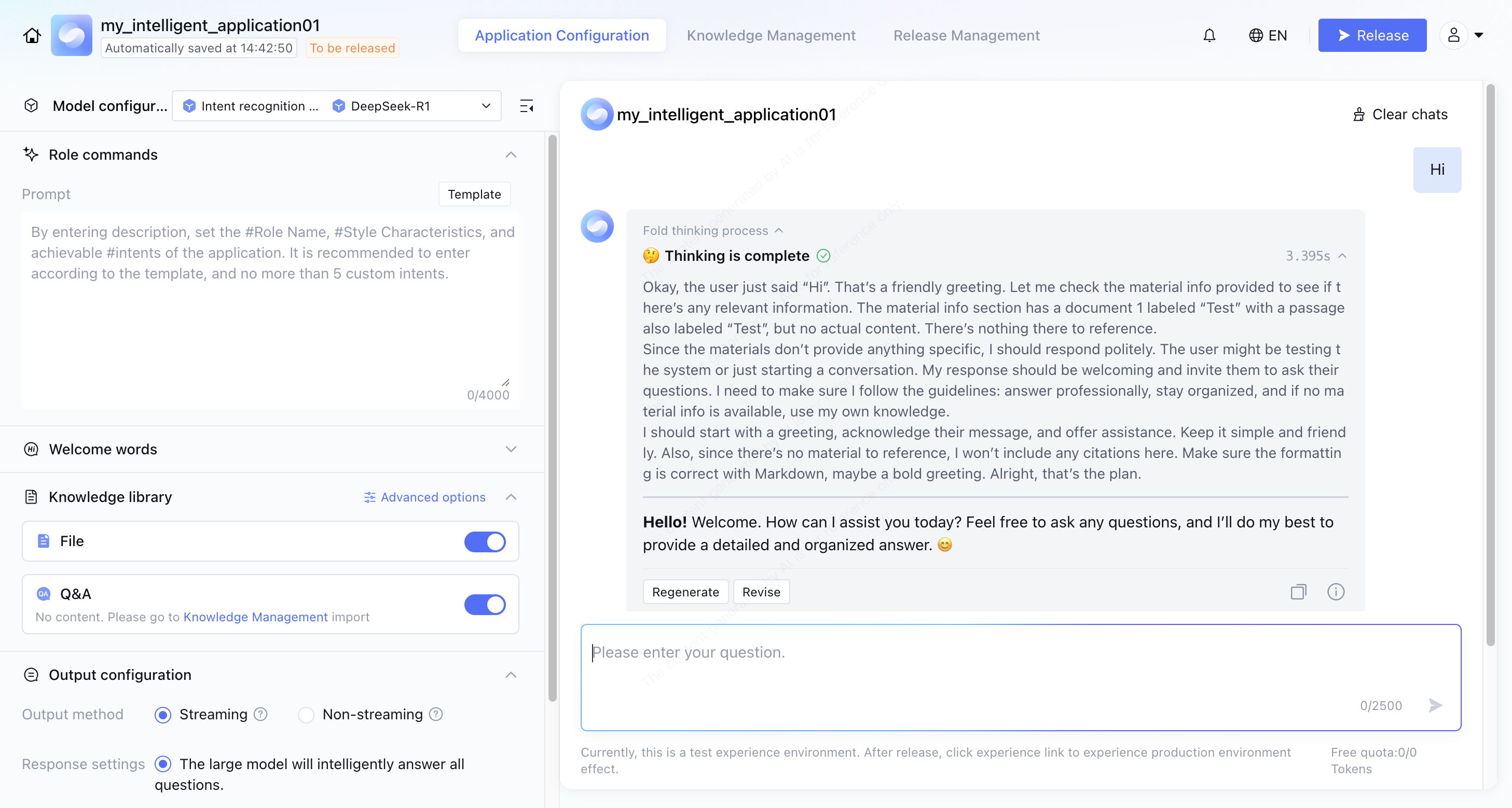
8. Expand the Model Configuration > Generative Model list, select and switch to DeepSeek-R1, and turn on the "File" and "Q&A" switches.
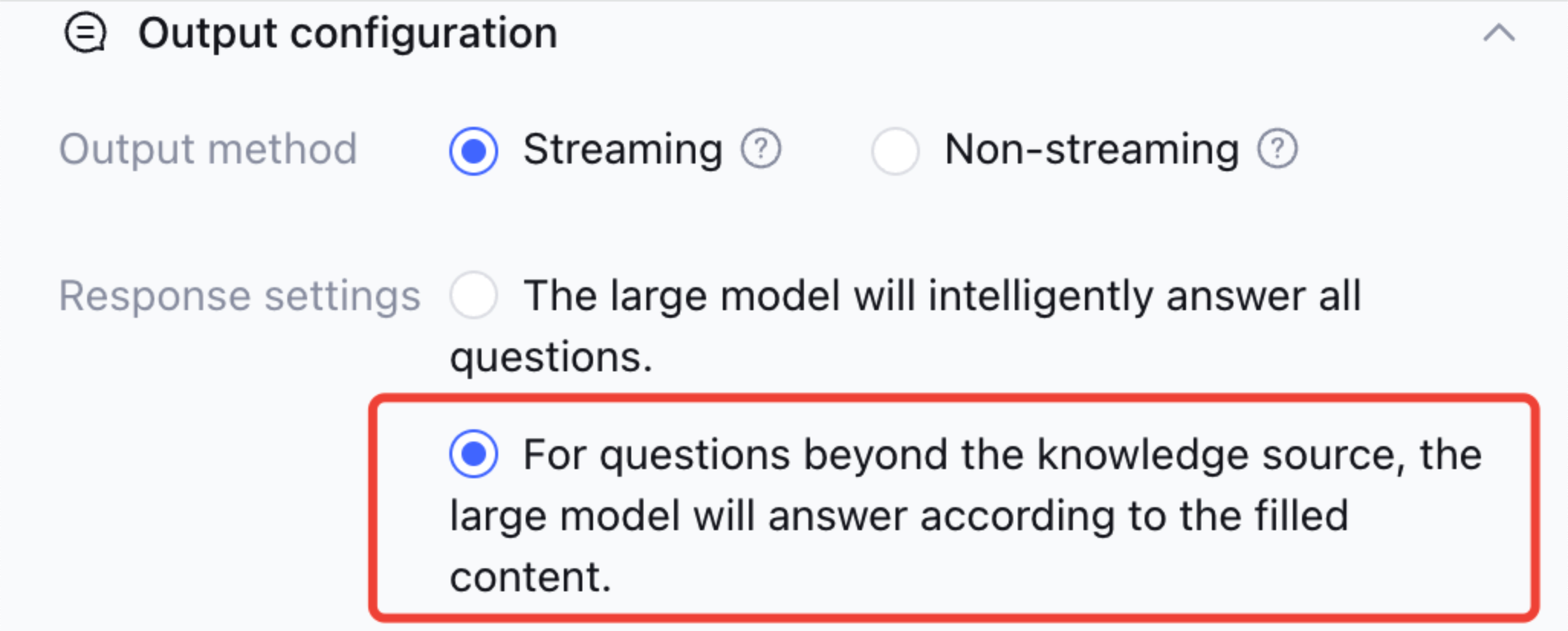
9. If your business scenario requires more rigorous replies around the knowledge base, it is advisable to switch the reply settings to "For questions beyond the knowledge source, the large model will answer according to the filled content".
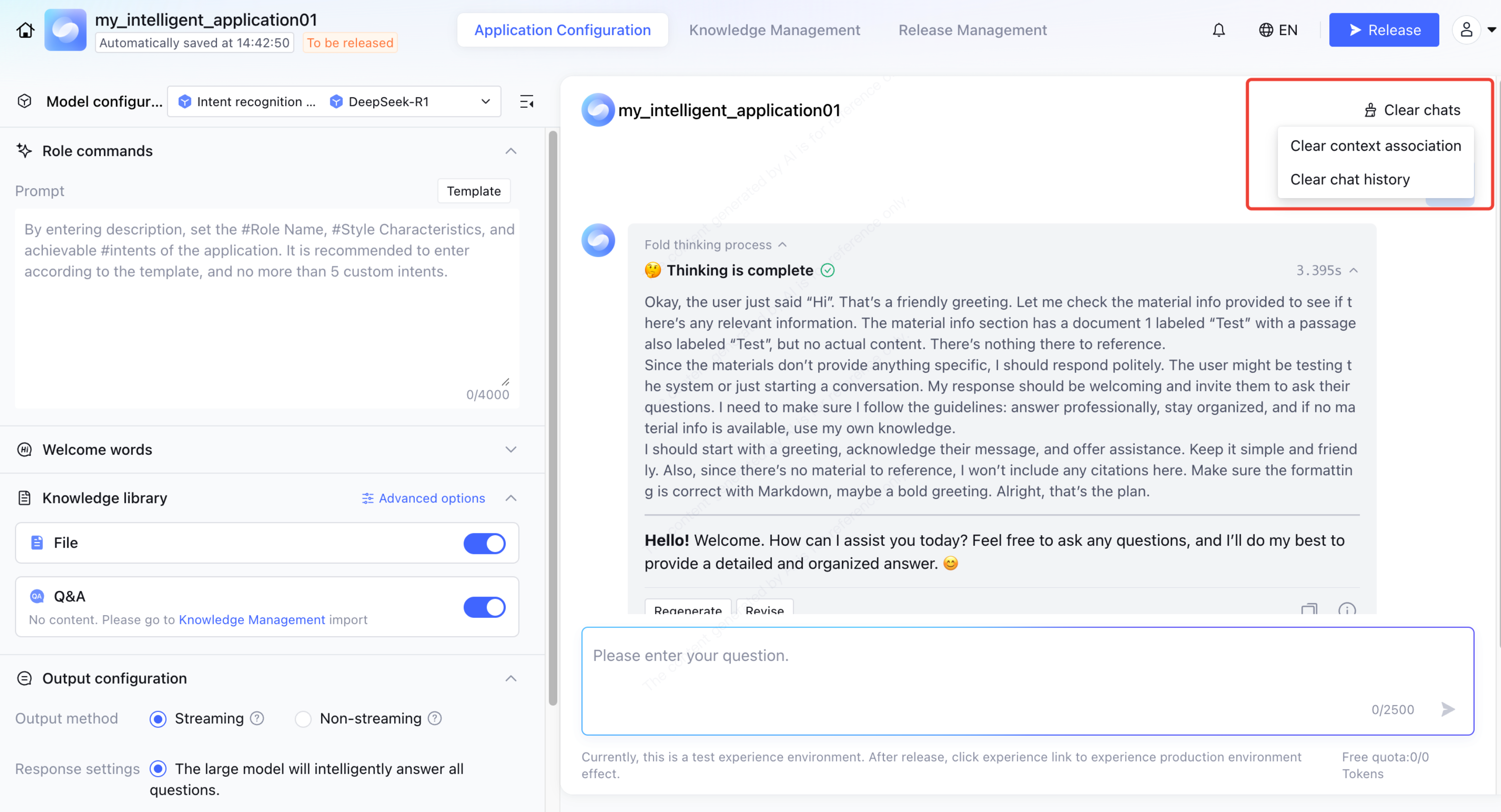
10. Enter a question in the dialogue test window to verify the effect.
11. Click Reference source to view the source of this answer.
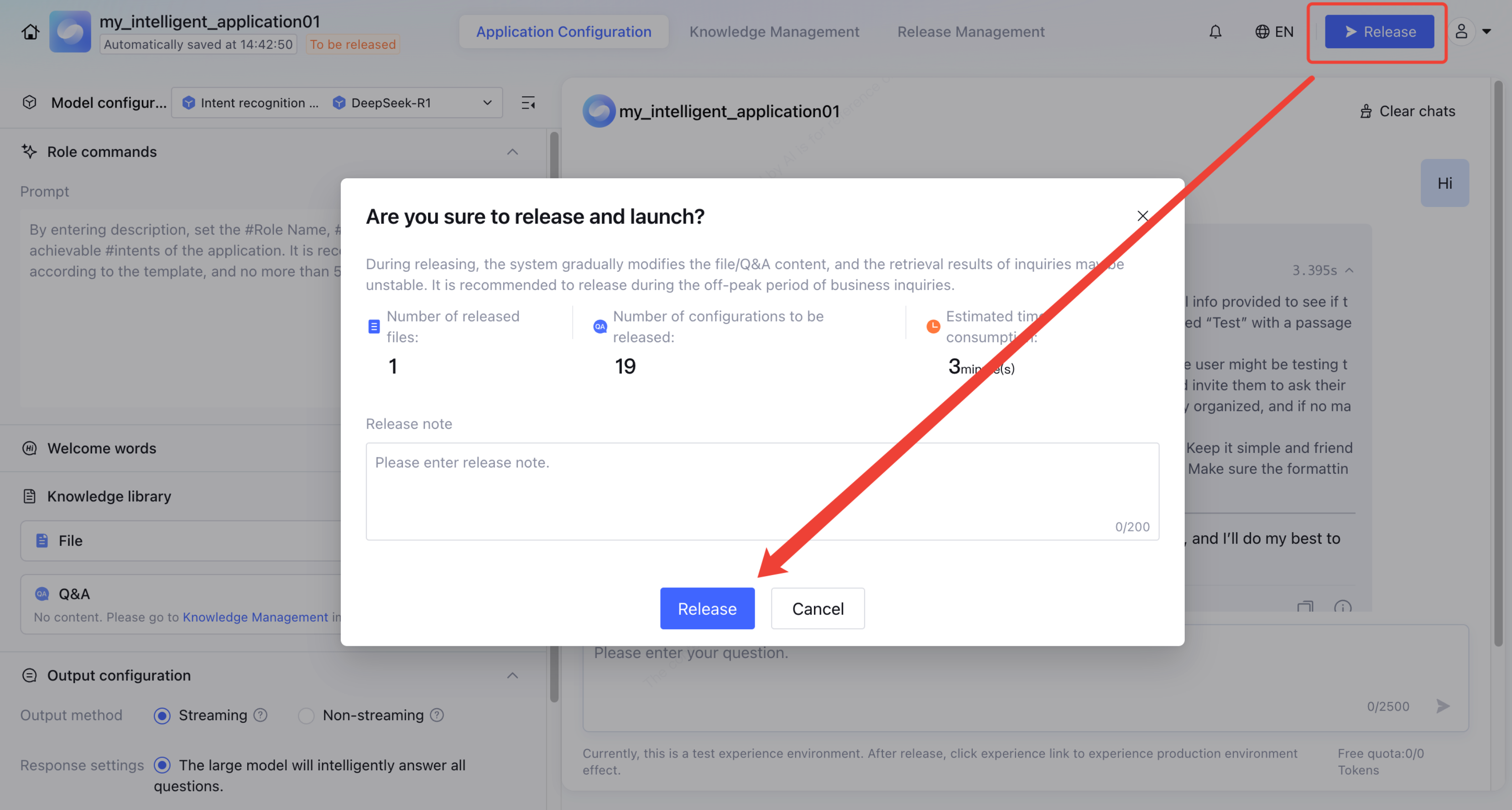
12. Click Publish and confirm to deploy the application from the current testing environment to the production environment.
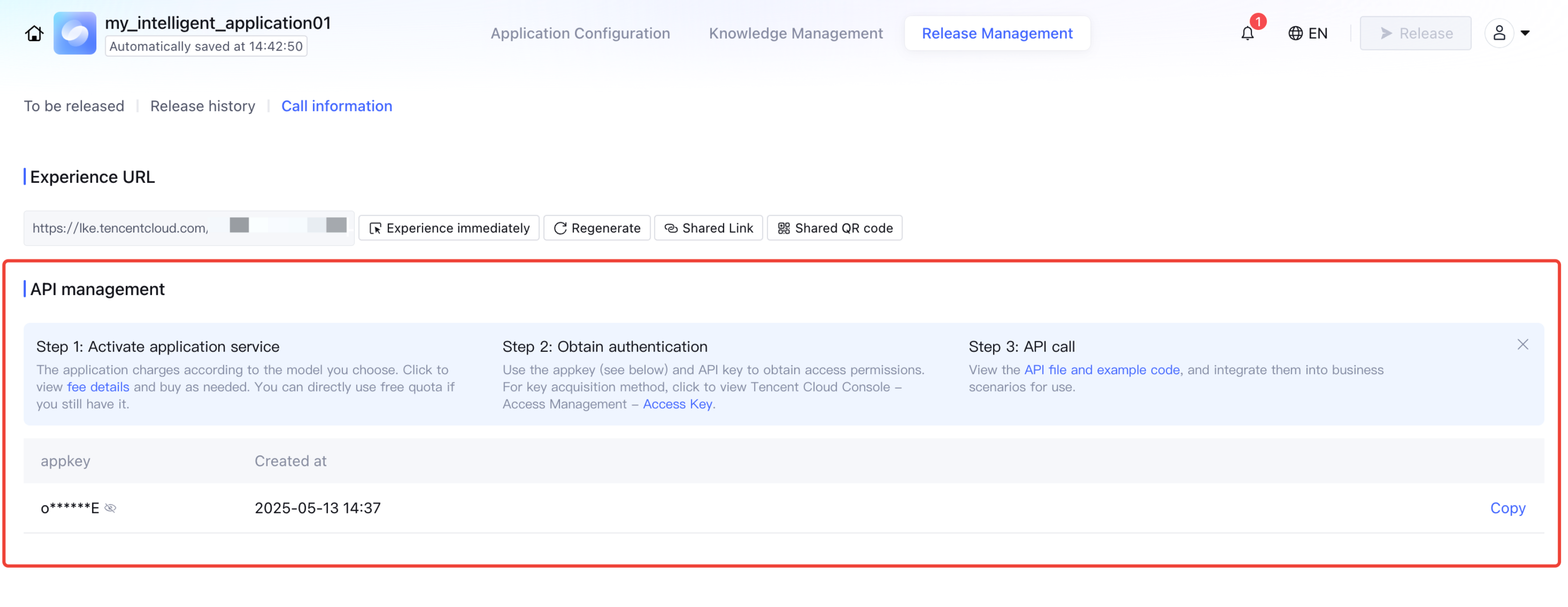
13. After publishing, you can go to Release Management > API Call Information to view the experience link, share the experience link, and share the experience QR code.
14. You can also view the API Key by going to Release Management > API Call Information, and integrate into business scenarios using API calls.