2. Log in to the TSF console and find the target instance.
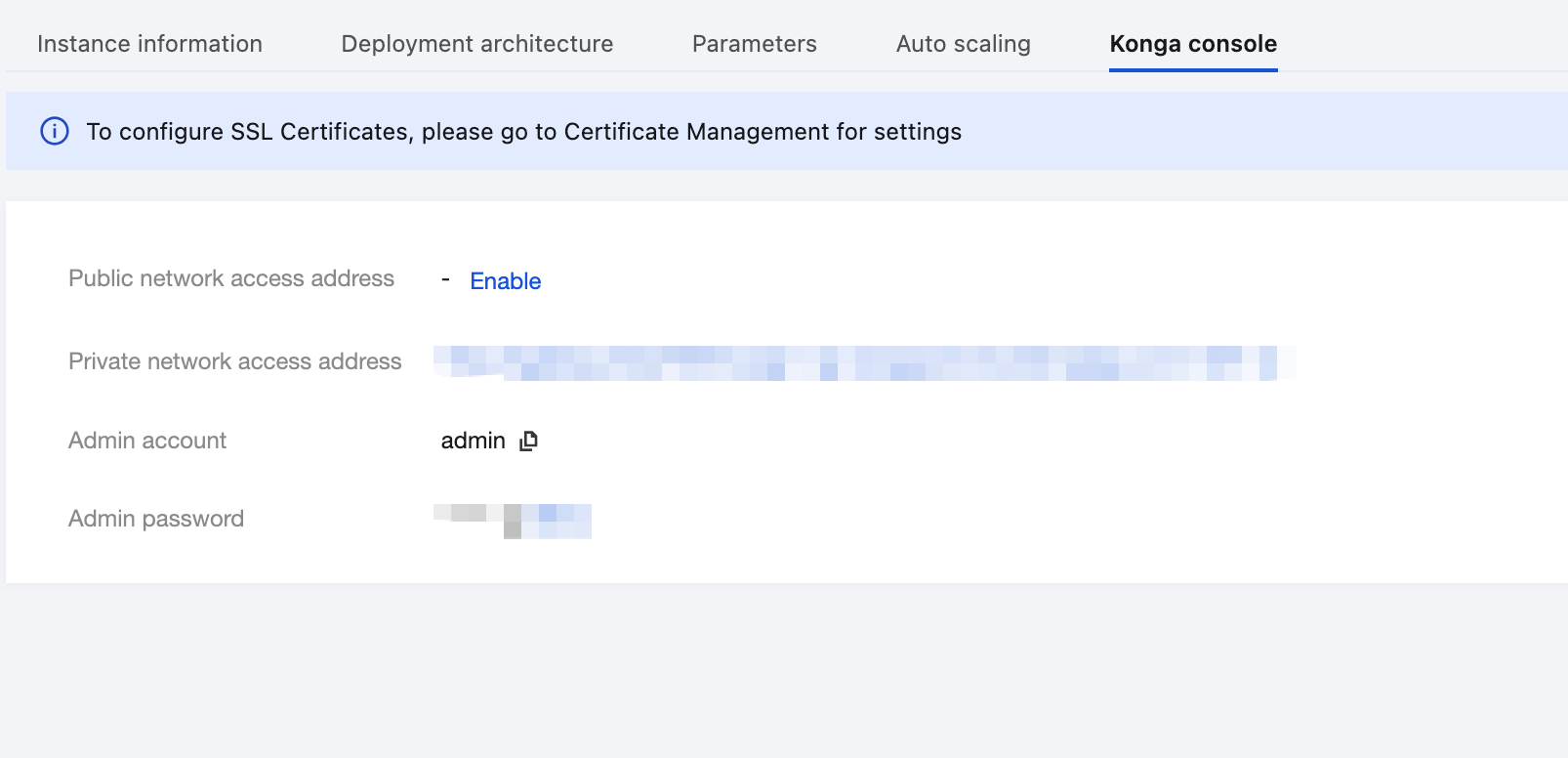
3. Go to the instance details page, and view the Konga console login method on the Konga Console tab page.
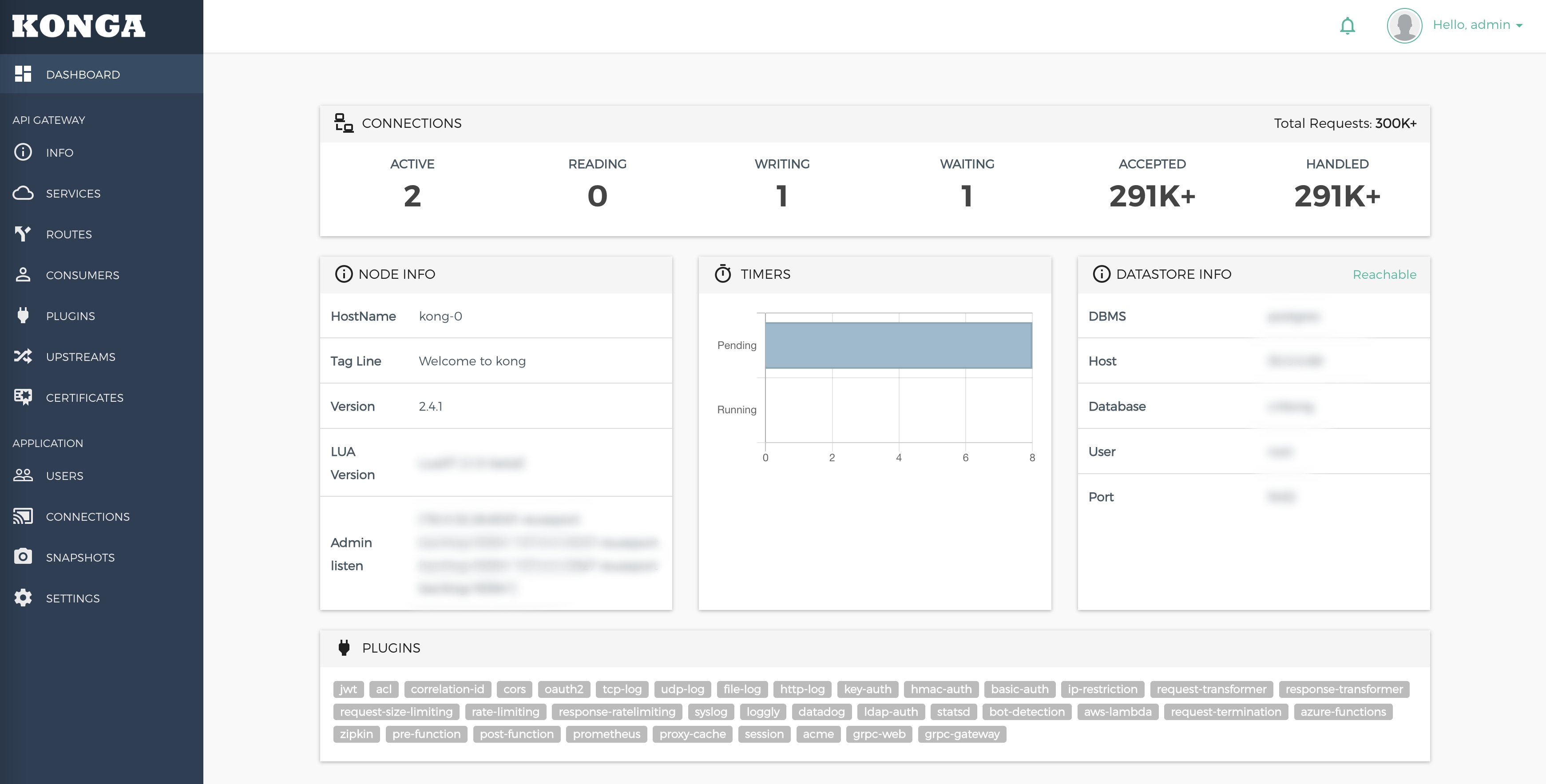
4. Visit the Konga console.
Operation Steps
Scenario 1: Rewriting the URL Prefix Through Service and Route Configuration
Example
The original API call URL is http://<backend>/anything/api/<sub_path>.
After URL rewriting is used, the call URL is rewritten as http://<kong>/new/path/<sub_path>.
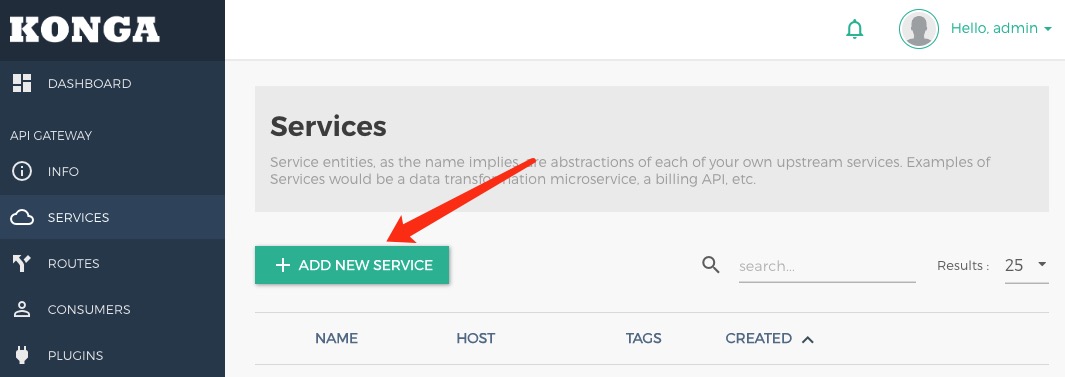
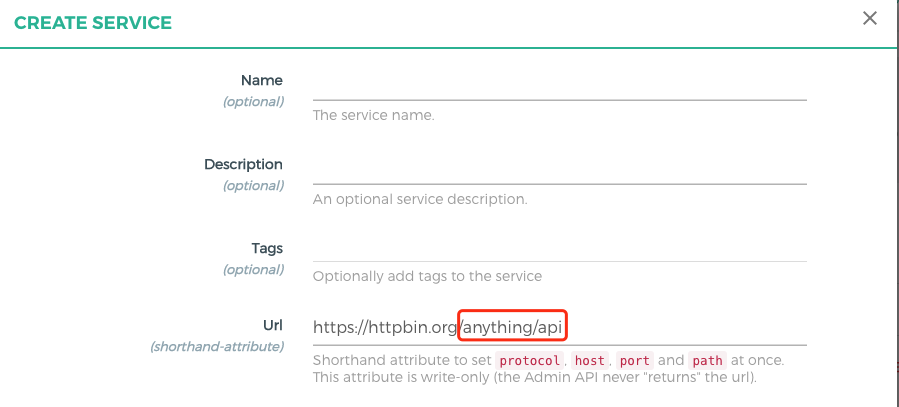
1. ClickADD NEW SERVICE to create a service.
Specify related information and set Path to /anything/api.
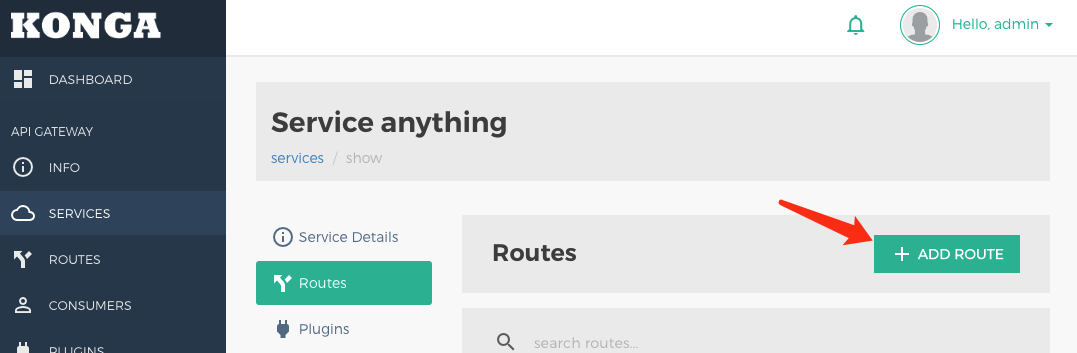
2. Click ADD ROUTE to create a route on the service.
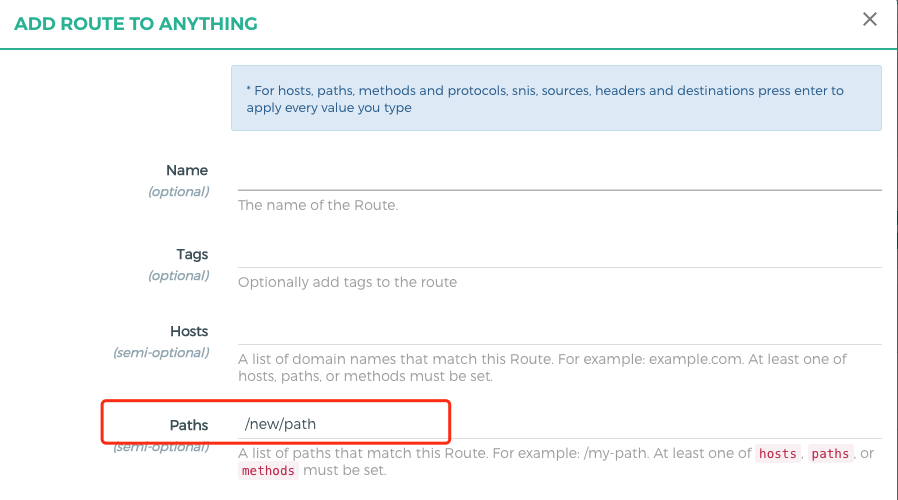
Set Path to /new/path, and enable Strip Path (enabled by default).
3. When a request is set to http://<kong>/new/path/user, the request path received by the backend service is /anything/api/user.
Scenario 2: Rewriting the Complete URL Using the Request Transformer Plugin
Example
The original API call URL is http://<backend>/anything/user_list.
After URL rewriting is used, the call URL is rewritten as http://<kong>/users.
1. Create a service and set Path to any value.
2. Create a route on the service and set Path to /users.
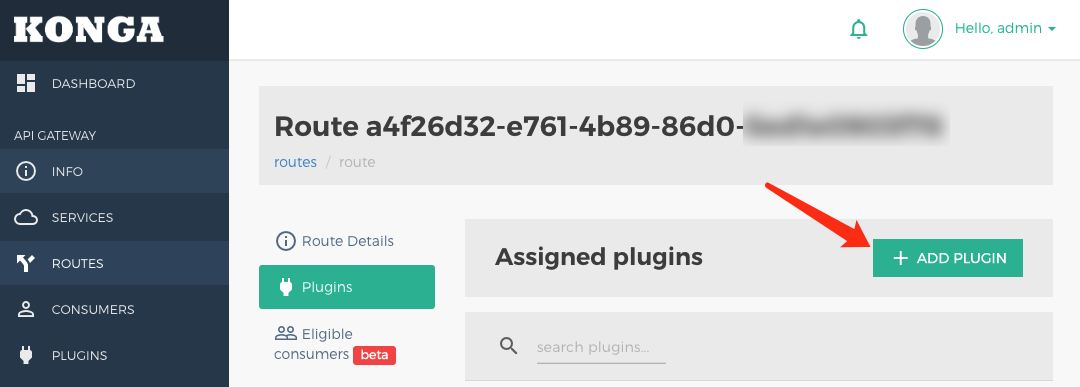
3. Click ADD PLUGIN.
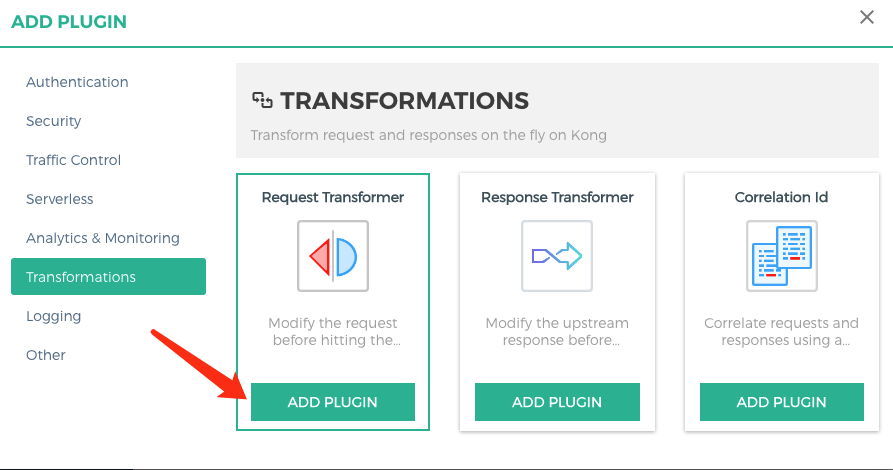
Create the Request Transformer plugin for the route.
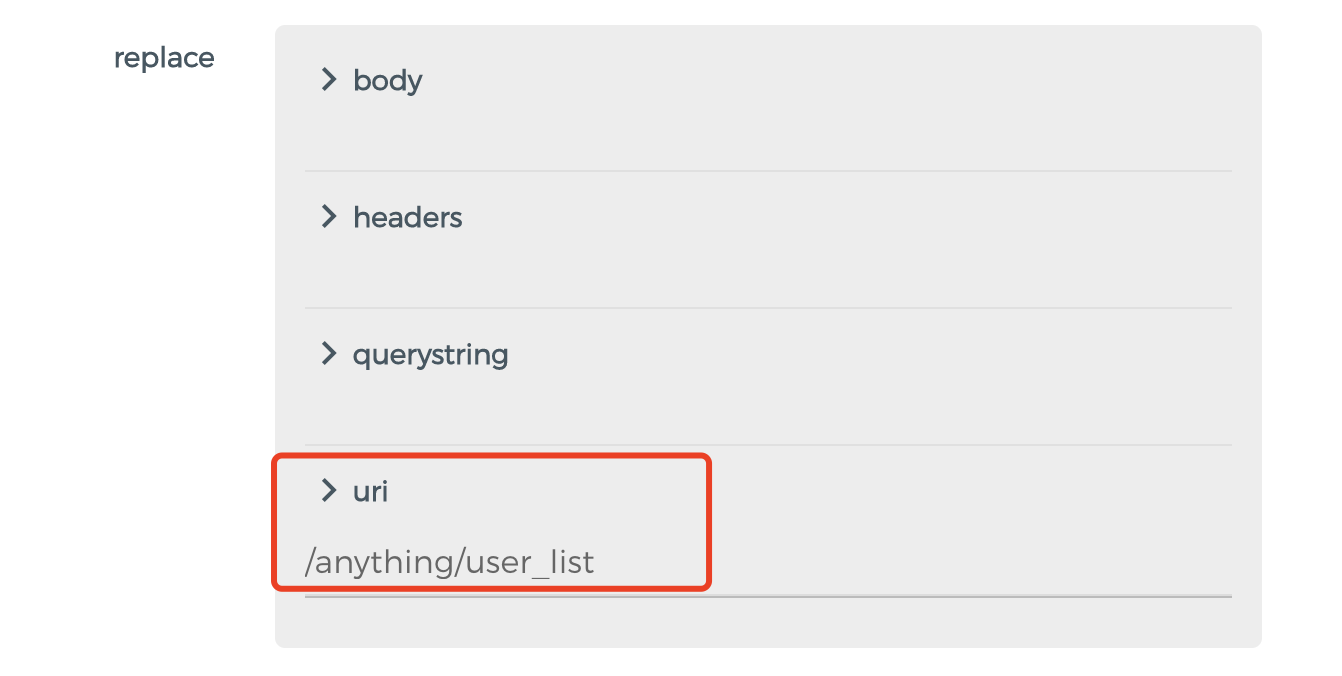
Set replace.uri to /anything/user_list. The path is the actual request path received by the backend service.
4. After the request is routed, the path of the request received by the backend service is /anything/path. (The original service path configuration is overwritten.)
Scenario 3: Rewriting Partial URL Using the Request Transformer Plugin
Example
The original API call URL is http://<backend>/anything/<user_id>/get.
After URL rewriting is used, the call URL is rewritten as http://<kong>/user/<user_id>.
1. Create a service and set Path to any value.
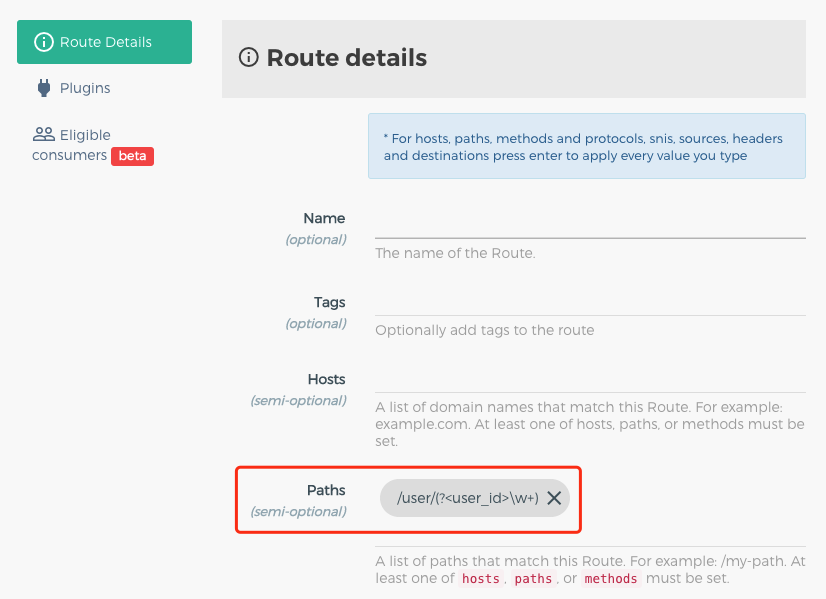
2. Create a route on the service and set Path to /user/(?<user_id>\\w+).
3. Create the Request Transformer plugin on the route.
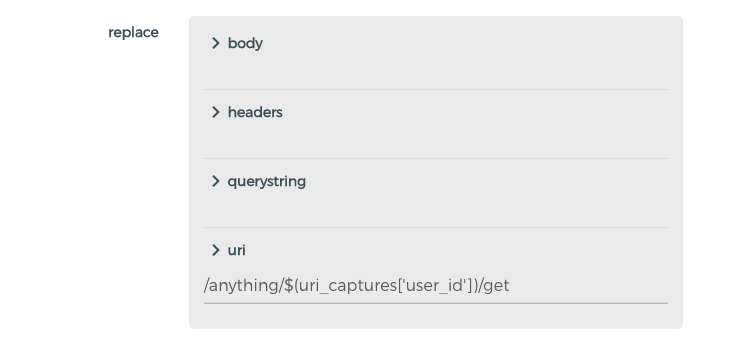
Set replace.uri to /anything/$(uri_captures['user_id'])/get. The path is the actual request path received by the backend service.
4. After a request is sent to http://<kong>/user/user_a, the path of the request received by the backend service is /anything/user_a/get.