Cross-Account Transfer
Download
Focus Mode
Font Size
Overview
Cross-Account Transfer feature can transfer your currently added domains and resolution records under your current DNSPod account to another DNSPod account.
Description:
As the international site adopts the postpaid mode, cross-account transfer of paid domain names is not supported.
Operation Guide
1. Log in to the DNSPod console.
2. On the Authoritative Resolution page, click the domain name that needs to be transferred. As shown below:

3. On the Record Management page, click the Permission Management tab, and then click transfer. As shown below:
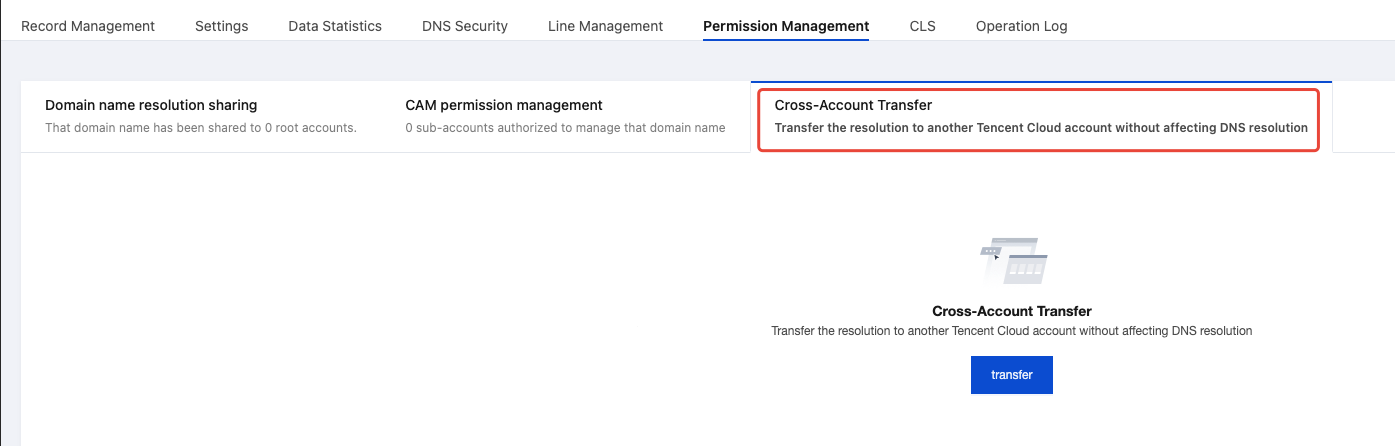
4. In the pop-up Cross-Account Transfer window, enter the account ID you need to transfer. As shown below:

Note:
5. Click confirm transfer to complete the transfer successfully.
Help and Support
Was this page helpful?
You can also Contact sales or Submit a Ticket for help.
Help us improve! Rate your documentation experience in 5 mins.
Feedback