This article will guide you on how to share files in the Professional Version through the console.
Preparations
The VOD service has been activated, and a Professional Version application has been created. For instructions on creating a Professional Version application, please refer to Quick Start. Files have been uploaded. For file upload, please refer to Uploading Files. The default acceleration domain name has been configured. For configuring the default acceleration domain name, please refer to Quick Start. Operation Steps
1. Log in to the VOD console, click Application Management on the left sidebar to enter the application list page. 2. Find the application where the file to share is located, click the application name to enter the application storage page.
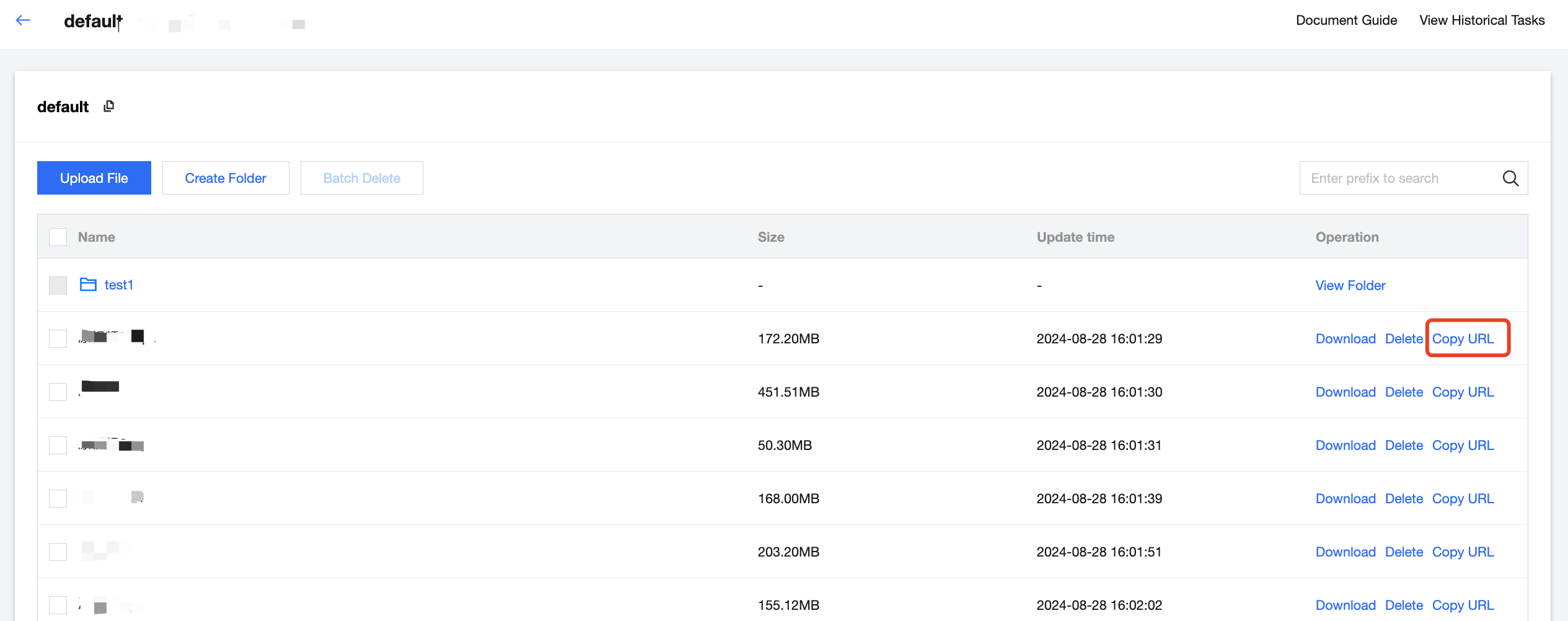
3. On the application storage page, select the bucket where the file to share is located, click the bucket name to enter the file list page.
4. On the file list page of the bucket, find the file to share, click Copy URL in the actions to copy and share the file with other users.