This article will guide you on how to create a folder through the console to classify files in the Professional Version.
Preparations
The VOD service has been activated, and a Professional Version application has been created. For instructions on creating a Professional Version application, please refer to Quick Start. Operation Steps
1. Log in to the VOD console, click Application Management on the left sidebar to enter the application list page. 2. Locate the application for which a folder is to be created, and click the application name to go to the application storage page.
3. On the application storage page, select the bucket for which you want to create a folder, and click the bucket name to enter the file list page.
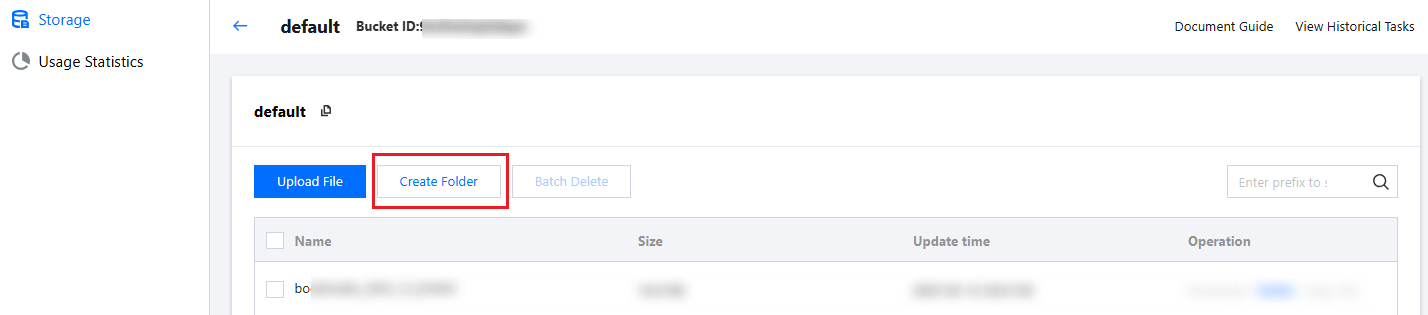
4. On the bucket's file list page, click Create Folder.
5. In the pop-up, enter the folder name and click Confirm to complete the folder creation.
Folder naming rules are as follows:
A combination of numbers, Chinese and English, and visible characters can be used, with a maximum length of 100 characters.
The folder name cannot be blank.
Note:
Folders cannot be renamed. Only one folder with the same name can exist in the same path.