Creating and Viewing a CVM
Download
Mode fokus
Ukuran font
This article describes how to create and view Cloud Virtual Machines in Tencent Cloud CDC.
Prerequisites
You have created a Tencent Cloud CDC. For specific operations, see create a dedicated cluster.
Computing services have been purchased for the local cluster. For purchase methods, see create and pay for orders.
Directions
1. Log in to Tencent Cloud CDC console.
2. In the left sidebar, click Dedicated Cluster to go to the Tencent Cloud CDC management page.
3. Click any cluster to view the cluster basic information.
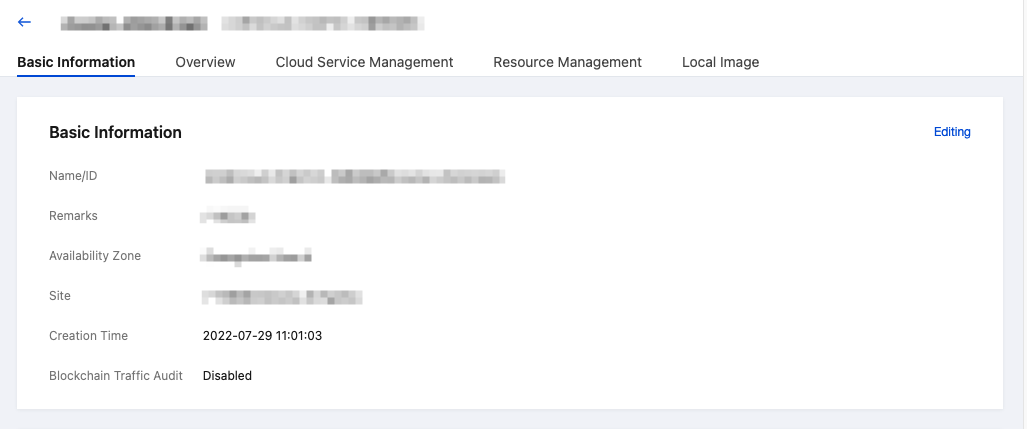
4. Click Resource Management, select the CVM Tag, and click New to configure CVM.

5. On the custom configuration page, select specifications according to your business requirements, click Next until confirm the configuration information.
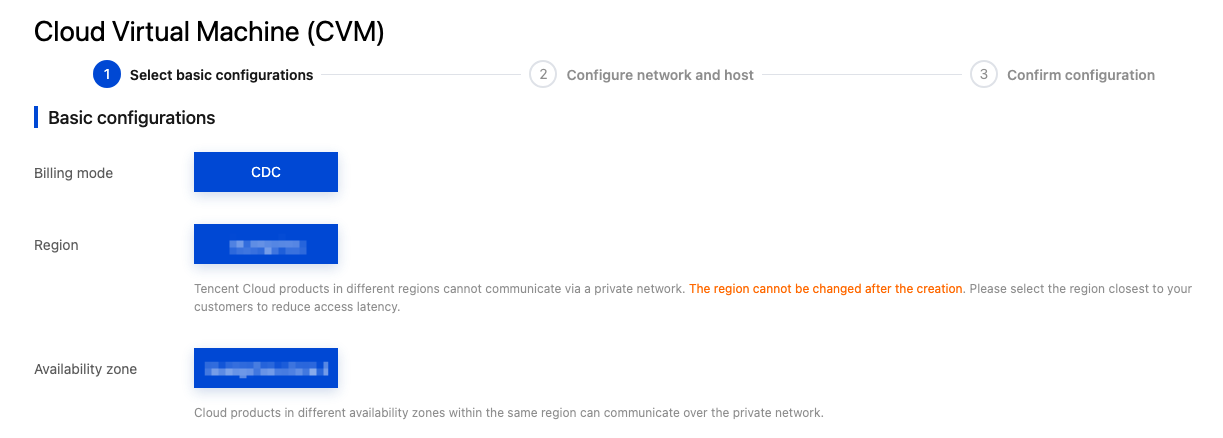
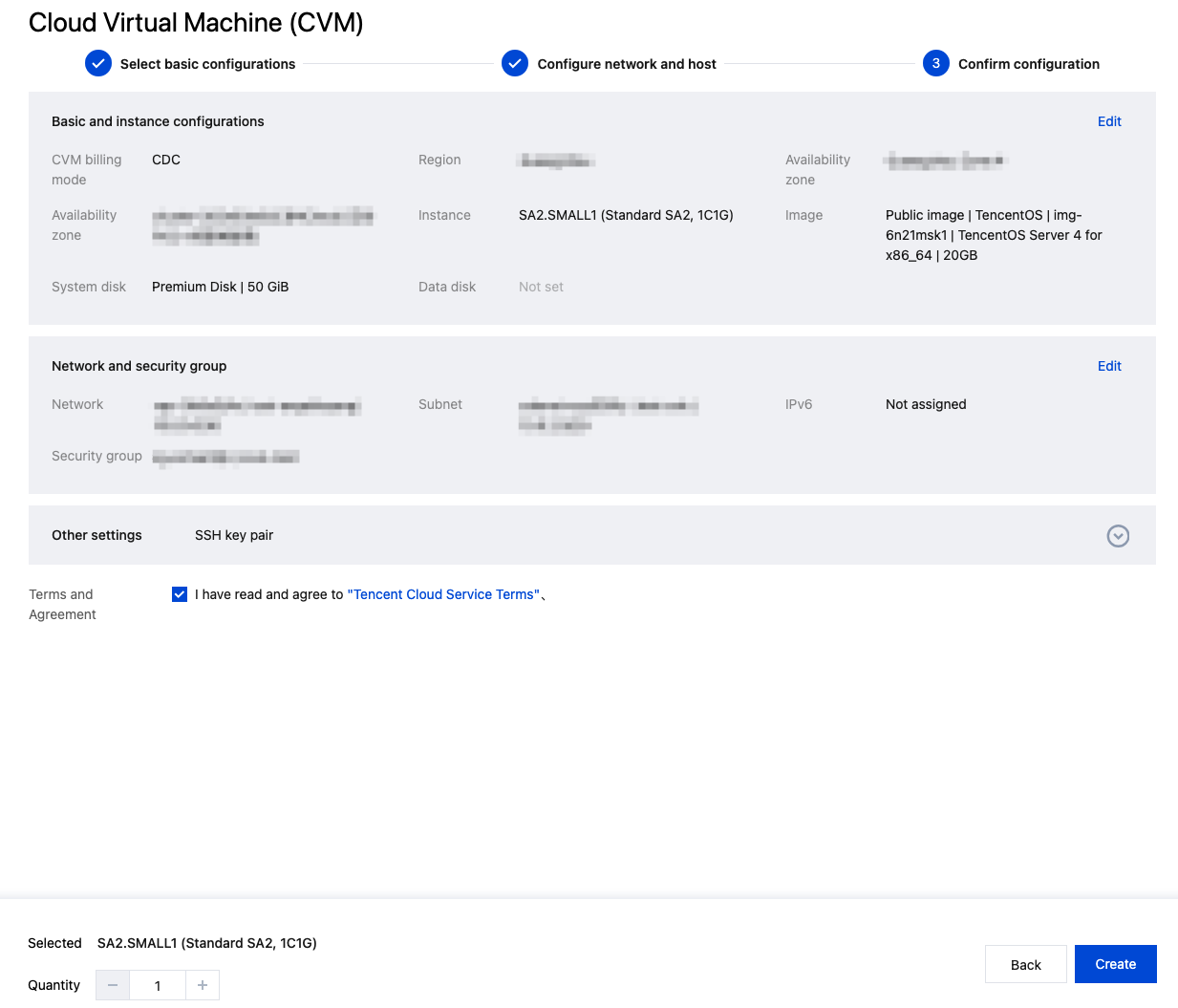
6. Confirm your configuration information, read and select I have read and agree toTencent Cloud Service Agreement, click Create Now to complete CVM creation.
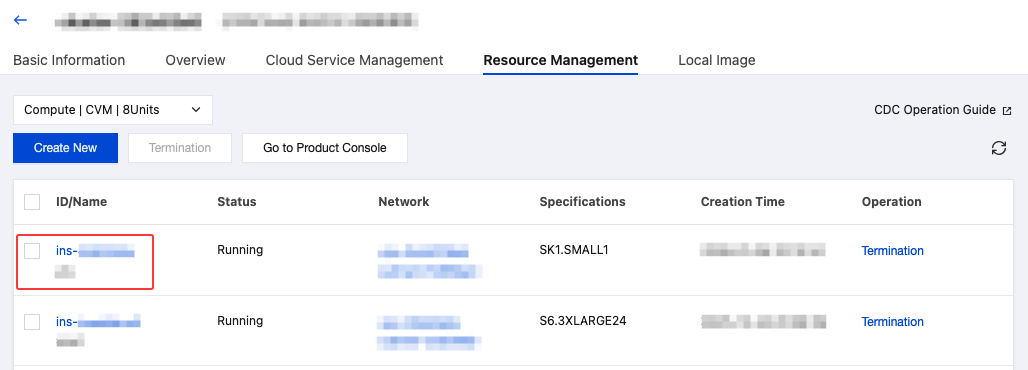
7. On the Resource Management page of your dedicated cluster, you can view the created CVM information. Click the CVM instance ID to go to the CVM console to view the details of your instance.
Bantuan dan Dukungan
Apakah halaman ini membantu?
Anda juga dapat Menghubungi Penjualan atau Mengirimkan Tiket untuk meminta bantuan.
masukan