tencent cloud

Cloud Contact Center

Announcement
What's New
Cloud Contact Center Terminology Update
What is Tencent Cloud Contact Center
Overview
Feature List
Terms Introduction
Handling Firewall Restrictions
AI Voicebot
Billing Guide
Voice Call Billing Overview
Desk Billing Overview
View Billing
Refund Policy
New User Guide
Voice Guide
Desk Guide
Use Case
Inbound: Customer Experience
Outbound: Telemarketing
Auto Dialer: Voice Notification
Integration Use Case (SDK)
Administrator Guide
Voice Guide
Desk Guide
Member Guide
Voice Guide
Desk Guide
AI Voice Agent Guide
Introducing AI Voice Agent
AI Voice Agent Practical Tutorial
Set Up Your AI Voice Agent
Activate AI Voice Agent Call
AI Voice Agent Call Logs
Developer Guide
SDK Development Guide
Data Push
Voice API Reference
History
Introduction
API Category
Making API Requests
Agent APIs
Skill Group APIs
Number APIs
Dual Call APIs
Predictive Outbound Call APIs
SIP Phone APIs
Call Service Record APIs
Billing APIs
Other APIs
Outbound Call APIs
Speech Intelligent Agent APIs
Data Types
Error Codes
Desk API Reference
API Reference
Callback Configuration
FAQs
Data Deletion Guide
Legal
Privacy Policy
Data Processing And Security Agreement
Service Level Agreements
TENCENT CLOUD CONTACT CENTRE TERMS OF USE
Glossary
Contact Us

Group Management

PDF
Mode fokus
Ukuran font
Terakhir diperbarui: 2025-07-10 10:38:50
Businesses can create and manage multiple agent groups through the group feature under team management. Based on a customized allocation policy, you can quickly assign users to the appropriate agent team to enhance service efficiency.

Add a Group

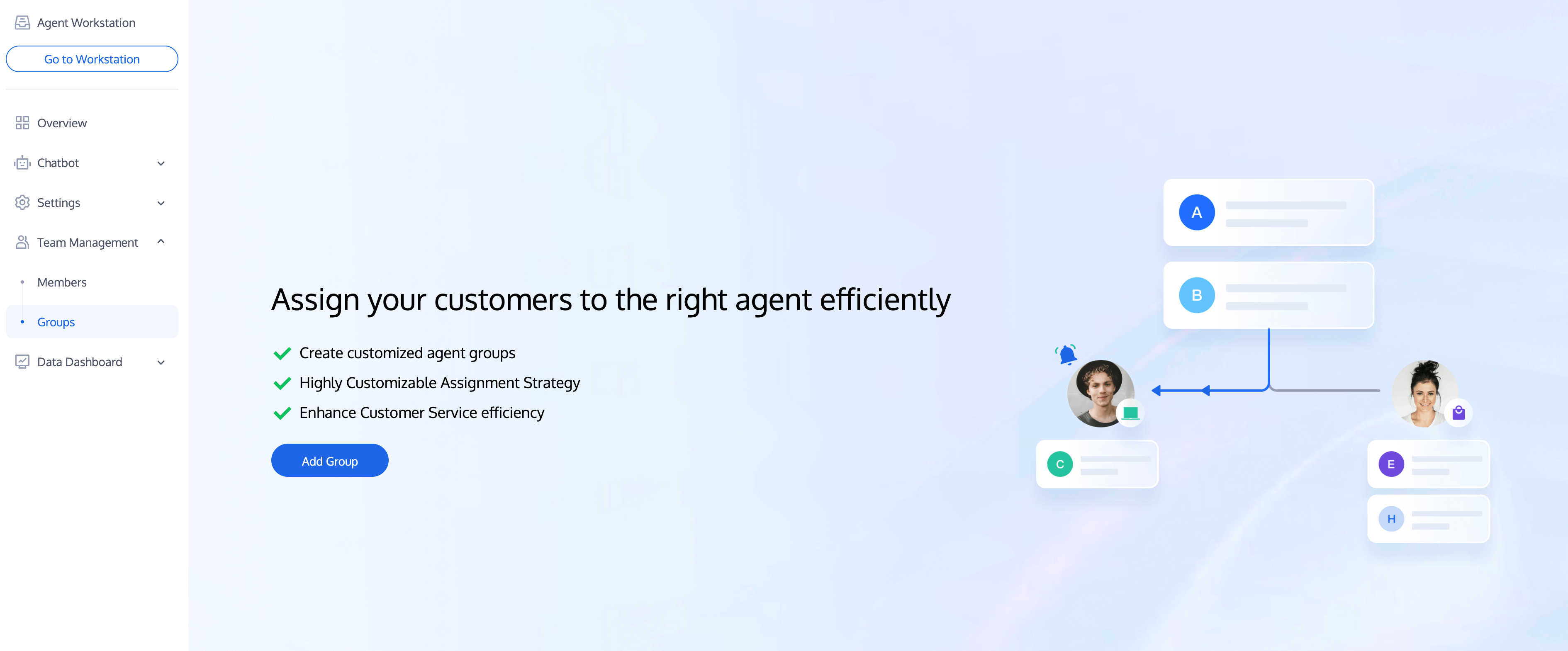
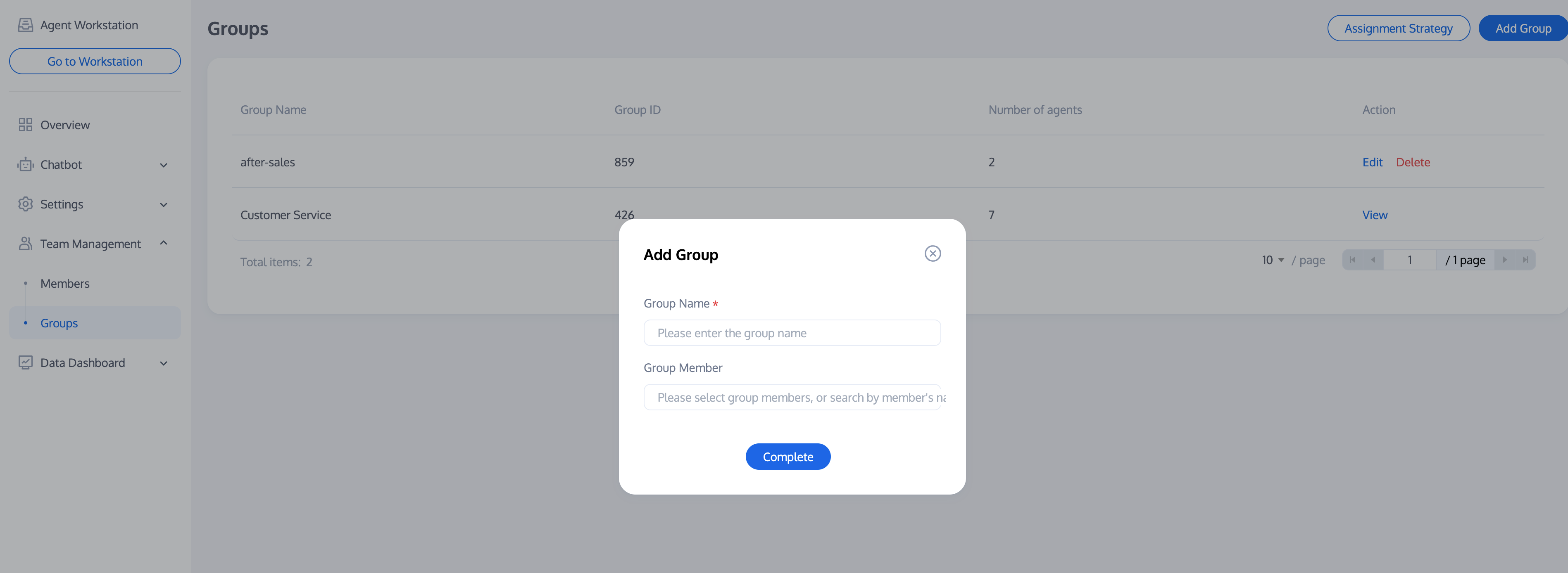
1. Directly access management console. Click team management in the left sidebar to enter the group page, and click Add Group.

2. Fill in the group name and choose to add corresponding members.


Editing a Group

Click Edit in the operation column of the target group to modify the group name and group members.


Deleting a Group

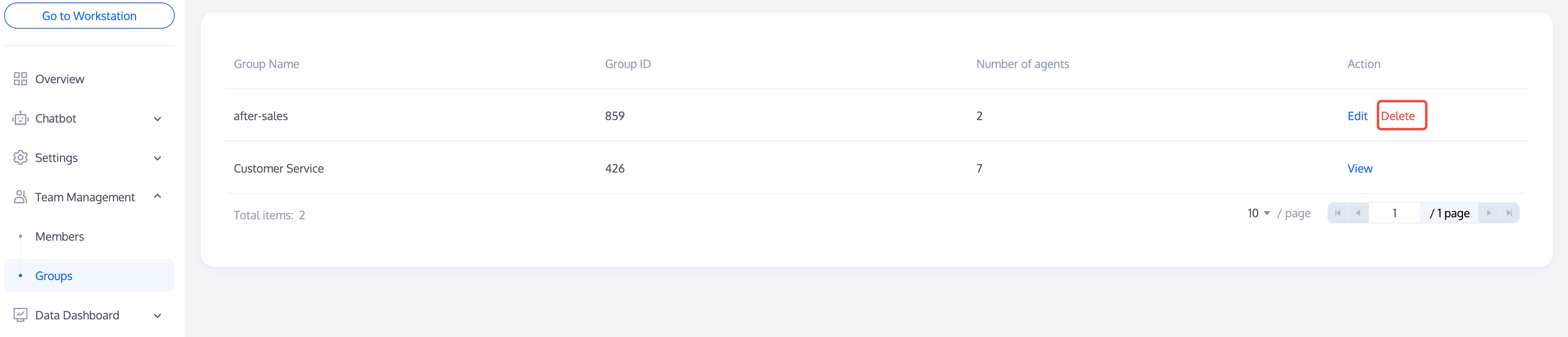
Click Delete in the operation column of the target group. The group information will be lost after deletion.


Group Policy

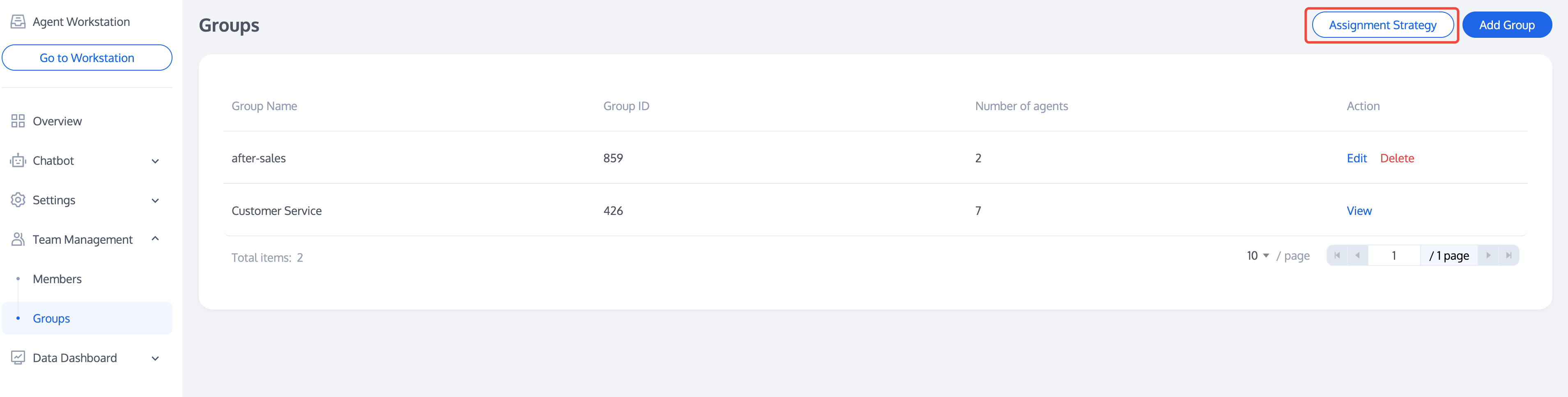
After completing the addition/editing of a group, please click Assignment Strategy to configure the allocation policy for the group you created. For allocation policy settings, please see Assignment Strategy.

Bantuan dan Dukungan

Apakah halaman ini membantu?

masukan