Member Management
Download
Focus Mode
Font Size
A company can perform addition, deletion, edit and query operations of members through the member feature under team management.
Adding Members
1. Directly access management console, select Team Management > Members, enter the member list page, and click Add Member.
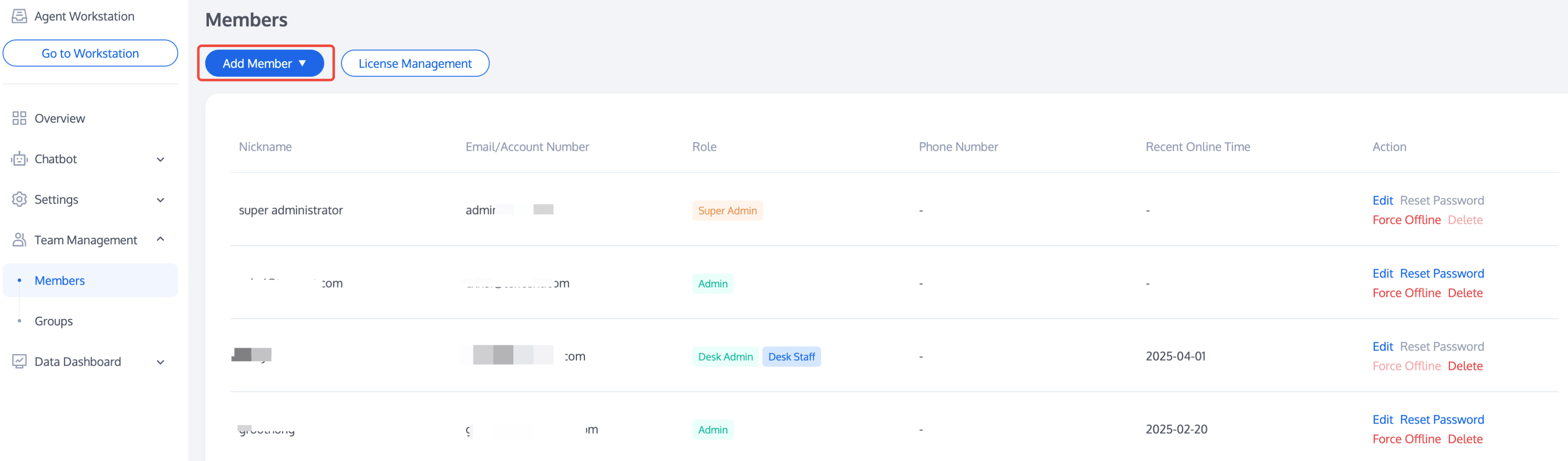
2. Fill in the member nickname, email address, role, and other information. After completing, click Complete. Once the member is added successfully, the system will send an email with a random password to the member's mailbox, prompting the member to check the mailbox and then log in.
Member Role
Member roles consist of super administrators, online administrators and online employees.
Super Admin: The administrator created by default when enabling intelligent customer service. It can perform arbitrary operations on online administrators and online employees. Super Admin cannot be deleted or modified.
Desk Admin: Can only use the smart customer service management panel to edit, reset passwords, force log out, and delete online admins and employees. Cannot reset their own password or force themselves offline.
Desk Staff: Can only use the Desk customer service console and is unable to enter the management console.
Edit Member
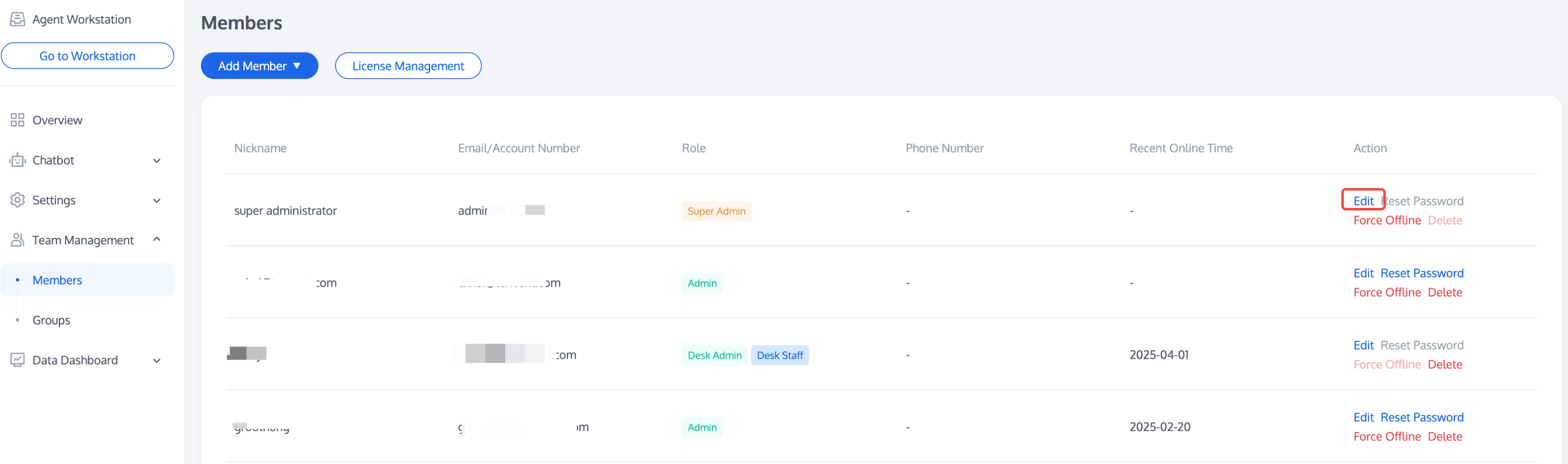
Access the management console, select Team Management > Member, enter the member list page, and click Edit in the Action column of the target member to modify the member nickname and member role.
Notes:
The mailbox does not support modification at the moment. You can delete the member and re-add.
Password Reset
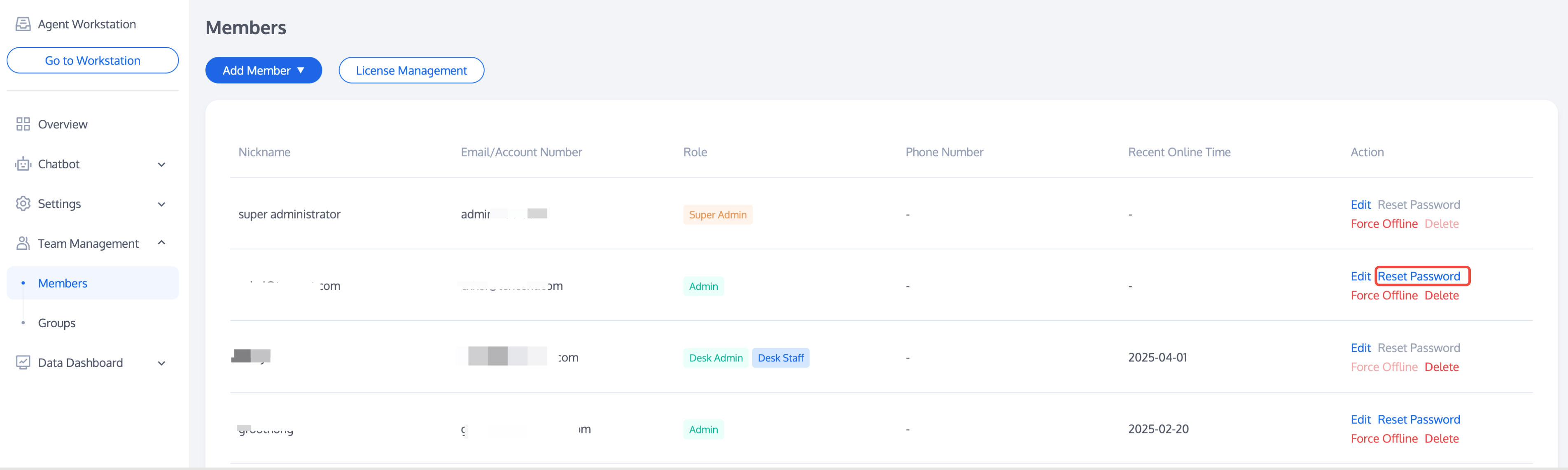
If a member forgets their password or does not receive an email containing a random password, the administrator accesses the management console, selects Team management > Member, enters the member list page, and clicks Reset Password in the Action column of the target member to send an email containing a random password to the member's mailbox. The original password becomes invalid. The member can be prompted to log in to their mailbox to check the new random password.
Deleting Member
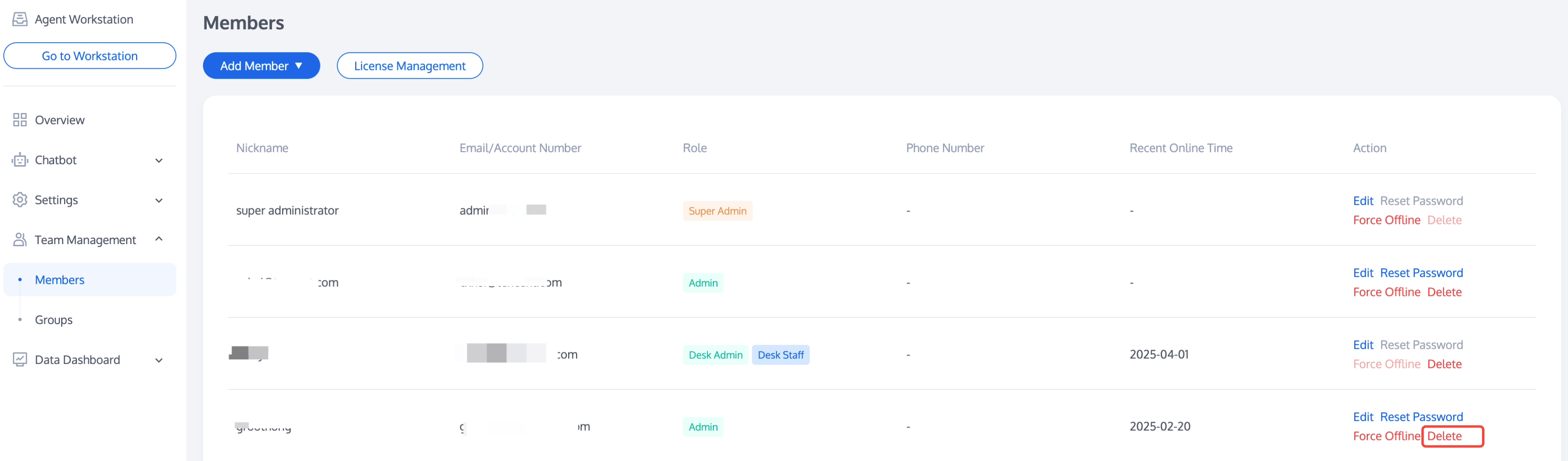
Access the management console, select Team management > Member, enter the member list page, and click Delete in the Action column of the target member. Once deleted, the member will not be able to log in.
Force Offline
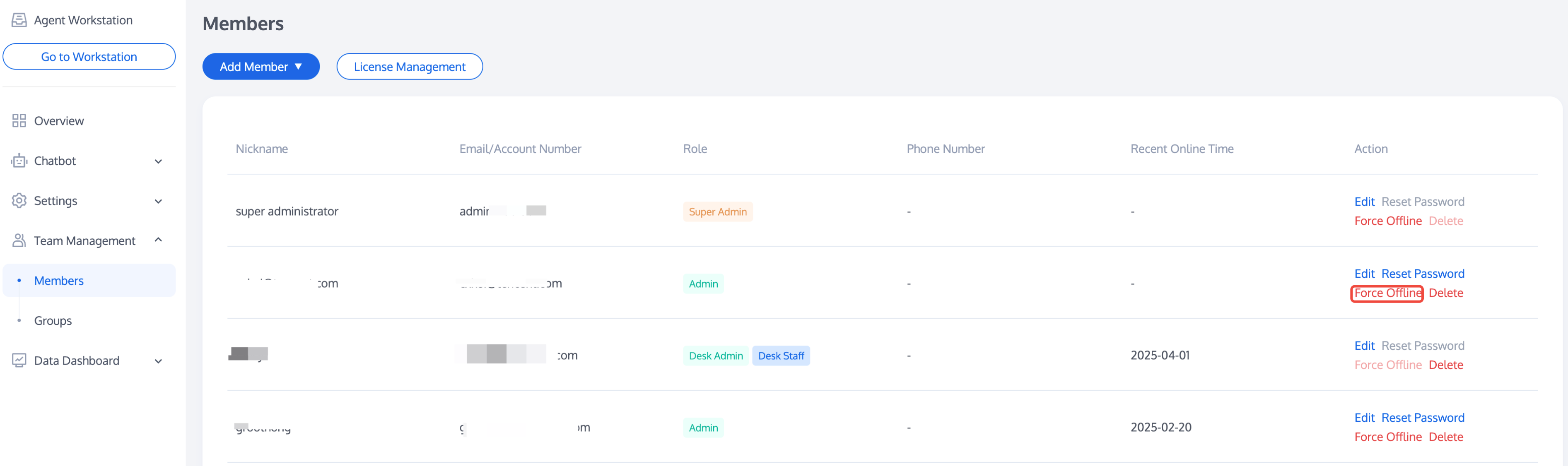
Access the management console, select Team Management > Member, enter the member list page, and click Force Offline in the Action column of the target member. After the operation, the member will not be able to retry login.
Restore Online
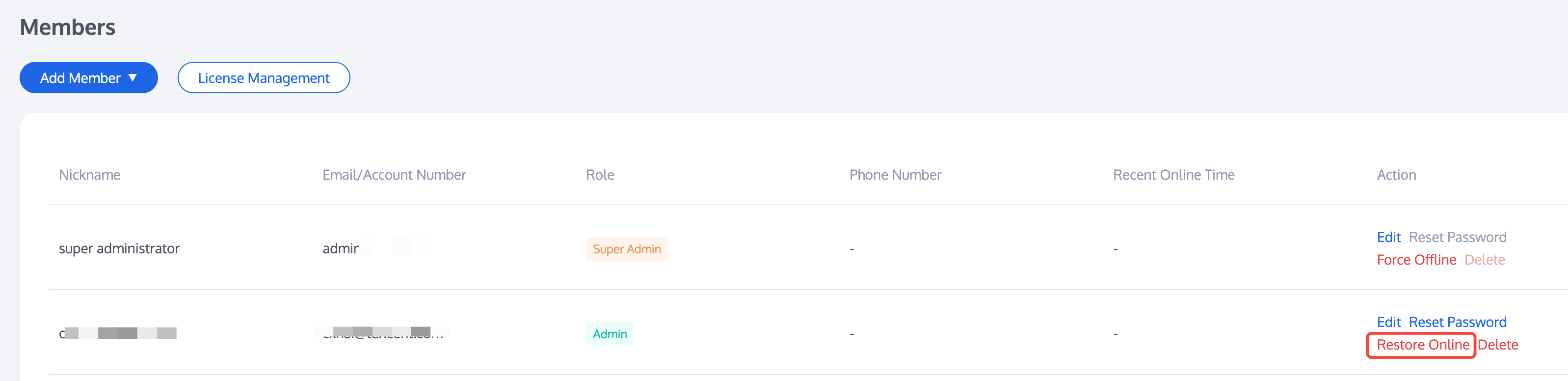
After setting a force offline for a member, if you need to lift the login restriction on the member, please visit management console, select Team management > Member, enter the member list page, and you can click Restore Online in the Action column of the target member. The member can continue to log in.
Help and Support
Was this page helpful?
You can also Contact sales or Submit a Ticket for help.
Help us improve! Rate your documentation experience in 5 mins.
Feedback